Packages and Autoloading
composer require puts a package in vendor/, and require 'vendor/autoload.php' makes every class in it available. You have watched it work. What you have not seen is how the second half works, and the answer explains why the rest of this chapter exists.
The problem autoloading solves
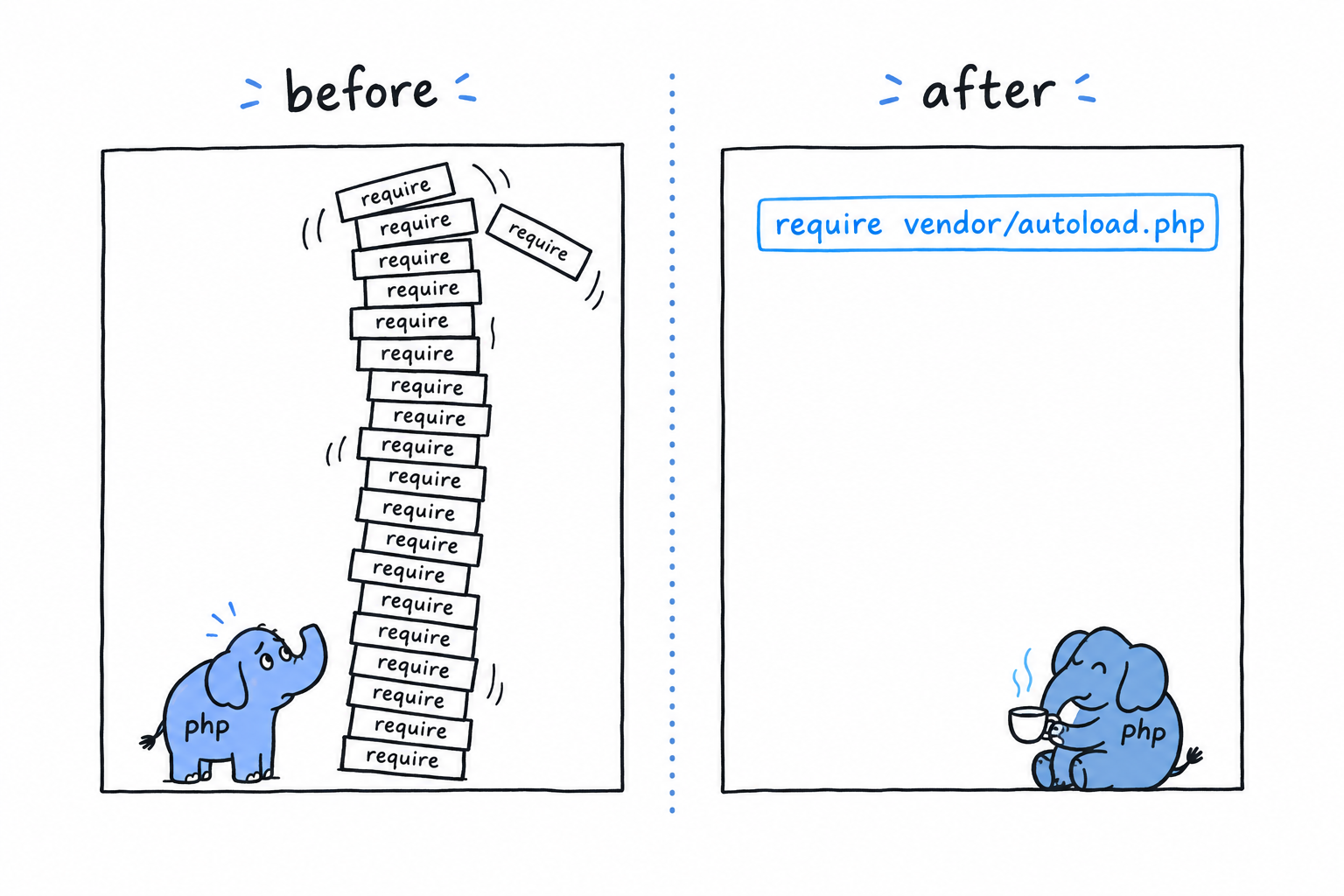
Picture PHP without it. A Cart class in one file, a Product class in another, and a script that needs both:
<?php

require 'Product.php';
require 'Cart.php';

$product = new Product('Keyboard', 49.00);
$cart = new Cart();
$cart->add($product);
Two classes, two require lines, kept in sync by hand. Manageable. Now picture forty classes across a dozen packages you did not write, each depending on others in an order you would have to work out yourself. Loading files by hand does not scale past a handful of classes, and it breaks the day you rename one. Nobody does it anymore.
spl_autoload_register()
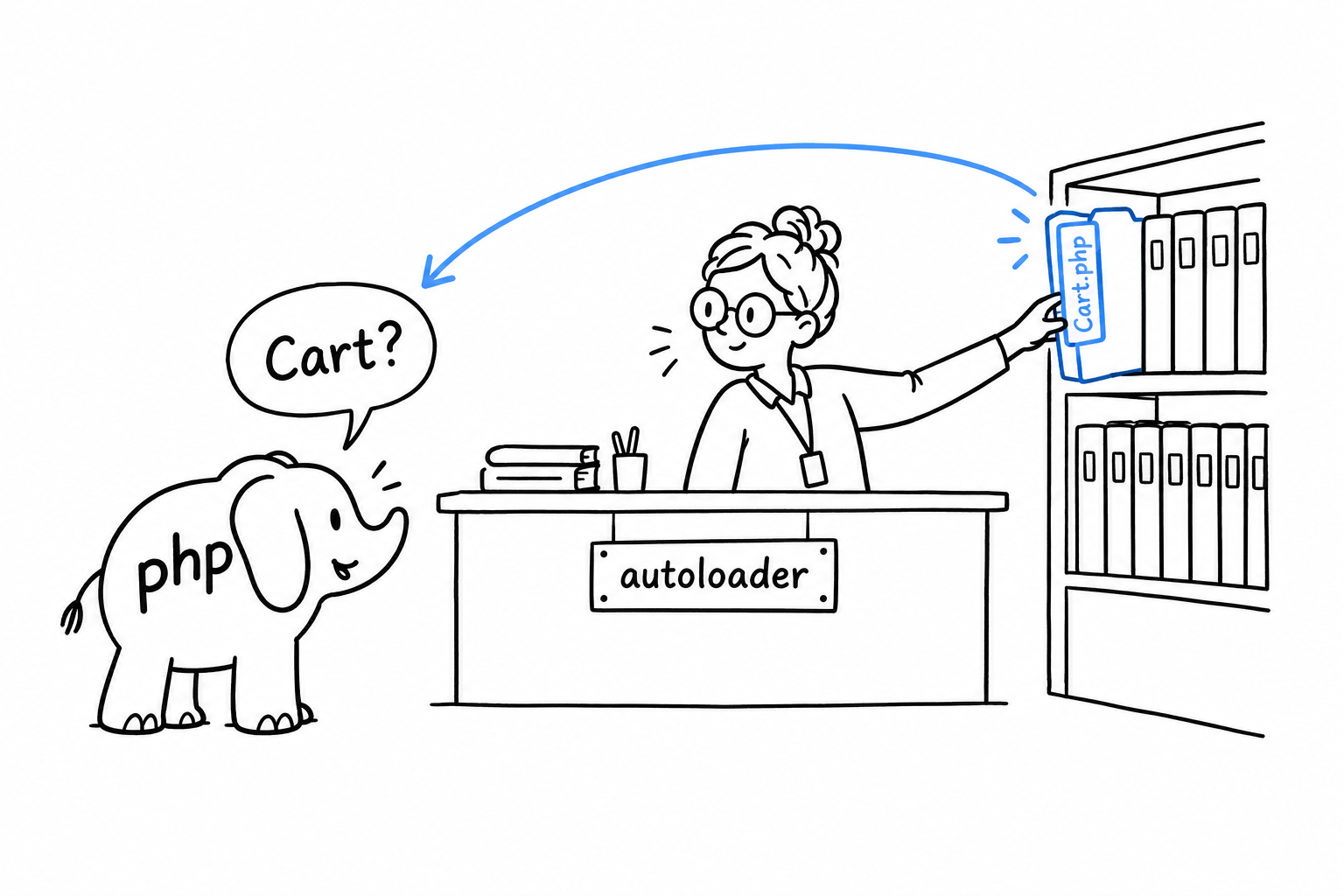
PHP has a built-in hook for exactly this. spl_autoload_register() hands PHP a function to call the first time it meets a class name it does not know. Instead of failing on the spot, PHP gives your function a chance to go find the file and load it:
<?php

spl_autoload_register(function (string $className): void {
    $file = __DIR__ . '/' . $className . '.php';

    if (file_exists($file)) {
        require $file;
    }
});

$cart = new Cart(); // Cart.php is loaded automatically, on first use
new Cart() runs, PHP has never heard of Cart, so it calls your function with the string 'Cart'. The function builds a path, finds Cart.php and requires it. The class now exists, and new goes ahead as if nothing had happened. Try it: put a Cart class in Cart.php next to this script, run it, then rename the file and run it again.
Plenty of projects wrote their own version of this before Composer existed. It works, until a package you depend on ships its own hand-rolled autoloader with slightly different rules, and you are back to coordinating by hand.
What Composer actually generates
Every composer install or composer require regenerates the files in vendor/composer/. One of them, autoload_psr4.php, is a plain PHP array mapping namespace prefixes to directories. vendor/autoload.php builds one autoloader from that map and registers it with spl_autoload_register(). From then on, every class from every installed package resolves on its own.
It works because packages do not dump their files into a shared pile. Each package declares, in its own composer.json, which namespace prefix lives in which directory. Here is what that declaration looks like (you will write one for your own project in PSR-4):
{
    "autoload": {
        "psr-4": {
            "App\\": "src/"
        }
    }
}
A namespace is a promise about where the file is. PSR-4 is the rule that turns the promise into a path. Composer’s autoloader just applies the rule, fast.
Why this needs namespaces at all
The whole scheme rests on one condition: class names must stay unique across every package installed in your project. A Product from your own code and a Product from some e-commerce package would be indistinguishable. PHP would not know which Product.php to load, and neither would you, reading the code six months from now.
Namespaces remove the collision by making Product short for something more precise: App\Models\Product on one side, Vendor\Ecommerce\Product on the other. Two names, two files, nothing to guess. That is the next section.