The PHP Book
This is my world, and welcome to it.
Foreword
You are about to learn the language that runs the web.
That is not a figure of speech. A large share of the sites you visit every day are written in PHP: Wikipedia, countless online shops, most blogs. WordPress alone powers more than four websites out of ten. You have probably never given it a thought, and that is normal. PHP has been doing its job quietly for thirty years.
You may have heard bad things about it. There is a reason for that. The PHP of fifteen years ago was messy, forgiving to the point of absurdity, and many people learned to dislike it back then. What they do not always know is how much the language has changed since. Today’s PHP is clean, fast, typed, and a pleasure to write. The reputation stayed where it was. The language moved on.
The PHP people complain about barely exists anymore. The PHP you are about to learn, few people really know.
That is good news for you: you start from zero, with nothing to unlearn. And you are in good hands. I have spent a large part of my life with this language, writing it, teaching it, analyzing other people’s code, and watching it grow. I know where the traps are, and above all, I know what you need to understand to walk right past them.
This book will never ask you to copy code you do not understand. Every idea is explained once, properly, with a drawing whenever a drawing says it better than a paragraph. You will move forward through small programs that work, from your first “Hello, world!” to a real website built with your own hands.
You need nothing more than a computer, some curiosity, and the urge to see what happens when you press Enter.
So open a terminal, install PHP, and let’s begin.
Introduction
Right now, somewhere, someone is opening a web page. Maybe a shop, maybe a blog, maybe an online encyclopedia. Behind a good share of those pages, a small program just woke up, did its job in a few milliseconds, sent back the answer, and disappeared. That program was very likely written in PHP.
That rhythm, wake up, work, disappear, is the heart of how PHP works on the web. Understand it before anything else: it explains a lot of the language’s character.
Picture a waiter with no memory at all. Each time a customer walks in, the waiter takes the order, prepares it, brings it, and immediately forgets the whole thing. The next customer gets exactly the same fresh start. Nothing from the previous order lingers: no crumbs, no leftover plates, no half-finished conversation.
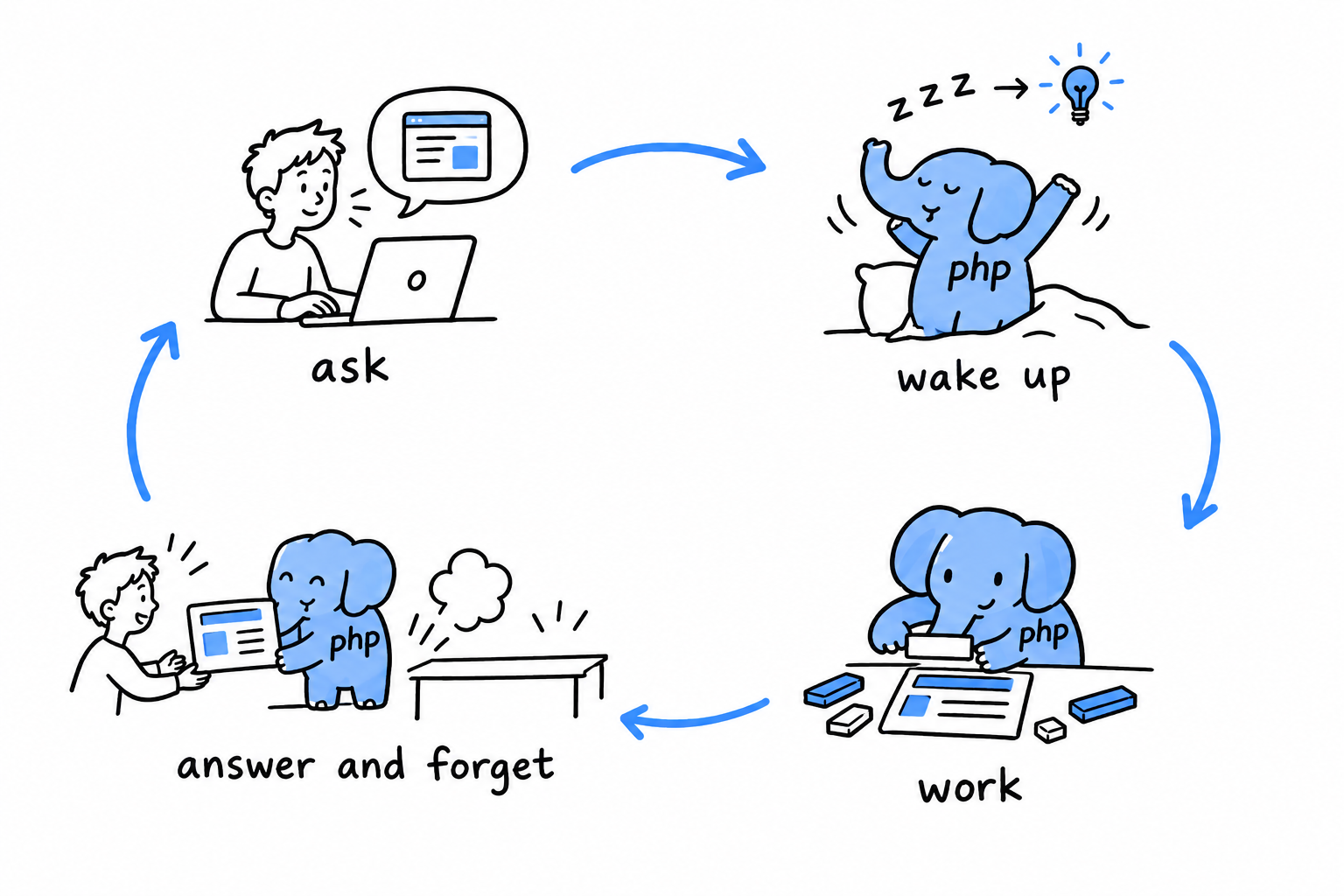
That is a PHP page. Every visit starts the program from scratch, runs it top to bottom, and throws everything away. It sounds wasteful. In practice it is one of the most reliable ways ever found to serve millions of people a day: a bug affects one visit instead of poisoning the whole server, and when you need more capacity, you simply add more waiters.
A PHP program is born for one visitor, answers, and forgets. The next visitor gets a clean slate.
The web is PHP’s home, but it is not the whole story. PHP is also a perfectly good language for small tools you run from a terminal: renaming a thousand files, reading a spreadsheet export, sending a batch of emails, cleaning up a folder. No browser, no web server, just a script and its result.
This book starts there, on purpose. In a terminal, you type a command and the answer appears on the next line. That instant feedback is the fastest way to learn a language. The web, with its requests, pages, and forms, comes later, once the language itself feels familiar.
You need one skill to begin: opening a terminal and typing a command. If you can cd into a folder and run a program, you have everything required.
You do not need to have programmed before. If you have never written a line of code, every idea in the early chapters is built from the ground up, and nothing later assumes you skipped ahead. If you already know another language, you will recognize the shapes (variables, loops, functions) and can move faster, keeping an eye out for the places where PHP does a familiar thing in its own way.
Learning a language is a lot like learning to ride a bike. You do not start with the physics of balance. You get on, wobble, and ride a few meters. The explanations make much more sense once you have felt the thing move. So the book follows that order.
First you ride. Then you learn why the bike stays up.
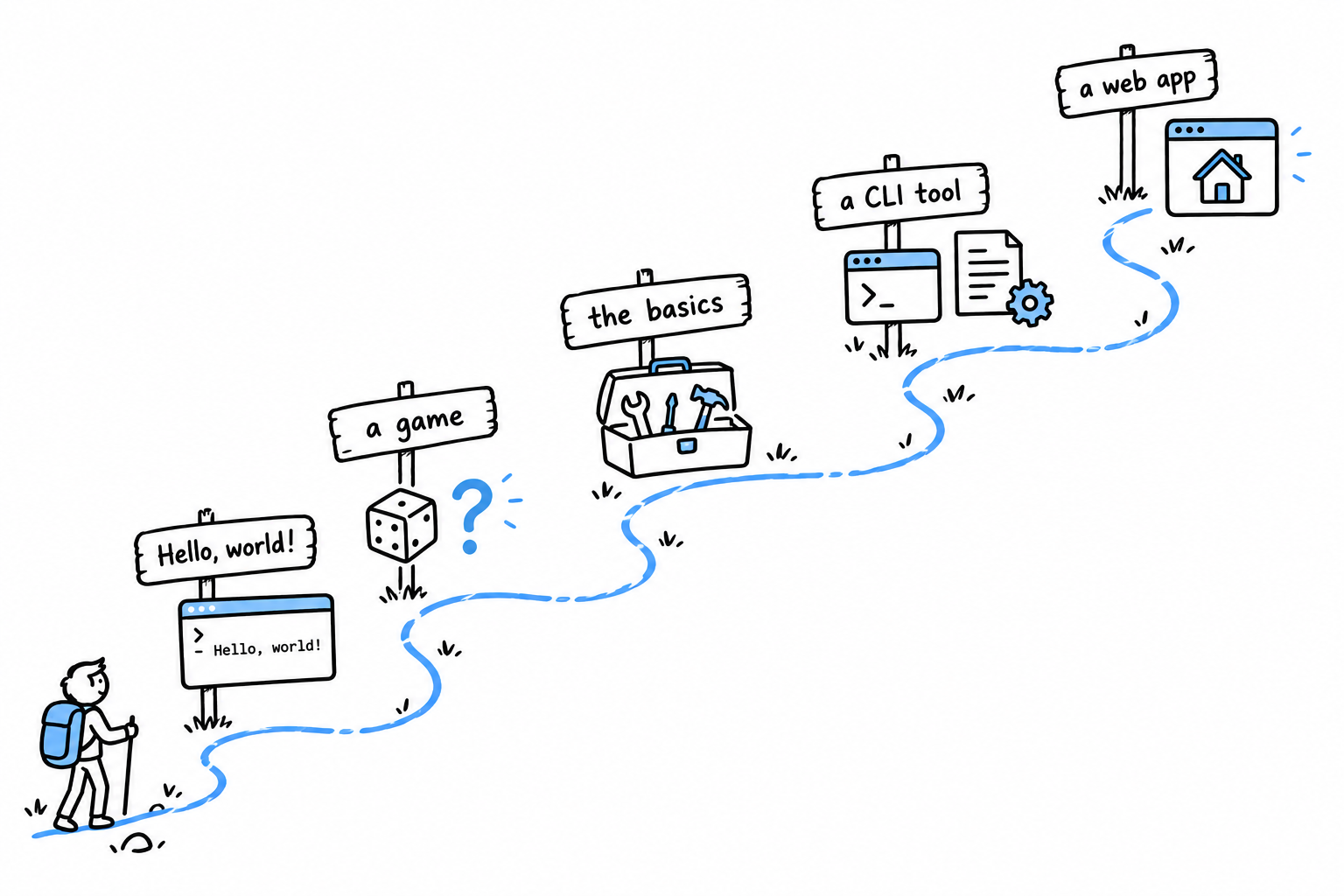
- A first program. Install PHP and make it print a sentence.
- A small game. A number-guessing game in thirty lines, built before you know what most of the words mean.
- The fundamentals. Each piece of that game (variables, types, decisions, loops, functions), explained properly now that you have seen it work.
- A real tool. A command line program that reads files and handles errors the way real, working software does.
- A web application. A small site built from first principles, with no framework hiding what happens.
Each project is bigger than the last, and each one only uses what you have already seen.
There are two ways to read this book.
If PHP is your first language, read in order. Each chapter leans on the ones before it, and the later projects are much easier when the early habits are in place.
If you already program and just need to know how PHP does things (how its types behave, how its objects differ from its arrays, what its modern syntax looks like), treat the book as a reference and jump to the chapter you need. Chapters stand on their own as much as they can, and link back to earlier material whenever they rely on it.
One thing before you start: install PHP. Chapter 1 shows how, and it takes a few minutes. Then keep a terminal open next to this book and run every example as you meet it.
Reading about swimming does not teach you to swim. Reading about PHP does not teach you PHP. Typing it does.
Getting Started
Time to write some PHP.
You need three things, and you probably have two of them already: a terminal, a text editor, and PHP itself.
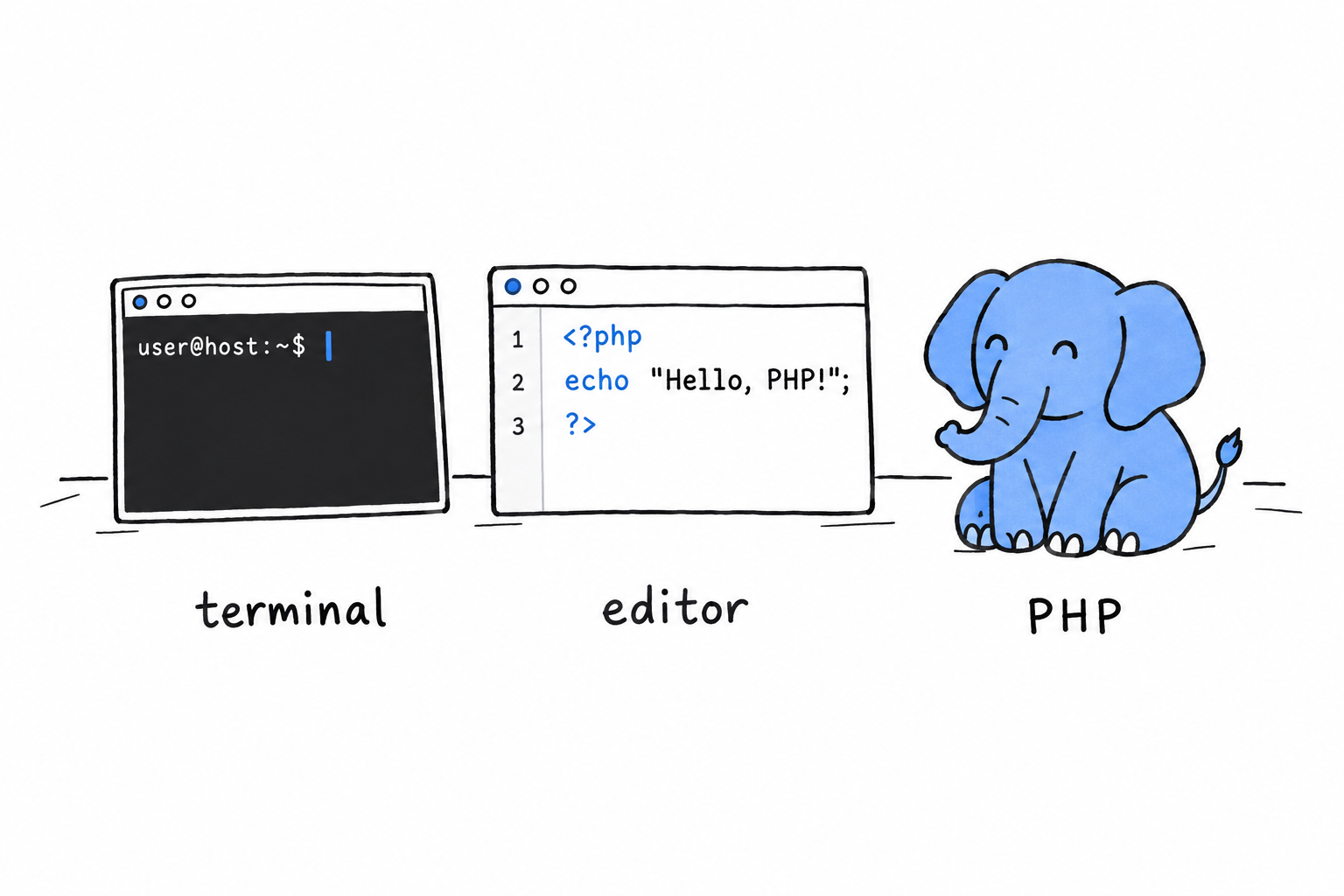
The terminal is where you will run your programs.
The text editor is where you will write them. Any editor that saves plain text will do, and if you do not have a favorite, Visual Studio Code is free and works everywhere.
PHP is the program that reads your files and does what they say. Installing it is the only real setup in this book.
Notice what is not on the list. No web server, no framework, no build tool. PHP started life on the web, and most PHP code still ends up serving web pages eventually, but you do not need Apache, nginx, or a browser to learn the language. Everything in this chapter runs from your terminal, and that is on purpose: a terminal answers immediately, and immediate answers are what make a language click.
No web server, no framework, no build tool. Just a terminal, and a language that answers right away.
Note
This book assumes PHP 8.1 or newer. PHP has been around for thirty years, and the internet is full of tutorials that show code that either no longer works or, worse, still works but nobody would write today. We stick to modern PHP throughout. It is a genuinely nicer language than its old reputation suggests, and there is no reason to learn it as it was in 2010.
Installation
Opening a terminal
A terminal is a conversation with your computer. You type a sentence, press Enter, and the computer answers on the next line. No buttons, no menus, just words going back and forth. Every example in this book happens there, so the first job is to find yours.
macOS. Press Cmd+Space, type “Terminal”, press Enter. That opens Terminal.app, and it is all you need.
Linux. Every desktop ships one, usually called Terminal, Konsole, or GNOME Terminal. Look in the applications menu, or try Ctrl+Alt+T.
Windows. Press Win, type “Terminal”, and open Windows Terminal. It is the default on Windows 11 and available from the Microsoft Store on Windows 10. Inside it you can use Command Prompt or PowerShell; both work for this book.
Do you already have PHP?
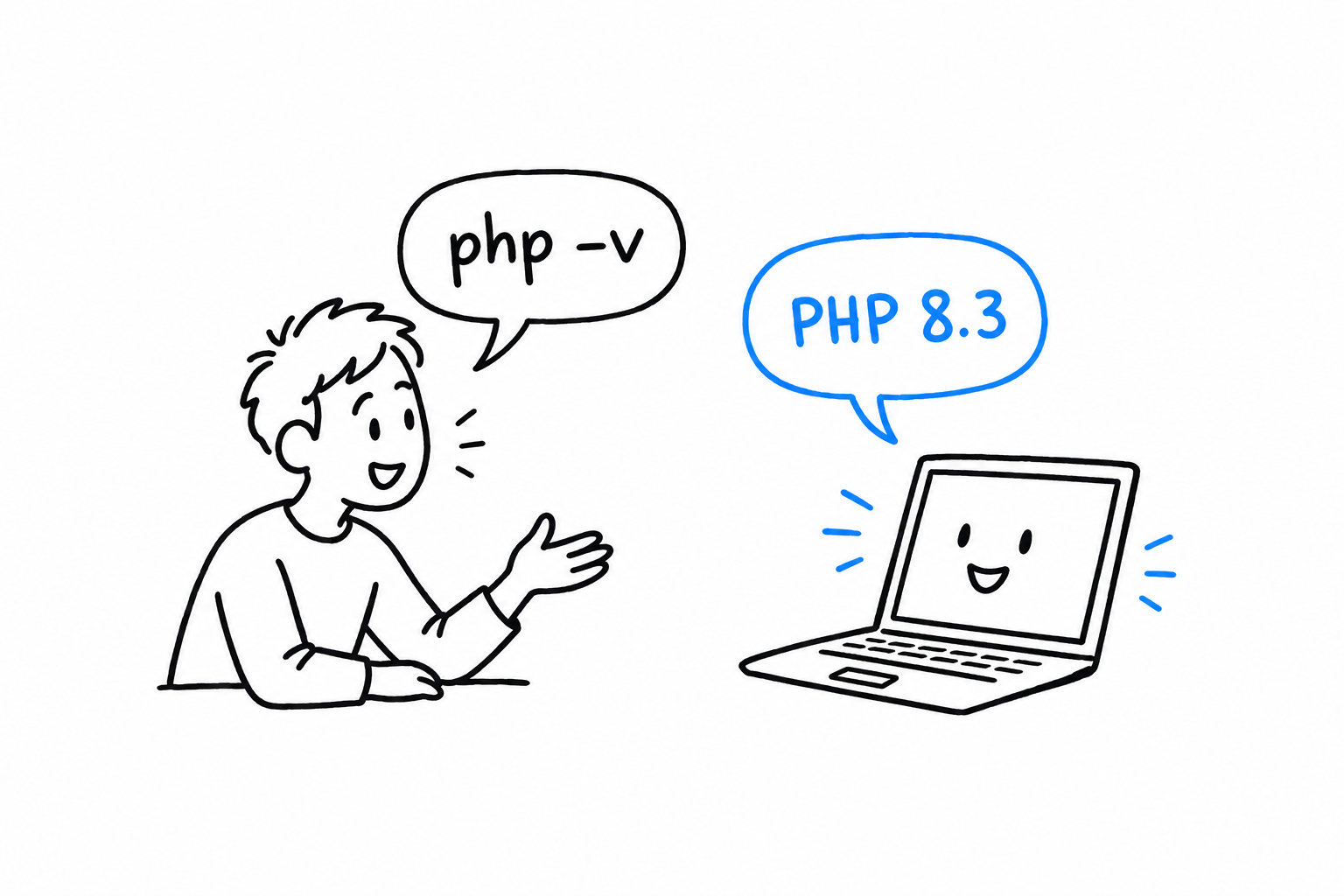
Ask your computer. Type this and press Enter:
$ php -v
PHP 8.3.6 (cli) (built: ...) (NTS)
Tip
In the terminal examples of this book, the
$at the start of a line stands for the prompt your terminal shows while it waits for you. Do not type it. Type what follows.
Now read the answer. There are three possibilities:
- It starts with
PHP 8. PHP is installed and recent enough. Skip ahead to Hello, World!. - It starts with
PHP 7or lower. You have an old version. Install a new one below. - It says something like
command not found. The computer simply does not know the wordphpyet. That is not a mistake on your part: it just means nothing is installed. Read on.
Installing PHP
macOS. Recent versions of macOS do not ship PHP at all. Install it with Homebrew:
$ brew install php
Linux. Your distribution’s package manager has it. On Ubuntu or Debian:
$ sudo apt install php-cli
Distribution packages can lag a year or two behind. If the version you get is too old, the Ondřej Surý repository tracks new releases closely.
Windows. Download the “Non Thread Safe” zip from windows.php.net, unzip it somewhere simple like C:\php, and add that folder to your PATH so the terminal can find it. If you would rather have an installer do this for you, Laragon or WampServer bundle PHP with a friendly setup.
Anywhere, with Docker. If you do not want to install anything on your machine, and Docker is already there:
$ docker run --rm -it php:8.3-cli bash
This gives you a temporary shell, with PHP ready to go, inside a small isolated environment. Everything you type happens in that box, and closing it leaves your computer untouched.
Checking it worked
Close your terminal, open a new one, and run php -v again. You should see a version number this time.
Tip
A terminal learns the list of programs it knows when it starts. If you installed PHP and the terminal still says
command not found, nine times out of ten the fix is simply to open a new one.
Good to know: PHP wears two hats
While reading about PHP online, you will run into names like php-cli, php-fpm, and mod_php. They are the same language wearing different hats.
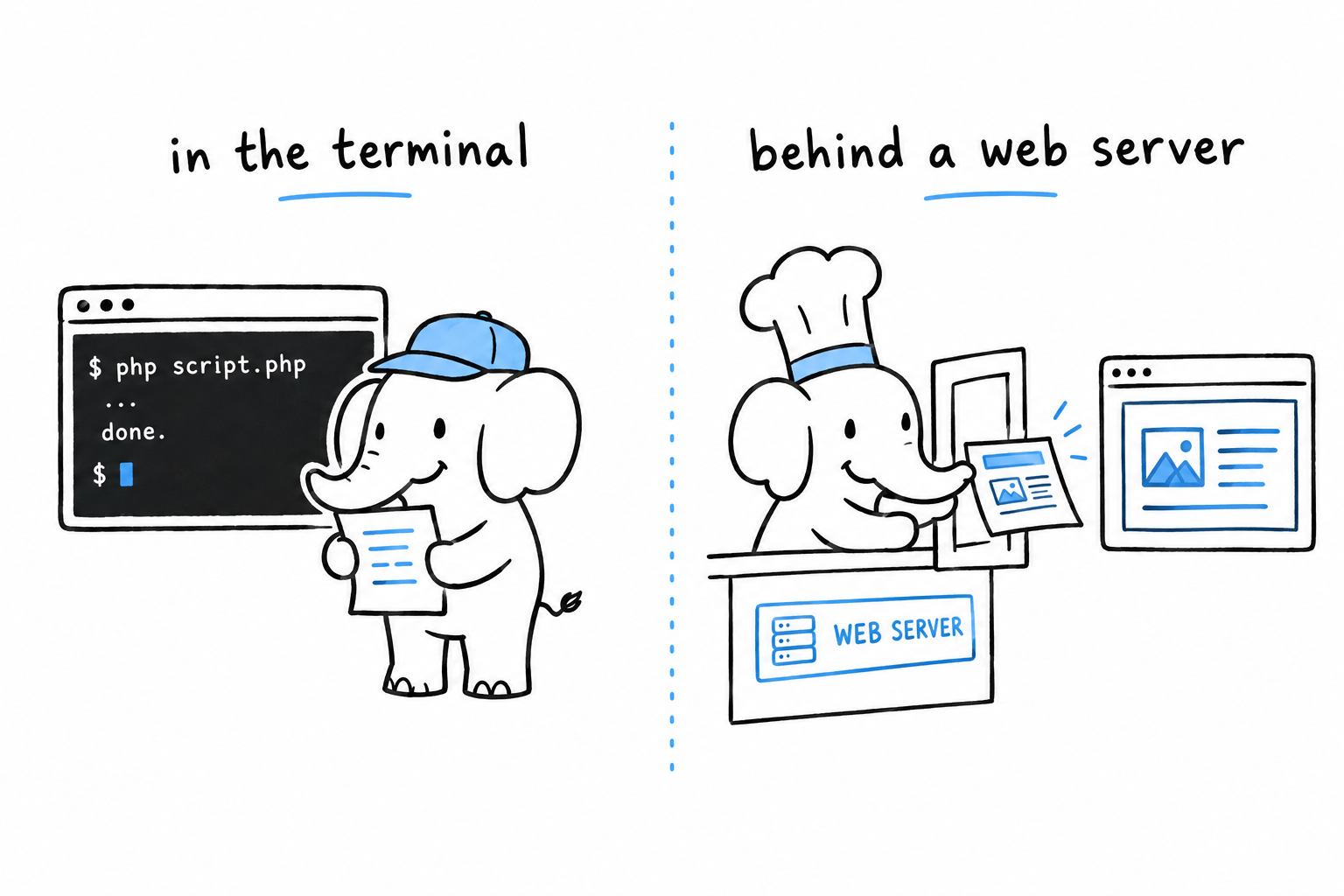
The first hat, php-cli, is the one you just installed. It runs a script from your terminal and prints the result, the way Python or Ruby would.
The second hat is the web server version. It sits behind a server like nginx or Apache and answers page requests.
This book only needs the first hat for a long while. When the web arrives, you will already know the language, and only the hat will change.
Hello, World!
Time to make PHP say something.
Open your text editor, create a file called hello.php, anywhere you like, and type these lines in it:
<?php

echo "Hello, world!\n";
Save it. Then, in your terminal, go to the folder where you saved it and run:
$ php hello.php
Hello, world!
That is a complete PHP program. It is short, but every character in it is doing a job. Let’s take it apart.
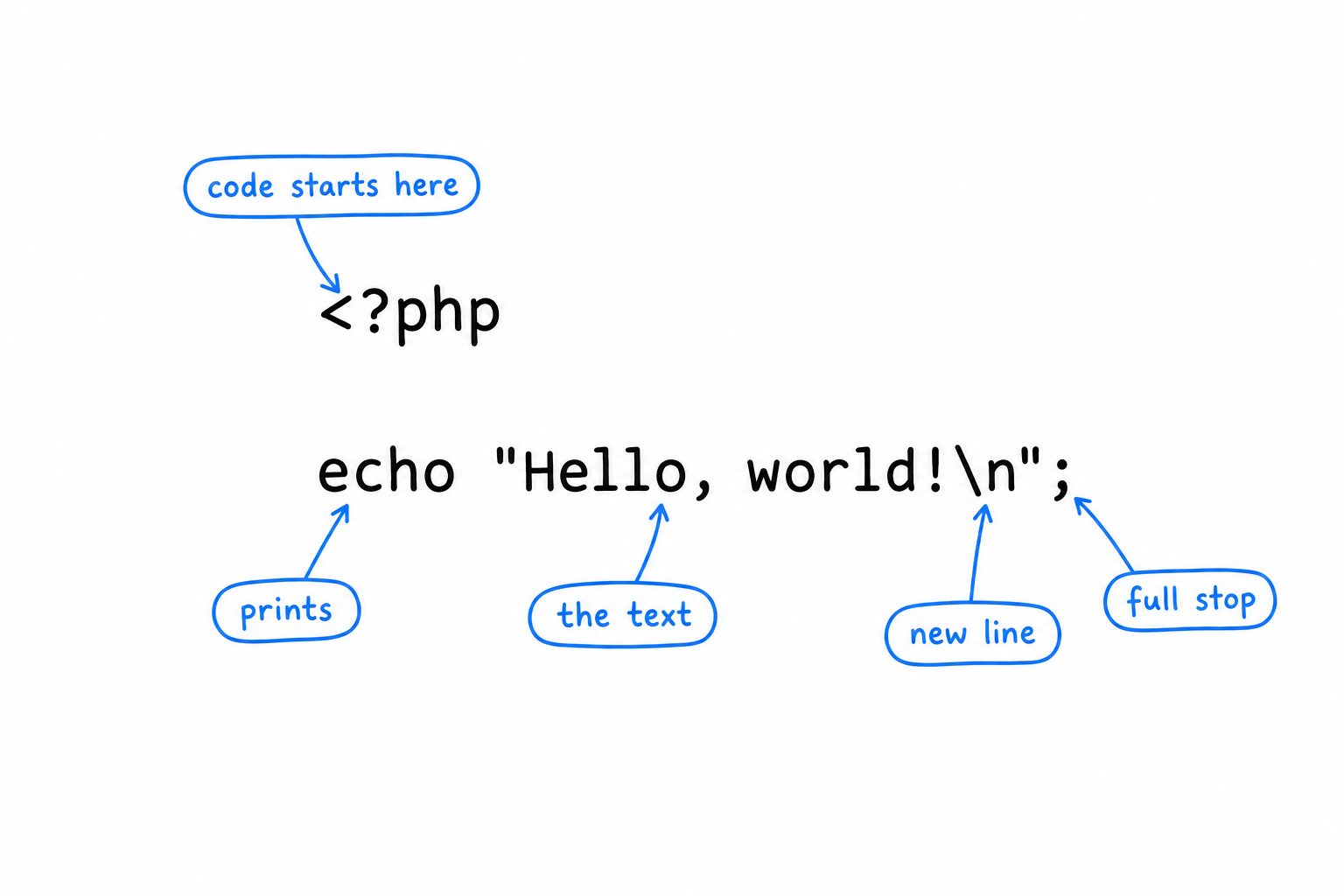
<?php, the opening tag
PHP was born as a way to sprinkle small bits of logic inside web pages. That origin left a permanent mark: a PHP file is plain text by default, and only what sits between <?php and ?> is treated as code. Everything outside the tags is sent to the output exactly as written.
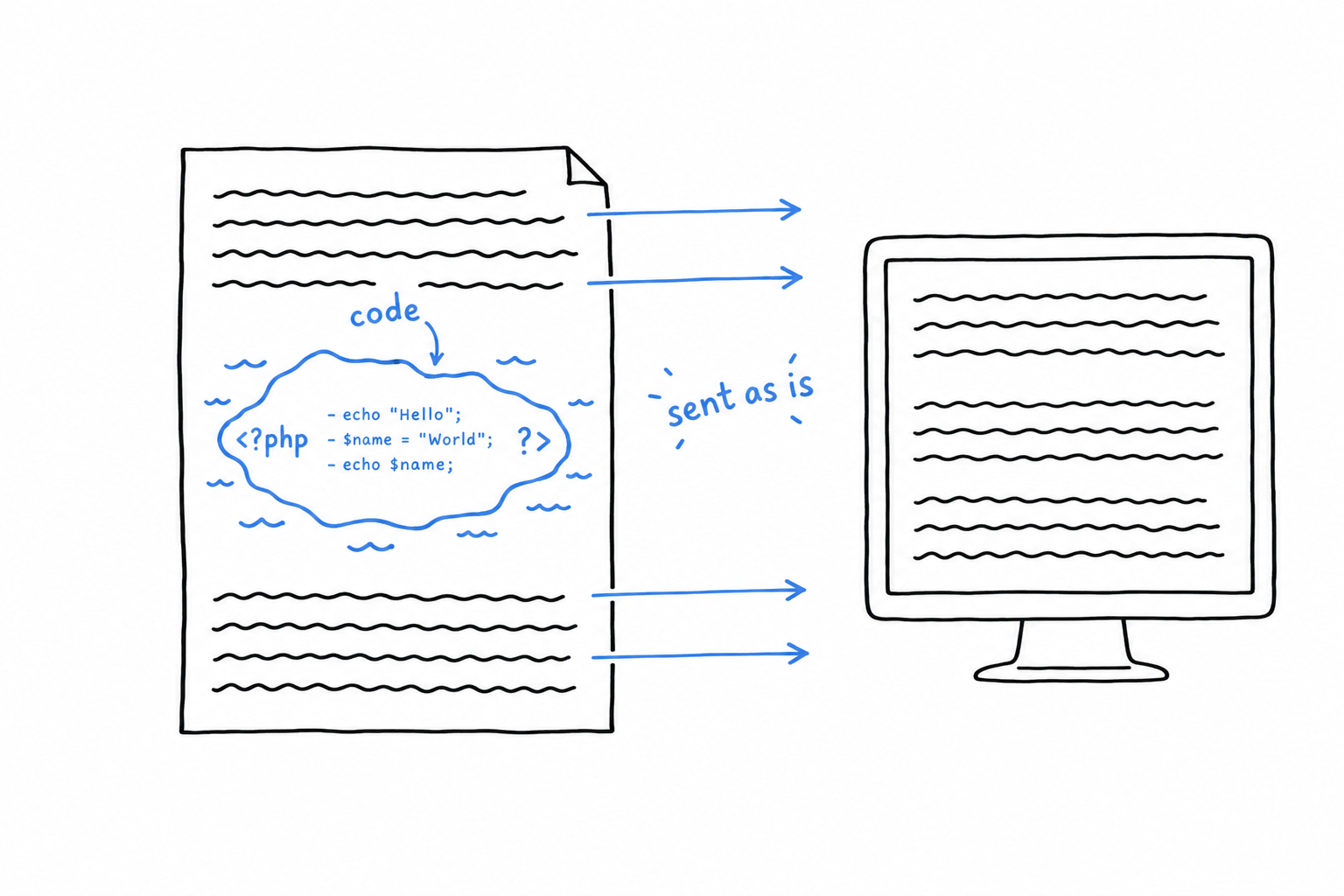
In a file that contains only code, like ours, you write the opening tag once, at the very top, and nothing else. Two habits follow from this.
- Nothing goes before
<?php. Not even a blank line, because that blank line would be sent to the output before your program even starts. - Do not close the tag at the end of the file. Leaving
?>out looks like an oversight, but it is deliberate: a stray space or newline after a closing tag gets sent to the output too, and that kind of invisible character causes maddening bugs. A tag that was never closed cannot leak anything.
echo, the program’s voice
echo prints whatever follows it. It is how a PHP program talks. You will use it constantly, and you will meet two cousins along the way: print, which does almost the same thing, and printf, for when the text needs formatting.
echo is not a function, so it does not need parentheses. echo("Hello") works too, because PHP is relaxed about it, but the bare form is what you will see everywhere.
"Hello, world!\n", the text
Text between quotes is called a string. This one ends with \n, which is not two characters printed on screen: it is the instruction “go to the next line”, the same as pressing Enter. Without it, the next thing the program prints would land right after the exclamation mark.
PHP has two kinds of quotes, and the difference matters. Double quotes tell PHP to look inside the text and translate special sequences such as \n. Single quotes tell PHP to leave the text alone: 'Hello, world!\n' prints a literal backslash followed by an n.
Double quotes look inside the text. Single quotes leave it alone. Neither is better; you will choose between them all the time.
;, the full stop
Every statement in PHP ends with a semicolon, the way sentences end with a period. Forget one, and PHP will complain, but not where you expect. Try it: remove the semicolon and add a second line.
<?php

echo "Hello, world!\n"
echo "Nice to meet you.\n";
$ php hello.php
PHP Parse error:  syntax error, unexpected token "echo", expecting "," or ";" in hello.php on line 4
PHP blames line 4, and line 4 is perfectly innocent. The missing semicolon is on line 3: PHP only noticed the problem when it reached the next word and could not make sense of it.
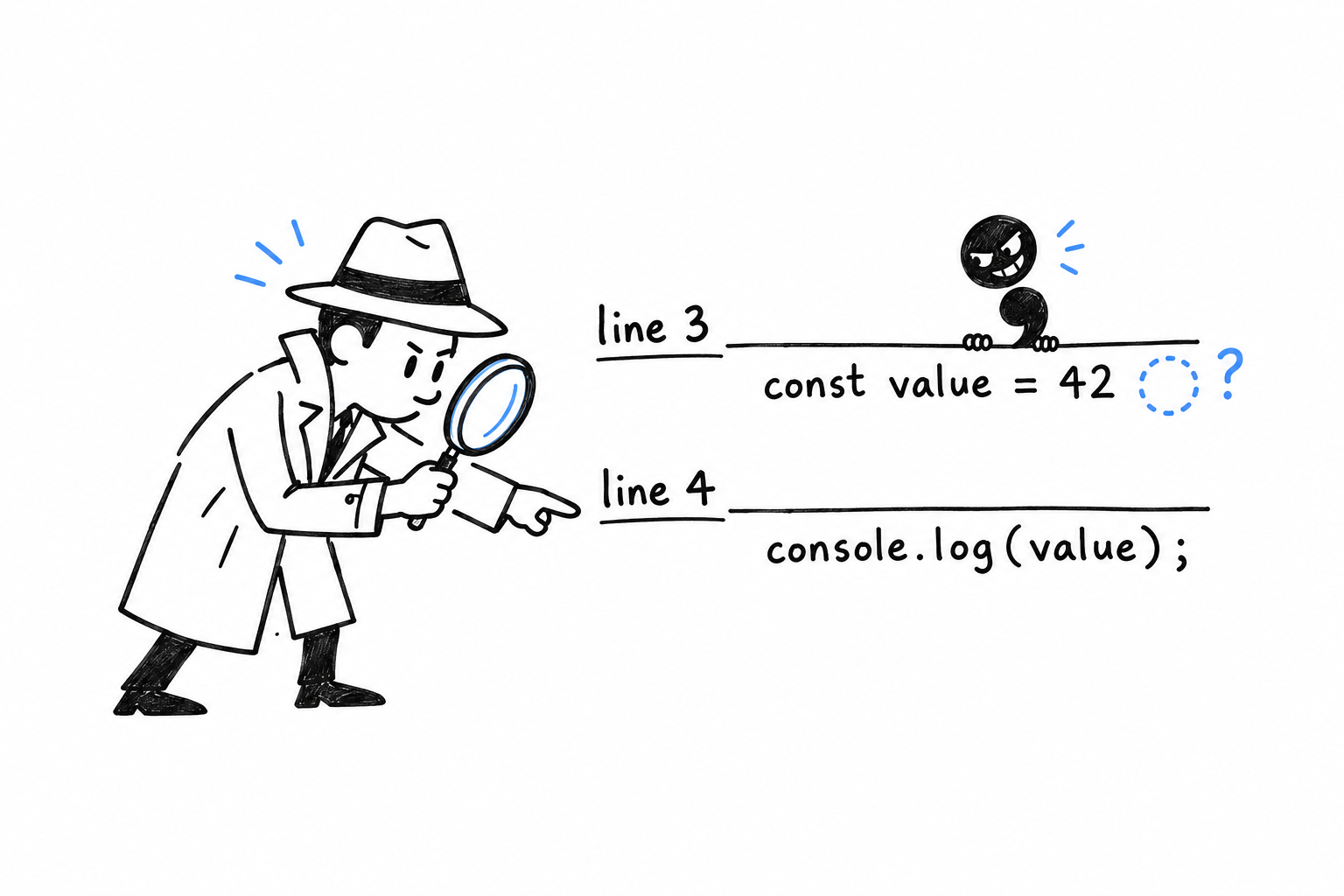
Tip
When a baffling error points at a line that looks fine, the real culprit is usually just above.
Running it, again and again
php hello.php hands your file to PHP, which reads it from top to bottom and does what it says. There is no compile step, no build, nothing left behind.
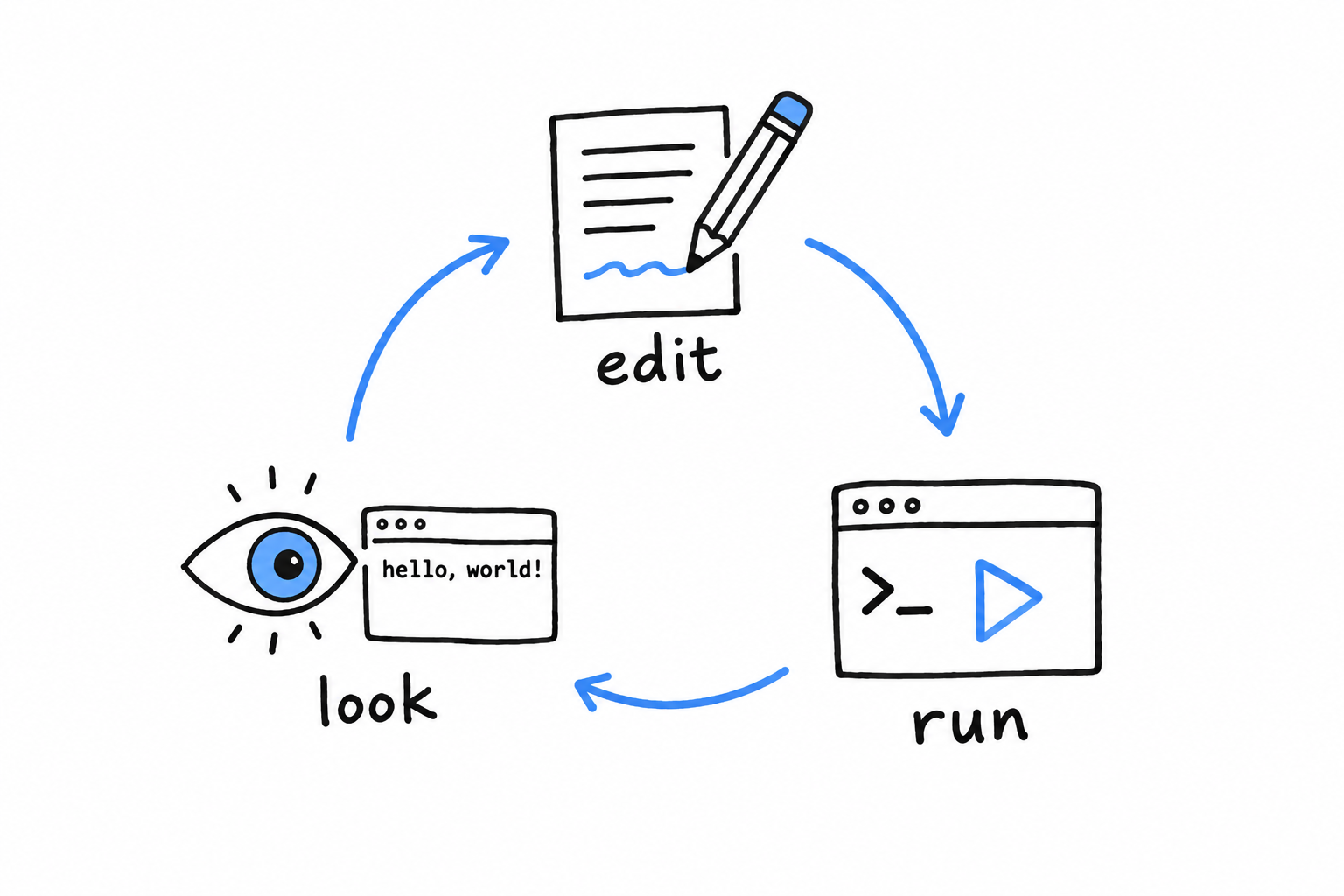
Edit the file. Run it. Look at the result. Edit, run, look.
That tight loop is the single biggest difference in feel between PHP and a compiled language, and this book leans on it constantly. Whenever you wonder what a piece of code does, the fastest answer is to run it.
For quick one-liners, PHP also has an interactive mode. Type php -a and you get a prompt where each line runs as soon as you press Enter:
$ php -a
Interactive shell

php > echo "Hello, world!\n";
Hello, world!
php > exit
Handy for checking a detail. Not a place to build real programs, but nobody builds real programs in an interactive shell in any language.
You have now written, run, broken, and fixed a PHP program. That is the whole rhythm of the craft, in miniature. Chapter 2 uses it to build a game.
Programming a Guessing Game
Let’s build a game.
The rules are simple. The computer secretly picks a number between 1 and 100. You type a guess. The computer answers “too small” or “too big”, and you try again, until you find it.
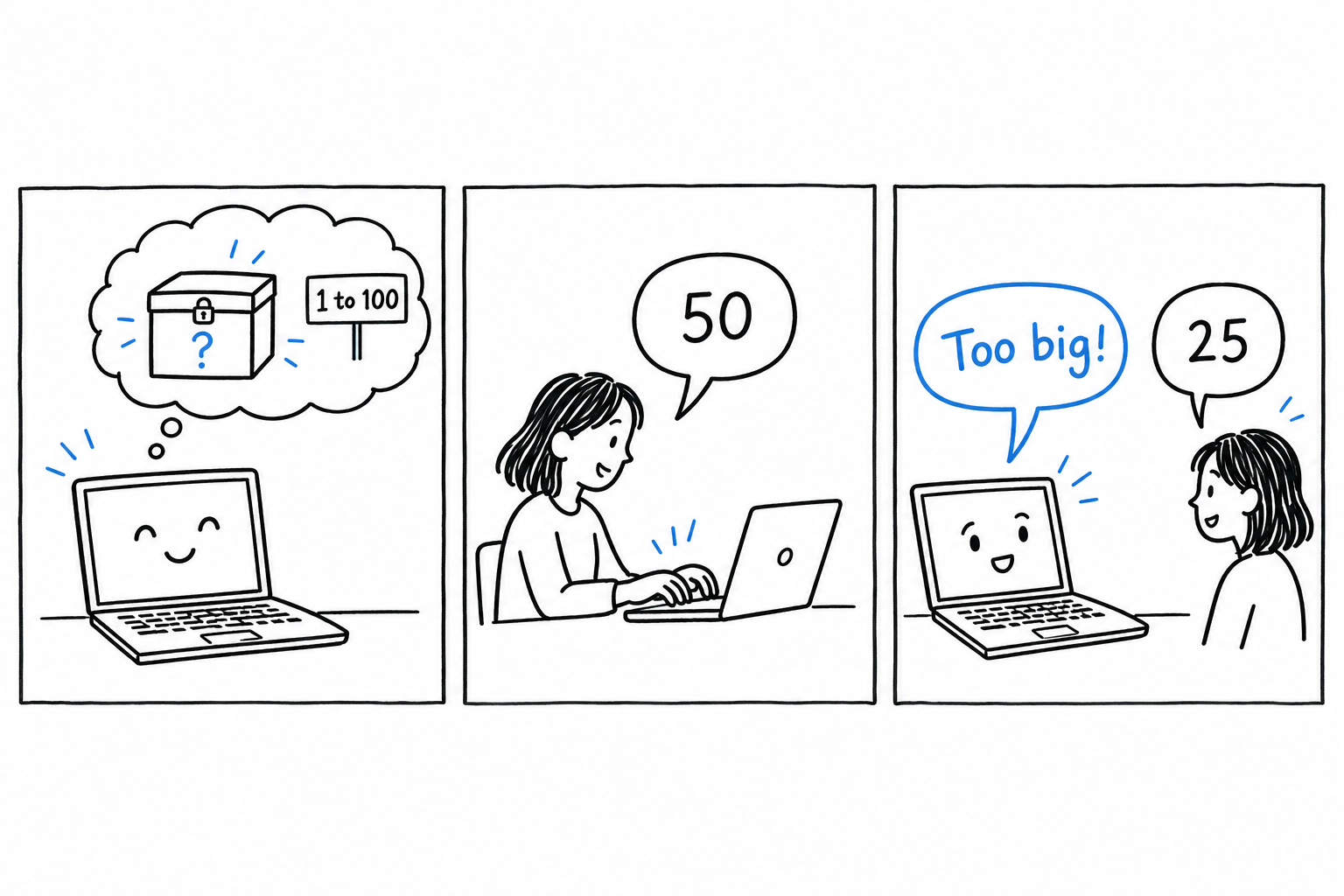
Small as it is, this game contains most of what real programs are made of: input, output, a decision, a loop, and a bit of cleaning up of what the user typed. That is why it comes before any theory.
You will meet a few words you do not fully understand yet. That is normal, and it is the point. You get to see PHP in motion first, and Chapter 3 goes back and explains each piece properly.
The game on one drawing
Before typing anything, here is the whole program as a drawing. Every box will become a few lines of PHP.
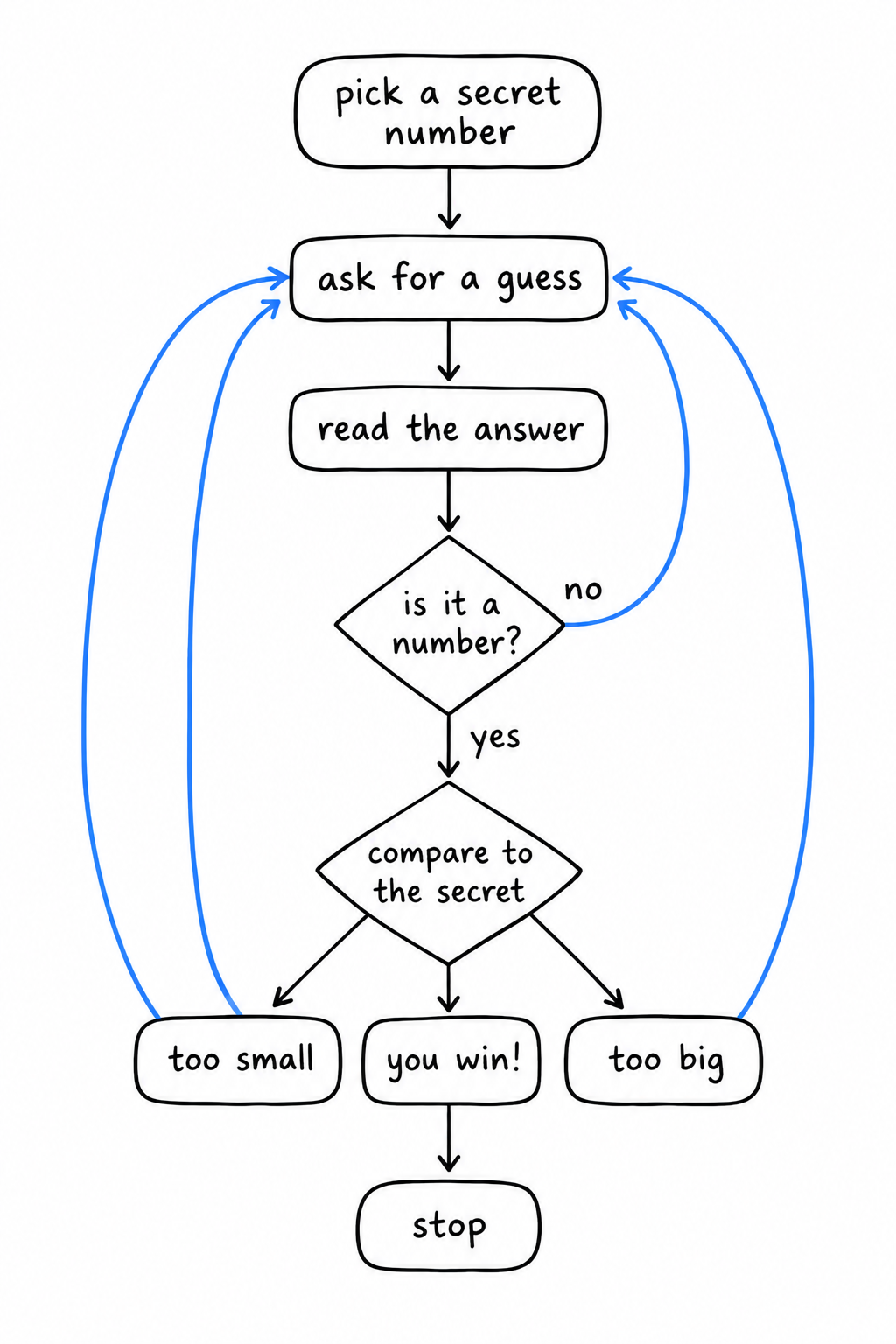
Read it once from top to bottom. Pick a secret. Ask. Read the answer. Is it even a number? If not, ask again. Compare it to the secret. Too small, too big, or found. If found, stop.
Pick a secret. Ask. Read. Check. Compare. Answer. Loop back. That is the whole plan.
Now let’s build it, one box at a time.
Step 1: asking the player
Create a file called guessing_game.php:
<?php

echo "Guess the number!\n";
echo "Please input your guess.\n";

$guess = trim(fgets(STDIN));

echo "You guessed: {$guess}\n";
Run it, type a number, press Enter:
$ php guessing_game.php
Guess the number!
Please input your guess.
42
You guessed: 42
The first two lines you already know: echo prints text. The interesting line is the one in the middle, and it does three things at once. Let’s read it from the inside out.
fgets(STDIN) waits for the player to type a line and press Enter, then hands that line to the program. STDIN is the name of the channel where keyboard input arrives, the same one every command line tool reads from.
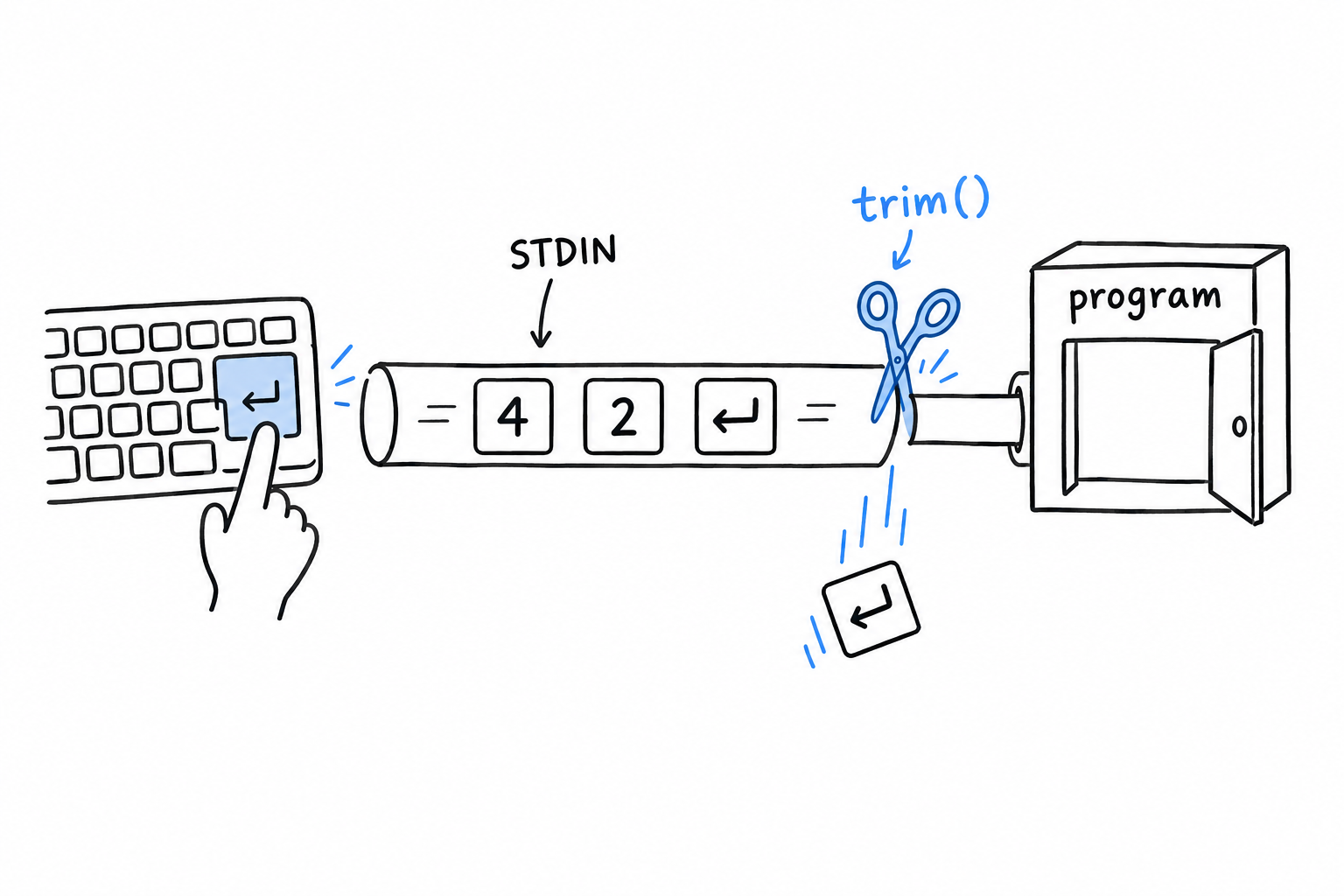
There is a catch: the line you get includes the Enter key itself, as an invisible newline character at the end. You almost never want it, so trim() cuts it off. trim() removes spaces and line breaks from both ends of a text, and wrapping it around fgets(STDIN) is such a common pair that you will soon type it on reflex.
Finally, $guess = ... stores the result. $guess is a variable: a labeled box where the program keeps a value to use later. In PHP every variable name starts with $. There is nothing to declare and no type to announce: you put something in the box, and the box exists.
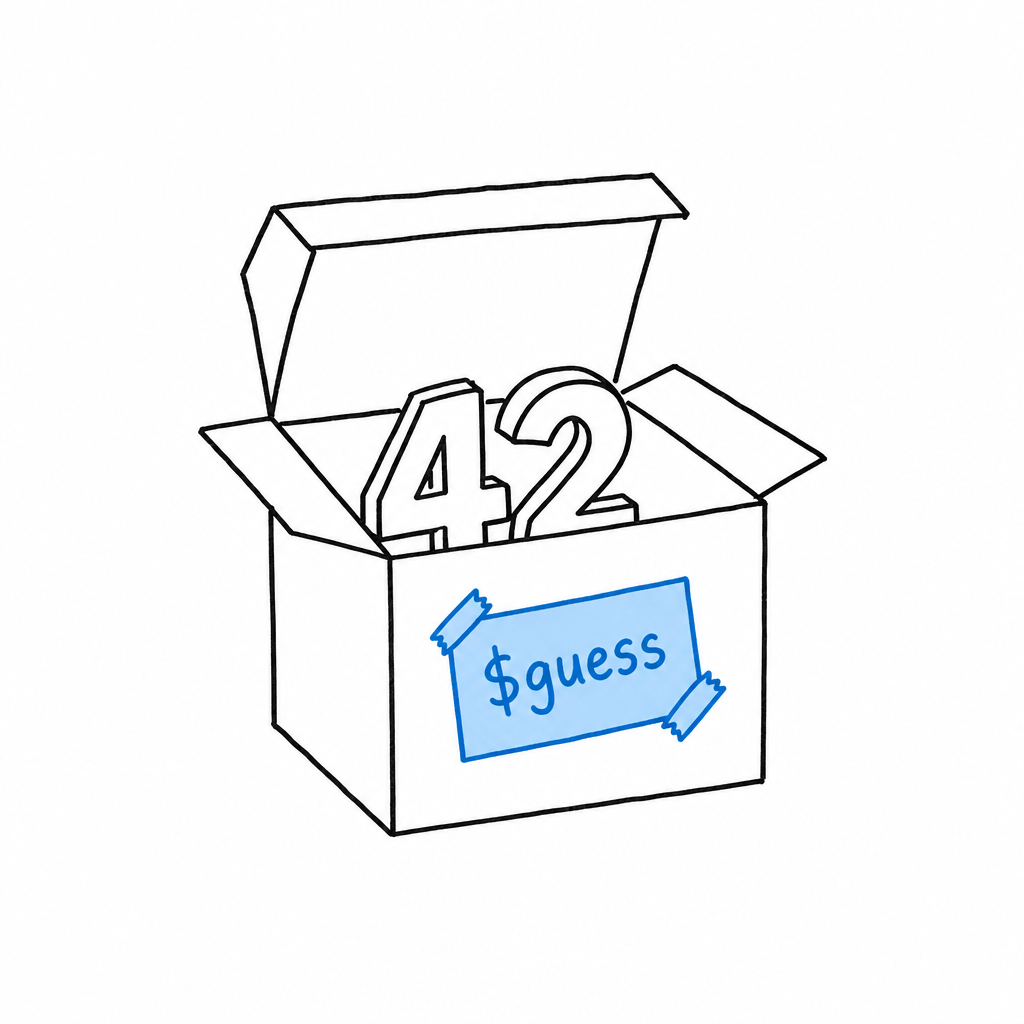
A variable is a labeled box. Put something in it, and the box exists.
The last line shows the box’s content back to the player. Inside double quotes, {$guess} is replaced with whatever the variable holds. The curly braces are optional for a simple name like this one, but they make it obvious where the name ends, and that clarity pays off later with longer expressions.
Step 2: picking a secret number
The computer needs a number to hide. PHP has a function for exactly that:
<?php

$secretNumber = random_int(1, 100);

echo "Guess the number!\n";
echo "The secret number is between 1 and 100.\n";
echo "Please input your guess.\n";

$guess = trim(fgets(STDIN));

echo "You guessed: {$guess}\n";
random_int(1, 100) returns a random whole number between 1 and 100, both included, and we tuck it into a second box, $secretNumber.
Tip
random_int()is a high-quality random generator, more than a game needs. It is also the right one to reach for whenever you need randomness in PHP, so you may as well learn the good habit now.
Run the program a few times. The secret changes each time, but you cannot tell yet, because nothing compares it to your guess. Let’s fix that.
Step 3: comparing
<?php

$secretNumber = random_int(1, 100);

echo "Guess the number!\n";
echo "Please input your guess.\n";

$guess = (int) trim(fgets(STDIN));

if ($guess < $secretNumber) {
    echo "Too small!\n";
} elseif ($guess > $secretNumber) {
    echo "Too big!\n";
} else {
    echo "You win!\n";
}
The if block is the decision from the drawing. PHP checks the first condition: is the guess smaller than the secret? If so, it prints “Too small!” and skips the rest. If not, it checks the second condition. If neither is true, the guess is neither smaller nor bigger, so it must be equal, and the else branch runs. Exactly one of the three messages is printed.
There is a second change, small and easy to miss: (int) in front of trim(fgets(STDIN)).
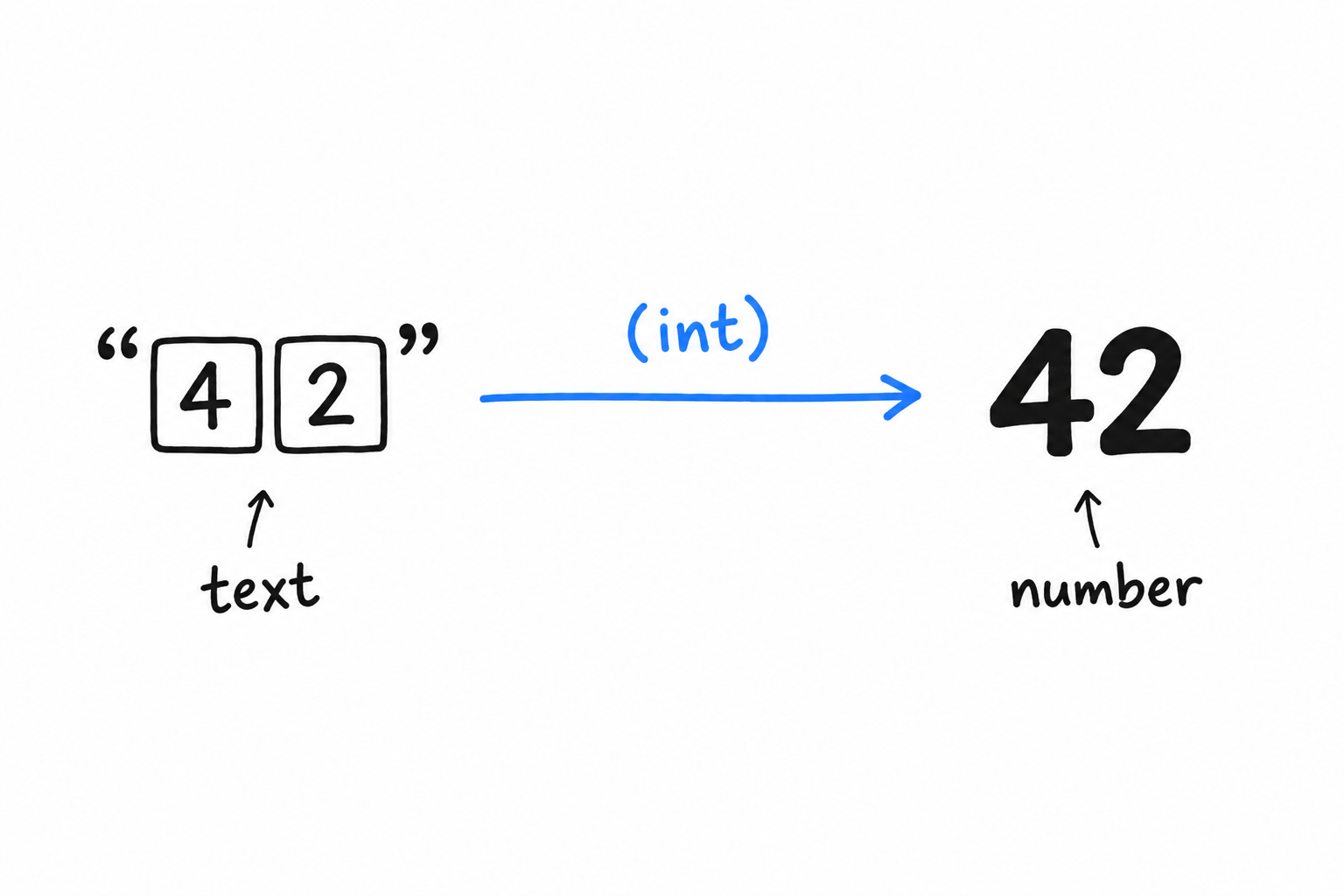
Everything that comes from the keyboard arrives as text. When the player types 42, the program receives the two characters “4” and “2”, not the number forty-two. PHP is often willing to compare text and numbers anyway, and it usually guesses right, but “usually” is not a word you want in a comparison. (int) converts the text into a real integer, explicitly, so both sides of < are numbers and there is nothing left to guess.
“42” is text. 42 is a number.
(int)turns the first into the second, and says so out loud.
Chapter 3 returns to this idea, called type juggling, and to why being explicit about it is a good reflex.
Step 4: trying again
Right now, the game ends after one guess, win or lose. The drawing has an arrow going back up. In PHP, that arrow is a loop:
<?php

$secretNumber = random_int(1, 100);

echo "Guess the number!\n";

while (true) {
    echo "Please input your guess.\n";
    $guess = (int) trim(fgets(STDIN));

    if ($guess < $secretNumber) {
        echo "Too small!\n";
    } elseif ($guess > $secretNumber) {
        echo "Too big!\n";
    } else {
        echo "You win!\n";
        break;
    }
}
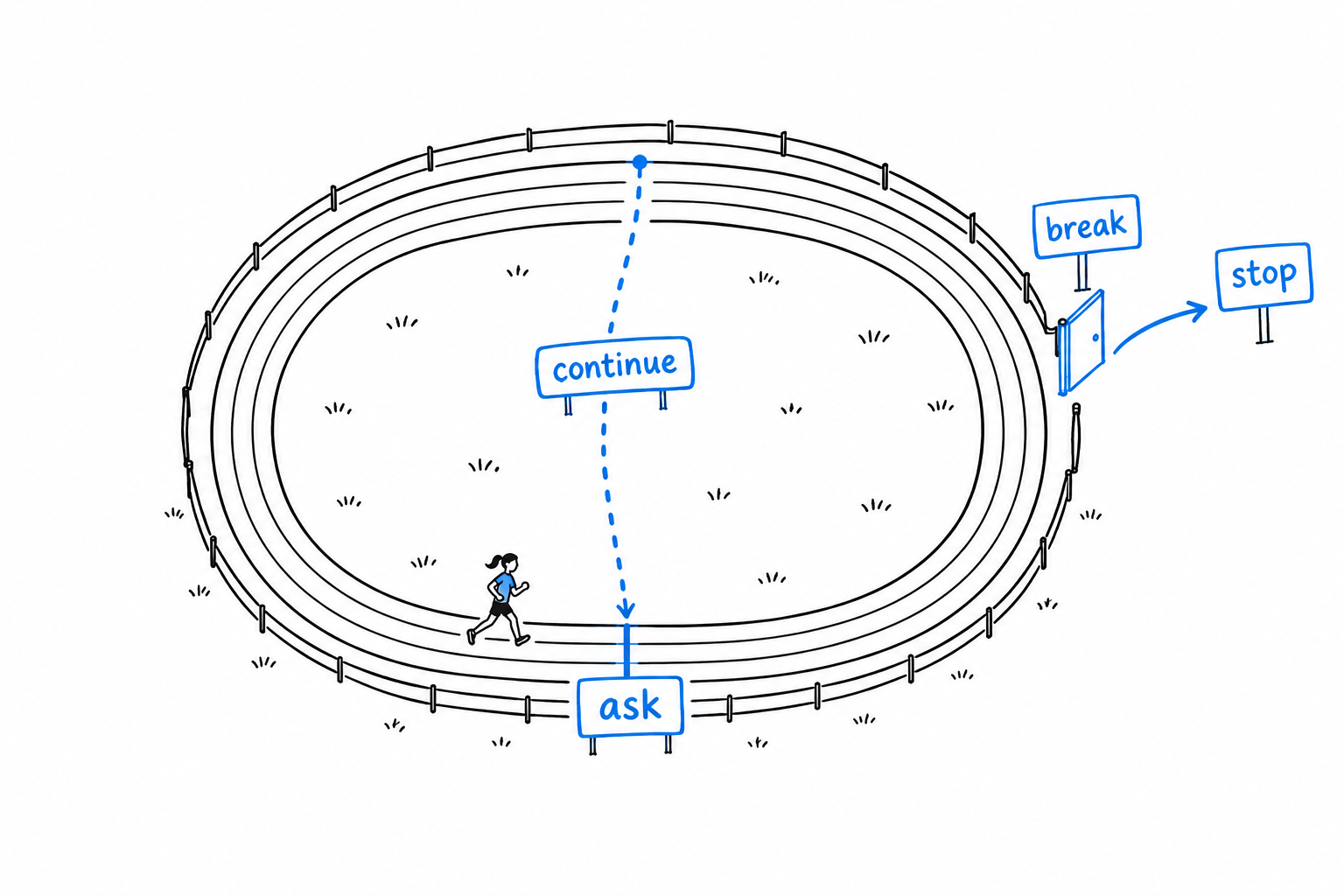
while (true) means “repeat this block forever”. That sounds dangerous, and it would be, without an exit. The exit is break: the moment PHP runs it, it leaves the loop and carries on after the closing brace. We put break in the winning branch only, so the loop keeps asking until the player finds the number, then stops.
Step 5: dealing with nonsense
One rough edge remains. Type banana instead of a number, and (int) "banana" silently becomes 0. No error, no warning, just a wrong guess that counts. Let’s check the input before trusting it:
<?php

$secretNumber = random_int(1, 100);

echo "Guess the number!\n";

while (true) {
    echo "Please input your guess.\n";
    $input = trim(fgets(STDIN));

    if (!is_numeric($input)) {
        echo "That doesn't look like a number, try again.\n";
        continue;
    }

    $guess = (int) $input;

    if ($guess < $secretNumber) {
        echo "Too small!\n";
    } elseif ($guess > $secretNumber) {
        echo "Too big!\n";
    } else {
        echo "You win!\n";
        break;
    }
}
is_numeric() answers a yes-or-no question: does this text look like a number? The ! in front flips the answer, so the if reads “if the input is not numeric”. In that case we print a friendly message and hit continue.
continue is the other door in the drawing. Where break leaves the loop, continue jumps straight back to the top for another round, skipping everything below it. A typo costs the player nothing: the game simply asks again.
breakleaves the loop.continuestarts the next round.
Play it
Run the game and win it. Then look back at the drawing: every box is now in your file. Picking the secret, asking, reading, checking, comparing, answering, looping back.
Thirty lines, and the program already:
- reads input from the keyboard, with
fgets()andtrim(), - makes decisions, with
if,elseif, andelse, - repeats itself, with
while,break, andcontinue, - converts text to numbers, with
(int), - refuses bad data politely, with
is_numeric().
Keep the file. You will recognize its shape in every program you write, and by Chapter 14 you will be building command line tools a good deal more serious than a guessing game.
Common Programming Concepts
Open guessing_game.php again. Thirty lines, and you typed every one of them before anyone told you what a variable, a type, or a loop is. The game worked without the names. You need the names now, because they are how you will think about programs you have not written yet.
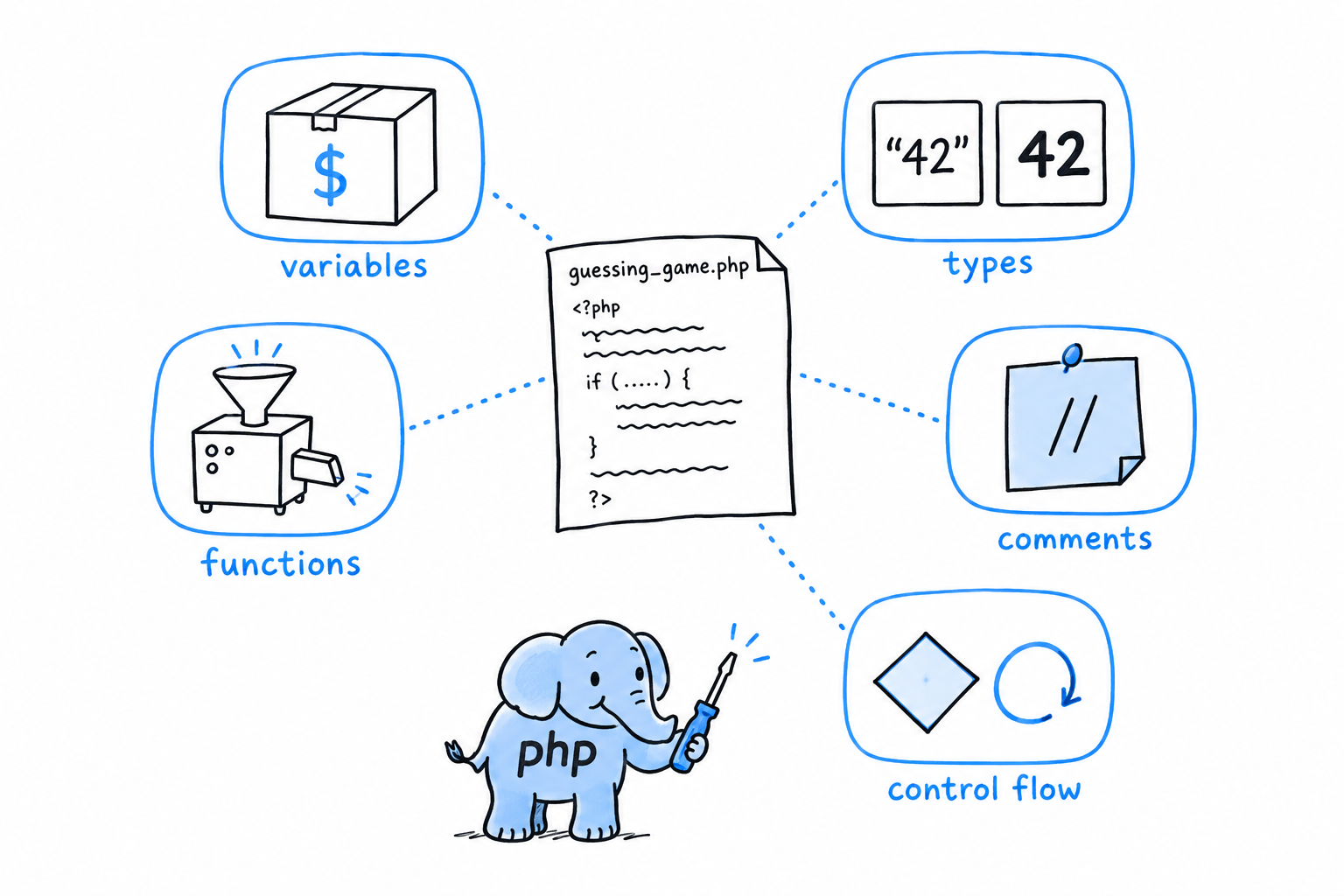
Every programming language is built from the same handful of ideas, and the game contains each of them. A place to keep a value, like $guess: a variable. The difference between the text “42” and the number 42: types. A piece of work with a name, like trim(): a function. A note left for the humans who read the code: a comment. The parts that decide and repeat, if and while: control flow. Five ideas, one section each, every one explained through code you have already run.
If you have programmed before, nothing here is conceptually new, and you can read fast. Watch for the places where PHP does the familiar thing its own way: variables that appear the moment you assign to them, a type system stricter than its reputation once you ask it to be, and a match expression you will miss elsewhere.
If this is your first language, slow down, keep the game open in your editor, and run each example as you meet it. Everything else in the book is these five ideas, arranged in bigger shapes.
Variables, Constants, and Mutability
In the guessing game, $guess held a different number on every turn of the loop, while $secretNumber kept the same one from start to finish. Same syntax, two different jobs. PHP gives you a way to say which of the two you mean.
Variables
A PHP variable starts with a dollar sign, and that is nearly all the syntax there is:
<?php

$greeting = "Hello";
echo $greeting;

$greeting = "Goodbye";
echo $greeting;
No let, no declaration step to forget. (There is a var keyword, a fossil from PHP 4 that only means something inside a class. You will not use it.) You assign, and from that line on the variable exists, exactly as $guess did in the game: no announcement, just a box and a value in it.
The second assignment changes what the box holds, and it needs no special permission. Every PHP variable is mutable by default. Reassigning is just assignment, again. If you come from a language where mutability is something you opt into, this is the opposite default: PHP treats change as the normal case, and immutability as something you build on purpose, usually with objects.
Try it: in the game, add $secretNumber = 42; right below the random_int() line. Nothing objects, and you now own a game you win on the first guess.
Naming
Variable names are case-sensitive, so $guess and $Guess are two different boxes. A name starts with a letter or an underscore, and by convention it is written in camelCase:
<?php

$userName = "damien";
$total_price = 42.50; // valid, but not idiomatic PHP
Both lines work. Only the first is what you will see in modern PHP code and in the coding standard most projects follow, PSR-12. PHP’s ecosystem cares more about consistency within a codebase than about any one style being right, but camelCase for variables is about as close to universal as a PHP convention gets.
Constants
$secretNumber never changed during a game, but nothing stopped it: one stray assignment inside the loop, and the game would break without a word. For a value that must not change while the program runs (a configuration setting, a mathematical constant, the base URL of an API), PHP has something better than a variable you promise not to touch:
<?php

define('MAX_RETRIES', 3);
echo MAX_RETRIES;

const APP_NAME = 'GuessingGame';
echo APP_NAME;
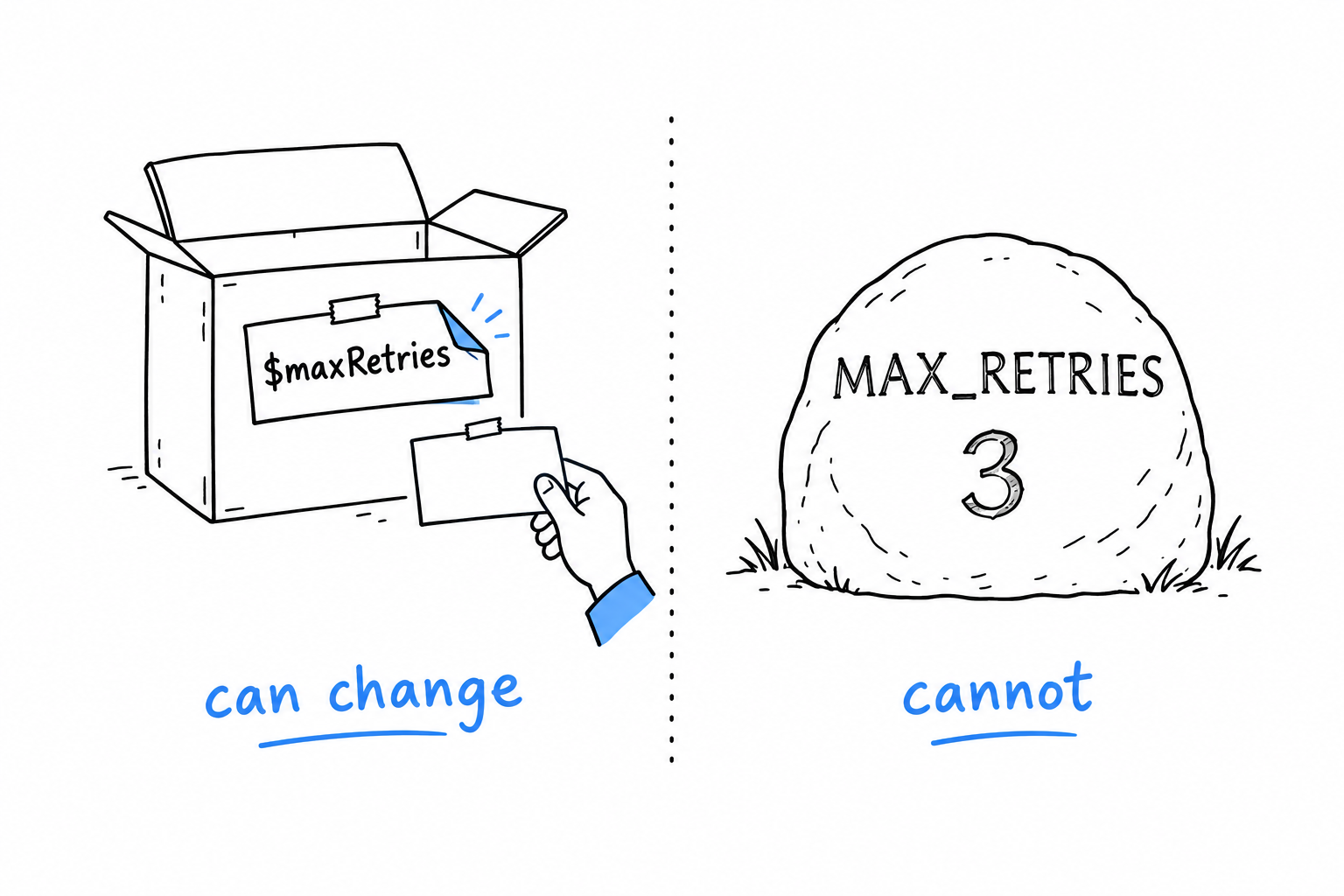
A constant has no $, and that is the point. Anywhere in a file, you can tell at a glance that MAX_RETRIES will not change under you, while $maxRetries is fair game for anyone downstream.
Two ways to write one, and both are common in the wild. define() is a function call, evaluated while the program runs, and it works anywhere. const is a language construct, resolved before the program runs, and (this is the part that trips people up) it is only allowed at the top level of a file or inside a class, never in an if block or a function body. Outside a class, prefer const: it is slightly faster and reads more like what it is.
A variable is a box with a label you can peel off. A constant is a name carved in stone.
Mutability, and what PHP actually does about it
If you have read about languages that make a big deal of ownership or borrowing, you may expect PHP’s story to be more complicated than “just assign to it.” At this level, it is not. PHP does have its own, much gentler idea of who owns a piece of data, and it shows up once you pass arrays and objects into functions instead of printing strings. That is the subject of Chapter 4.
Data Types
The keyboard gave the game the text “42”, and the game needed the number 42. That gap, and the (int) you wrote to close it, is what this section is about. PHP will let you write a whole program without naming a single type. It will also, if you ask, hold you to your types as strictly as any compiled language. Both are true at once.
Scalar types
Four types hold a single value each:
<?php

$age = 41;           // int
$price = 19.99;      // float
$name = "Damien";    // string
$isReady = true;     // bool
An integer for counting, a float for measuring, a string for text, a boolean for yes or no. The game used three of them without saying so: $secretNumber was an int, the raw input a string, and is_numeric() answered with a bool.
You can ask PHP what a variable holds with gettype(), or, far more useful while debugging, with var_dump():
<?php

var_dump($age);
// int(41)

var_dump($price);
// float(19.99)
var_dump() shows the type along with the value, which echo never does. It will become one of your most used tools. Try it: in the game, add var_dump($input); right after the line that reads the keyboard, type 42, and read the answer. string(2) "42": two characters of text, not a number.
Compound types
Two types hold collections of other things.
Arrays are PHP’s do-everything structure: list, dictionary, stack, queue, all the same underlying type wearing different hats:
<?php

$fruits = ["apple", "banana", "cherry"];   // indexed
$prices = ["apple" => 0.5, "banana" => 0.3]; // associative
All of Chapter 8 is about arrays, and they deserve it: no PHP program of any size gets by without them.
Objects are instances of classes, PHP’s way of bundling data with the behavior that operates on it. Objects properly start in Chapter 5; before then, you will only see the odd one in passing.
Special types
null stands for “no value at all”: not zero, not an empty string, nothing:
<?php

$middleName = null;
You will meet null constantly, usually as the answer to “did this function find anything, or not.” PHP 8 gave null real teeth with enums and the nullsafe operator (?->), both in Chapter 6.
Type juggling, and how to stop worrying about it
Here is the thing PHP is famous for, fairly or not: when an operator needs a certain type, PHP converts the value on the spot.
<?php

var_dump("5" + 3);      // int(8)
var_dump("5" . 3);      // string(2) "53"
var_dump(0 == "abc");   // false, as of PHP 8 (this used to be true!)
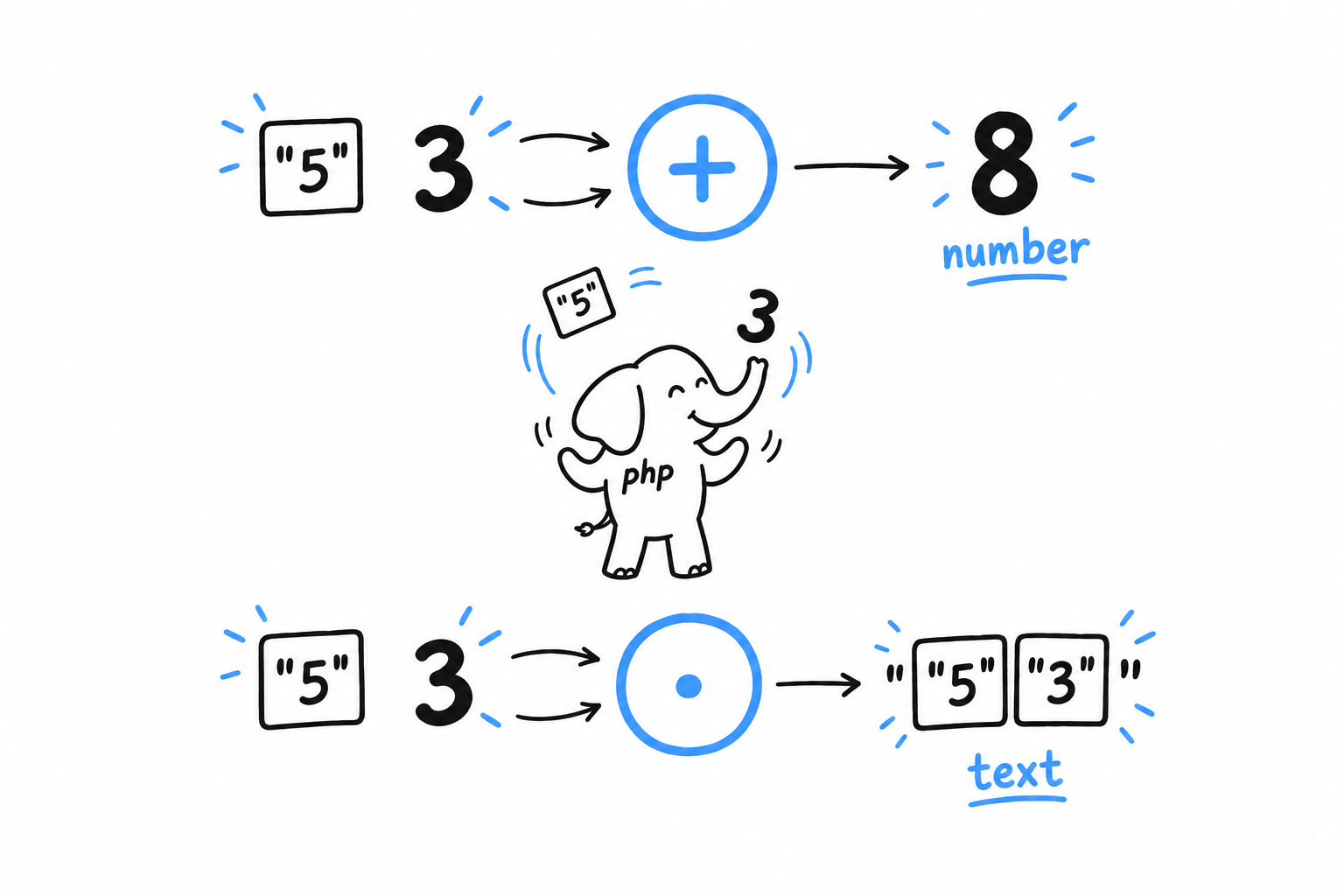
+ wants numbers, so the string "5" becomes a number. . (string concatenation) wants strings, so the integer 3 becomes text. This is type juggling, and older PHP tutorials tell horror stories about it, mostly because loose comparison with == had some genuinely surprising rules before PHP 8 tightened them. It is also what turned "banana" into a silent 0 in the game.
Two habits keep juggling from ever biting you.
Prefer === over ==. Strict comparison checks the type and the value, with no conversion: 0 === "abc" is simply false, no asterisk needed. Reach for loose == only when you specifically want the conversion.
Turn on strict types. Put this as the very first statement of a file, right after <?php:
<?php
declare(strict_types=1);

function double(int $n): int {
    return $n * 2;
}

double("4"); // TypeError: no silent conversion here
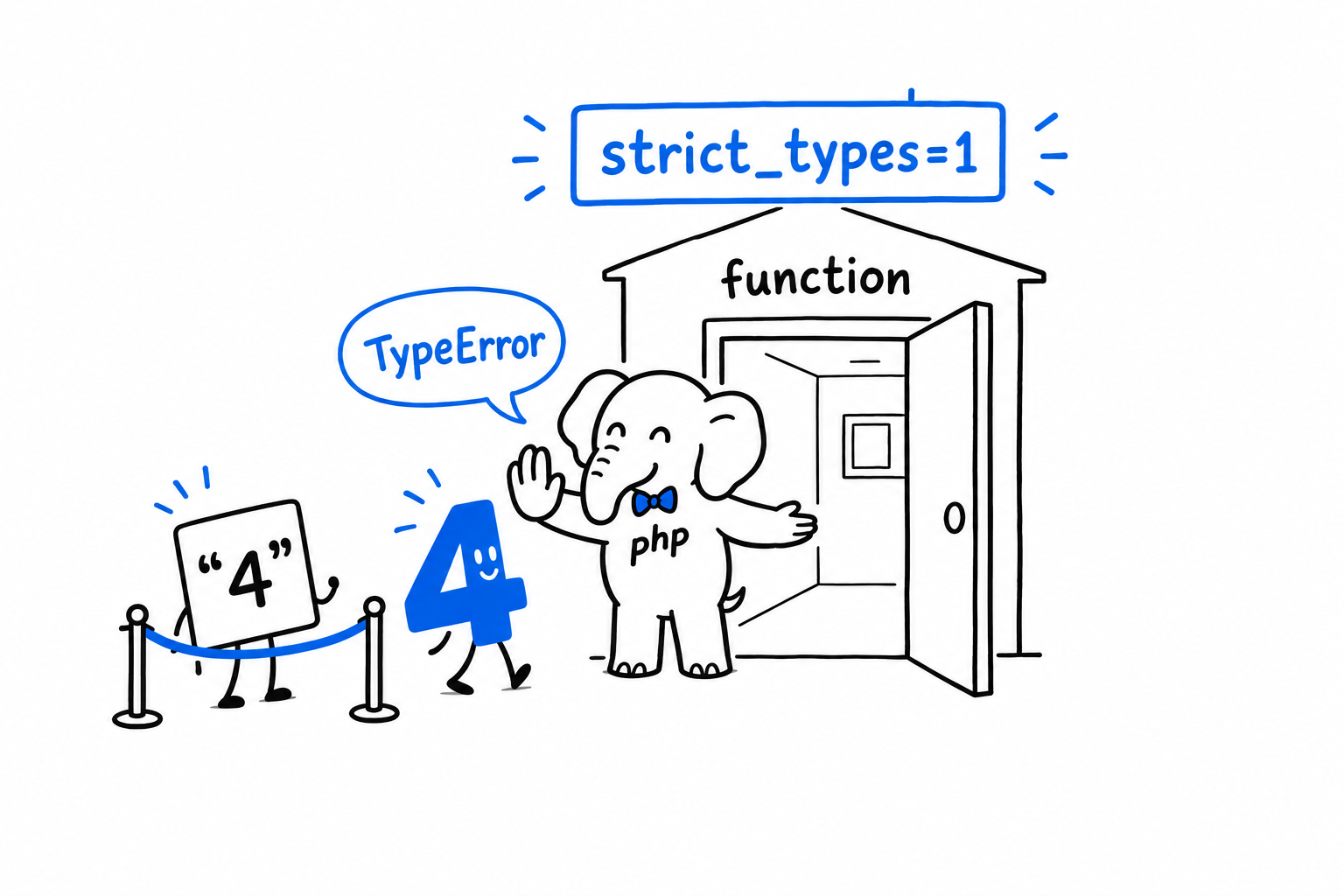
Without declare(strict_types=1), PHP quietly converts "4" to 4 when it reaches a parameter typed int. With it, the same call throws a TypeError. Modern PHP code almost always turns this on: “PHP guessed what you meant” becomes “PHP told you exactly what went wrong”, and the second is a much better bug report to receive.
Loose comparison and silent conversion are PHP’s default.
===andstrict_typesare how you switch them off.
Type declarations on parameters, on return values and, later, on properties, appear in every example from here on. They are optional in PHP. Treat them as the default, not the exception.
Functions
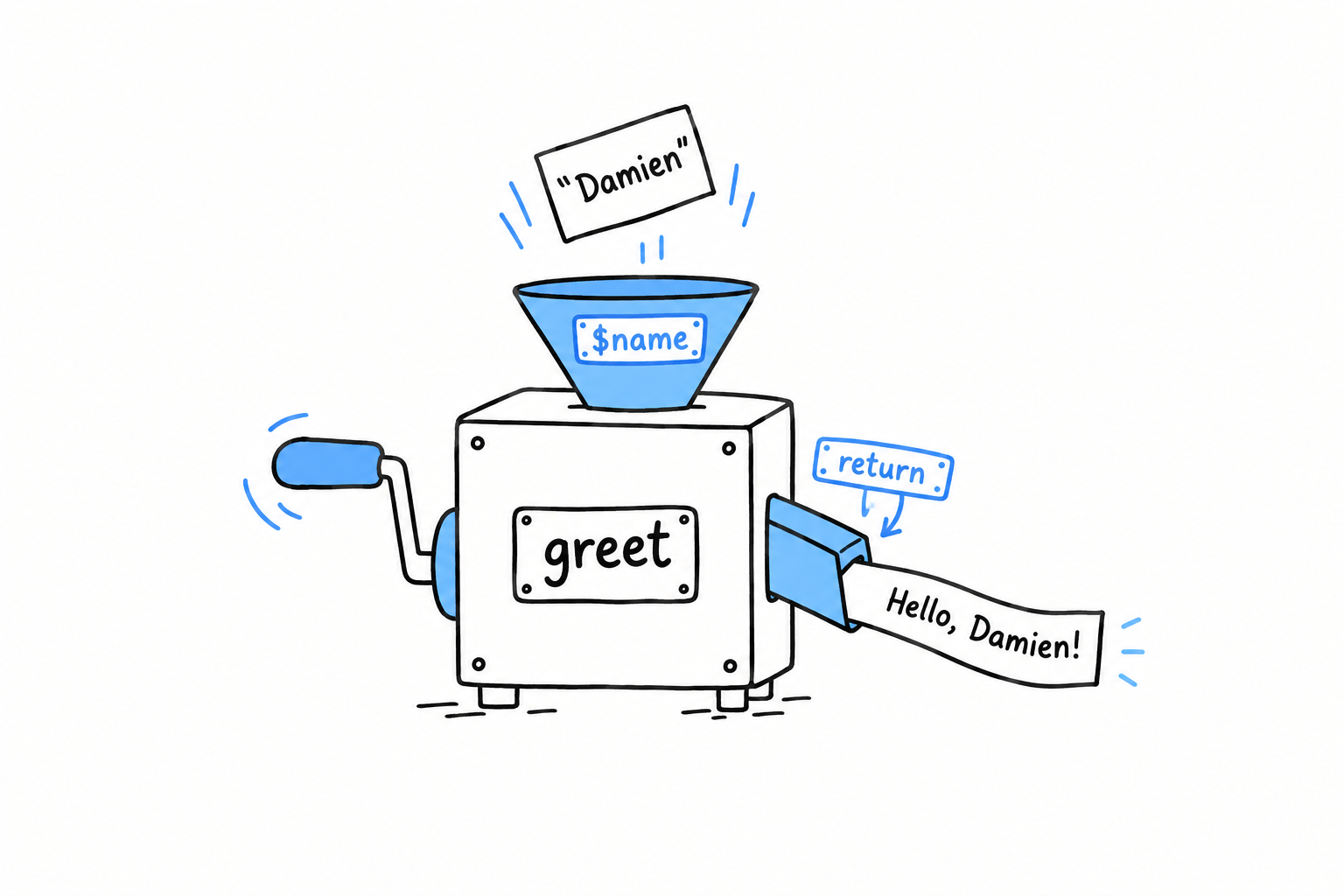
You have been calling functions since the first lines of the game. random_int(1, 100) picked the secret, fgets(STDIN) read a line, trim() cleaned it, is_numeric() checked it. Each one is a piece of work with a name: you hand it something, it hands something back. (echo looks like one, but as Chapter 1 noted, it is not.) Time to write your own.
<?php

function greet($name) {
    return "Hello, {$name}!\n";
}

echo greet("Damien");
function, a name, parentheses for the parameters, and a body in braces: that is the whole shape. Call greet("Damien"), and inside the body $name holds "Damien". Function names are conventionally camelCase. They are also case-insensitive when you call them, unlike variables, so GREET("Damien") would work. Please do not rely on that.
Parameters and types
Give each parameter a type, the way you saw in Data Types, and give the function a return type too:
<?php

function greet(string $name): void {
    echo "Hello, {$name}!\n";
}
: void says this function hands nothing back: it is called purely for its side effect, printing here. A function that does return something should say what:
<?php

function add(int $a, int $b): int {
    return $a + $b;
}

$sum = add(2, 3);
Type every parameter and every return value of every function you write, from here on. It costs a few keystrokes and removes a whole category of bugs where a function quietly receives, or returns, something you did not expect. Combined with declare(strict_types=1), it turns PHP from “dynamically typed and a little too forgiving about it” into a language that stops you at the door when you pass the wrong thing.
Default values
A parameter can have a default, which makes it optional when you call the function:
<?php

function greet(string $name, string $greeting = "Hello"): string {
    return "{$greeting}, {$name}!\n";
}

echo greet("Damien");             // Hello, Damien!
echo greet("Damien", "Bonjour");  // Bonjour, Damien!
Parameters with defaults come after parameters without them. PHP reads arguments left to right, so the required ones need to be settled first.
Named arguments
Argument order stops mattering once you pass arguments by name, and naming arguments is a real comfort as soon as a function has more than two or three parameters:
<?php

echo greet(name: "Damien", greeting: "Bonjour");
echo greet(greeting: "Bonjour", name: "Damien"); // order no longer matters
It shines with functions that have several optional parameters: you jump straight to the one you want to change, instead of spelling out every default in between to reach it by position.
return leaves at once
return exits the function immediately, with a value. Nothing after it runs:
<?php

function classify(int $n): string {
    if ($n < 0) {
        return "negative";
    }

    if ($n === 0) {
        return "zero";
    }

    return "positive";
}
There is no implicit “the last expression is the result” as in some languages. PHP always wants an explicit return. Leave it out, and the function returns null, silently. That is usually a bug rather than a choice, which is why declaring : void on functions that truly return nothing is worth the habit: PHP, and any static analysis tool reading your code, can then flag a value that slips out by accident.
Functions as values
One more thing worth knowing early, even though it only comes into its own in Chapter 15: a function is a value too. You can hold one in a variable and call it from there:
<?php

$operation = 'add';
echo $operation(2, 3); // calls add(2, 3), if add() is defined above
And PHP has real anonymous functions, called closures, for when you need to pass behavior around without giving it a name at all:
<?php

$double = function (int $n): int {
    return $n * 2;
};

echo $double(21); // 42
File that away. It matters a great deal later, once you start handing small pieces of behavior to array functions and generators.
Comments
The guessing game has no comments, and at thirty lines it needs none. Programs grow, though, and sooner or later a line needs a note next to it: why this check is here, what that number means, which bug this works around. A comment is text PHP skips entirely and a human reads. PHP gives you three ways to write one, a leftover of its early days as a templating language.
<?php

// A single-line comment.

# Also a single-line comment, same effect, different heritage
// (this style is borrowed from shell scripts; you'll see it far less often).

/*
 * A multi-line comment,
 * for when one line isn't enough.
 */
In practice // dominates for everyday notes, and /* ... */ shows up for the longer, more structured kind, most often as a docblock sitting right above a function or a class:
<?php

/**
 * Calculates compound interest.
 *
 * @param float $principal Starting amount
 * @param float $rate Annual interest rate, as a decimal (e.g. 0.05 for 5%)
 * @param int $years Number of years to compound
 * @return float The final amount after compounding
 */
function compoundInterest(float $principal, float $rate, int $years): float {
    return $principal * (1 + $rate) ** $years;
}
The /** opener, two asterisks rather than one, marks a docblock. It is a convention, not a language feature, but your editor, PHPStan and documentation generators all read the @param and @return tags out of it. Docblocks earn their keep in Chapter 11, where PHP’s type system needs a little help from comments to say things the language cannot express yet.
What is worth commenting
Less than you would think. A well-named function with well-typed parameters explains itself. A comment repeating what the code already says gives you two places to keep in sync, and PHP only checks one of them.
<?php

// Bad: says what, which the code already says
// Increment the counter by one
$counter++;

// Good: says why, which the code can't say on its own
// Retry once more here: the upstream API is flaky on cold start
$retries++;
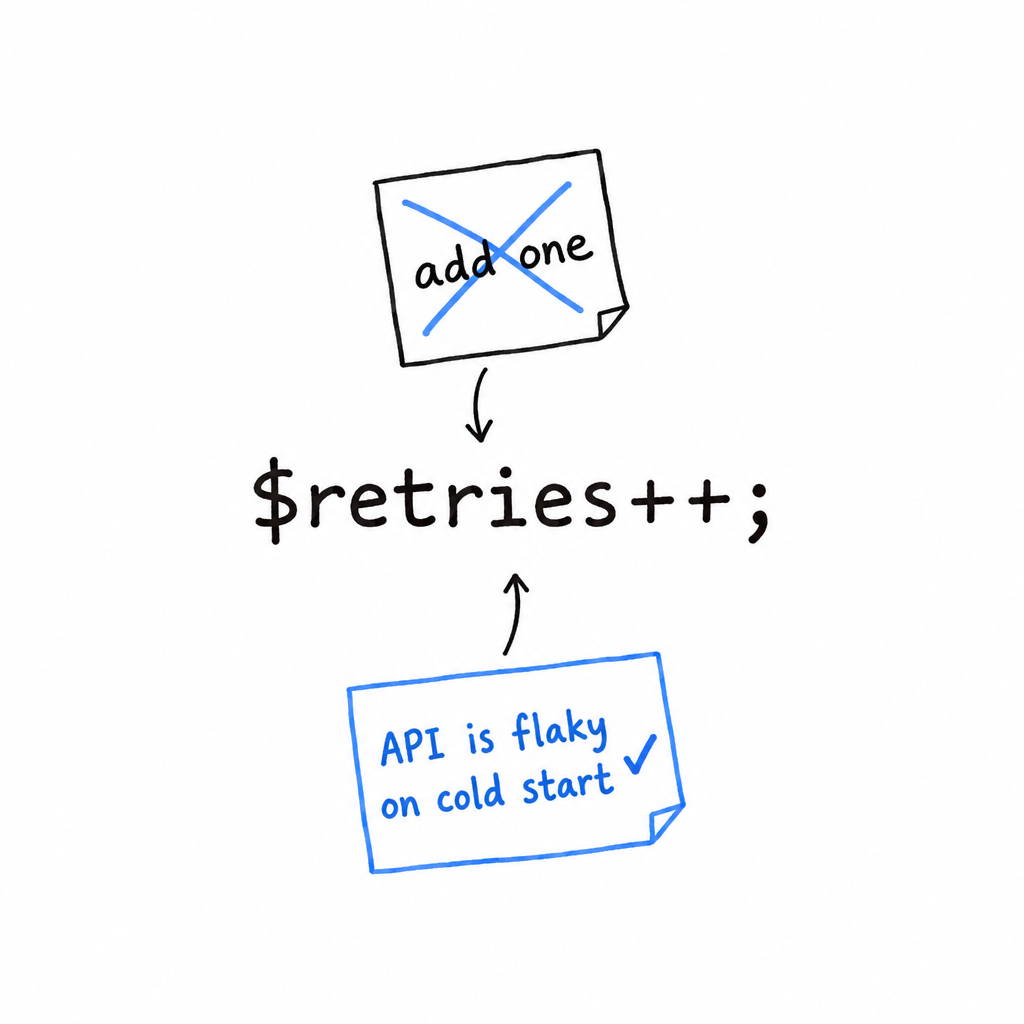
Comment the why, not the what. A comment explaining a workaround, a non-obvious constraint, or a decision that would look wrong without context is worth its weight. A comment translating the code into English, line by line, is one more thing to go stale the next time someone edits the line without touching the note above it.
Control Flow
Strip the guessing game down to its skeleton and two words remain: if and while. One decides, the other repeats. Everything a program does beyond running top to bottom comes from those two moves, and PHP has a few variations on each.
if / elseif / else
<?php

$temperature = 18;

if ($temperature > 30) {
    echo "Hot.\n";
} elseif ($temperature > 15) {
    echo "Pleasant.\n";
} else {
    echo "Bring a jacket.\n";
}
Same shape as the comparison in the game: PHP runs the first block whose condition is true and skips the rest, or falls back to else. It is elseif, one word. else if, two words, works too, but only elseif is a single token to PHP, so it is the convention worth adopting.
The condition does not have to be a boolean, but write it as if it did. PHP converts whatever you hand it: 0, "", null and [] all count as false, everything else as true. Leaning on that is exactly the kind of type juggling Data Types warned you about. Prefer an explicit comparison whenever the value is not already obviously a boolean.
An if/elseif chain is at its best when each branch tests something different, the way $temperature > 30 and $temperature > 15 do. When you catch yourself writing several branches that all compare the same value against a list of possibilities, that repetition is a signal to reach for the next tool.
match
PHP 8 added match, and once you have used it, switch starts to feel like a relic:
<?php

$httpStatus = 404;

$message = match (true) {
    $httpStatus >= 200 && $httpStatus < 300 => "Success",
    $httpStatus >= 400 && $httpStatus < 500 => "Client error",
    $httpStatus >= 500 => "Server error",
    default => "Unknown",
};

echo $message; // Client error
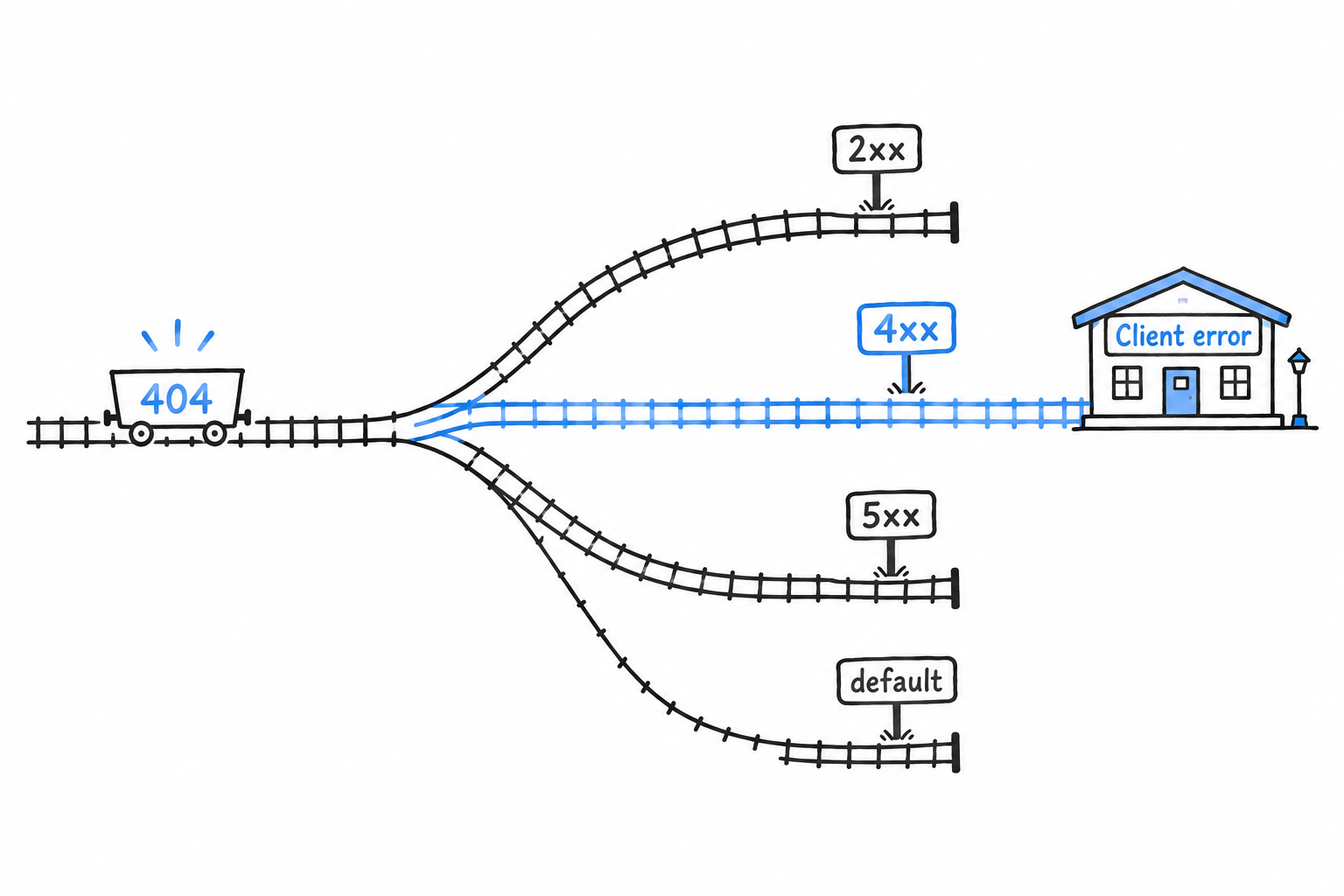
match is an expression: it produces a value, which you assign, as above, instead of a statement you branch inside of. Two more things make it a real upgrade over switch. Its comparisons are strict, ===, so no juggling sneaks a wrong branch through. And it has no fallthrough, so there is no break to forget. Chapter 6 pairs match with enums, and the two turn out to be made for each other.
Loops
while runs as long as its condition holds, and checks it before each pass:
<?php

$count = 3;
while ($count > 0) {
    echo "{$count}...\n";
    $count--;
}
echo "Go!\n";
The game’s while (true) was the extreme case: a condition that never turns false, and break as the only way out.
do...while checks the condition after each pass instead, so the body runs at least once:
<?php

do {
    echo "This runs once even if the condition is already false.\n";
} while (false);
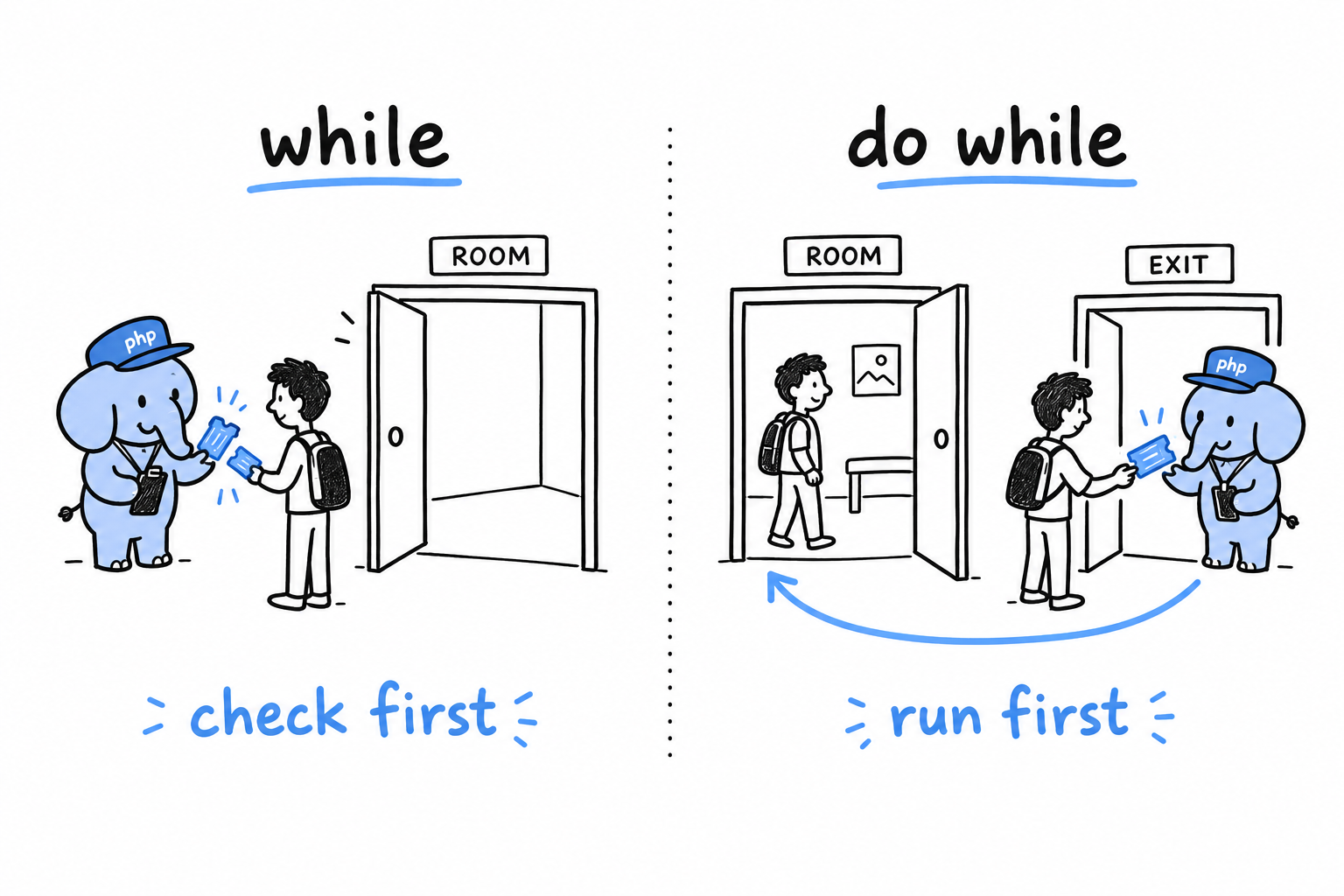
for is the classic three-part loop, at home whenever you need a counter:
<?php

for ($i = 0; $i < 5; $i++) {
    echo "{$i}\n";
}
Start value, condition, step, all on one line: $i starts at 0, the body runs while $i < 5, and $i++ adds one after every pass.
foreach walks a collection directly, no counter to maintain, and it is the loop you will reach for constantly once arrays arrive in Chapter 8:
<?php

$fruits = ["apple", "banana", "cherry"];

foreach ($fruits as $fruit) {
    echo "{$fruit}\n";
}

$prices = ["apple" => 0.5, "banana" => 0.3];

foreach ($prices as $name => $price) {
    echo "{$name}: \${$price}\n";
}
The second form, as $name => $price, pulls out the key and the value in one go. It appears so often in real PHP code that you may as well commit it to memory right now.
break and continue, one more time
You met both in the game: break leaves the loop at once, continue skips to the next round.
<?php

foreach ([1, 2, 3, 4, 5] as $n) {
    if ($n === 3) {
        continue; // skip 3, keep going
    }
    if ($n === 5) {
        break; // stop entirely once we hit 5
    }
    echo "{$n}\n";
}
// prints 1, 2, 4
Both accept an optional number: break 2 leaves two nested loops at once. Reach for it only when it reads clearer than restructuring the loops. Nested break levels are obvious while you write them and baffling a month later.
Try it: rewrite the game’s three-way comparison as a match (true) that produces the message, then print it. The break has to stay outside the match, since a match produces a value and does nothing else. That small friction is the difference between an expression and a statement, felt in your own fingers.
Branch, repeat, steer. The rest of the book never adds a new kind of move, only bigger shapes made of these.
Working with Variables and References
Since the guessing game in Chapter 2, you have written $x = $y without a second thought. It deserves one.
Write that line with an array, then with an object, and change the copy each time. With an array, the original stays put. With an object, the original changes too. Same line, two opposite behaviors, and the difference is not a detail of the engine. It is one of the most common surprises for people arriving from another language, and one of the most reliable sources of strange bugs for people who never had it explained. Get it backwards in your head, and one day a function will “not work” for no visible reason, right up until you understand this chapter.
Arrays behave as if every assignment made you a fresh, independent copy. Objects behave as if every variable holding one were just another name for the same thing. The first section looks at how PHP copies arrays, and at the trick it uses to make that cheap. The second covers the & that lets you share a variable on purpose, and the way objects are shared whether you ask or not. References are a sharp tool, useful in a few precise situations and a reliable source of confusing code when reached for out of habit, so you will also learn where they earn their keep.
The chapter closes on two smaller ideas that live next door: what a function can and cannot see of the variables around it, and how PHP takes out the memory it no longer needs. Neither takes long to learn, and both will come up again later in the book.
How PHP Manages Values: Copy-on-Write
Assign an array to a second variable, add something to the second one, and look at the first:
<?php

$original = [1, 2, 3];
$copy = $original;

$copy[] = 4;

var_dump($original); // array(3) { [0]=> int(1) [1]=> int(2) [2]=> int(3) }
var_dump($copy);     // array(4) { [0]=> int(1) [1]=> int(2) [2]=> int(3) [3]=> int(4) }
$original still has three elements. Copying an array gives you an independent array: change the copy all you want, the original does not move. Picture $copy = $original as PHP walking through the array and duplicating every element into a fresh box. That picture is the one to keep, and for most day-to-day PHP it is all you need.
Copy an array, change the copy: the original stays put.
But it doesn’t actually copy on the spot
Here is what really happens, even though it rarely changes how you write code. Duplicating an array the instant it is assigned would be wasteful: plenty of arrays get passed around and never modified at all, so the copy would be work for nothing. PHP waits, and only copies the array the moment one side tries to change it. The strategy is called copy-on-write.
The assignment $copy = $original makes both names point at the same array data, and PHP keeps a small count of how many variables share it. Reading through either name costs nothing. The first write through one of them ($copy[] = 4 above) is the moment PHP steps in: it makes a real, separate copy and applies the change to that copy alone.
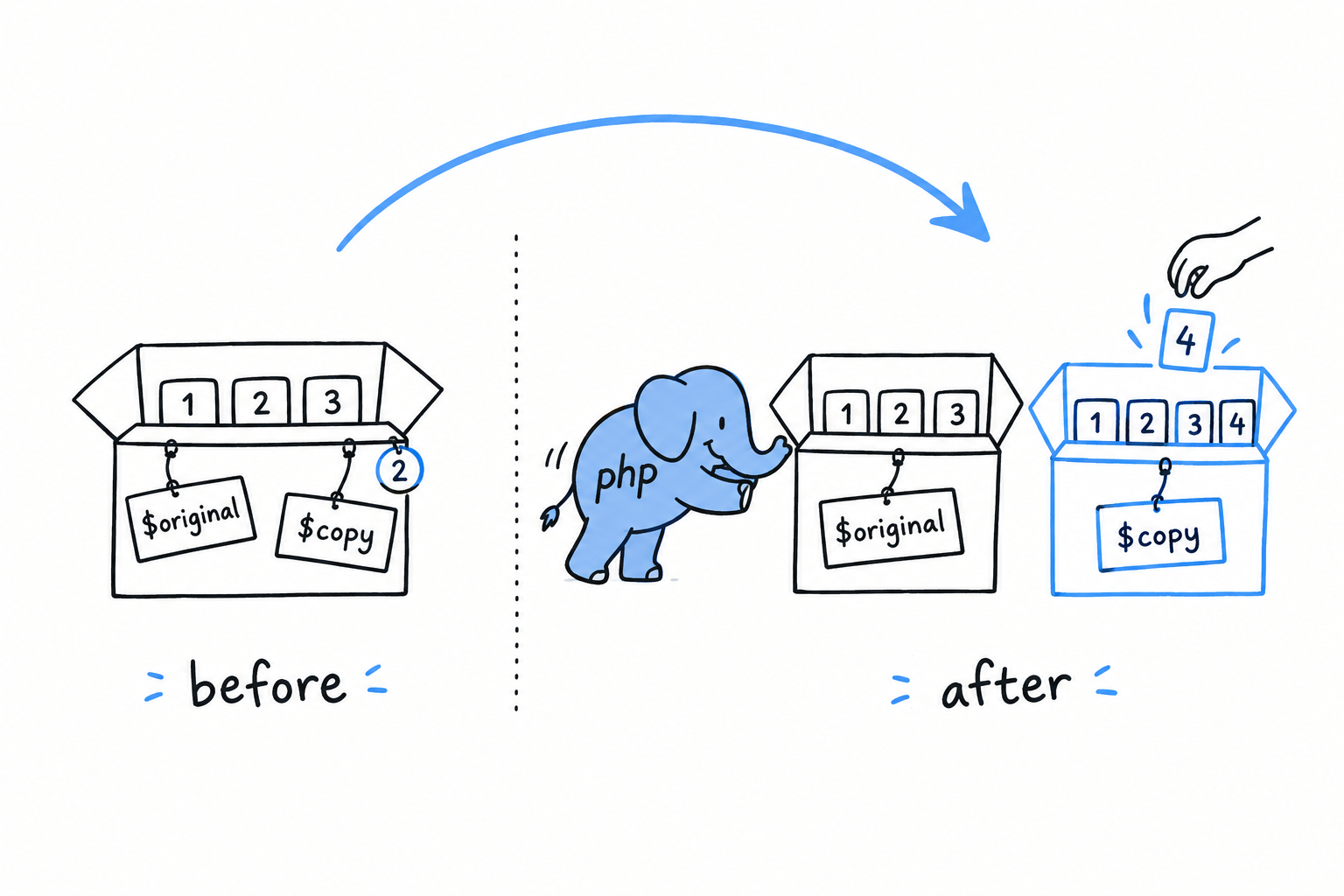
<?php

$original = ["apple", "banana"];
$copy = $original; // no copying has happened yet, both point at the same data

foreach ($copy as $fruit) {
    echo $fruit . "\n"; // just reading, still sharing
}

$copy[] = "cherry"; // *now* PHP actually duplicates the array
None of this is visible from inside your program. No function to call, no delay, nothing that behaves differently depending on whether the copy has “really” happened yet. It is purely an optimization the engine performs for you. The word is still worth knowing, because “copy-on-write” shows up in PHP performance discussions, in RFC text and in the odd profiler output, and it helps to know it is nothing exotic. It is PHP being lazy about a copy it was always going to give you.
Why this matters for functions
Pass an array into a function, and the function receives what behaves like its own copy:
<?php
declare(strict_types=1);

function addTax(array $prices): array
{
    foreach ($prices as $key => $price) {
        $prices[$key] = round($price * 1.2, 2);
    }
    return $prices;
}

$cart = ["book" => 10.00, "pen" => 2.00];
$withTax = addTax($cart);

var_dump($cart);     // unchanged: book => 10.00, pen => 2.00
var_dump($withTax);  // book => 12.00, pen => 2.40
addTax() rewrites $prices freely, and none of it leaks back to $cart. A function that takes an array cannot reach back and rewrite the caller’s data, unless the caller explicitly allows it. That is usually exactly what you want: you hand data to a function, it hands data back, and what you were holding is still what you were holding. Try it: add $prices["hat"] = 5.00; just before the return and dump $cart again. Still two items.
Sometimes you do want a function to modify the caller’s array in place. Copy-on-write cannot give you that. References can, and they are the subject of the next section.
One thing to flag before you get there: everything above is about arrays. Assign an object to another variable and you do not get an independent copy, lazy or otherwise. That contrast deserves its own careful treatment, right after the &.
Passing by Value vs. by Reference
Copy a variable, change the copy, and the original stays put. That is PHP’s default, and it has a name: passing by value. It is what happens everywhere in PHP unless you ask for something else. This section is about how to ask, and about the one place where PHP gives you something else whether you asked or not: objects.
Explicit references with &
Put & in front of a variable when you assign it, and the two names become one:
<?php

$a = 10;
$b = &$a; // $b is now an alias for $a, not a copy of its value

$b = 20;

echo $a; // 20
After $b = &$a, $a and $b are not two variables holding equal values. They are two labels stuck on the same box. Change the value through either label and you have changed it for both, because there was only ever one box.
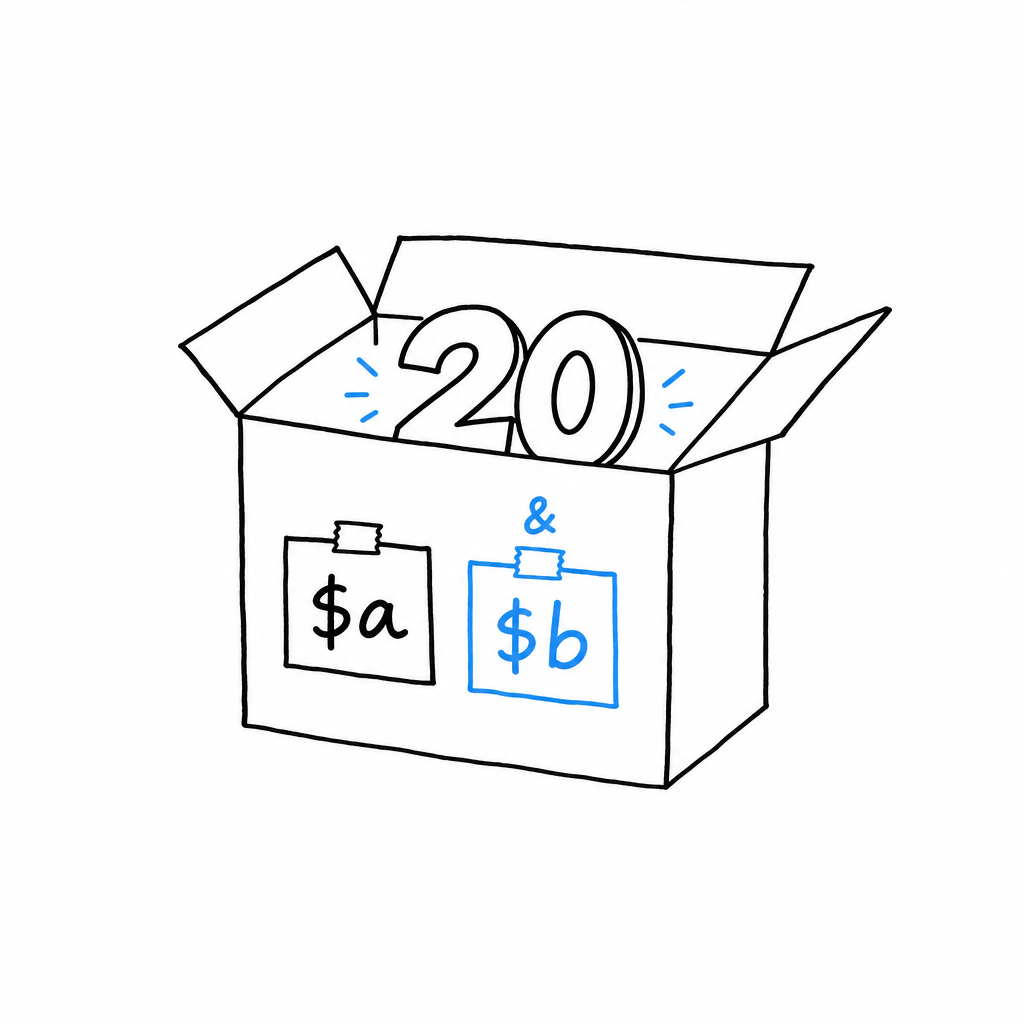
A reference is a second label on the same box.
The same & works on a function parameter:
<?php
declare(strict_types=1);

function addTax(array &$prices): void
{
    foreach ($prices as $key => $price) {
        $prices[$key] = round($price * 1.2, 2);
    }
}

$cart = ["book" => 10.00, "pen" => 2.00];
addTax($cart);

var_dump($cart); // book => 12.00, pen => 2.40, modified in place
Compare this with the addTax() of the previous section: same body, but the & before $prices changes everything for the caller. Without it, the function got a value it could mutate without consequence. With it, $prices inside the function is $cart outside: no copy at all, not even a lazy one. A reference parameter lets a function modify the caller’s variable in place. That is exactly how sort() works, a real built-in that rearranges your array through a reference instead of handing you back a new one.
Warning
&is easy to overuse. A function whose signature carries it quietly changes its contract from “give me data, get data back” to “let me reach into your variable and change it”, and that is a bigger promise than it looks. Reach for it when in-place mutation is the whole point (sorting, filling a buffer) and return a value everywhere else. Code that returns its result can be read and tested on its own. Code sprinkled with¶meters sends the reader to every call site to find out what might have changed.
Arrays copy, objects don’t
This is the surprise the whole chapter has been building towards. Read it slowly, because it catches almost everyone the first time.
You know arrays copy. Objects do not. Assign an object to a variable, pass it into a function, store it in an array: PHP never duplicates the object itself. Every variable that “holds” an object really holds a handle to the one instance living in memory. Copy the variable all you like, you are copying the handle, not the thing on the other end.
<?php
declare(strict_types=1);

class Cart
{
    public array $items = [];
}

$cartA = new Cart();
$cartA->items[] = "book";

$cartB = $cartA; // NOT a copy, $cartB points at the same Cart instance
$cartB->items[] = "pen";

var_dump($cartA->items); // ["book", "pen"], both items show up here too
var_dump($cartB->items); // ["book", "pen"]
If class and new are new to you, Chapter 5 explains them properly. For now, read new Cart() as “make one cart” and ->items as “its list of items”.
$cartB = $cartA looks exactly like $copy = $original did with arrays. It behaves nothing like it. There is one Cart here, and $cartA and $cartB are two labels on it. Add a pen through either label and the other one sees it immediately, because there is nothing else to see.
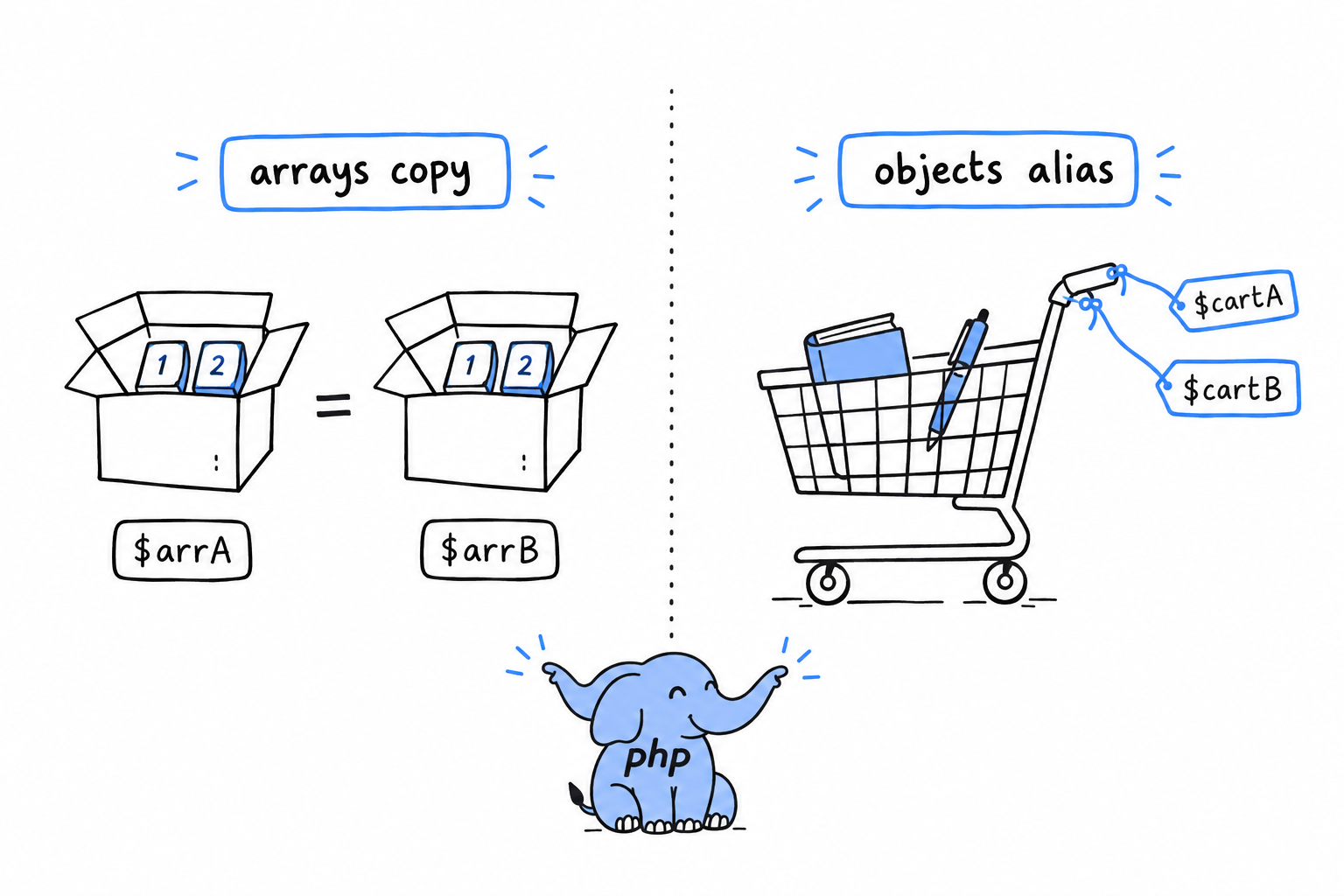
This is the most common cause of “why did my function change something it was not supposed to touch” in beginner PHP code, and it runs in the opposite direction from the array confusion. People expect objects to copy like arrays, get burned once, then overcorrect and assume everything aliases like objects. Neither is right.
Arrays copy, objects alias.
Passing an object into a function never protects the caller’s data the way passing an array does. The function receives a handle to the very same instance, and anything it does through that handle is visible the moment it returns, no & required:
<?php
declare(strict_types=1);

function addItem(Cart $cart, string $item): void
{
    $cart->items[] = $item; // this mutates the caller's actual Cart
}

$cart = new Cart();
addItem($cart, "notebook");

var_dump($cart->items); // ["notebook"], visible outside the function, no & needed
No & anywhere in addItem(), and none needed. Objects are always “passed by handle”. You will hear it called “passed by reference”, which is close but not the precise PHP term: inside the function you can still reassign $cart to a different object without affecting the caller’s variable. Try it: make $cart = new Cart(); the first line of addItem(). The notebook now goes into a cart nobody else holds, and the caller’s $cart->items stays empty. What you cannot do is change the object a handle points to without the change showing everywhere else that object is held.
clone, the escape hatch
Sometimes you do want a second, independent Cart, one that starts with the same items and then goes its own way. That is what clone is for:
<?php
declare(strict_types=1);

$cartA = new Cart();
$cartA->items[] = "book";

$cartB = clone $cartA; // a genuine, separate copy
$cartB->items[] = "pen";

var_dump($cartA->items); // ["book"], untouched
var_dump($cartB->items); // ["book", "pen"]
clone creates a new object with the same property values, and from then on the two are fully independent, the behavior you might have expected from plain assignment. One caveat to flag now: clone copies one level deep. If one of Cart’s properties were itself an object rather than a plain array, the clone and the original would still share that nested object, handle and all, unless you do something about it. PHP gives classes a __clone() method for exactly this, and the book gets to it once you have spent more time with classes, starting in Chapter 5.
Variable Scope and Garbage Collection
Functions have their own scope
A variable created inside a function lives inside that function, and nowhere else:
<?php
declare(strict_types=1);

function greet(): void
{
    $message = "Hello from inside greet()";
    echo $message . "\n";
}

greet();
echo $message ?? "no such variable out here\n";
Run it. The second line prints “no such variable out here”: $message inside greet() and any $message floating around outside are unrelated, even though they share a name. Every function gets its own private set of variables, invisible from outside. This is called local scope, and it is the sane default. Without it, every variable name in every function would compete for one shared space, and calling a function you did not write would be a small act of faith that it had not quietly overwritten one of yours.
Picture each function as a room with its own shelves. A box on a shelf in one room does not exist in the next.
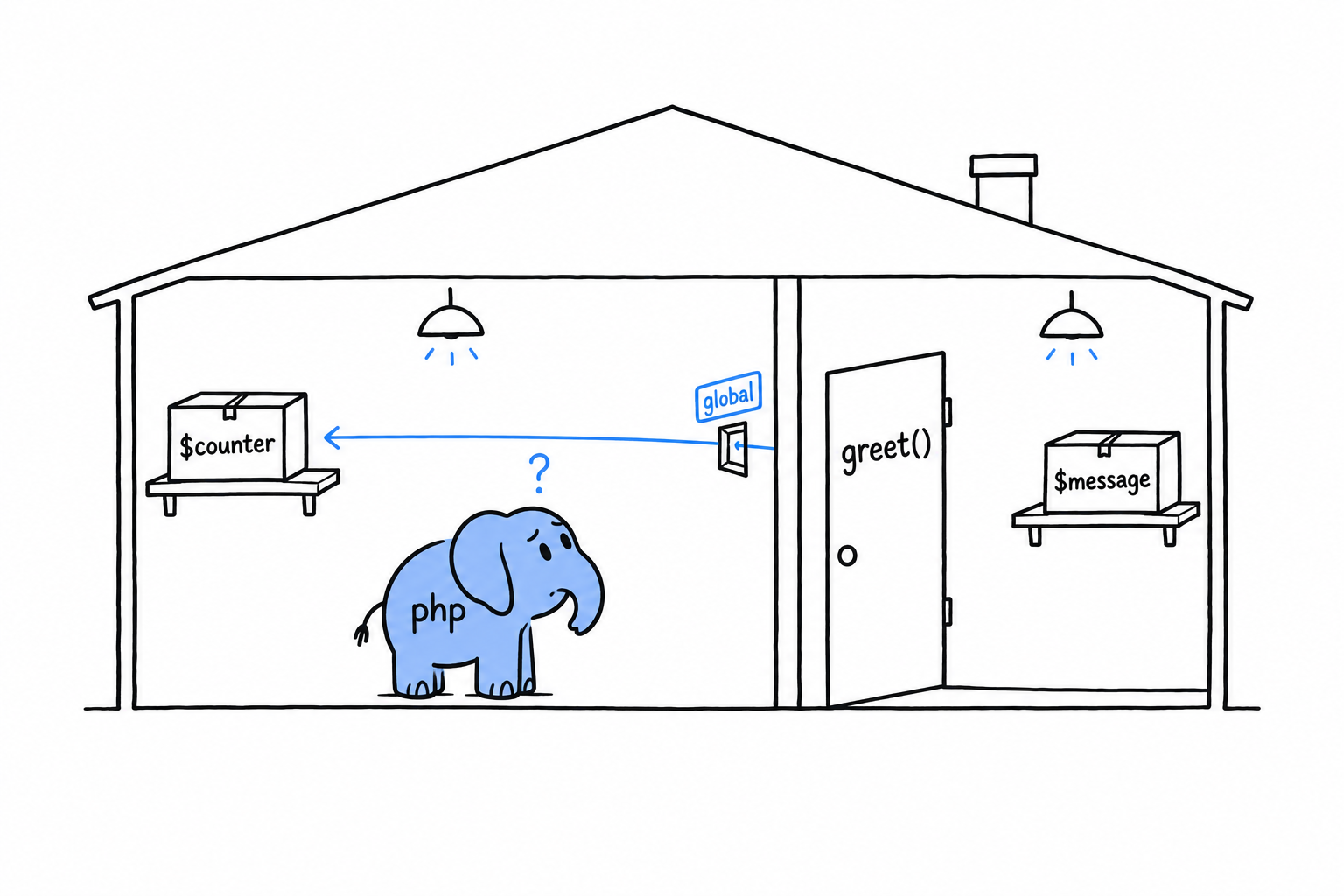
global, and why you’ll rarely reach for it
PHP does have a way to let a function read and write a variable from the top-level script: the global keyword.
<?php
declare(strict_types=1);

$counter = 0;

function increment(): void
{
    global $counter;
    $counter++;
}

increment();
increment();
echo $counter; // 2
It works. It is also almost never the right tool. A function that reaches out through global to change state living outside its parameters and return value is a function you cannot understand by reading its signature: you have to find every global $counter in the codebase to know who changes it, and in what order. Invisible in a five-line example, painful in a five-thousand-line application.
Prefer passing values in as parameters and getting results back as return values, or, once you reach Chapter 5, keeping shared state as a property on an object you pass around deliberately. If you feel the pull of global, the function usually wants a parameter instead.
static variables inside functions
There is a better-behaved way for a function to remember something between calls. An ordinary local variable is created fresh and destroyed every time the function runs. A static local variable keeps its value from one call to the next, and only that function can see it.
<?php
declare(strict_types=1);

function nextId(): int
{
    static $id = 0;
    $id++;
    return $id;
}

echo nextId(); // 1
echo nextId(); // 2
echo nextId(); // 3
$id = 0 runs only the first time nextId() is called; every later call picks up where the previous one stopped. Nothing outside nextId() can read or reset $id. There is no global-style leak here, just a function with a private memory of its own. It is a handy pattern for a small counter, a simple cache, or a “have I already done this setup” flag, when a full object would be overkill for one number.
A brief, honest word about garbage collection
You will hear people mention PHP’s “garbage collector”, usually next to the words “memory leak” or “long-running script”. It helps to know roughly what they mean, even though you will rarely think about it.
Every value PHP creates, every array and every object, carries a small counter: the number of variables currently pointing at it. When that count drops to zero, PHP frees the memory immediately. The last variable went out of scope or was reassigned, nobody needs the value anymore, and it is gone. This counter is also what makes copy-on-write work, back in the first section of this chapter: PHP always knows how many places share a given array.
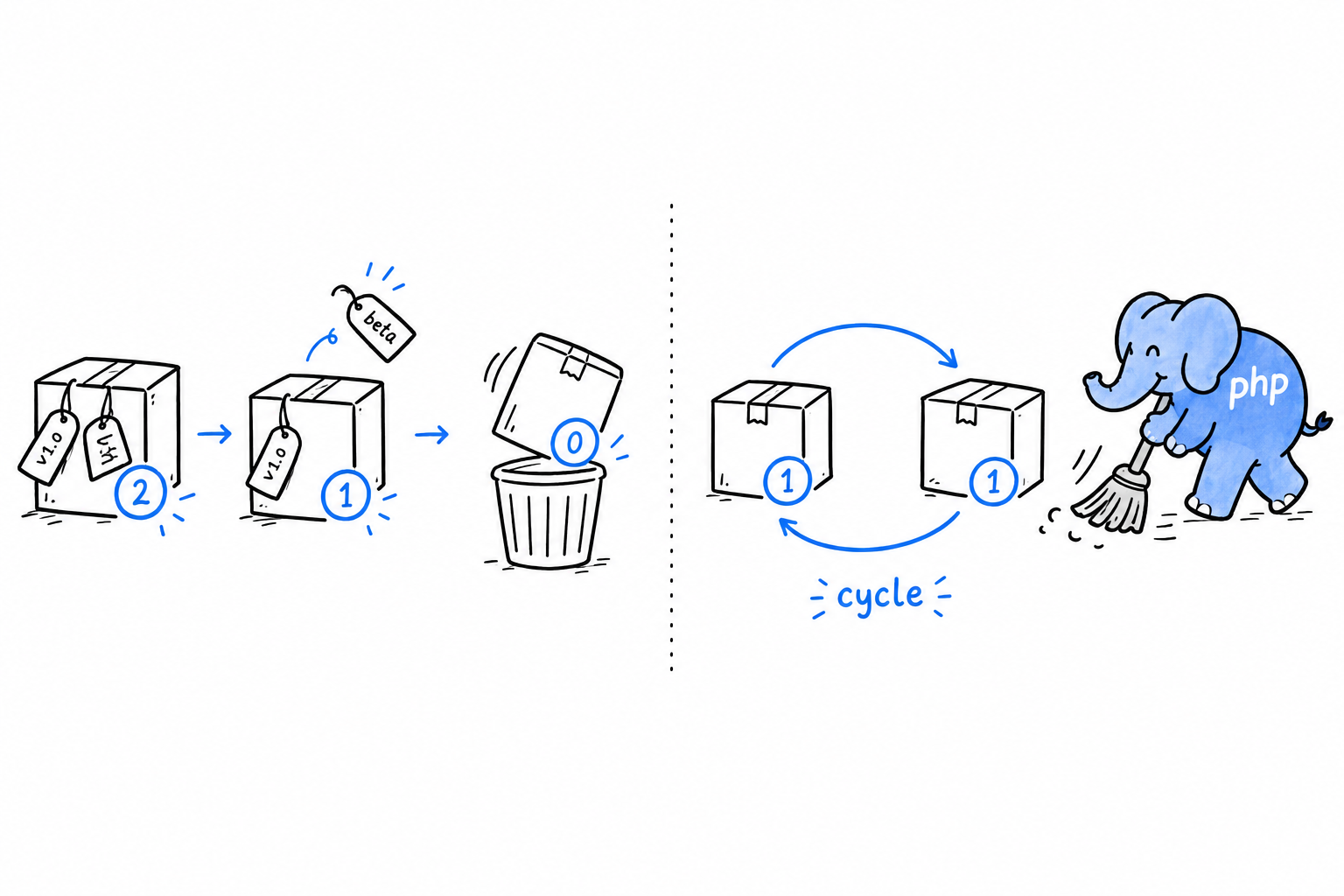
Counting has one blind spot. Two objects that point at each other form a cycle, and a cycle can be forgotten by the rest of the program while its two members still hold on to each other. Their counts never reach zero. PHP runs a separate cycle collector from time to time, finds these orphaned cycles, and cleans them up anyway.
You do not manage memory in PHP. No malloc, no free, no bookkeeping of who owns what. Values disappear when nothing needs them, and PHP works out “nothing needs them” for you, cycles included. That is not a gap compared to languages that make you think about memory; it is the entire point. Keep the vocabulary in your back pocket for the rare day you debug memory growth in a long-running script, and otherwise let it do its job.
Using Classes to Structure Related Data
Somewhere in your code sits a $product array. Somewhere else, a calculateTotal($product) function. The two only work together as long as they agree on which keys the array holds, and nothing in PHP checks that they do.
You have been grouping related values into arrays since Chapter 3: a cart’s items, prices keyed by name. It works, right up until it doesn’t. An associative array has no fixed shape. Nothing stops you from misspelling a key, nothing says which keys are supposed to exist, and nothing ties the operations you perform on the data to the data itself.
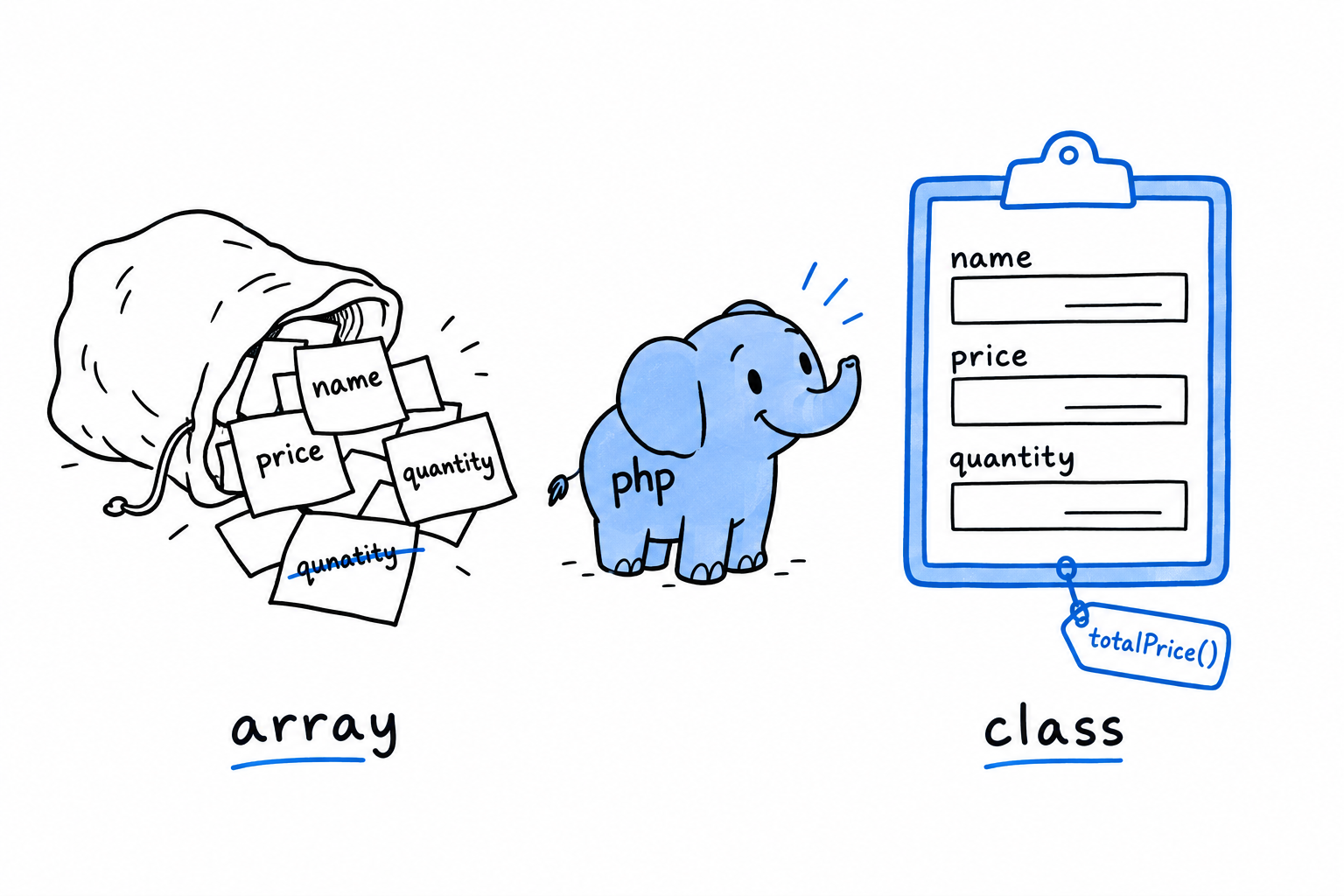
A class gives a piece of data a shape: named, typed properties that always exist, with the operations that make sense on that data living right beside it, as methods. Picture the difference between a pile of sticky notes and a printed form. The form has fixed fields, every copy has the same ones, and the instructions for filling it in are printed on the form itself.
You have met objects twice already, in passing in Data Types and more seriously in Chapter 4, where you learned the single most important thing about them: unlike arrays, objects are not copied when you assign or pass them around. Every variable holding one holds a handle to the same instance. From here on, objects stop being background scenery. You build them yourself.
The mechanics come first: the class keyword, typed properties, visibility, and new, which brings an instance into existence. Then one small example, worked end to end, the way a class shows up in real code: not because a book told you to write one, but because the loose-array version of the same problem had become a liability. Methods close the chapter, with $this and PHP’s modern shorthand for constructors, which trims a surprising amount of the boilerplate older PHP code is full of.
A bag of arrays held together by convention, or a shape the language itself can hold you to. That is the choice this chapter is about.
Defining and Instantiating Classes
A class is a blueprint. It says what data an object of that kind holds and, later on, what it can do. A blueprint builds nothing by itself. You ask PHP to build an object from it with new.
Defining a class
<?php
declare(strict_types=1);

class Rectangle
{
    public float $width;
    public float $height;
}
class Rectangle { ... } declares the blueprint. Inside it, public float $width; declares a typed property: a named slot every Rectangle will have, with a type PHP enforces each time something is assigned to it. It is the same type declaration you have been putting on function parameters since Chapter 3, applied to a piece of data that lives on an object rather than in a function call.
Instantiating a class
new builds an actual object from the blueprint. That object is called an instance:
<?php

$rect = new Rectangle();
$rect->width = 10.0;
$rect->height = 4.0;

echo $rect->width;  // 10
echo $rect->height; // 4
new Rectangle() hands you a real Rectangle, with its own $width and $height, and $rect holds it. The -> arrow reaches into an object to read or write one of its properties. It is the object equivalent of [] on an array, except that an object is much pickier about what you may put in it, as you will see shortly.
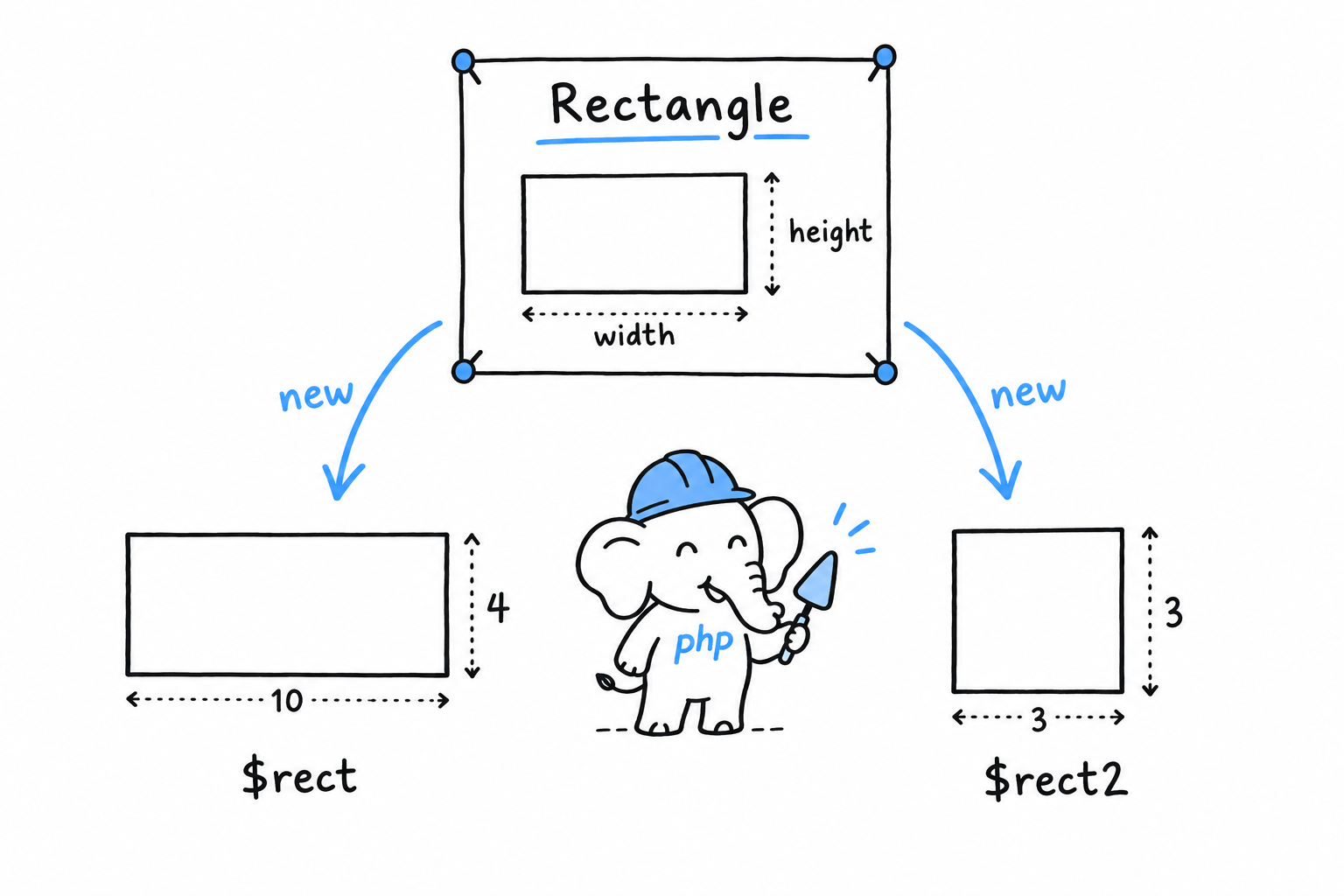
Build a second Rectangle, and you get a genuinely separate object with its own storage:
<?php

$rect2 = new Rectangle();
$rect2->width = 3.0;
$rect2->height = 3.0;

echo $rect->width;  // 10, untouched by $rect2
echo $rect2->width; // 3
Pause here, because Chapter 4 may have left you wary of objects sharing handles. $rect and $rect2 are not two names for one object. They come from two separate new calls, so they are two separate instances. The “objects alias, they don’t copy” rule is about assigning an existing object to another variable, $a = $b. Every new builds a fresh object.
One blueprint, as many objects as you ask for. Each
newis a new one.
Constructing with __construct
Setting each property by hand after new works, but it is easy to forget one, and for a moment a half-built Rectangle exists with properties still unset. PHP has a special method for this. __construct() runs automatically the moment an object is created, so the object is complete from its first breath:
<?php
declare(strict_types=1);

class Rectangle
{
    public float $width;
    public float $height;

    public function __construct(float $width, float $height)
    {
        $this->width = $width;
        $this->height = $height;
    }
}

$rect = new Rectangle(10.0, 4.0);

echo $rect->width;  // 10
echo $rect->height; // 4
Whatever you pass to new Rectangle(...) goes straight to __construct(). Inside it, $this is the object being built: $this->width = $width takes the incoming parameter and stores it in the object’s own $width slot. $this gets a closer look, along with a much shorter way to write this exact constructor, in Methods and Constructor Promotion.
Visibility: public, private, protected
Every property and method has a visibility, and so far everything has been public: reachable from anywhere, including code that has nothing to do with the class. That is often more than you want. Mark a property private, and only code inside the class can touch it:
<?php
declare(strict_types=1);

class Rectangle
{
    private float $width;
    private float $height;

    public function __construct(float $width, float $height)
    {
        $this->width = $width;
        $this->height = $height;
    }
}

$rect = new Rectangle(10.0, 4.0);
echo $rect->width; // Error: Cannot access private property Rectangle::$width
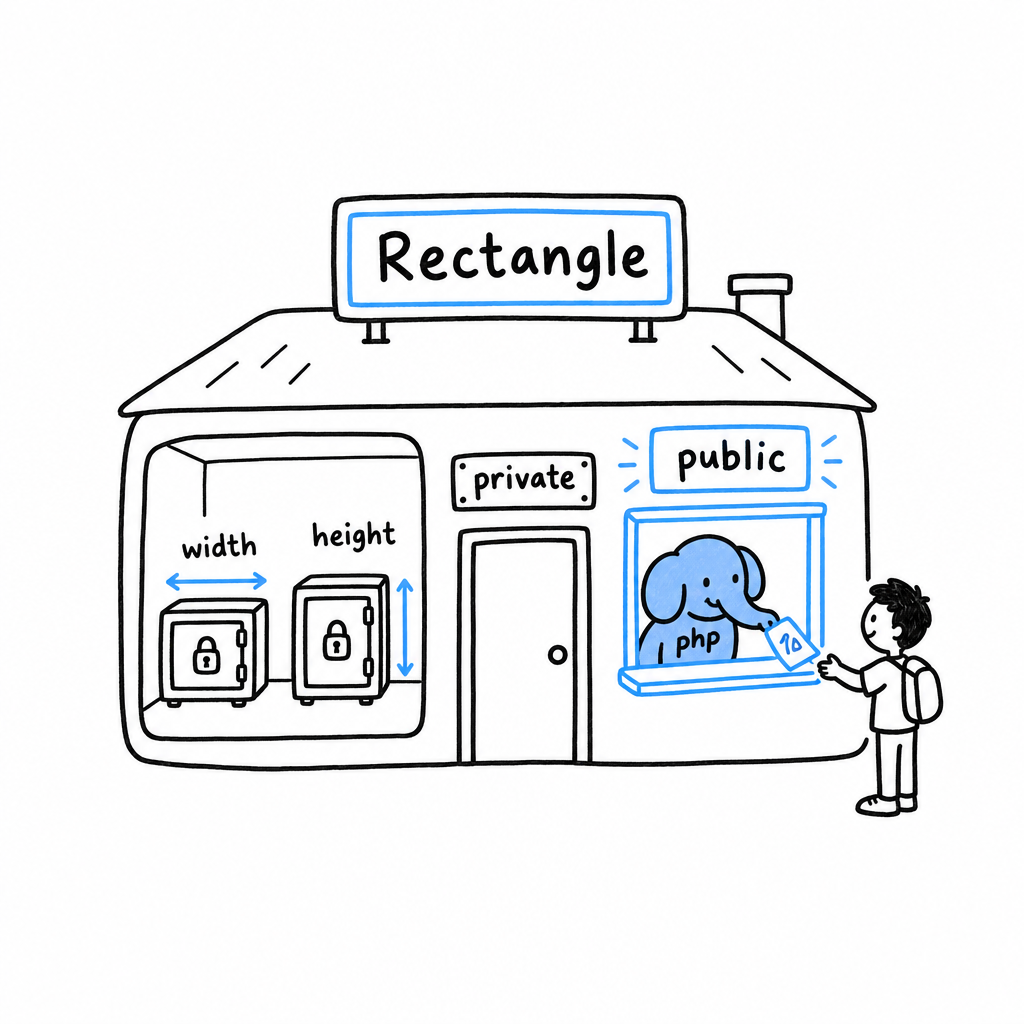
This is a restriction on purpose, not a bug to route around. Once $width is private, the only way the outside world can learn or change it is through methods Rectangle chooses to offer. Rectangle therefore decides what a valid width looks like, instead of trusting every caller to behave. Try it: add public function width(): float { return $this->width; } to the class and call $rect->width(). The value is readable again, on the class’s terms.
protected sits in between: hidden from the outside, visible to any class that later extends this one. The distinction matters once inheritance arrives in Chapter 17.
Tip
Default to
private. Make a propertypubliconly when you have a specific reason, and give outside code a method when it genuinely needs access.
An Example Program Using Classes
The best way to see why a class earns its place is to write the same small problem twice, once with a loose array and once with a class, and watch where the first version breaks.
The problem, with loose arrays
You are building the start of a shop. Each product has a name, a price, and a quantity in the cart, and you need a line total. The array version looks perfectly reasonable:
<?php
declare(strict_types=1);

function lineTotal(array $product): float
{
    return $product['price'] * $product['quantity'];
}

$item = [
    'name' => 'Coffee mug',
    'price' => 8.50,
    'quantity' => 3,
];

echo lineTotal($item); // 25.5
It works, right up until it doesn’t. Nothing stops a typo:
<?php

$item = [
    'name' => 'Coffee mug',
    'prise' => 8.50, // typo, silently different key
    'quantity' => 3,
];

echo lineTotal($item); // Warning: Undefined array key "price"
The warning fires deep inside lineTotal(), far from where the mistake was made. Nothing in $item said which keys it was supposed to have, and nothing checked that price was a number until the moment it was multiplied. Let the shop grow (discounts, tax rates, stock levels) and every function that touches a product array must independently agree on the same magic string keys. Each one is a typo away from failing at runtime, nowhere near the actual bug.
The same problem, with a class
<?php
declare(strict_types=1);

class Product
{
    public string $name;
    public float $price;
    public int $quantity;

    public function __construct(string $name, float $price, int $quantity)
    {
        $this->name = $name;
        $this->price = $price;
        $this->quantity = $quantity;
    }

    public function totalPrice(): float
    {
        return $this->price * $this->quantity;
    }
}
Product names its shape once, in one place. There is nothing left to misspell: new Product(...) demands exactly a name, a price, and a quantity, in that order, each with a declared type. Get a type wrong and, with strict_types on, PHP stops you on the spot rather than letting a string quietly stand in for a price:
<?php

$mug = new Product('Coffee mug', 8.50, 3);

echo $mug->totalPrice(); // 25.5
Try it: pass '3', in quotes, as the quantity, in a file with strict_types on. PHP refuses with a TypeError before the object even exists.
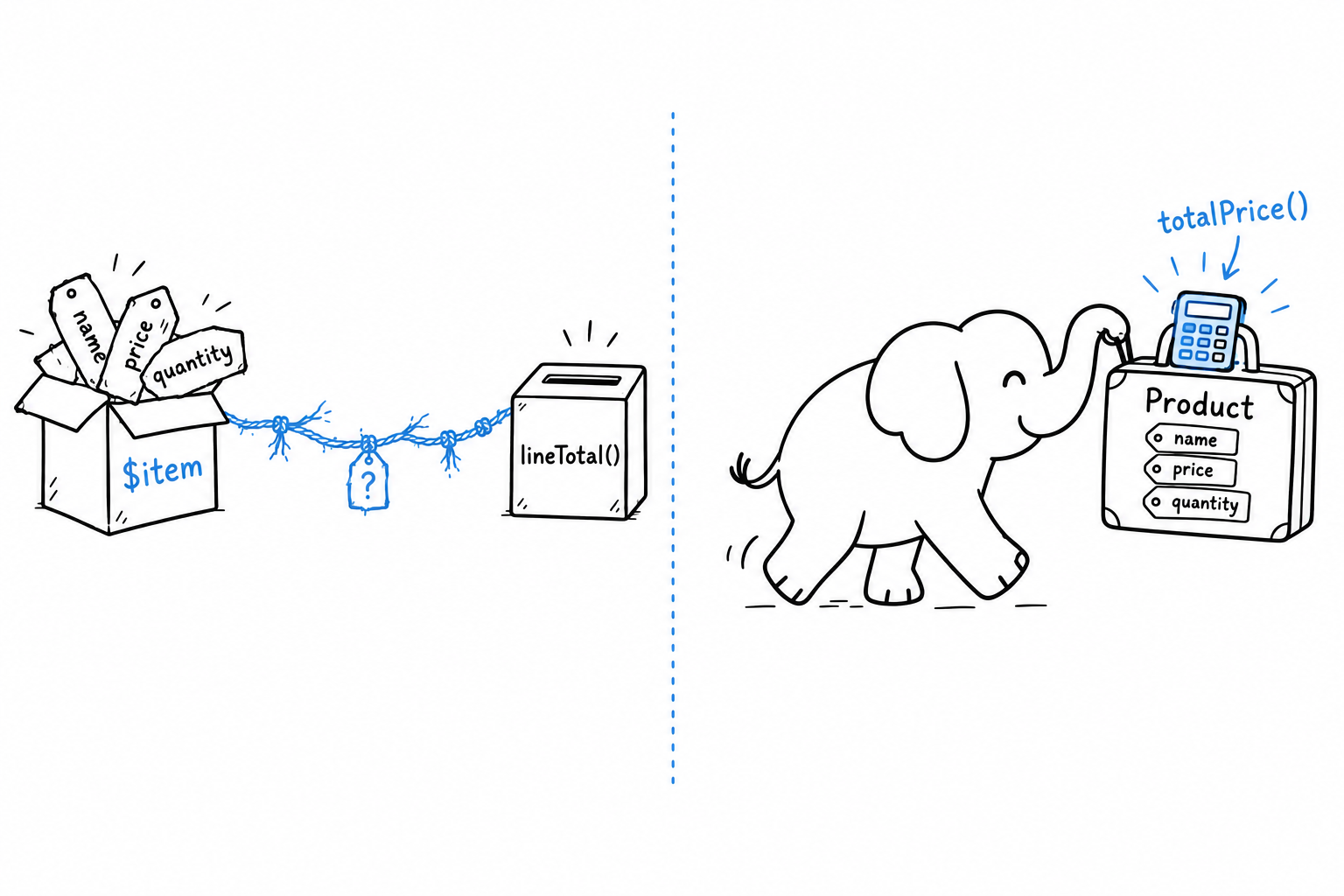
totalPrice() lives on Product now, not in a free-floating function that has to be told the shape of its argument. Whoever holds a Product, anywhere in the codebase, can call $product->totalPrice() and get the right answer, because the logic travels with the data it works on.
Using it in a small program
A tiny cart, built from a handful of Product objects:
<?php
declare(strict_types=1);

$cart = [
    new Product('Coffee mug', 8.50, 3),
    new Product('Notebook', 4.25, 2),
    new Product('Pen', 1.10, 5),
];

$total = 0.0;

foreach ($cart as $product) {
    echo "{$product->name}: \${$product->totalPrice()}\n";
    $total += $product->totalPrice();
}

echo "Total: \${$total}\n";
$ php cart.php
Coffee mug: $25.5
Notebook: $8.5
Pen: $5.5
Total: $39.5
Look at $cart: it is still an ordinary array. Classes do not replace arrays. They replace what you would otherwise be forced to stuff into one. The array here does what arrays are good at, holding an ordered list of things, while each thing is a Product that knows its own shape and its own arithmetic.
Plain arrays for collections, classes for the things they collect. You will use this pairing for the rest of the book.
Methods and Constructor Promotion
A method is a function that lives inside a class. You have already written one, totalPrice() on Product. What sets it apart from an ordinary function fits in a single variable, $this, and once that is clear, PHP’s shortest way of writing a constructor is one small step away.
$this
Inside a method, $this is the object the method was called on. It is how a method reaches the data of this particular instance, and not some other instance of the same class:
<?php
declare(strict_types=1);

class Product
{
    public string $name;
    public float $price;
    public int $quantity;

    public function __construct(string $name, float $price, int $quantity)
    {
        $this->name = $name;
        $this->price = $price;
        $this->quantity = $quantity;
    }

    public function totalPrice(): float
    {
        return $this->price * $this->quantity;
    }

    public function applyDiscount(float $percentage): void
    {
        $this->price -= $this->price * ($percentage / 100);
    }
}

$mug = new Product('Coffee mug', 8.50, 3);
$mug->applyDiscount(10);

echo $mug->price; // 7.65
applyDiscount() does not take the product as a parameter. It does not need to: $this already is the product it was called on. Call $mug->applyDiscount(10), and inside the method $this is $mug. Call the same method on another Product, and $this is that one instead.
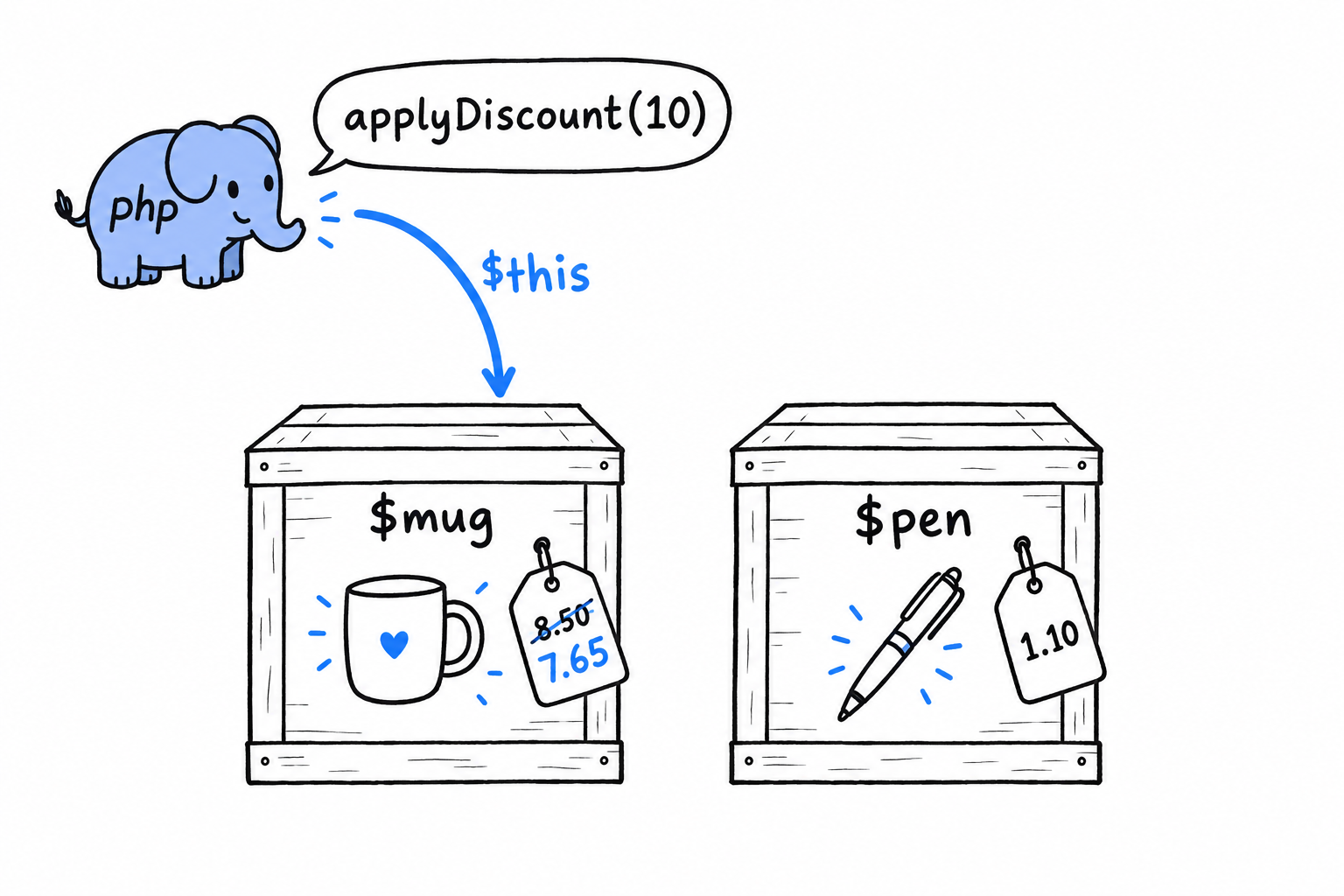
$this is implicit, and always available inside any non-static method. It is what keeps an object’s methods in step with that same object’s data, without you passing the object into every one of its own methods by hand.
Call a method on an object, and
$thisis that object. Nothing to pass, nothing to declare.
Try it: create a second product, $pen = new Product('Pen', 1.10, 5);, call $mug->applyDiscount(10), then print $pen->price. The pen is untouched. The discount only reached the object $this pointed to.
The constructor, the long way
Look at Product’s constructor again. Three parameters in, three matching assignments, one line each, no logic beyond “put this where it belongs.” The shape is so common in PHP, and so repetitive, that it earned its own shorthand.
Constructor property promotion
Since PHP 8, adding a visibility keyword to a constructor parameter declares the property and assigns it in one stroke:
<?php
declare(strict_types=1);

class Product
{
    public function __construct(
        public string $name,
        public float $price,
        public int $quantity,
    ) {
    }

    public function totalPrice(): float
    {
        return $this->price * $this->quantity;
    }
}

$mug = new Product('Coffee mug', 8.50, 3);
echo $mug->totalPrice(); // 25.5
Set this next to the version at the top of the section. From the outside, the two classes are identical: same properties, same types, same constructor signature. Inside, the promoted version has no separate property declarations, no $this->name = $name; three times over, and an empty constructor body. Writing public string $name as a parameter does three jobs at once: it declares the property, types it, and stores the incoming argument in it.
This is the idiomatic, modern way to write a constructor whose only job is “keep what I was given”, and that describes a large share of the constructors you will write in real PHP code. You will see it constantly from here on.
readonly properties, briefly
One more keyword, because it pairs so naturally with promotion. Mark a promoted property readonly, and it can be set once, during construction, and never reassigned:
<?php
declare(strict_types=1);

class Product
{
    public function __construct(
        public readonly string $name,
        public float $price,
        public int $quantity,
    ) {
    }
}

$mug = new Product('Coffee mug', 8.50, 3);
$mug->name = 'Travel mug'; // Error: Cannot modify readonly property Product::$name
A price and a quantity are expected to change; that is the whole point of applyDiscount(). A product’s name rarely has a good reason to. readonly lets you say so in the class definition itself, and PHP enforces it, instead of the rule living in a comment or a convention someone eventually forgets. It comes back later in the book, once enums and value objects enter the picture.
Enums and Pattern Matching
An order is pending, shipped, or cancelled. Never anything else. A playing card belongs to one of four suits, full stop. A traffic light is red, amber, or green. Programs are full of values like these, and for a long time PHP had no proper way to say so.
Before PHP 8.1 you reached for a string, 'shipped', or an integer constant, and hoped. Nothing stopped a colleague from typing 'shiped' somewhere. Nothing told you, in any one place, what the full list of valid values even was. The rule lived in your head, and heads forget.
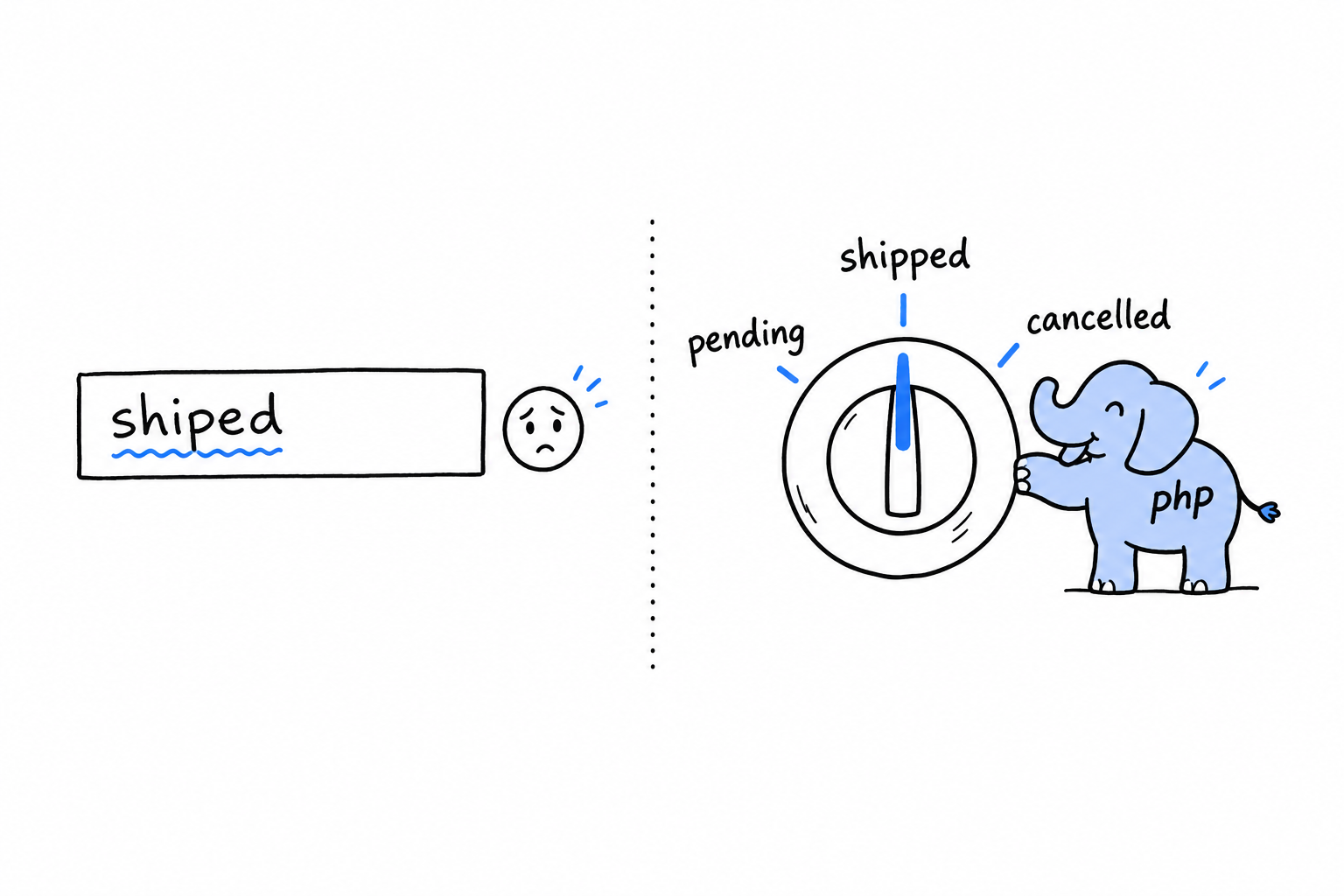
An enum turns that list into a real type, checked by the engine, that can only ever hold one of the cases you declared. It is the difference between a text field where anyone can type anything and a knob with three positions engraved in the metal.
You met match briefly in Control Flow, sizing up an HTTP status code, and classes have given shape to your data since Chapter 5. Enums sit right between the two: they look like a small class, and match was made to read them. The chapter ends on the nullsafe operator, ?->, a cousin from the same family. It deals with a set of exactly two possibilities, something or nothing, without a defensive if in front of every access.
Defining an Enum
Pure enums
Four suits, no more, no less. Here they are as an enum:
<?php
declare(strict_types=1);

enum Suit
{
    case Hearts;
    case Diamonds;
    case Clubs;
    case Spades;
}

$card = Suit::Hearts;

var_dump($card);          // enum(Suit::Hearts)
var_dump($card === Suit::Hearts); // true
enum opens the definition the way class does, and each case line declares one of the allowed values. An enum is a type with a fixed, closed list of values, and those values are called cases. Suit::Hearts is written like a class constant: you reach a case through the enum’s name.
The var_dump line shows something a string never told you. Suit::Hearts is a single, unique value. There is exactly one in your whole program, however many variables point at it, which is why the === on the next line says true without a second thought.
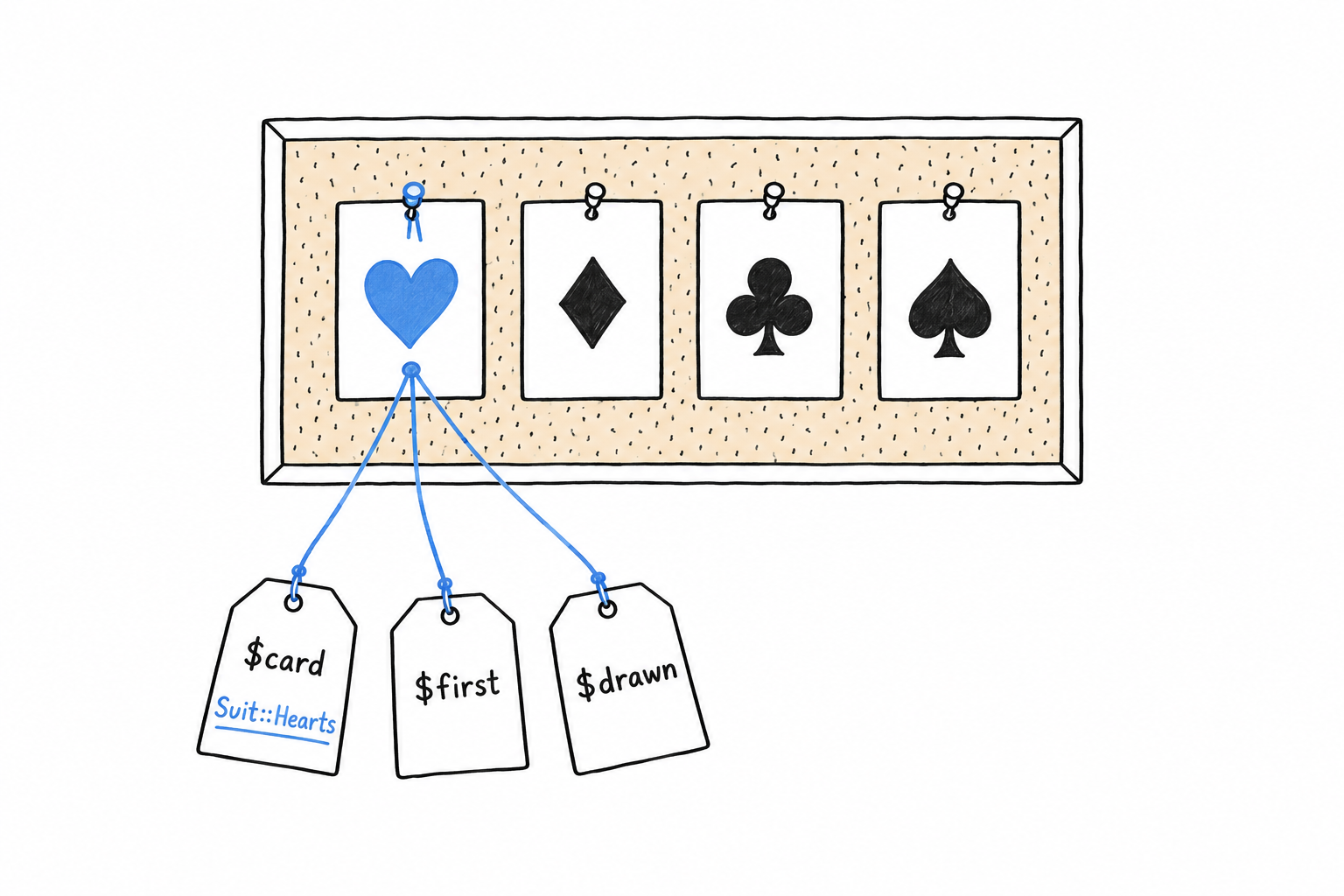
That uniqueness makes the type safe. A parameter typed Suit cannot hold anything but one of the four cases, and PHP stops a wrong value at the type level rather than with a bug report three weeks later.
<?php
declare(strict_types=1);

function describe(Suit $suit): string
{
    return "You drew a {$suit->name}.";
}

echo describe(Suit::Spades); // You drew a Spades.
Every case carries a built-in ->name property: the identifier you declared it with, as a string. Handy for logging, but it is only a label. Building program logic on it would be building on the spelling of your own code.
Try it: call describe('Spades') with a plain string and read the TypeError. That message is the enum doing its job.
Backed enums
A pure enum’s cases are nothing but themselves: Suit::Hearts is not secretly a string or a number. Then an order has to be saved in a database column, or sent as JSON to another program, and the outside world does not know what Status::Shipped is. It knows 'shipped'. A backed enum ties every case to a scalar value of your choice, a form that can leave your program and come back.
<?php
declare(strict_types=1);

enum Status: string
{
    case Pending = 'pending';
    case Shipped = 'shipped';
    case Cancelled = 'cancelled';
}

$status = Status::Shipped;

echo $status->value; // shipped
: string after the name says the enum is backed by strings, and from then on every case must declare its value: PHP checks that when it reads the definition. Integers work the same way (enum Status: int). Strings are the usual choice, because 'shipped' explains itself in a database row, where a bare 2 sends you back to the enum to find out what it means.
Going the other way, from a raw value to a case, takes one of two methods:
<?php

$status = Status::from('shipped');   // Status::Shipped
echo $status->name;                  // Shipped

$status = Status::tryFrom('bogus');  // null, no matching case
var_dump($status);
from() converts a value into the matching case and throws a ValueError if nothing matches. tryFrom() returns null instead. Choosing between them means asking where the value comes from. If an unknown value can only mean a bug in your own code, use from() and let it fail loudly. If it arrives from user input or an external API, “not a valid status” is a normal outcome, and tryFrom() hands it to you as a null to handle.
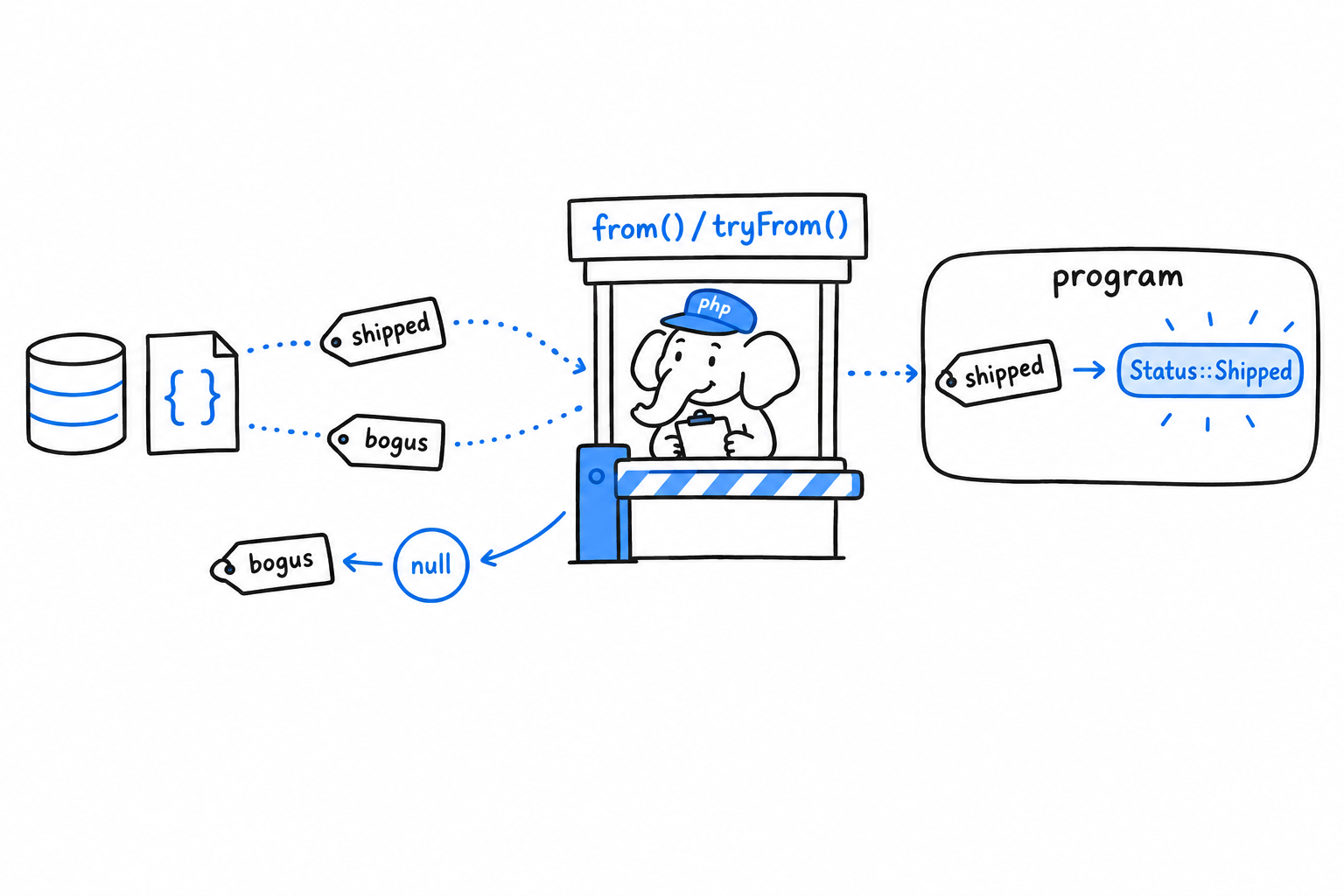
from()throws on an unknown value.tryFrom()returnsnull. Pick by asking who produced the value.
Enums can have methods
An enum is not only a list of names. It can carry behavior, exactly as a class does:
<?php
declare(strict_types=1);

enum Status: string
{
    case Pending = 'pending';
    case Shipped = 'shipped';
    case Cancelled = 'cancelled';

    public function label(): string
    {
        return match ($this) {
            Status::Pending => 'Awaiting shipment',
            Status::Shipped => 'On its way',
            Status::Cancelled => 'Order cancelled',
        };
    }
}

echo Status::Shipped->label(); // On its way
label() works like any method from Chapter 5: inside it, $this is the case the method was called on. The mapping from a case to its human-readable label now lives in one place, right next to the cases themselves, instead of being scattered through the codebase as if ($status === 'shipped') checks that slowly drift apart.
The match inside label() compares $this against each case and returns the text beside the one that fits. That is match doing what it does best, and the next section takes it apart.
The match Expression
match made a brief appearance in Control Flow as match(true), testing one condition after another against an HTTP status code. That was a useful trick, not match at its best. match shines when one value is compared against a small, known set of possibilities, and an enum is exactly that set.
Matching directly on an enum case
<?php
declare(strict_types=1);

enum Status: string
{
    case Pending = 'pending';
    case Shipped = 'shipped';
    case Cancelled = 'cancelled';
}

function nextAction(Status $status): string
{
    return match ($status) {
        Status::Pending => 'Pack the order',
        Status::Shipped => 'Notify the customer',
        Status::Cancelled => 'Issue a refund',
    };
}

echo nextAction(Status::Pending); // Pack the order
No true, no comparison operator, no range check. match ($status) compares the value in the parentheses with each arm using strict === comparison, and returns whatever stands right of the arrow on the first arm that fits. Read from top to bottom, the function is a table: one row per case, one answer per row.
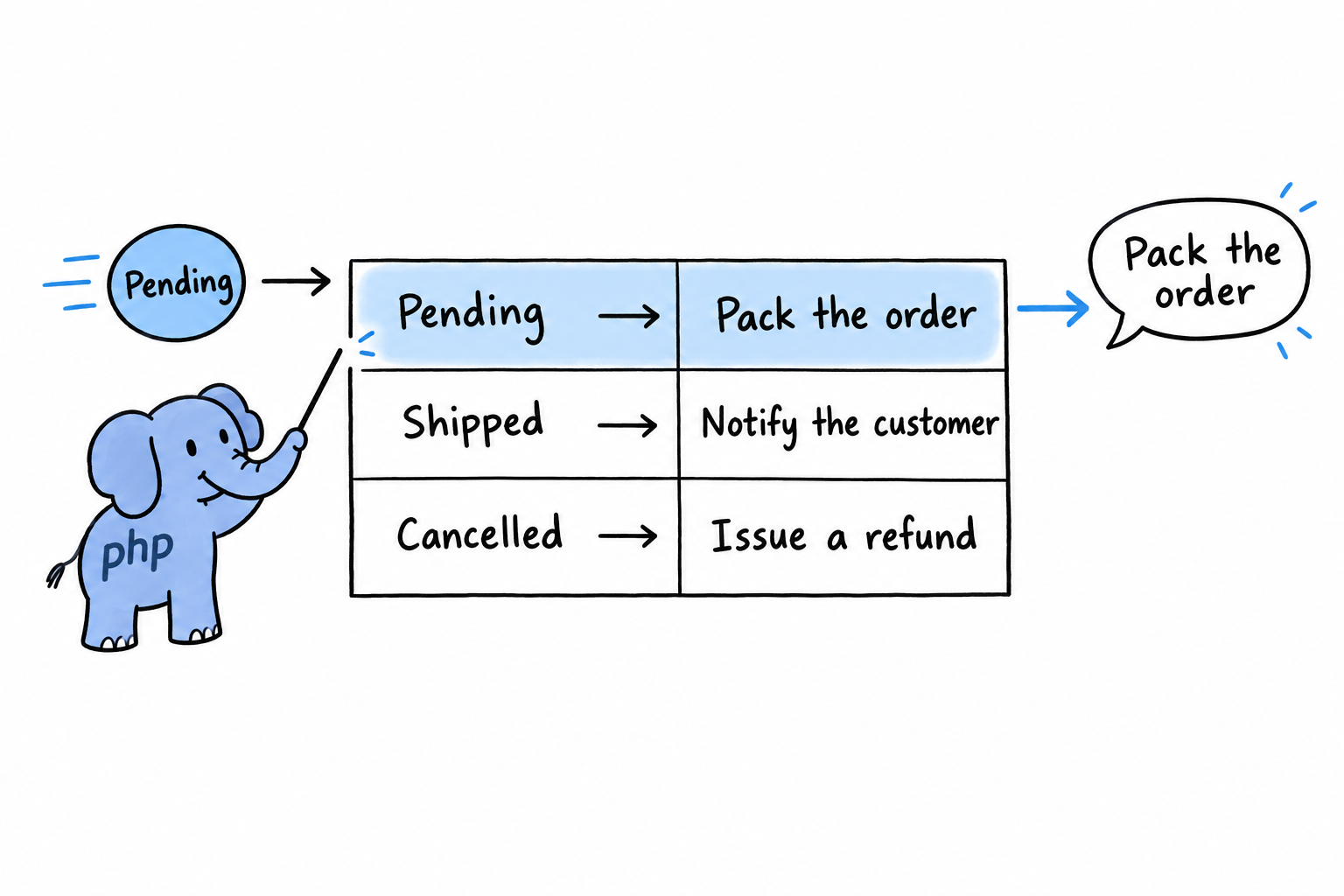
Notice the return in front of match. match is an expression: it produces a value you can return or assign, where switch and if only run code. That is why the whole function body fits in a single statement.
Multiple conditions per arm
An arm can list several values, separated by commas, and any one of them is enough:
<?php
declare(strict_types=1);

function isFinal(Status $status): bool
{
    return match ($status) {
        Status::Shipped, Status::Cancelled => true,
        Status::Pending => false,
    };
}

var_dump(isFinal(Status::Shipped));   // true
var_dump(isFinal(Status::Cancelled)); // true
var_dump(isFinal(Status::Pending));   // false
Status::Shipped, Status::Cancelled => true reads as “either of these, same answer”. It beats writing the arm twice, and it beats an || tucked inside a match(true).
Exhaustiveness is enforced
Here is what makes match more than a tidier switch. Every possible value has to be handled, by name or through a default arm. If none fits, match throws. Suppose the shop starts accepting returns:
<?php
declare(strict_types=1);

enum Status: string
{
    case Pending = 'pending';
    case Shipped = 'shipped';
    case Cancelled = 'cancelled';
    case Returned = 'returned'; // added later
}

function nextAction(Status $status): string
{
    return match ($status) {
        Status::Pending => 'Pack the order',
        Status::Shipped => 'Notify the customer',
        Status::Cancelled => 'Issue a refund',
        // forgot to add a Returned arm
    };
}

nextAction(Status::Returned); // UnhandledMatchError: Unhandled match case Status::Returned
The enum grew, the match did not, and the first time a returned order reaches nextAction() PHP raises an UnhandledMatchError on that exact line.
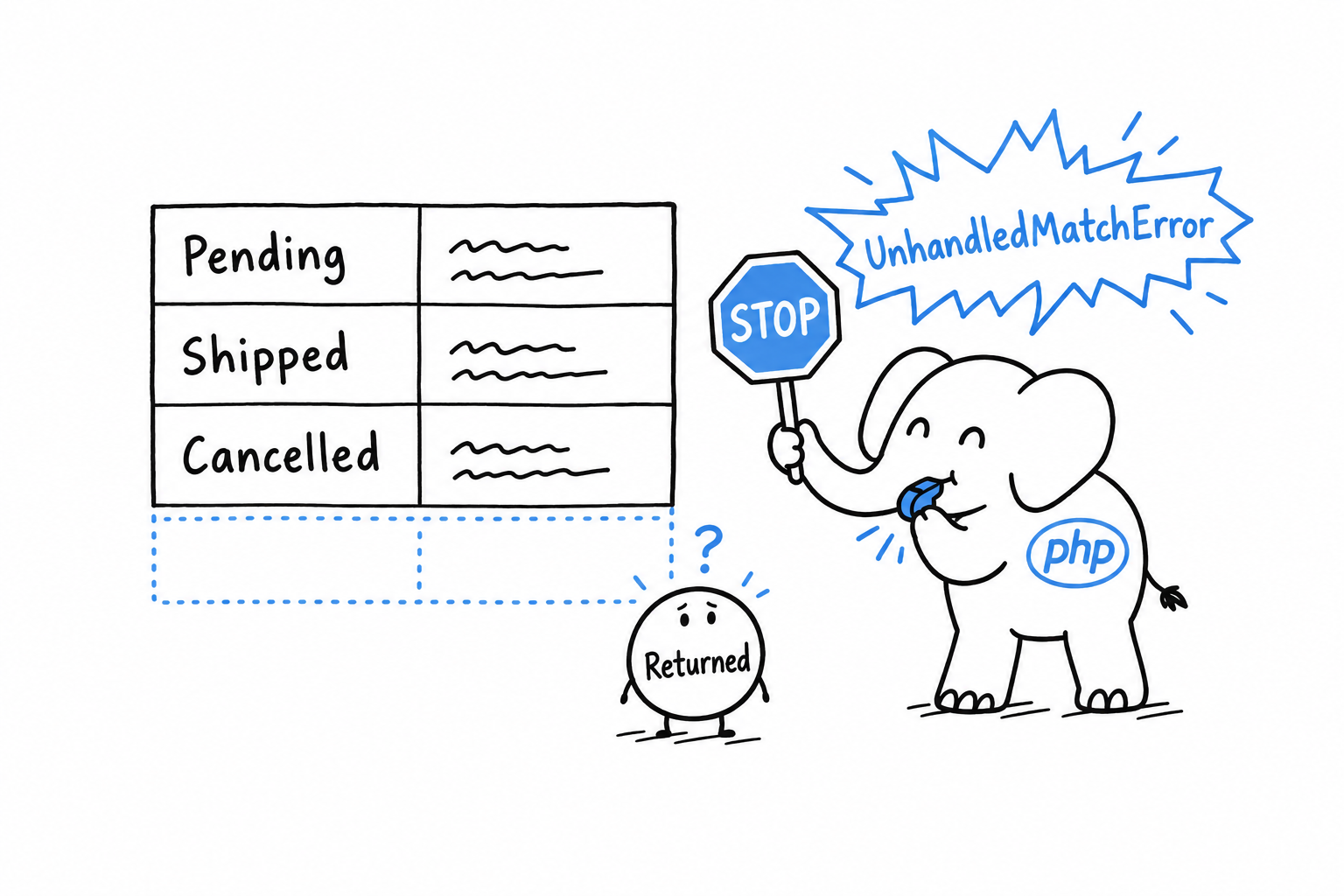
That looks harsh, and it is the feature. Add a case to an enum months from now, forget one of the match expressions that read it, and PHP names the place that needs updating. A switch with no matching branch does nothing and moves on. An if chain quietly runs its else for a value nobody planned. A match refuses.
Try it: add a Status::Returned => 'Restock the item' arm and run the file again.
When most cases really do share one fallback, add a default arm, as switch has always had. It catches everything not named above it, and tells the reader you chose to treat the rest alike rather than forgot.
A
matchwithoutdefaultis a promise to handle every case. PHP holds you to it.
Concise Control Flow with match and ?->
Some values are not one of three or four cases. They are one of two: something, or nothing at all. That is the last fixed set this chapter deals with, and it earns a piece of syntax of its own.
The nullsafe operator
null means “no value here”, as Data Types put it, and -> reaches into an object for a property or a method, as in Chapter 5. Put the two together and you get a question every program eventually asks: what happens when you use -> on something that might be null?
<?php
declare(strict_types=1);

class Address
{
    public function __construct(
        public string $city,
    ) {
    }
}

class Customer
{
    public function __construct(
        public string $name,
        public ?Address $address = null,
    ) {
    }
}

$customer = new Customer('Ada');

echo $customer->address->city; // Error: Attempt to read property "city" on null
Ada has no address on file, so $customer->address is null, and reaching one step further with ->city fails on the spot: there is no property to read on nothing. The classic fix is a guard before the access:
<?php

$city = null;
if ($customer->address !== null) {
    $city = $customer->address->city;
}

echo $city ?? 'No address on file';
It works, and it does not scale. Chain a few more levels, $order->customer->address->city say, and you either nest one guard per link, or write one long condition that checks three things at once and names none of them.
The nullsafe operator, ?->, does the guard for you:
<?php
declare(strict_types=1);

$city = $customer->address?->city;

echo $city ?? 'No address on file';
?-> looks at what stands on its left before going any further. If it is null, the whole expression becomes null right there, with no error and no exception, ready for ?? or whatever else you do with a missing value. If it is not null, ?-> behaves exactly like ->. In a longer chain, $order?->customer?->address?->city stops at the first null it meets and gives null for the entire expression, without trying the accesses after it.
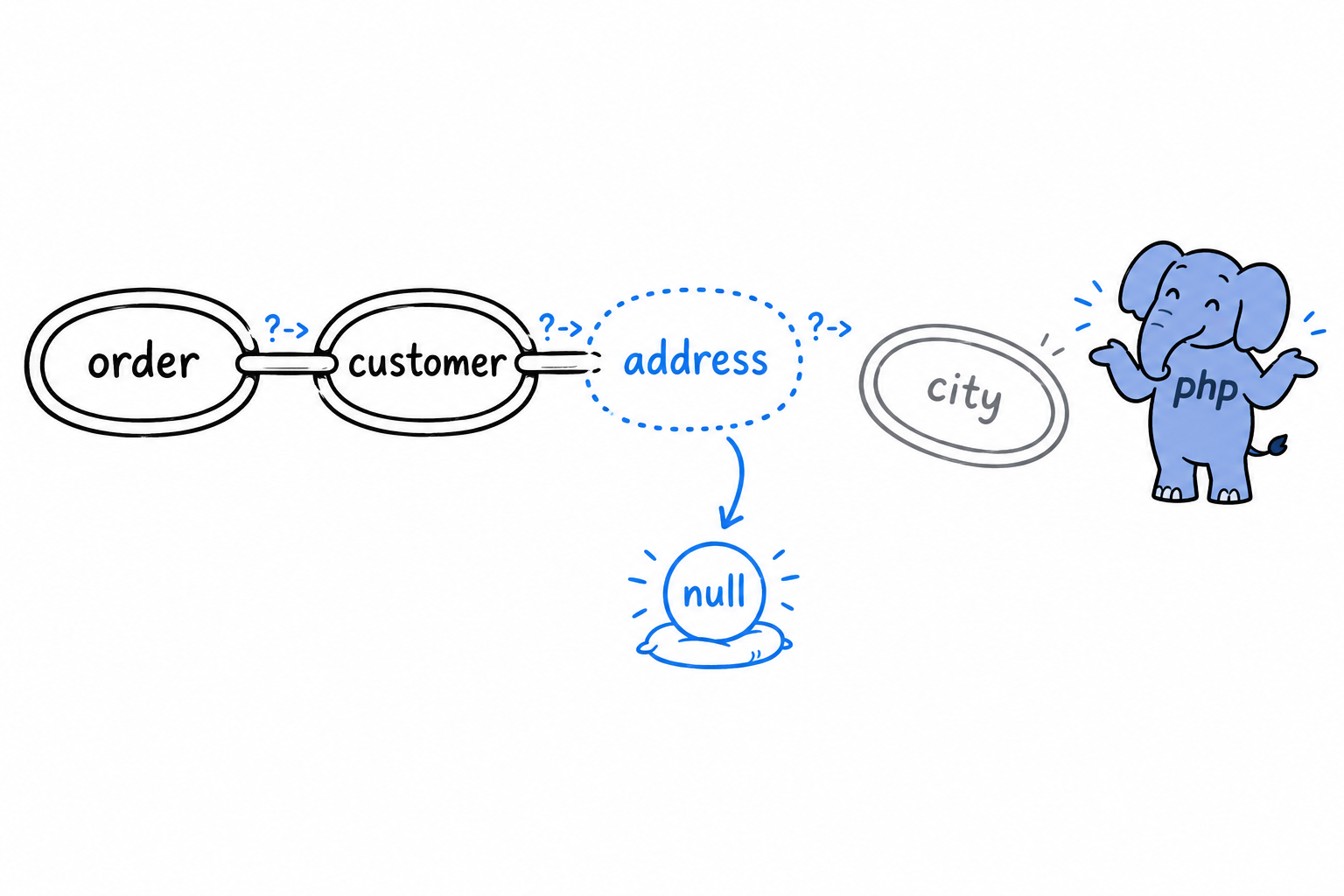
?->stops at the firstnulland hands it back. Everything after it is skipped.
Warning
?->is for values that may legitimately be absent: an optional address, a related record that may not exist yet. It is not a way to avoid deciding whethernullbelongs there at all. Sprinkled everywhere out of habit, it hides a design that never settled what is optional. Where absence is not normal, keep the plain->and let the error tell you something is wrong.
match as the clean alternative to a long if/elseif chain
Enums are where match looks best, but it does not need them. match is PHP’s answer to any if/elseif chain that checks one value against several known possibilities. Here is such a chain:
<?php
declare(strict_types=1);

function shippingCost(string $countryCode): float
{
    if ($countryCode === 'US') {
        return 5.00;
    } elseif ($countryCode === 'CA') {
        return 7.50;
    } elseif ($countryCode === 'FR' || $countryCode === 'DE') {
        return 9.00;
    } else {
        return 15.00;
    }
}
The same function as a match:
<?php
declare(strict_types=1);

function shippingCost(string $countryCode): float
{
    return match ($countryCode) {
        'US' => 5.00,
        'CA' => 7.50,
        'FR', 'DE' => 9.00,
        default => 15.00,
    };
}
Shorter, yes. More important, every branch is visibly an alternative to every other one, at a glance, where the elseif version has to be read in order to be sure nothing slips between two steps.
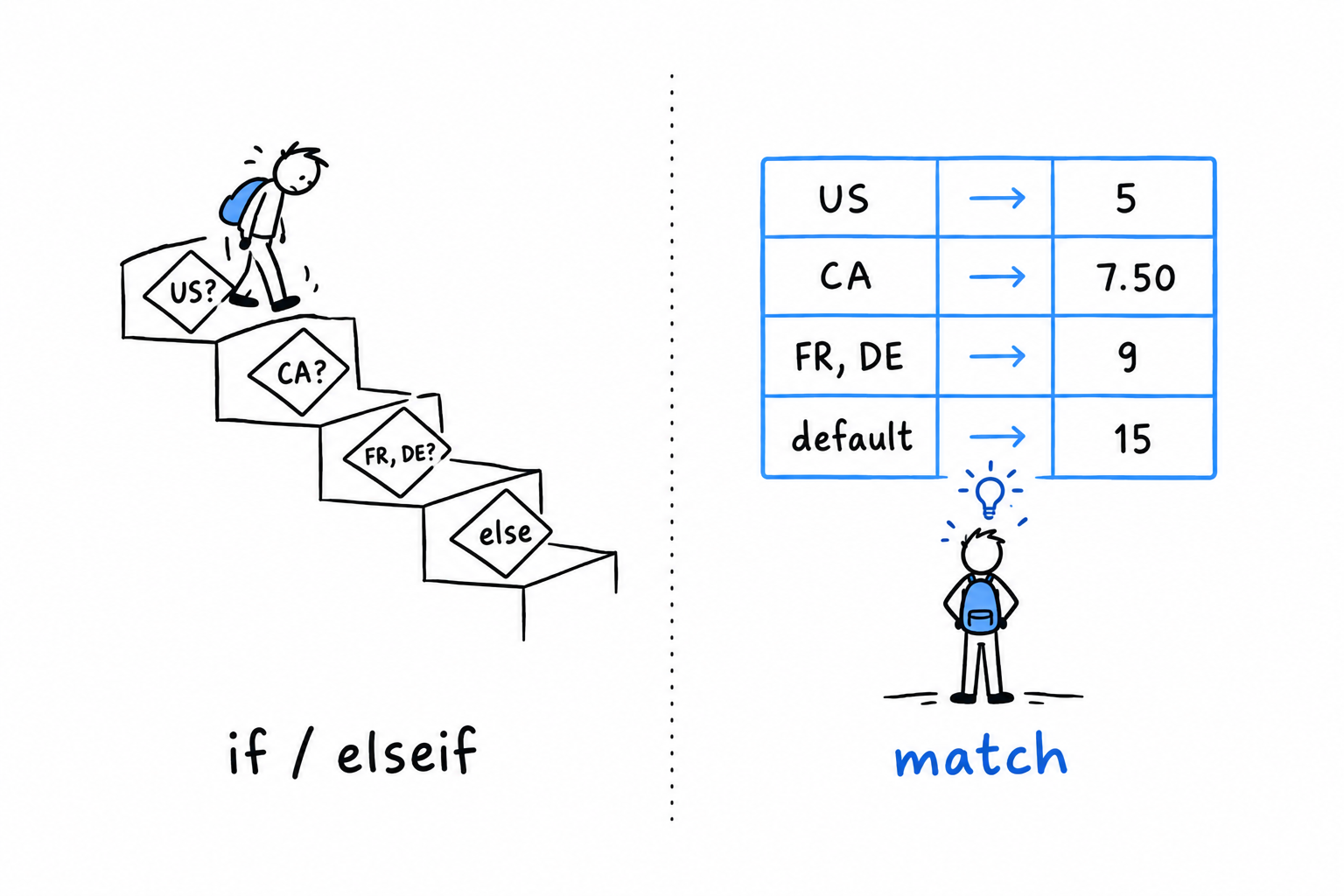
That gives you a rule of thumb to carry through the rest of the book. Reach for if/elseif when the conditions are genuinely different kinds of checks: a range here, a combination of two flags there. Reach for match the moment you notice the question is “which one of these known values is it?” Enums make that question obvious. It comes up everywhere else too.
Namespaces, Packages, and Composer
Every example so far has fit in one file. That stops now. After Chapter 5 and Chapter 6 you have classes and enums, and a project made of a dozen of them does not belong in a single script. You need to spread code across files, and you need those files to stay out of each other’s way.
Naming is the trap. The day you install a package with Composer, PHP’s package manager, you share your project with code you did not write and cannot rename. If that package defines a class called Product, and you have a Product too, PHP has no way to tell them apart. A namespace is a prefix on a name, and that prefix is what keeps App\Models\Product and Vendor\Package\Product from colliding. Two different names, nothing to guess.
Composer comes first, because it is the reason the rest exists. Then you give your own classes a namespace, import them with use so you can keep writing short names, and lay out a src/ folder that mirrors those namespaces, the way real PHP projects are laid out. PSR-4 ties the knot: a convention that lets Composer find any class from its name alone.
That last piece is the reward. The line require 'vendor/autoload.php' already finds and loads every package you install. By the end of the chapter it will find your own classes too. Add a file, use the class, and it is simply there. No list of require lines to maintain at the top of every file.
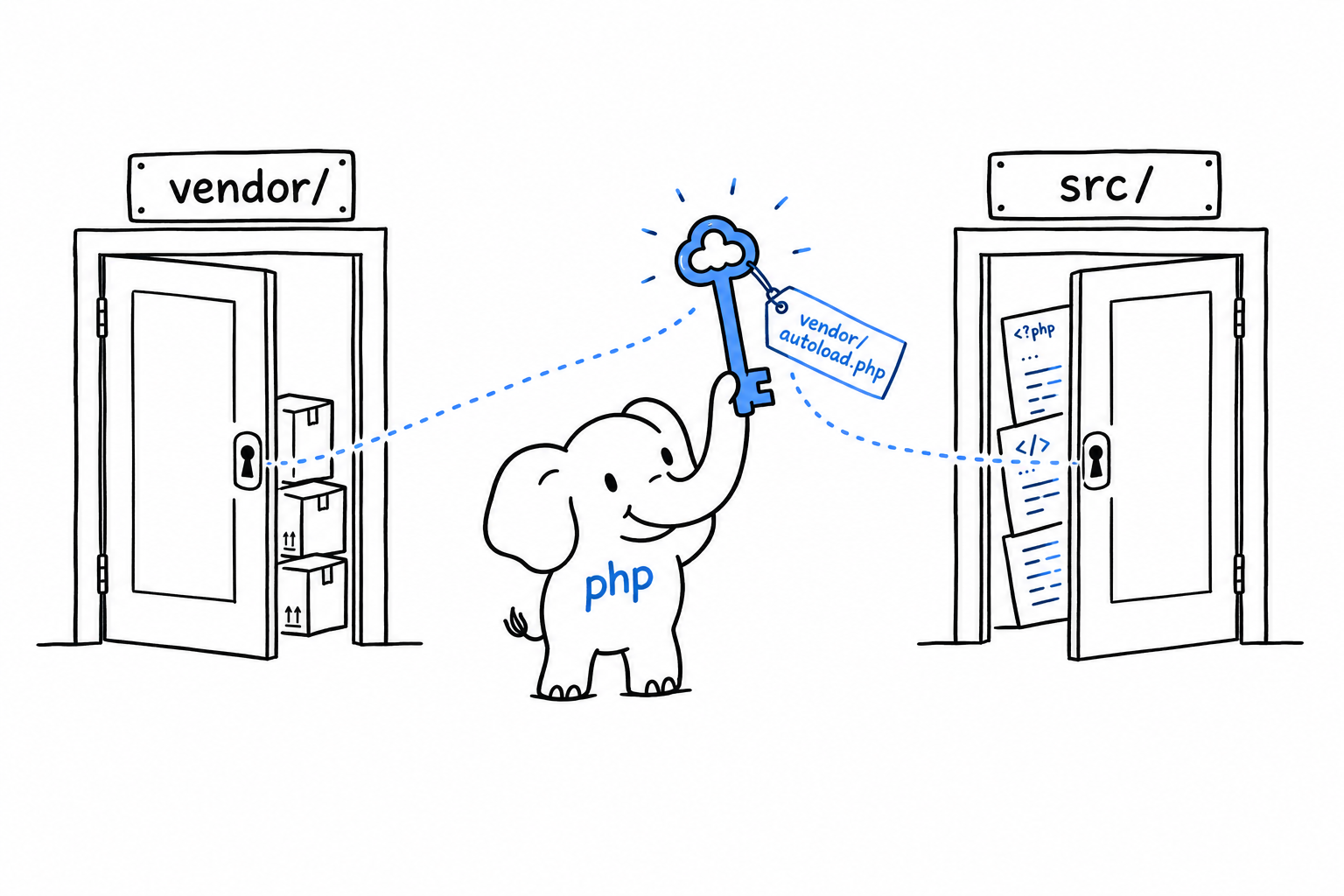
Hello, Composer!
hello.php has no dependencies, so it needs no help managing them. Real projects do, almost from day one: a testing library here, an HTTP client there. Composer is how a PHP project pulls in someone else’s code without copy-pasting it into your own. If you have used npm, pip or cargo, you already know the job. If not, you will by the end of this page.
Installing Composer
On macOS or Linux, the quickest path is usually your package manager:
$ brew install composer
Everywhere else, or for the canonical method, the official download page has a short install script. Either way, check that it answers:
$ composer --version
Composer version 2.7.6 2024-...
Starting a project
Inside an empty directory, run:
$ composer init
Composer asks a handful of questions: package name, description, author, license. Press Enter through most of them: nothing here is permanent. What matters is the file it leaves behind, composer.json:
{
    "name": "you/hello-composer",
    "require": {}
}
composer.json is your project’s shopping list. It names what the project needs, and it goes into version control. What Composer brings back from the shop does not, as you are about to see.
Requiring your first package
Let’s add something real. nunomaduro/termwind is a small library for styling terminal output. Nothing essential, just enough to watch the mechanism work:
$ composer require nunomaduro/termwind
Two things appear. A vendor/ directory holds the downloaded code. A composer.lock file records the exact version that was installed, down to the last commit, so that your teammates and your production server install the very same thing. composer.json says what you are willing to accept; composer.lock says what you actually got. Commit the lock file too. vendor/ stays out of version control, since anyone can rebuild it from the lock file with composer install.
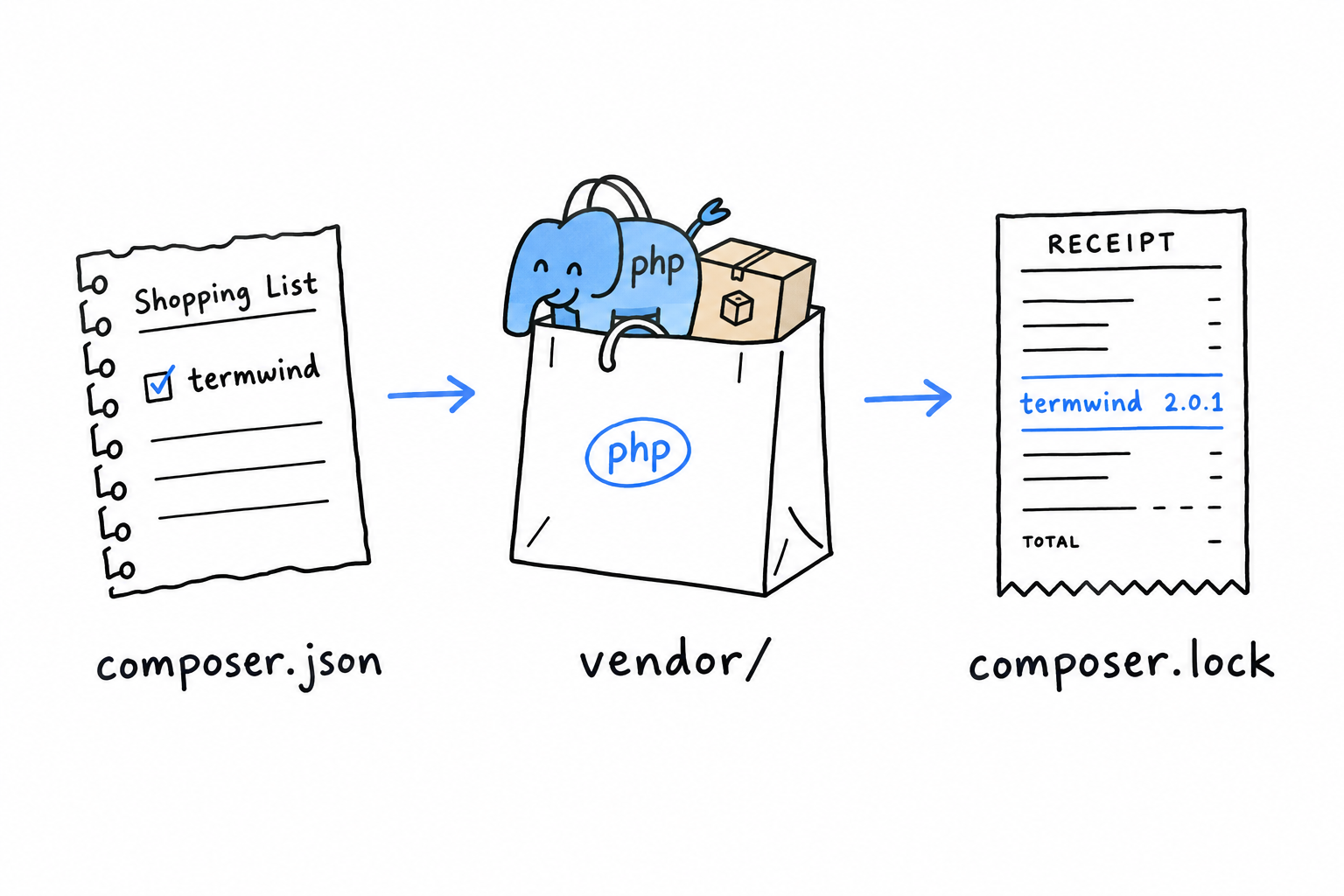
Now use it:
<?php

require 'vendor/autoload.php';

use function Termwind\render;

render('<div class="p-1 bg-green-400">Hello, Composer!</div>');
Run the file. A green banner appears in your terminal, drawn by code you installed thirty seconds ago and never read.
The middle line is the one that matters. require 'vendor/autoload.php' pulls in a file Composer generated: an autoloader, a bit of PHP that knows how to find and load any class from any package you installed, the moment your code first mentions it. Include that one file, once, at the top of your entry point, and every package you add from here on just works. The use function line, which lets you call render() by its short name, gets its own explanation later in this chapter.
So far the autoloader has had one job: loading Termwind. The rest of this chapter gives it a second one. The same line, unchanged, will find your own classes too, once they are spread across files the way PHP projects expect.
Packages and Autoloading
composer require puts a package in vendor/, and require 'vendor/autoload.php' makes every class in it available. You have watched it work. What you have not seen is how the second half works, and the answer explains why the rest of this chapter exists.
The problem autoloading solves
Picture PHP without it. A Cart class in one file, a Product class in another, and a script that needs both:
<?php

require 'Product.php';
require 'Cart.php';

$product = new Product('Keyboard', 49.00);
$cart = new Cart();
$cart->add($product);
Two classes, two require lines, kept in sync by hand. Manageable. Now picture forty classes across a dozen packages you did not write, each depending on others in an order you would have to work out yourself. Loading files by hand does not scale past a handful of classes, and it breaks the day you rename one. Nobody does it anymore.
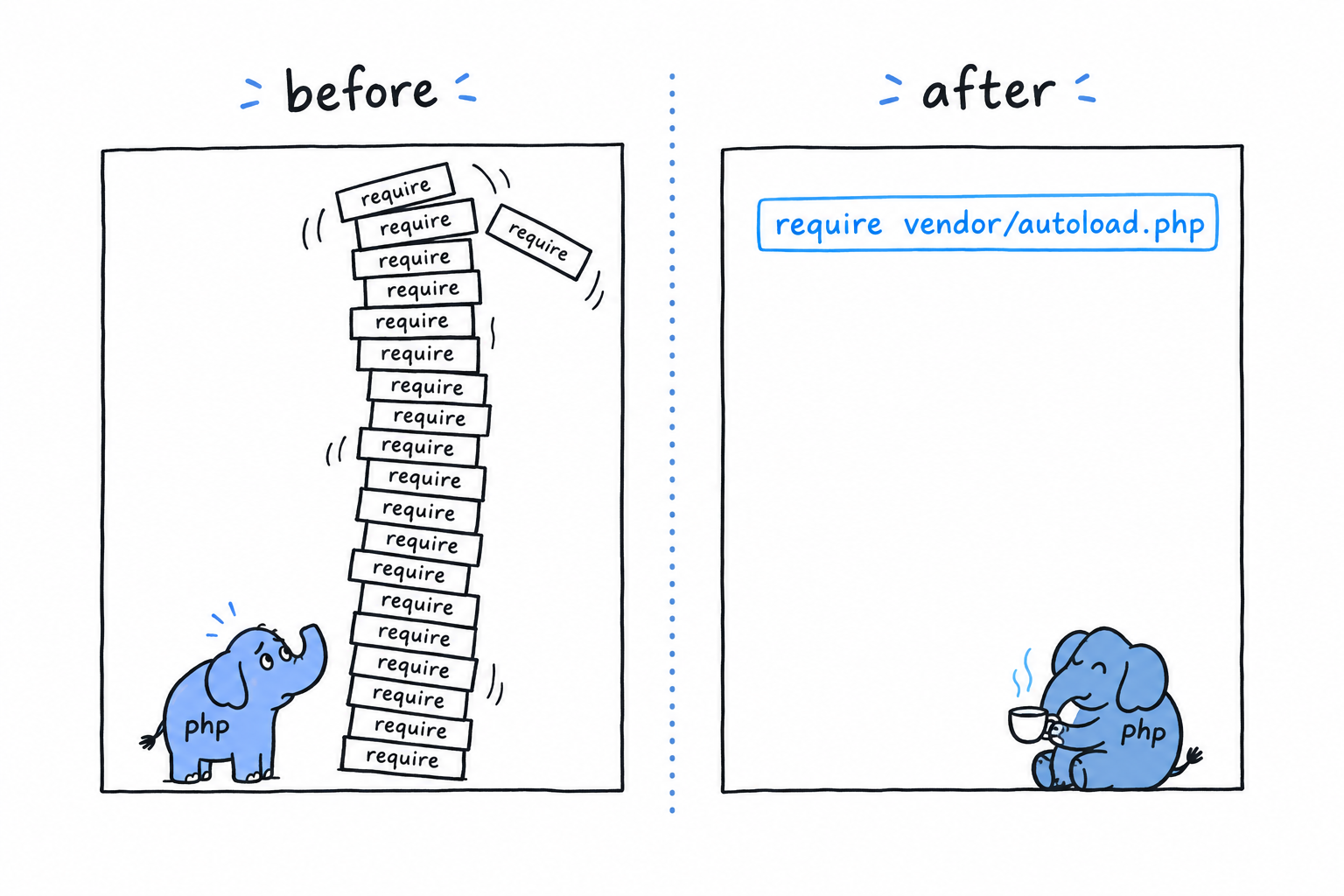
spl_autoload_register()
PHP has a built-in hook for exactly this. spl_autoload_register() hands PHP a function to call the first time it meets a class name it does not know. Instead of failing on the spot, PHP gives your function a chance to go find the file and load it:
<?php

spl_autoload_register(function (string $className): void {
    $file = __DIR__ . '/' . $className . '.php';

    if (file_exists($file)) {
        require $file;
    }
});

$cart = new Cart(); // Cart.php is loaded automatically, on first use
new Cart() runs, PHP has never heard of Cart, so it calls your function with the string 'Cart'. The function builds a path, finds Cart.php and requires it. The class now exists, and new goes ahead as if nothing had happened. Try it: put a Cart class in Cart.php next to this script, run it, then rename the file and run it again.
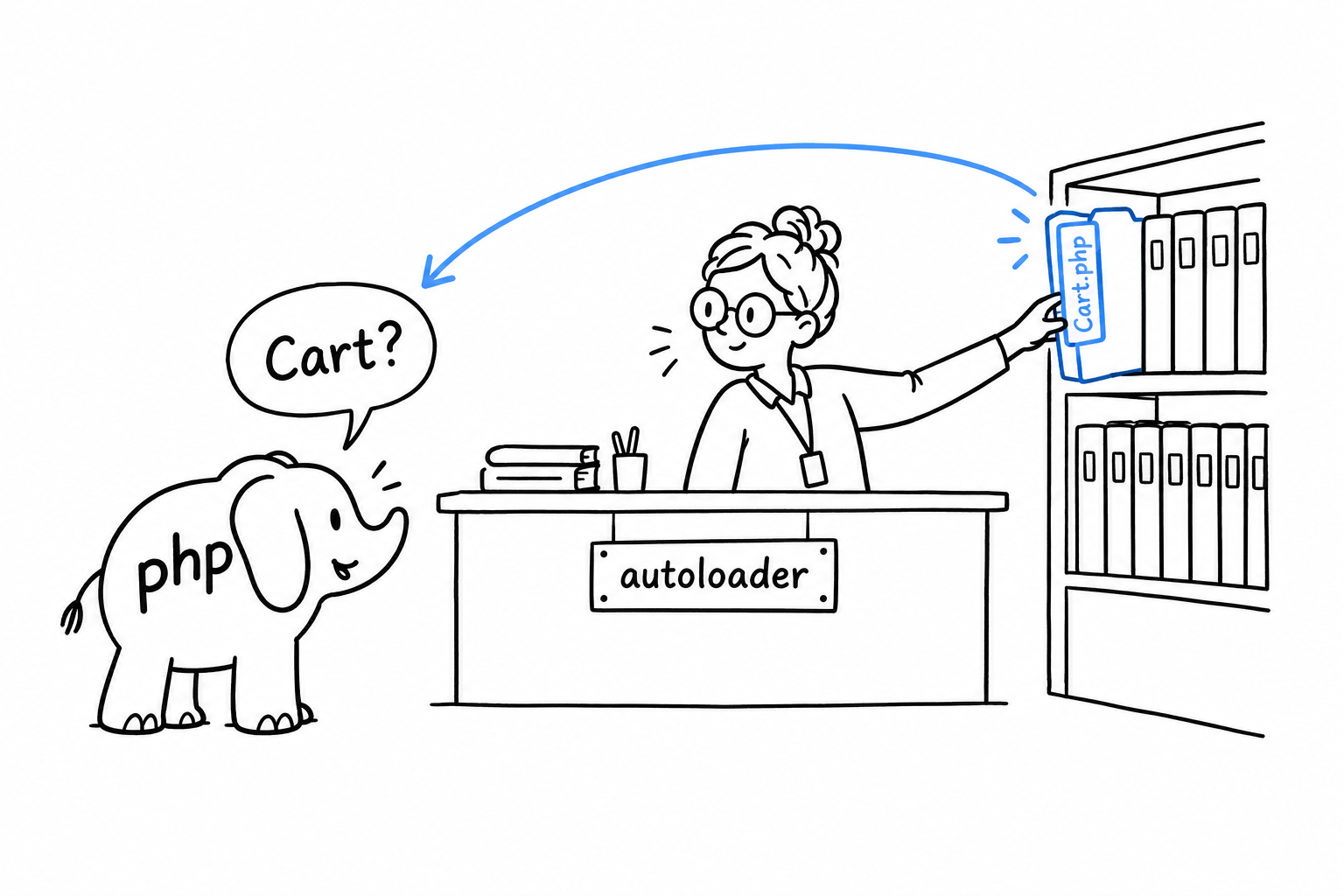
Plenty of projects wrote their own version of this before Composer existed. It works, until a package you depend on ships its own hand-rolled autoloader with slightly different rules, and you are back to coordinating by hand.
What Composer actually generates
Every composer install or composer require regenerates the files in vendor/composer/. One of them, autoload_psr4.php, is a plain PHP array mapping namespace prefixes to directories. vendor/autoload.php builds one autoloader from that map and registers it with spl_autoload_register(). From then on, every class from every installed package resolves on its own.
It works because packages do not dump their files into a shared pile. Each package declares, in its own composer.json, which namespace prefix lives in which directory. Here is what that declaration looks like (you will write one for your own project in PSR-4):
{
    "autoload": {
        "psr-4": {
            "App\\": "src/"
        }
    }
}
A namespace is a promise about where the file is. PSR-4 is the rule that turns the promise into a path. Composer’s autoloader just applies the rule, fast.
Why this needs namespaces at all
The whole scheme rests on one condition: class names must stay unique across every package installed in your project. A Product from your own code and a Product from some e-commerce package would be indistinguishable. PHP would not know which Product.php to load, and neither would you, reading the code six months from now.
Namespaces remove the collision by making Product short for something more precise: App\Models\Product on one side, Vendor\Ecommerce\Product on the other. Two names, two files, nothing to guess. That is the next section.
Controlling Scope and Visibility with Namespaces
A namespace is a prefix. That is the whole concept, said plainly before the syntax makes it look bigger than it is. App\Models\Product is the name Product, living inside App\Models, the same way /home/damien/notes.txt is notes.txt, living inside /home/damien. The class itself does not change. What changes is how you, and PHP, point at it without ambiguity.
Declaring a namespace
The namespace line is the first statement in a file. Only a comment or declare(strict_types=1) may come before it:
<?php

declare(strict_types=1);

namespace App\Models;

class Product
{
    public function __construct(
        public readonly string $name,
        public readonly float $price,
    ) {
    }
}
Everything declared in this file now lives under App\Models: the Product class, and any class, interface or function you add below it. Its full name is App\Models\Product. Inside this file, and inside any other file that also opens with namespace App\Models;, plain Product still works, because PHP resolves a bare name against the current namespace first.
Why bother
Here is the situation namespaces were built for. Your project uses a library that ships a Collection class; plenty do, since it is the natural name for “a bunch of things with helper methods”. You want a Collection of your own as well, for a stamp-collecting app, say. Without namespaces, PHP would meet two classes fighting for one name and refuse to load the second. A fatal error, and not a subtle one.
With namespaces, there is no fight:
<?php

namespace App\Models;

class Collection
{
    // your Collection, entirely unrelated to anyone else's
}
<?php

// Illuminate\Support\Collection, from a package you installed
namespace Illuminate\Support;

class Collection
{
    // their Collection
}
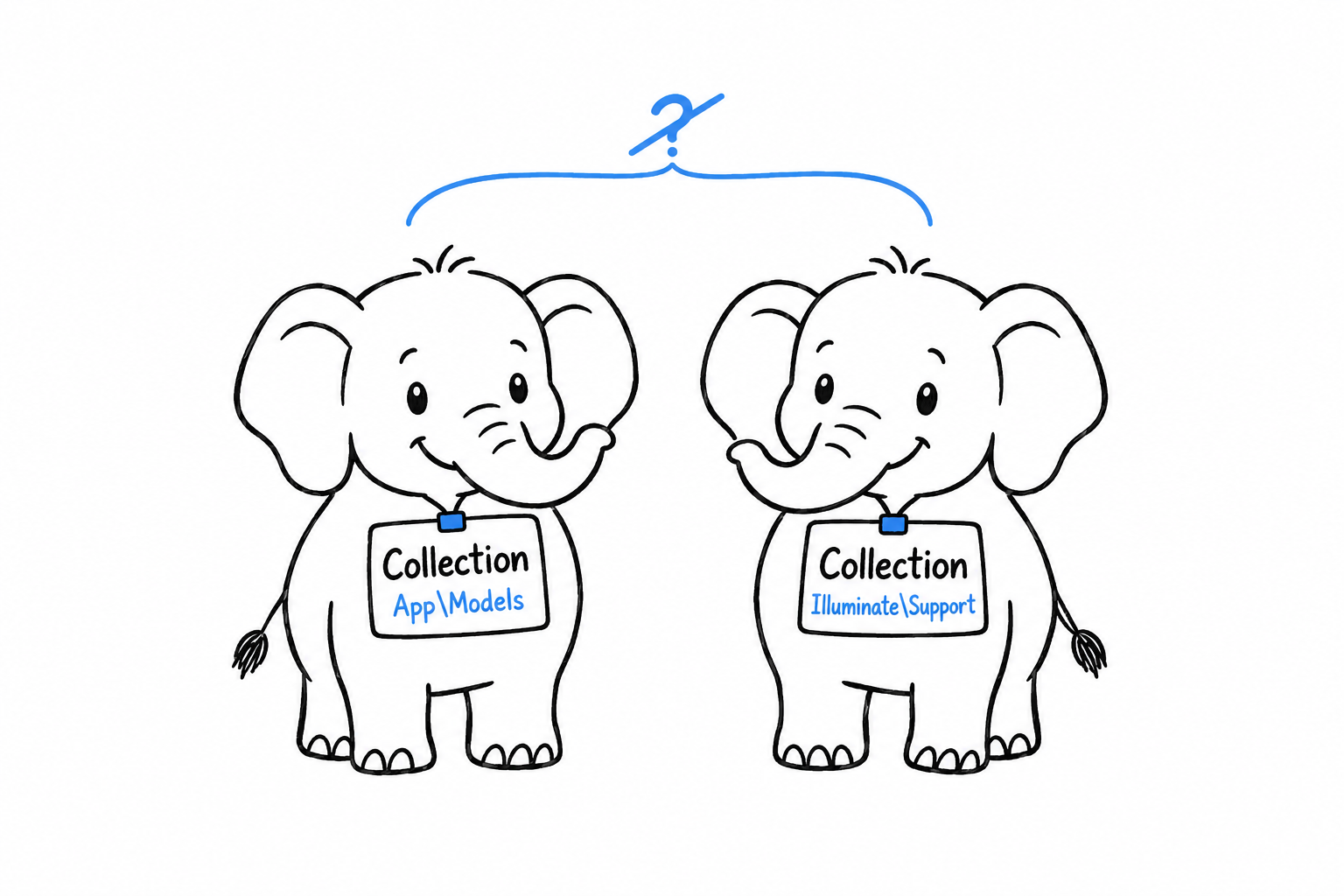
Same short name, two different classes, no collision: App\Models\Collection and Illuminate\Support\Collection are simply two identifiers. Namespaces exist because your project will contain code from people you have never met, and none of you agreed on names in advance. Tidy code organization is a pleasant side effect. Avoiding the collision is the reason.
Fully qualified names
You can always name a class by its full path, whatever namespace you are in. Write it out completely, with a leading backslash, and you have a fully qualified name:
<?php

namespace App\Services;

function makeProduct(): \App\Models\Product
{
    return new \App\Models\Product('Keyboard', 49.00);
}
The backslash is the point. Inside App\Services, a bare Product resolves relative to the current namespace: PHP looks for App\Services\Product, which does not exist. A leading \ says “start from the very top”, the global namespace.
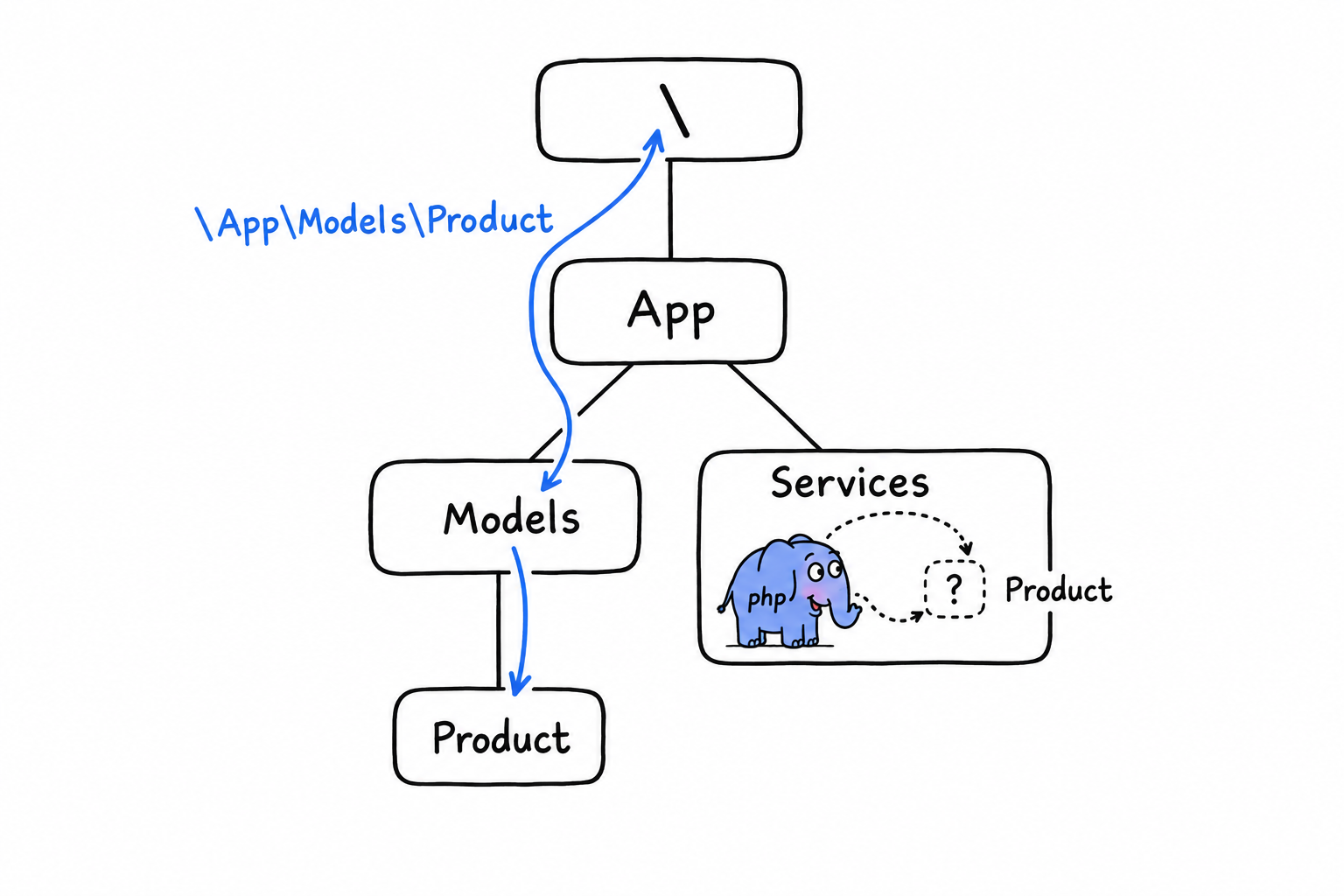
You need the same trick for PHP’s own built-in classes once your file has a namespace:
<?php

namespace App\Services;

function now(): \DateTimeImmutable
{
    return new \DateTimeImmutable();
}
DateTimeImmutable has no namespace. It lives at the top, next to Exception, ArrayObject and every other built-in class, and from inside App\Services the only way to reach it is the leading backslash. Or the use keyword, which imports the name once and spares you the backslash everywhere else. That is next.
A note on functions and constants
Namespaces cover functions and constants too. namespace App\Helpers; followed by function slugify(string $s): string { ... } gives you App\Helpers\slugify(). You will meet this less often than you might expect, for one reason: for a bare function or constant name, PHP falls back to the global namespace when no namespaced version exists. That is why strlen() and array_map() keep working inside a namespaced file without a second thought. Classes get no such fallback. Get the namespace of a class wrong and PHP simply will not find it.
Referring to Code with the use Keyword
Writing \App\Models\Product every time you need a Product gets old fast, and it buries your logic under file paths. The use keyword imports a name once, at the top of a file, and the short name works for the rest of that file.
Basic imports
<?php

declare(strict_types=1);

namespace App\Services;

use App\Models\Product;

function makeProduct(string $name, float $price): Product
{
    return new Product($name, $price);
}
One use line, and Product means App\Models\Product until the end of the file. No backslash, no full path, no ambiguity. use statements sit directly under the namespace declaration, before anything else.
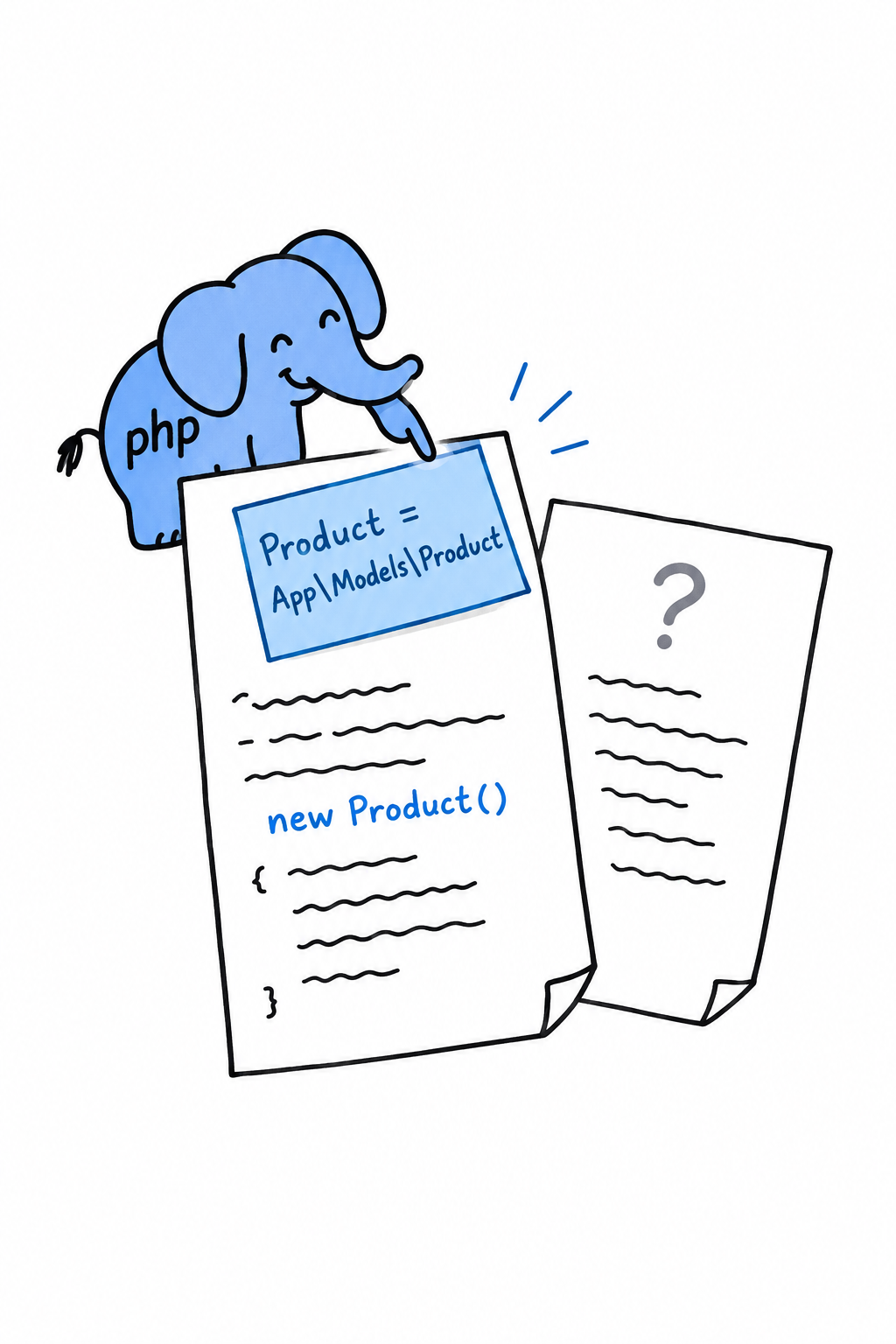
Think of it as a sticky note on the first page: “when I say Product, I mean App\Models\Product”. The note is glued to this file only. Importing a class in one file has no effect on any other file, so every file that needs Product repeats the same use line. That repetition is normal, not a smell.
Aliasing with as
Sometimes the short name is taken. Two packages both export a Collection, or a library picked a name that reads badly in your code. use ... as renames the import, for this file only:
<?php

declare(strict_types=1);

namespace App\Services;

use App\Models\Product;
use App\Models\Product as ProductModel;
use Vendor\Ecommerce\Product as ExternalProduct;

function convert(ExternalProduct $external): ProductModel
{
    return new ProductModel($external->title, $external->cost);
}
Outside this file, App\Models\Product and Vendor\Ecommerce\Product keep their names. You have simply given yourself two distinct local labels, in the one place that has to talk about both at once.
Importing several names at once
When a file leans on one namespace, group the imports instead of repeating the prefix:
<?php

declare(strict_types=1);

namespace App\Services;

use App\Models\{Product, Category, Warehouse};
It means exactly the same as three separate use lines. Some teams like the compactness, others find one import per line easier to read in a diff. Pick one and stick to it within a project.
Importing functions and constants
use is not only for classes. A namespaced helper function or constant (rarer than a namespaced class, as the previous section said, but it happens) is imported with use function and use const:
<?php

declare(strict_types=1);

namespace App\Services;

use function App\Helpers\slugify;
use const App\Helpers\DEFAULT_LOCALE;

$slug = slugify('Hello, Composer!');
You met this form at the start of the chapter, in Hello, Composer!: use function Termwind\render;. It probably looked like a small piece of magic then. It is the same mechanism as everything on this page, an import scoped to one file, so that you can write a short name instead of a long one.
What you’re actually buying
A use statement is bookkeeping, not behavior. Nothing about a class, function or constant changes. What you get is code that reads the way you think: new Product(...) instead of new \App\Models\Product(...), with one line at the top doing all the disambiguation. Together with namespace, that is everything you need to write code that collides with nobody else’s. What is left is spreading it across files and folders in a way that makes sense, and that is where we are headed.
Organizing a Multi-File Project
You can declare a namespace and import from one. What is still missing is the link between namespaces and the filesystem: so far, nothing tells PHP that App\Models\Product lives in any particular file. You could put it anywhere. You should not, and the layout on this page is what makes “anywhere” stop being tempting.
One class, one file
One class, interface, trait or enum per file, and the file is named after it, exactly, including case. Product lives in Product.php. Not product.php, not models.php with three classes crammed together. The language does not enforce this. The ecosystem follows it so closely that breaking it will confuse the next person who opens your project.
It feels restrictive after scripts where everything lived in one file. It pays for itself as soon as a project has more than a handful of classes: you find any class from its name alone, without grepping.
A folder that mirrors the namespace
The second half of the convention: the folder tree mirrors the namespace tree. A small project might look like this:
$ find src -type f
src/Models/Product.php
src/Models/Category.php
src/Services/Cart.php
src/Services/PricingCalculator.php
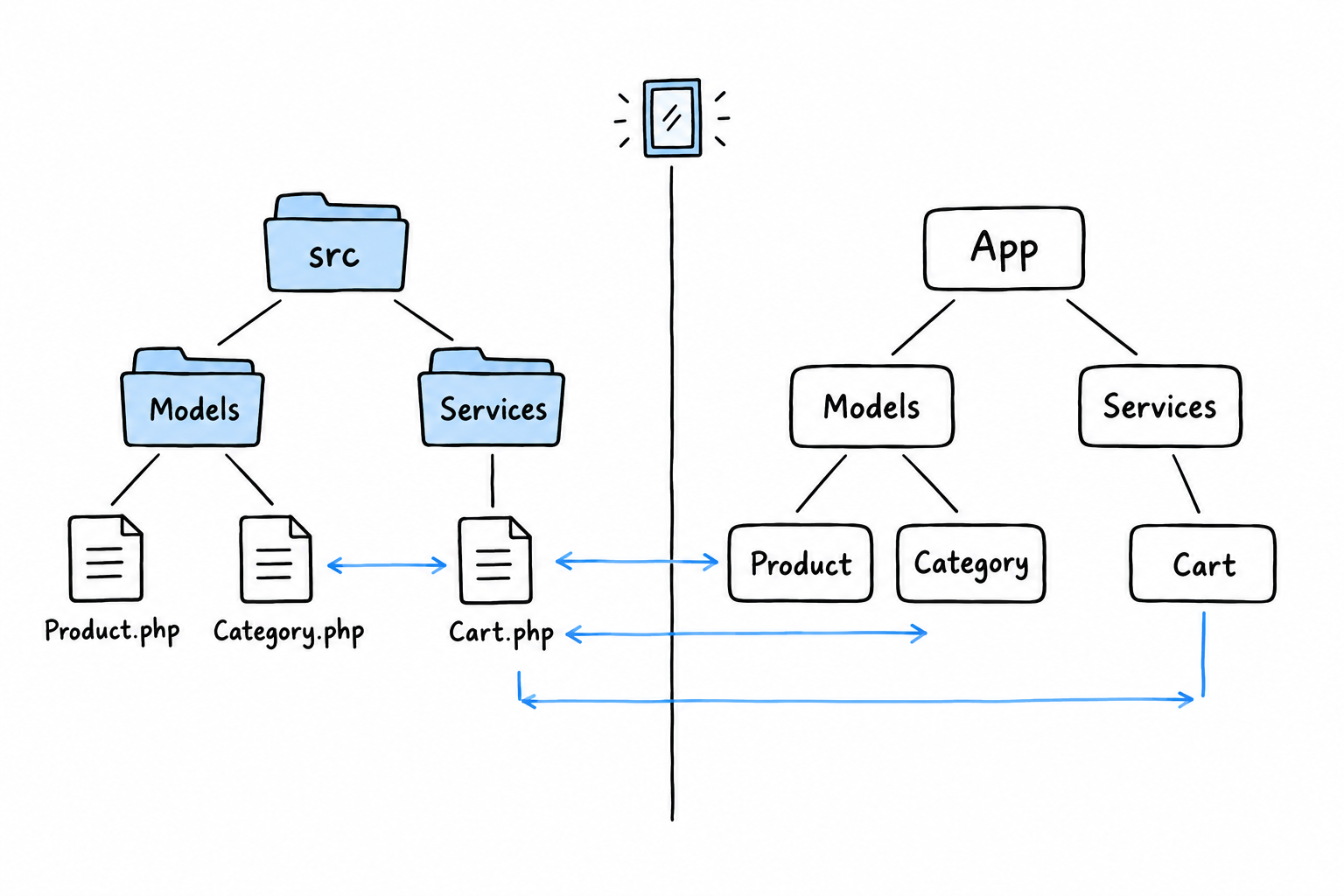
And the namespace inside each file matches its path under src/:
<?php

declare(strict_types=1);

namespace App\Models;

class Product
{
    public function __construct(
        public readonly string $name,
        public readonly float $price,
    ) {
    }
}
<?php

declare(strict_types=1);

namespace App\Models;

class Category
{
    public function __construct(
        public readonly string $name,
    ) {
    }
}
<?php

declare(strict_types=1);

namespace App\Services;

use App\Models\Product;

class Cart
{
    /** @var Product[] */
    private array $items = [];

    public function add(Product $product): void
    {
        $this->items[] = $product;
    }

    public function total(): float
    {
        return array_sum(array_map(
            fn (Product $product) => $product->price,
            $this->items,
        ));
    }
}
App\Models\Product sits at src/Models/Product.php. App\Services\Cart sits at src/Services/Cart.php. Notice that the App prefix has no folder called App: it stands for src/ as a whole. That is one mapping, declared once, and it is the subject of the next section.
Putting it together from an entry point
With that layout in place, an entry-point script (say public/index.php, or a one-off command you run with php run.php) imports what it needs and gets on with it:
<?php

declare(strict_types=1);

require __DIR__ . '/vendor/autoload.php';

use App\Models\Product;
use App\Services\Cart;

$cart = new Cart();
$cart->add(new Product('Keyboard', 49.00));
$cart->add(new Product('Mouse', 25.00));

echo $cart->total() . "\n";
Not one require for Product.php or Cart.php in sight, only vendor/autoload.php, the line from Hello, Composer!. That is no coincidence, and it is not magic either. It works because of one small block of configuration connecting the App\ prefix to the src/ folder. That block is PSR-4, and once it is in place this script prints 74.
Separating Classes into Different Files (PSR-4)
Everything in this chapter has been heading toward one small block of JSON. Your classes have namespaces, your files import them with use, src/ mirrors the namespace tree, and still nothing has told Composer that any of this is connected. PSR-4 is the published rule that maps a namespace to a directory on disk. It comes from the PHP-FIG, the group that coordinates conventions like this one across the ecosystem.
The rule, precisely
PSR-4 works on prefixes. You tell Composer: “any class whose name starts with this prefix lives under this directory, and the rest of the name is the rest of the path.” In composer.json:
{
    "name": "you/your-project",
    "autoload": {
        "psr-4": {
            "App\\": "src/"
        }
    }
}
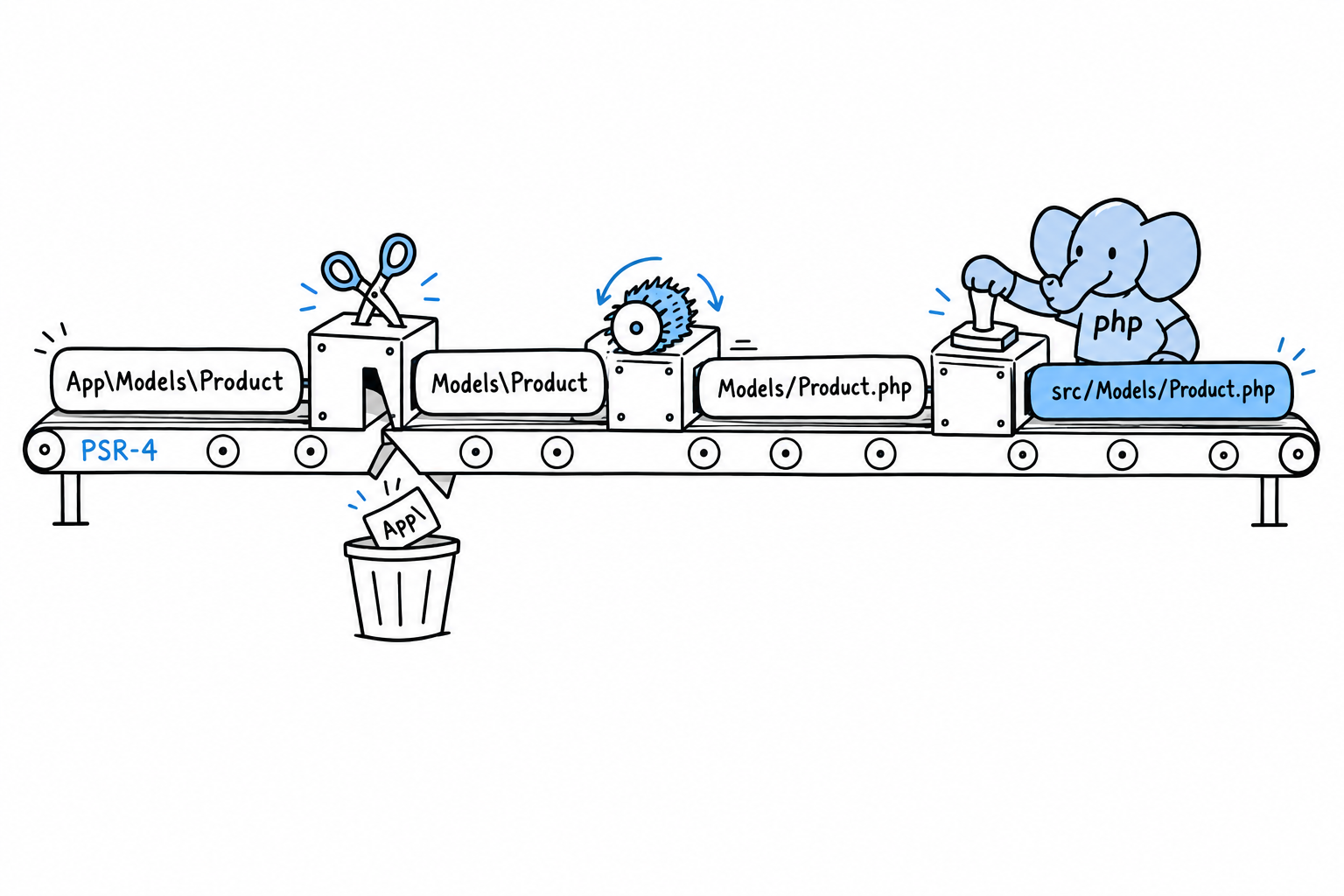
With that mapping, App\Models\Product resolves in three moves. Strip the App\ prefix: Models\Product. Turn the backslashes into slashes and add .php: Models/Product.php. Put the base directory in front: src/Models/Product.php. That is the entire algorithm. No configuration per class, no list of files to maintain, one rule applied every time.
Warning
Note the double backslash in
"App\\". This is a JSON string, so a literal backslash must be escaped. Easy to forget, and Composer will tell you plainly (an autoload path that does not resolve) if you do.
Wiring it up
If you ran composer init in Hello, Composer!, add the autoload block to your existing composer.json by hand. Then tell Composer to act on it:
$ composer dump-autoload
Generating autoload files
Generated autoload files
This regenerates the files in vendor/composer/, including the PSR-4 map you peeked at in Packages and Autoloading. From now on, require 'vendor/autoload.php' finds your own App\ classes exactly the way it already found Termwind.
Try it: run the entry point from the previous section. It prints 74. Then add a new class under src/, use it from the same script, and run again. Nothing else to do.
When to run it again
The PSR-4 autoloader resolves paths by rule, not from a fixed list, so in most setups a new class in the right place is found immediately. Still, running composer dump-autoload after adding classes is a habit worth having. Some deployment setups build an optimized class map (composer dump-autoload --optimize, or automatically with composer install --no-dev on a production server) that trades the on-the-fly rule for speed, and that map only knows the classes that existed when it was generated. If you add src/Models/Discount.php and PHP suddenly cannot find App\Models\Discount, composer dump-autoload is the first thing to try. It costs nothing.
Checking your work
Composer also notices when files and namespaces drift apart: a typo in a namespace line, a class saved in the wrong folder:
$ composer dump-autoload
Generating autoload files
Warning: Ambiguous class resolution, "App\Models\Product" was found in
both "src/Models/Product.php" and "src/Models/product.php", the first
will be used.
Generated autoload files
That is the whole system, and the best part is how little of it you think about day to day. Namespace the class, put the file where the namespace says, and the autoloader (the one line you wrote in Hello, Composer! and have not touched since) finds it. From here on, every multi-file example in this book assumes exactly this setup: a src/ folder, an App\ namespace, and one require that never needs another one added after it.
Common Collections
A shopping list, a phone book, a stack of index cards, a row from a database. In most languages those are four different types. In PHP they are all one thing: an array.
You have been using arrays since Chapter 3, a $fruits = ["apple", "banana"] here, a foreach there, enough to keep an example moving. That was on credit. Arrays are the structure PHP programs are built out of, and they deserve to be understood properly, once, rather than picked up by osmosis.
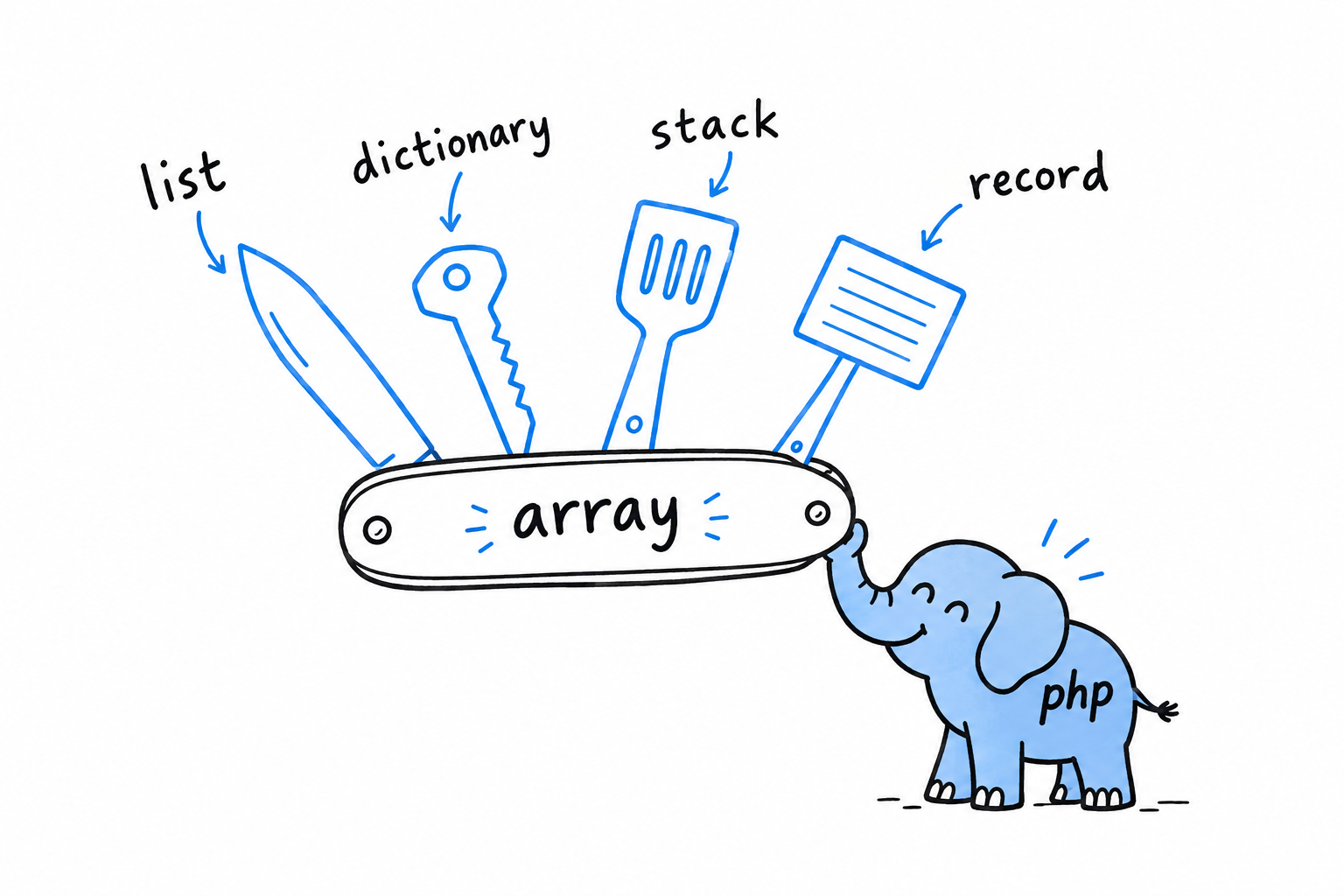
The reason one structure can do so much is the key to the whole chapter. A PHP array is always an ordered map: keys, each pointing at a value, kept in the order you added them. Use 0, 1, 2 as keys and it looks like a list. Use words and it looks like a dictionary. Underneath, nothing changed. Hold on to that fact and a lot of otherwise surprising behavior (why order is preserved, why array_filter() leaves gaps in the keys, why count() is instant) turns obvious.
A list and a dictionary are the same PHP array wearing different keys.
The chapter also stops on strings, and that is not a change of subject. Strings and arrays live side by side in everyday PHP: you split one into the other and glue arrays of strings back together all day long. And the moment a string holds anything beyond plain English (an accented name, a currency symbol, an emoji), you meet UTF-8, which PHP handles well, but only when asked correctly.
Indexed arrays come first, since you already have a feel for lists. Then strings, with an honest look at bytes versus characters, the distinction that trips up nearly everyone once. Then associative arrays, where keys you choose yourself turn the same structure into a small, flexible record.
Storing Lists of Values with Indexed Arrays
Three fruits, in a fixed order, each one reachable by its position. That is an indexed array, what most languages simply call an array or a list, and you build one with square brackets:
<?php

declare(strict_types=1);

$fruits = ['apple', 'banana', 'cherry'];

echo $fruits[0] . "\n"; // apple
echo $fruits[2] . "\n"; // cherry
echo count($fruits) . "\n"; // 3
Positions start at 0, not 1. $fruits[0] is the first element and $fruits[2] the third and last.
count() gives you the number of elements, and you will call it constantly. It is an instant lookup, not a walk through the array, so never hesitate to put it in a loop condition.
Appending
You rarely build an array fully formed. More often you start empty and grow it, and PHP’s way of saying “add this to the end” is a pair of empty square brackets:
<?php

declare(strict_types=1);

$shoppingList = [];

$shoppingList[] = 'milk';
$shoppingList[] = 'eggs';
$shoppingList[] = 'bread';

print_r($shoppingList);
// Array
// (
//     [0] => milk
//     [1] => eggs
//     [2] => bread
// )
$shoppingList[] = 'milk' looks like indexing into nothing. Read it as its own idiom: “give this the next free position and put it there.” PHP keeps track of that next position; you never have to.
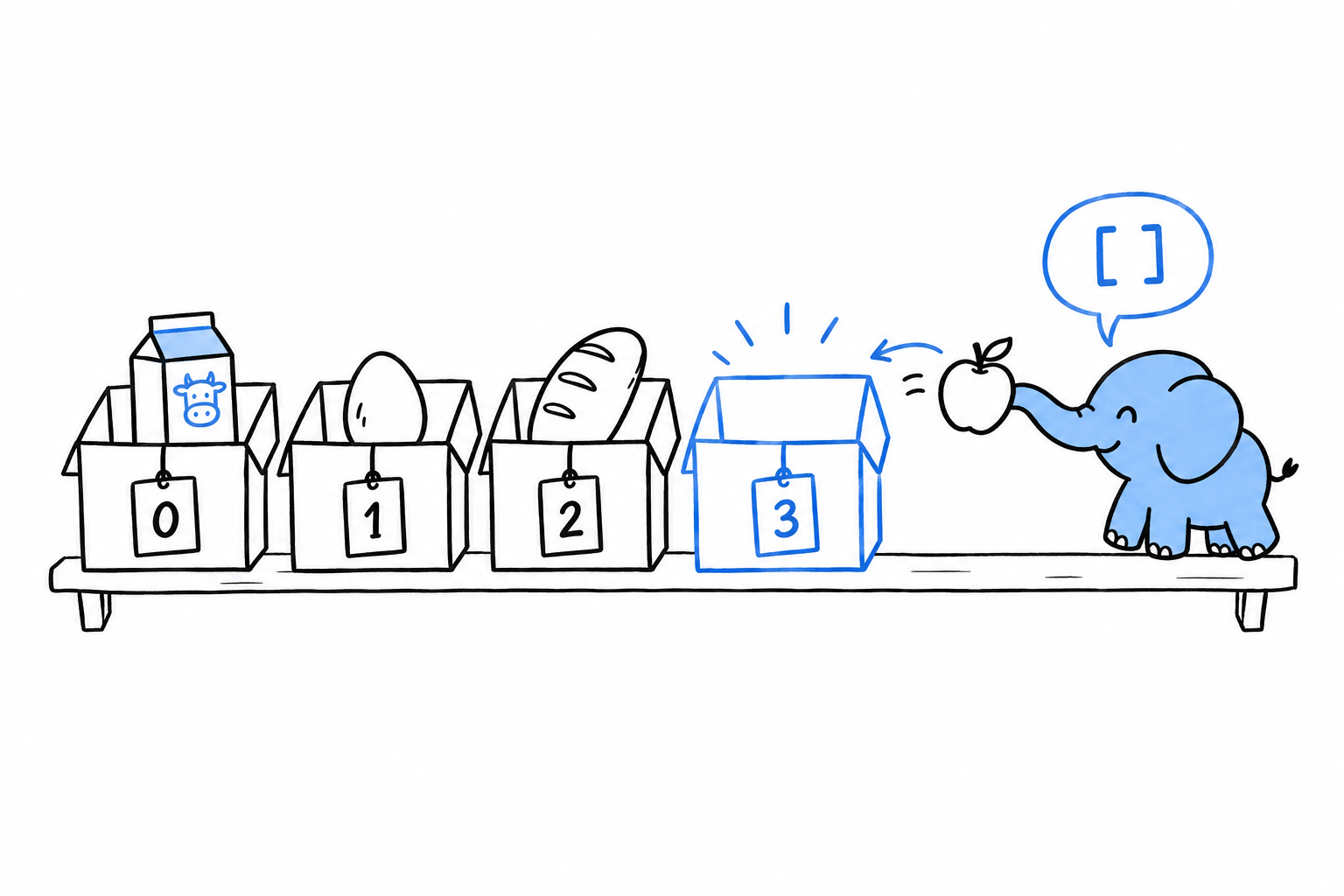
Try it: print count($shoppingList) after each line. 1, 2, 3.
The mental model: arrays are ordered maps
Here is the fact that makes the rest of this chapter click into place. There is no separate list type in PHP. ['apple', 'banana', 'cherry'] is shorthand for [0 => 'apple', 1 => 'banana', 2 => 'cherry']: an indexed array is an array whose keys happen to be 0, 1, 2. Underneath, every PHP array is the same structure, a map from keys to values that remembers insertion order.
This explains behavior that otherwise looks like a quirk. Filter an indexed array, and the survivors keep their original keys:
<?php

declare(strict_types=1);

$numbers = [10, 15, 20, 25, 30];

$even = array_filter($numbers, fn (int $n) => $n % 2 === 0);

print_r($even);
// Array
// (
//     [0] => 10
//     [2] => 20
//     [4] => 30
// )
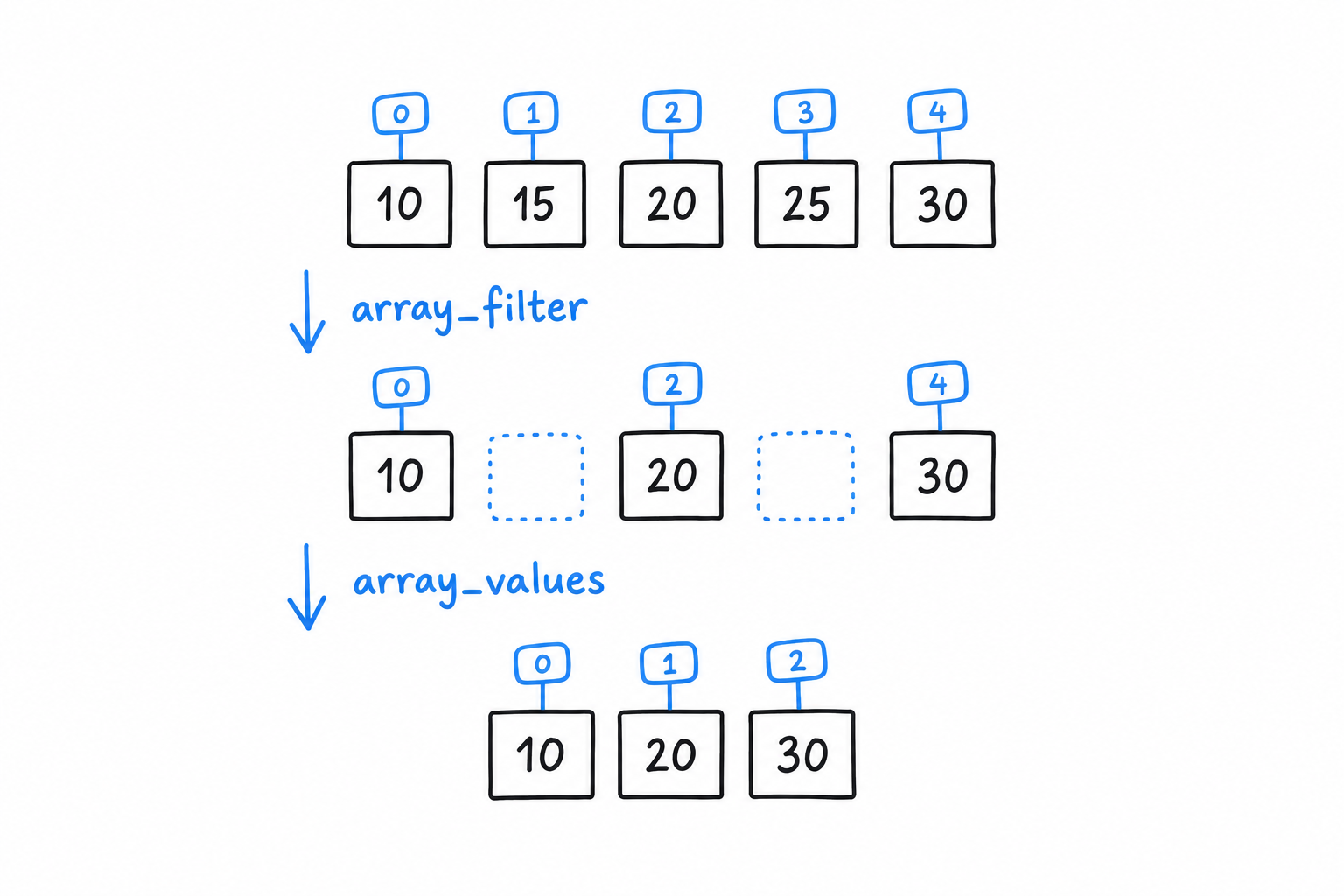
Keys 1 and 3 are gone, not renumbered. array_filter() removed two entries from a map, and a map has no reason to stay contiguous. If you need a clean 0, 1, 2 sequence afterwards, array_values() renumbers it:
<?php

$reindexed = array_values($even); // [10, 20, 30]
An indexed array is a map whose keys happen to be 0, 1, 2. Remove an entry, and the others do not move.
Functions you’ll reach for constantly
A handful of functions cover most of what you do with lists day to day:
<?php

declare(strict_types=1);

$scores = [88, 92, 74, 95, 60];

array_push($scores, 100);        // append (same as $scores[] = 100, but explicit)
$last = array_pop($scores);      // removes and returns the last element (100)

$passing = array_filter($scores, fn (int $s) => $s >= 60);
$grades = array_map(fn (int $s) => $s >= 90 ? 'A' : 'B', $passing);

sort($scores); // sorts in place, re-indexes from 0

$hasTopScore = in_array(95, $scores, strict: true);

echo implode(', ', $grades) . "\n";
array_map() transforms every element and returns an array of the same length. array_filter() keeps the elements that pass a test and, as you just saw, keeps their keys too. sort() is different: it changes the array in place and renumbers it from 0, which matters if you were relying on the old keys.
in_array() searches for a value. Pass strict: true so it compares with === instead of PHP’s loose default, for the same reason === earned its own callout in Data Types. Make it a habit.
array_push() and $scores[] = ... do the same job for a single value. array_push() can take several values at once, and “push” reads well when you think of the array as a stack. Pick whichever reads better at the call site.
Storing UTF-8 Encoded Text with Strings
Ask PHP how long the word café is, and it answers five.
You met strings in Hello, World! and used interpolation in the guessing game without much ceremony. What we skipped, reasonably, is the part that eventually bites everyone who works with PHP strings. A PHP string is not made of characters. It is made of bytes. Most of the time the difference is invisible, right up until it isn’t.
Quotes, briefly revisited
You will use both kinds constantly, so here is the rule once more. Single quotes are as literal as PHP gets: no interpolation, no escape sequences beyond \' and \\. Double quotes replace variables with their values and understand sequences like \n and \t:
<?php

declare(strict_types=1);

$name = 'Damien';

echo 'Hello, $name\n';   // Hello, $name\n  (literal, no processing)
echo "Hello, $name\n";   // Hello, Damien  (interpolated, newline applied)
Reach for single quotes when there is nothing to interpolate. It is marginally faster, since PHP does not scan the text for $ or \, but the real benefit is for the next reader: single quotes say “nothing clever happening here.”
Bytes versus characters
Here is the fact that matters. PHP’s classic string functions (strlen(), strtoupper(), substr() and their relatives) work on bytes, full stop. That was a fine assumption in an ASCII world, where one byte is one character. It falls apart the moment your text isn’t ASCII, and in UTF-8, which is what essentially all modern PHP produces, that moment comes fast:
<?php

declare(strict_types=1);

$name = 'café';

echo strlen($name) . "\n";     // 5, not 4!
echo mb_strlen($name) . "\n";  // 4, correct
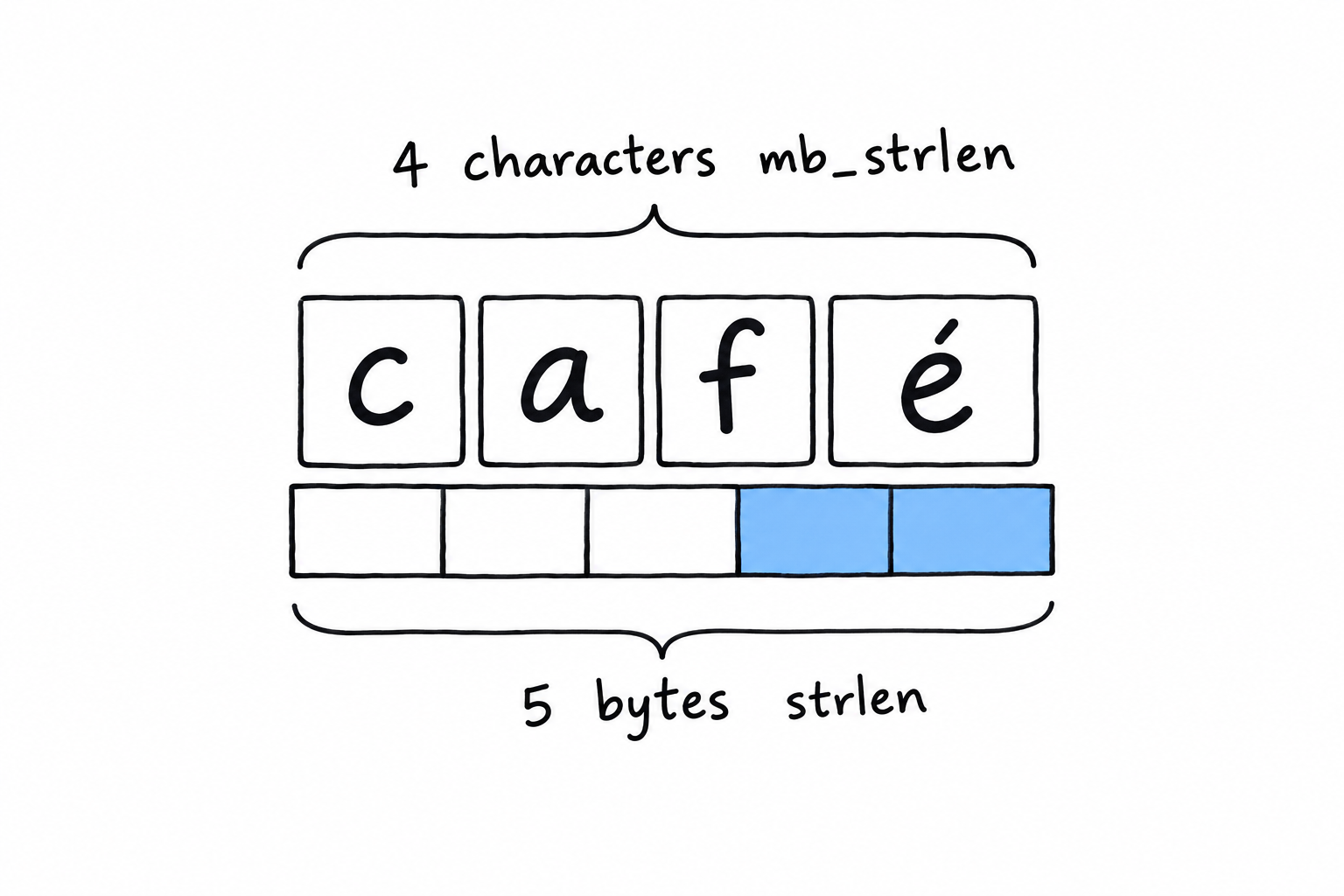
café has four characters, but UTF-8 stores the é in two bytes, so strlen(), which counts bytes, says five. It isn’t wrong, exactly. It answers a question you didn’t mean to ask. mb_strlen() (mb stands for multibyte) understands UTF-8 and counts characters, which is what you meant.
Try it: replace café with a single emoji. strlen() says four, mb_strlen() says one.
The practical rule fits in a sentence. If a string could ever contain something a user typed (a name, a comment, a search term), use the mb_ variant. strlen() is still right for genuinely byte-oriented work: the size of a file’s contents, or a string you built yourself out of known ASCII. When in doubt, mb_strlen() costs you nothing, and it saves you from a bug that only shows up for some of your users, usually the ones with accented names. That is the embarrassing kind.
Warning
strlen()counts bytes.mb_strlen()counts characters. For anything a human typed, you want characters.
Everyday string functions
A handful of functions cover the bulk of real string work:
<?php

declare(strict_types=1);

$message = 'PHP is not dead, it just smells funny.';

if (str_contains($message, 'not dead')) {
    echo "Reassuring.\n";
}

$corrected = str_replace('not dead', 'thriving', $message);
echo $corrected . "\n";

$excerpt = substr($message, 0, 12);
echo $excerpt . "...\n"; // PHP is not d...

$formatted = sprintf('%s scored %d%% on the test.', 'Alice', 92);
echo $formatted . "\n"; // Alice scored 92% on the test.
str_contains() (PHP 8.0 and later) asks whether one string appears inside another and returns a plain boolean. It replaced the old strpos($haystack, $needle) !== false idiom you will still meet in older code, with its special-case false waiting to trip you. str_replace() swaps every occurrence of a substring. substr() cuts out a portion by start position and length, and like strlen() it has an mb_substr() twin that counts characters, under the same rule as above.
sprintf() builds a string from a template and a list of values. Past one or two values, it reads far better than a chain of concatenations, and it gives you control that interpolation doesn’t: %d%% above forces 92 to be treated as an integer, then prints a literal %. printf() is the same thing minus the “return a string” part: it prints directly.
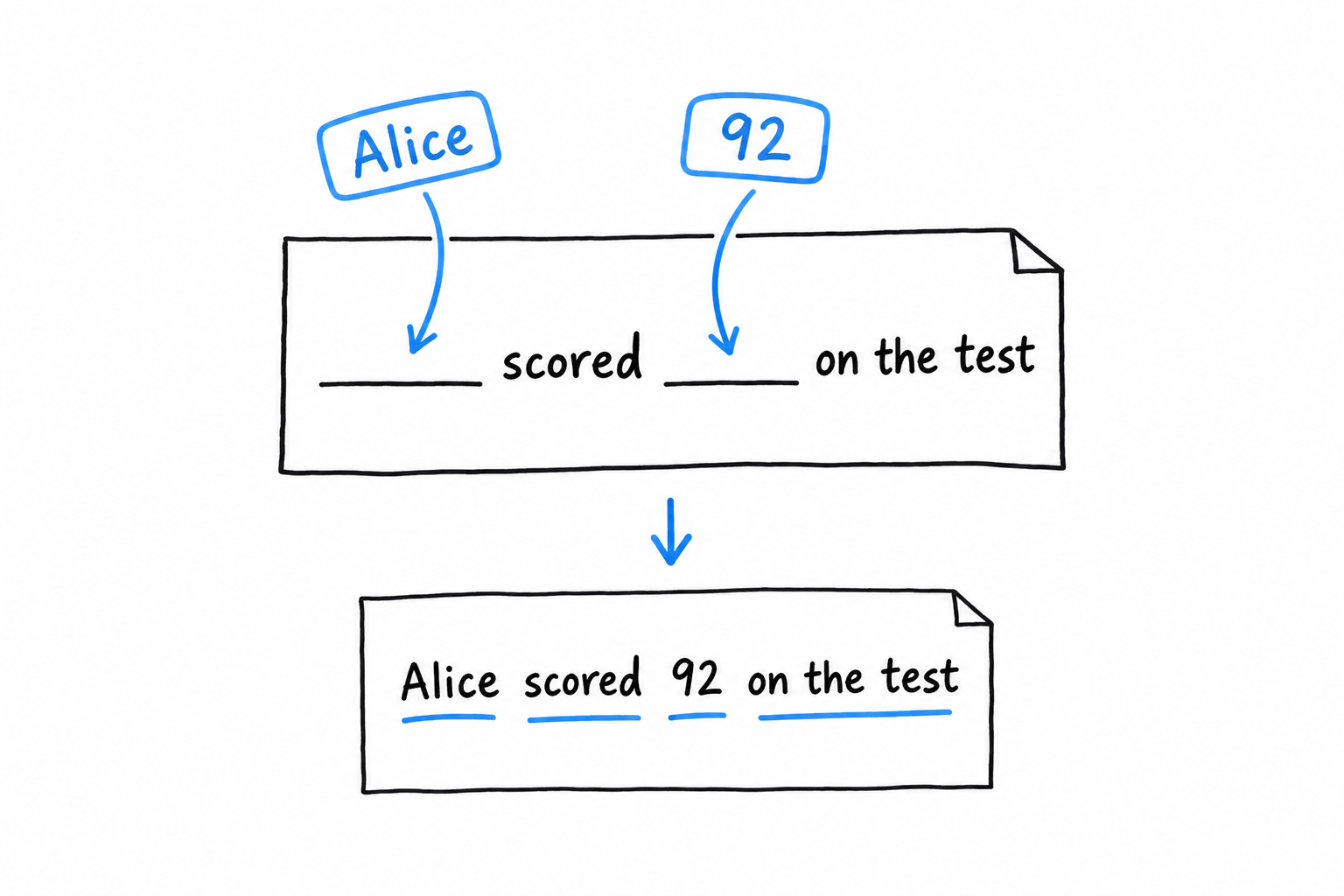
Interpolation, one more time
You know the basics from Chapter 2. The full form is worth having on hand. {$expr} inside double quotes accepts more than a bare variable: array access, property access, method calls, anything that resolves to a value:
<?php

declare(strict_types=1);

$user = ['name' => 'Alice', 'age' => 30];

echo "{$user['name']} is {$user['age']} years old.\n";
Without the braces, "$user['name']" doesn’t do what you’d expect: PHP would stop parsing the variable name at $user and print the rest literally. The braces remove the ambiguity, so make them your default the moment an interpolation is more than a single bare $variable.
Storing Keys with Associated Values in Associative Arrays
Take the row of boxes from the previous section and replace the numbered tags with words. That is an associative array, and that is the whole difference.
An associative array is an array where you choose the keys yourself, usually strings, instead of letting PHP hand out 0, 1, 2. Same structure, PHP’s ordered map, different labels:
<?php

declare(strict_types=1);

$prices = [
    'apple' => 0.50,
    'banana' => 0.30,
    'cherry' => 3.20,
];

echo $prices['banana'] . "\n"; // 0.3
$prices['date'] = 4.10; // add a new key
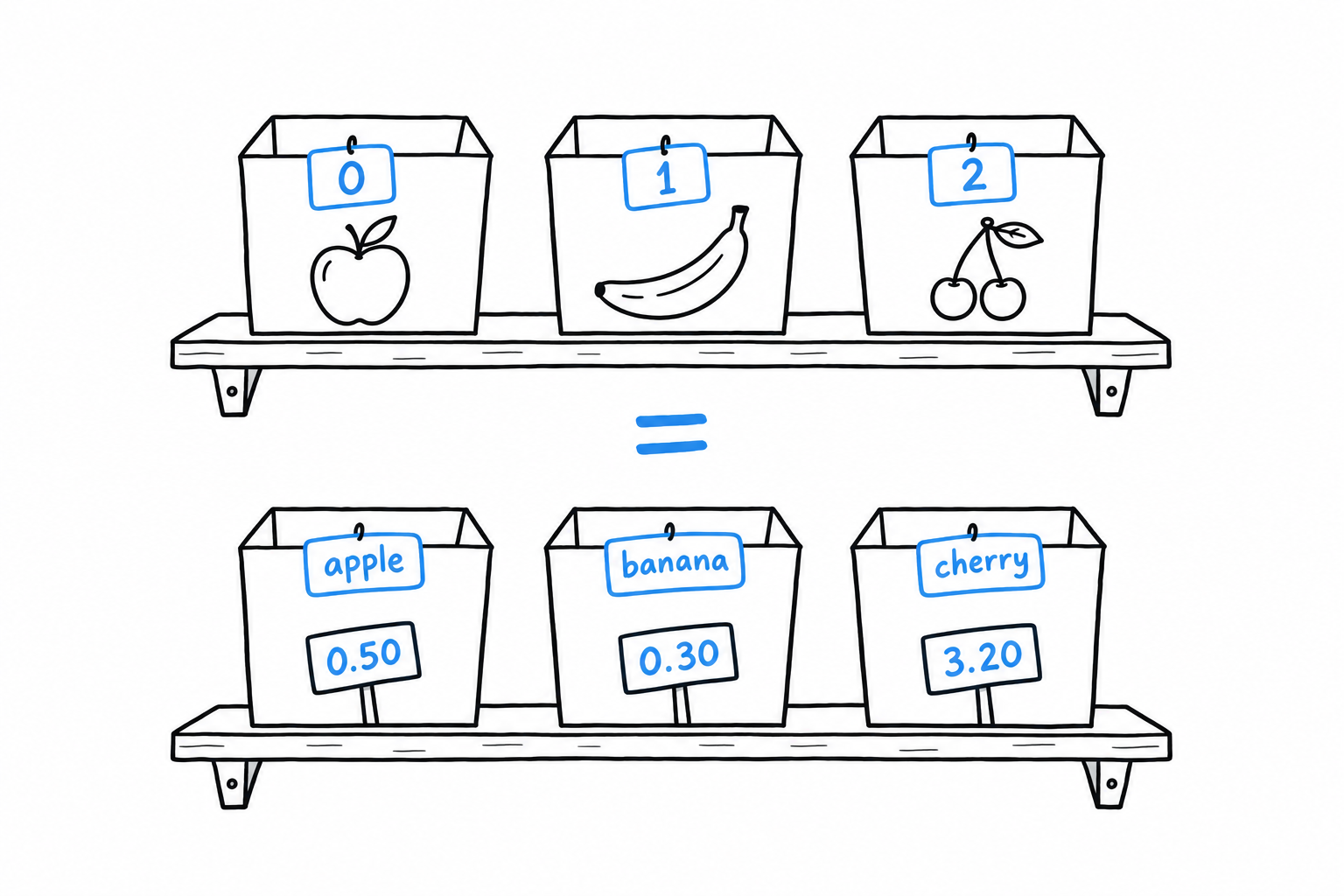
Keys can be strings or integers, and PHP happily mixes both in one array. They must be unique, though: assign to a key that already exists and you overwrite its value rather than adding a second entry.
isset() versus array_key_exists(), and the gotcha between them
Both functions answer a version of “is this key there,” and they are not interchangeable. The difference has caused real bugs, so understand it once rather than half-remembering it.
<?php

declare(strict_types=1);

$user = [
    'name' => 'Alice',
    'nickname' => null,
];

var_dump(isset($user['name']));               // true
var_dump(isset($user['nickname']));           // false, surprising!
var_dump(array_key_exists('nickname', $user)); // true
Picture the array as a row of labeled drawers. isset() opens the drawer and asks whether there is something inside. The nickname drawer exists, but it holds null, and to isset() that is the same as no drawer at all. array_key_exists() only reads the labels. It doesn’t care what is inside, only whether the drawer was ever put there.
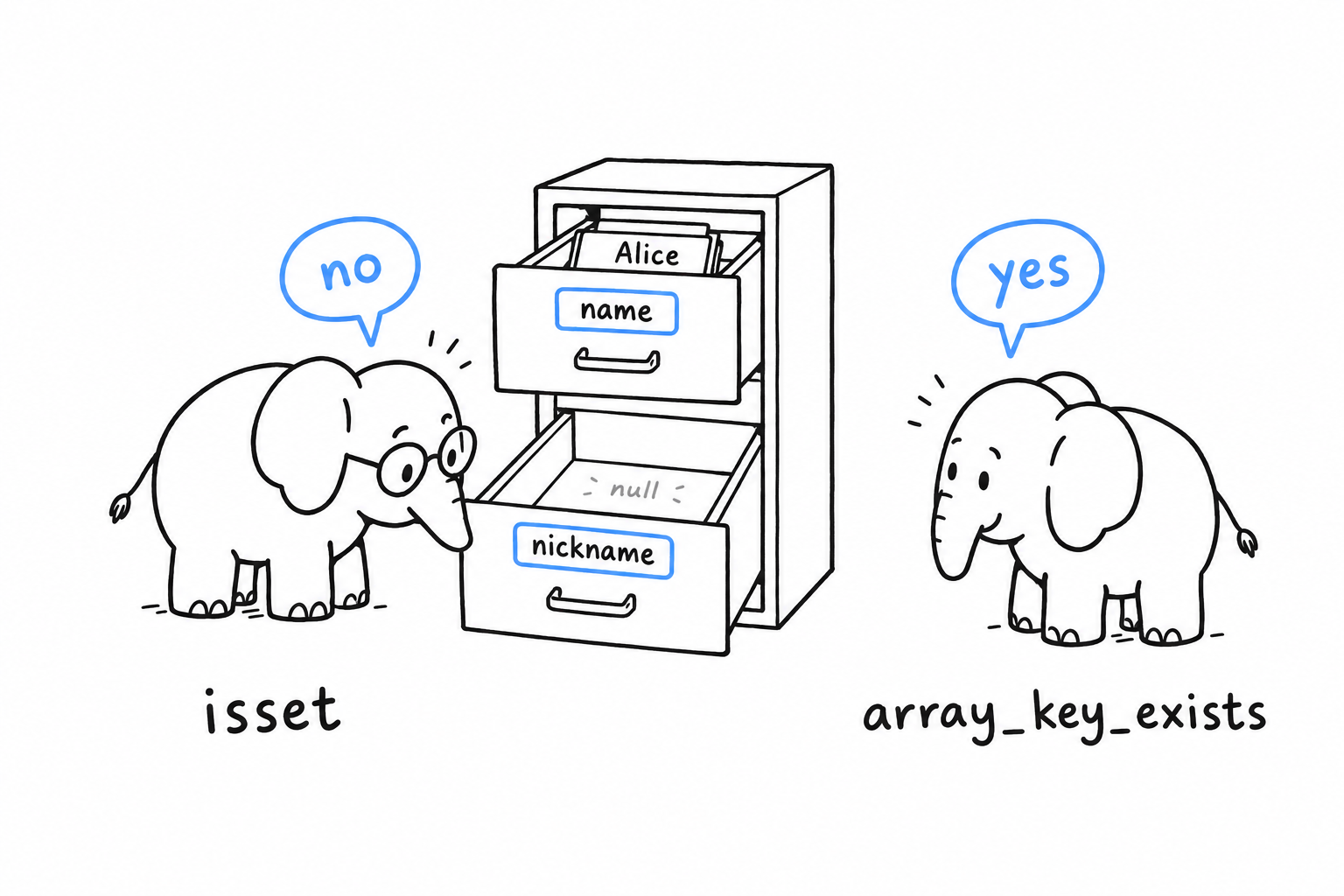
This matters whenever null is a meaningful value rather than an absence: a user record where “no nickname” is deliberately stored as null, say. Reach for isset() in the common case (does this exist and hold something usable), and array_key_exists() when you need to tell “never set” from “set to null.” Mixing them up costs you an hour the first time and never again. Trust me on this one.
Iterating with foreach
You saw foreach in Control Flow, mostly on indexed arrays. On an associative array, the key-value form is where it earns its keep:
<?php

declare(strict_types=1);

$prices = [
    'apple' => 0.50,
    'banana' => 0.30,
    'cherry' => 3.20,
];

foreach ($prices as $fruit => $price) {
    echo "{$fruit}: \${$price}\n";
}
// apple: $0.5
// banana: $0.3
// cherry: $3.2
Iteration order is insertion order, always. That is another direct consequence of arrays being ordered maps rather than truly unordered hash tables. You never have to sort an associative array just to get a predictable order; it already has one.
Nesting: arrays of associative arrays
The shape you will meet constantly in real code is a list of records: an indexed array where each element is itself an associative array, standing in for one row of data:
<?php

declare(strict_types=1);

$books = [
    ['title' => 'The Pragmatic Programmer', 'author' => 'Hunt & Thomas', 'year' => 1999],
    ['title' => 'Refactoring', 'author' => 'Martin Fowler', 'year' => 2018],
    ['title' => 'Clean Code', 'author' => 'Robert C. Martin', 'year' => 2008],
];

foreach ($books as $book) {
    echo "{$book['title']} ({$book['year']}): {$book['author']}\n";
}

$recent = array_filter($books, fn (array $book) => $book['year'] >= 2008);
$titles = array_map(fn (array $book) => $book['title'], $books);

echo implode(', ', $titles) . "\n";
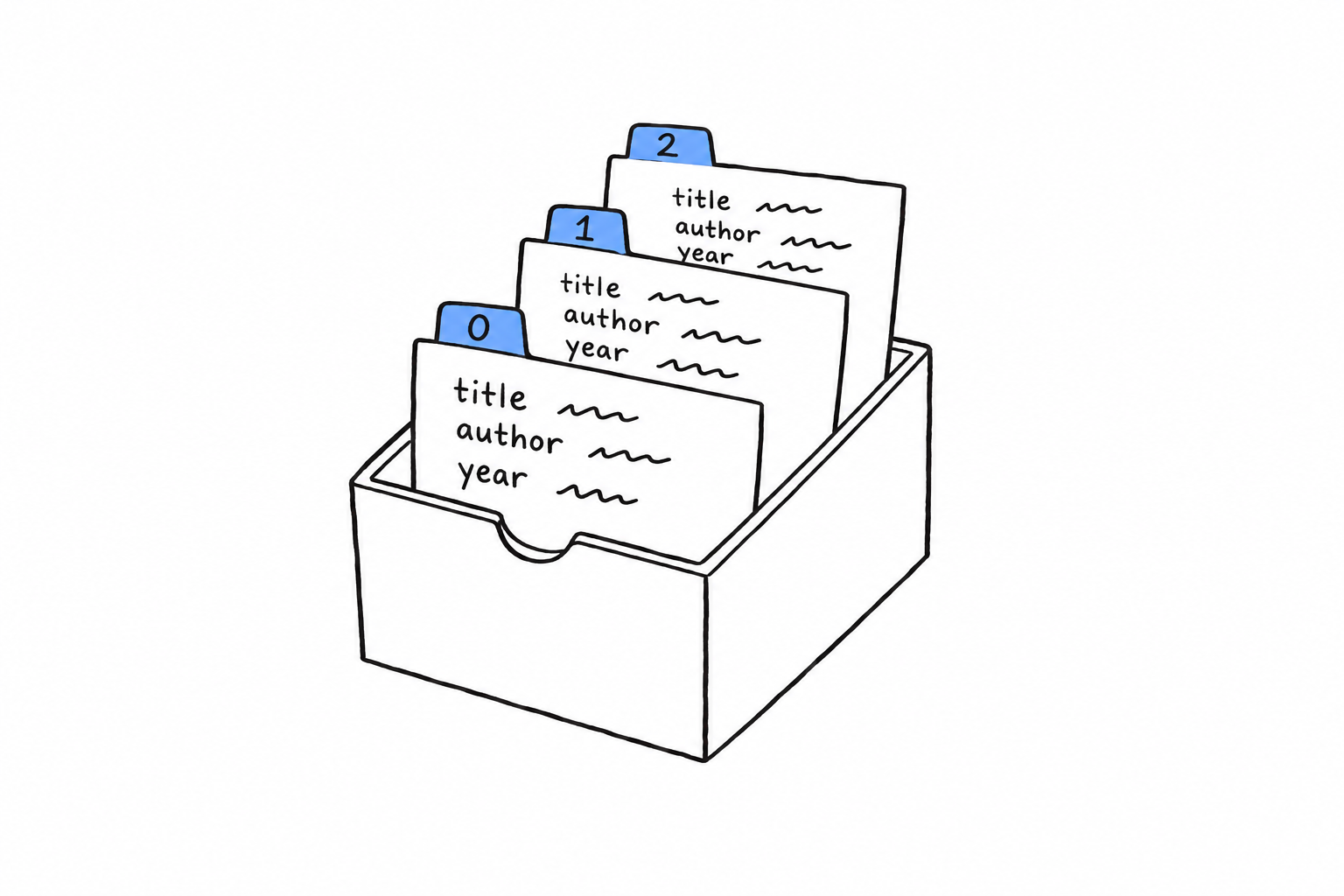
Picture a box of index cards. Each card has the same three lines (title, author, year), and the box keeps them in order. Indexed array outside, associative array inside: this is exactly what comes back from a database query, from a JSON response decoded with json_decode($json, true), or from a CSV file read row by row.
It looks almost too simple to name. Name it anyway. By the time you reach Chapter 14 and beyond, this pattern is how you will hold most real-world data before it becomes anything more structured, like the objects of Chapter 5.
Error Handling
A file is missing. A network call times out. Someone passes a string to a function that asked for a number, and somewhere a division finds a zero in its denominator. No program avoids trouble; what sets languages apart is what happens the moment it strikes, and how much say you have in the answer. PHP’s answer has changed a lot over the years, and the modern one is a good deal better than its reputation.
Older PHP, and there is plenty of it still running, failed quietly. A warning went to a log nobody read, a function returned false and left you guessing why, and the script limped on with half-built data because nothing had stopped it. PHP 7 and 8 changed that. Most failures now produce a real object you can catch and inspect, and the language draws a sharp line between two kinds of trouble.
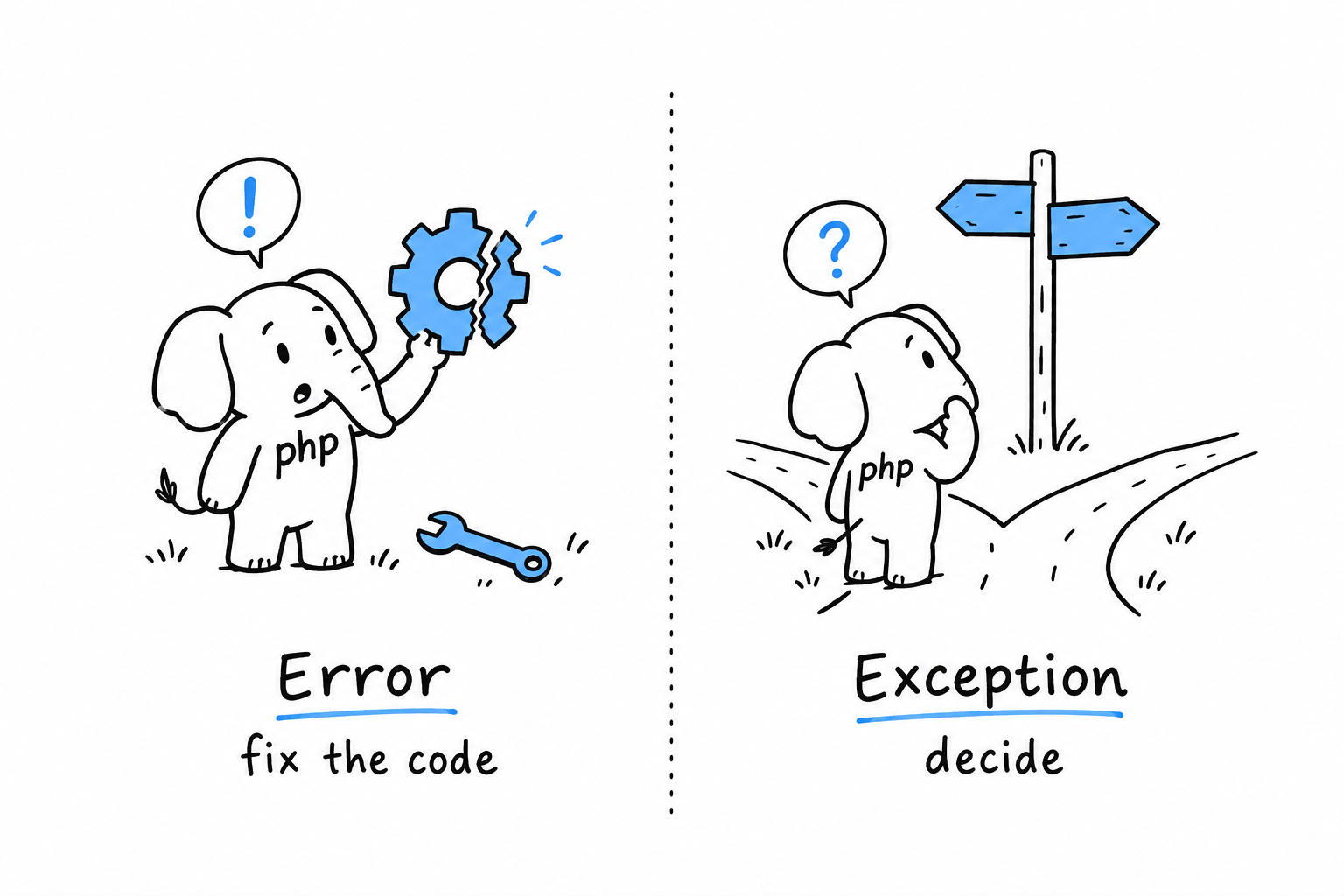
On one side, something is broken: a method called on null, a type that does not match, a division by zero. PHP raises an Error, and the only sensible response is to fix the code. On the other side, something needs a decision: a config file that is not there, an age that came in negative, an API that refused the request. PHP, or your own code, raises an exception, and someone higher up the call stack gets to decide what happens next.
An
Errorsays “this is broken, fix it”. An exception says “here is a problem, decide”.
That line runs through the whole chapter. Fatal errors and Error covers the first kind, and why you should mostly leave it alone. Exceptions covers the second: try, catch, finally, throwing your own, and the built-in hierarchy where most of your day-to-day error handling lives. To Throw or Not to Throw is about judgment: when to throw, when to return null and let the caller decide, and when the right answer is to let the program stop.
None of this stays theoretical. The command line tool of Chapter 14 leans on every pattern here, including a custom exception you will write here and meet again there. The syntax takes an afternoon. The instinct for where “handle it” ends and “let it fail” begins takes longer, and this chapter is where it starts.
Unrecoverable Errors: Fatal Errors and Error
Some problems have nothing to do with bad luck. No file went missing, no user typed nonsense: your code is wrong. You called a method that does not exist. You passed a string to a function that demanded an integer, with strict types on. You divided by zero. There is nothing sensible a program can do about a bug except stop and let you fix it.
PHP represents this family with the Error class and its subclasses. Three you will meet constantly:
<?php

declare(strict_types=1);

function half(int $n): int
{
    return $n / 0; // DivisionByZeroError
}

function double(int $n): int
{
    return $n * 2;
}

double("four"); // TypeError: strict_types is on, no silent conversion

$user = null;
$user->getName(); // Error: Call to a member function getName() on null
DivisionByZeroError, TypeError and the plain Error you get from calling a method on null all do the same job: they tell you, as precisely as they can, that the program reached a state it had no business being in. Run the file. It stops at double("four"), the first wrong thing it actually executes. Comment that line out, run again, and the call on null takes its turn; call half(3) and the division does. This is exactly what declare(strict_types=1), which you met in Data Types, is for: making a wrong call fail loudly, on the spot, instead of letting it slide.
Why this used to be worse
Code written before PHP 7 is full of null checks and is_int() guards scattered through function bodies, and there was a reason for them. Back then, most of these situations threw nothing you could catch. Calling a method on null was a fatal error that halted the script, full stop; no try in the world could step in. A type mismatch might silently convert the value, or print a warning to a log nobody watched, and carry on with garbage.
PHP 7 introduced Error to fix this, and PHP 8 sharpened it further. Nearly everything in this family is now a real object implementing Throwable, the same interface Exception implements. So you can write catch (Error $e) and keep the program running. You very often should not.
Catchable doesn’t mean “should catch”
The question is not whether PHP can hand you the problem as an object. Since PHP 8, it almost always can. The question is whether catching it fixes anything. Compare:
<?php

declare(strict_types=1);

// Reasonable: the input is genuinely unpredictable, and there's a sensible fallback.
try {
    $config = json_decode($configJson, associative: true, flags: JSON_THROW_ON_ERROR);
} catch (\JsonException $e) {
    $config = [];
}

// Unreasonable: papering over a bug instead of fixing it.
try {
    $total = $order->getTotal(); // $order might be null due to a bug upstream
} catch (\Error $e) {
    $total = 0; // now every bug in this code path just... returns zero, silently
}
The first try handles a situation that really can happen: JSON from the outside world is sometimes malformed, and falling back to an empty config is a defensible choice. The second try catches the symptom of a bug and hides it behind a plausible number. Six months later, someone is wondering why totals are occasionally zero, with no exception, no log line, no clue, because the catch block ate the only evidence.
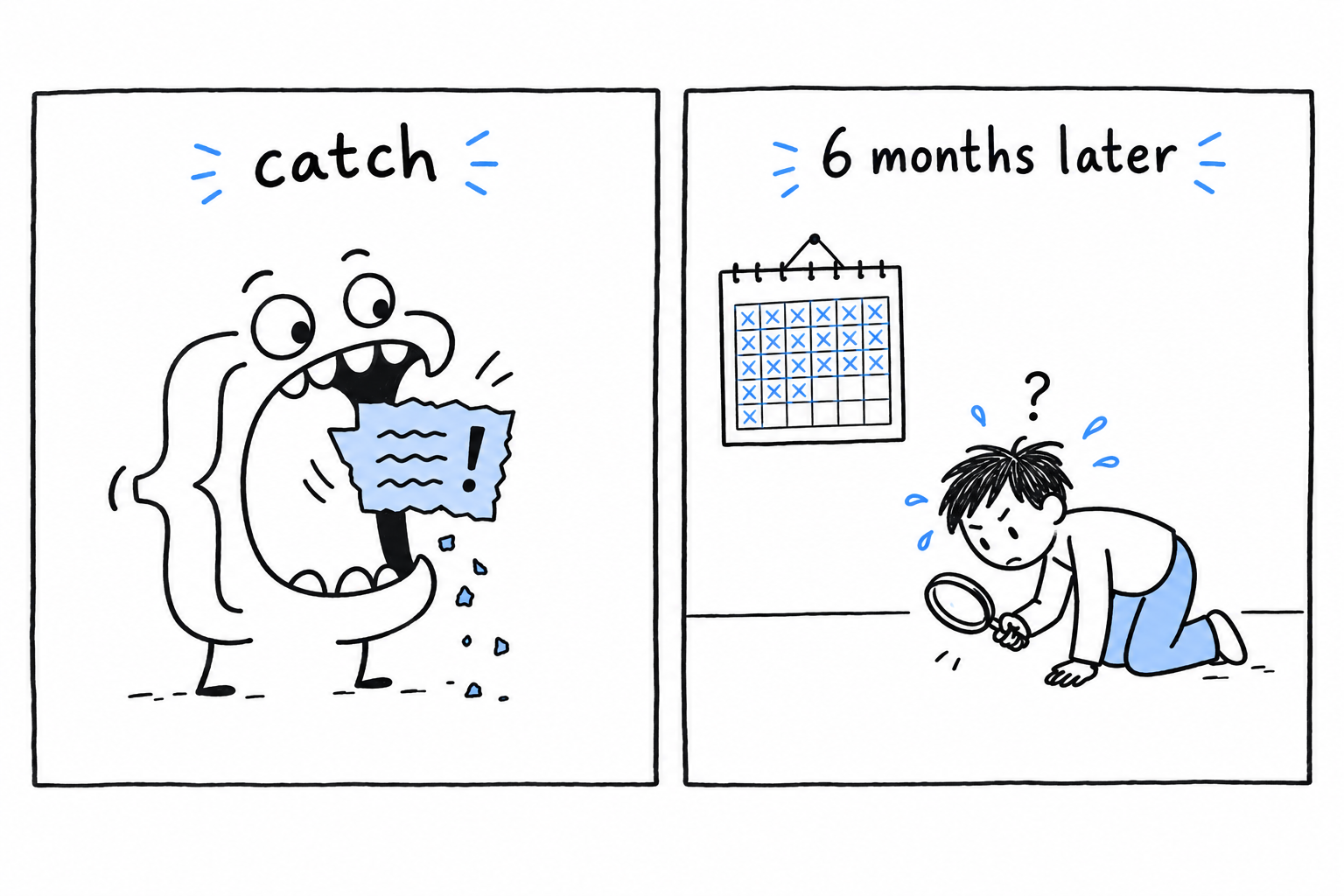
Warning
A broad
catch (\Error $e)is not a safety net. It is a shredder for the stack trace you will need later.
Catch Error and its subclasses only with a good reason and a narrow, specific type. If your own code produces a TypeError, the fix is to correct the call, not to wrap it in try. To Throw or Not to Throw draws this line more precisely. For now, read Error as PHP telling you something is broken, and exceptions, next, as PHP telling you something needs a decision.
Recoverable Errors with Exceptions
The previous section was about bugs. This one is about trouble your code should expect: a file that might not exist, an age that might be negative, an API that might refuse the request. None of it means the program is broken. It means a decision is needed, and the function that spots the problem is rarely the one equipped to make it. An exception is how a function says “here is a problem, and here is what I know about it” to whoever, higher up the call stack, can deal with it.
try, catch, finally
The shape is the same as in most languages that have exceptions:
<?php

declare(strict_types=1);

function readConfig(string $path): array
{
    if (!file_exists($path)) {
        throw new \RuntimeException("Config file not found: {$path}");
    }

    return json_decode(file_get_contents($path), associative: true);
}

try {
    $config = readConfig('config.json');
    echo "Loaded " . count($config) . " settings.\n";
} catch (\RuntimeException $e) {
    echo "Couldn't load config: {$e->getMessage()}\n";
    $config = [];
} finally {
    echo "Config load attempt finished.\n";
}
Run it with no config.json next to the file. readConfig() reaches the throw, and normal execution stops right there: nothing after the throw runs, and neither does the echo "Loaded..." line back in the caller. Control jumps to the nearest enclosing catch whose type matches, skipping everything in between, however many function calls deep that turns out to be.
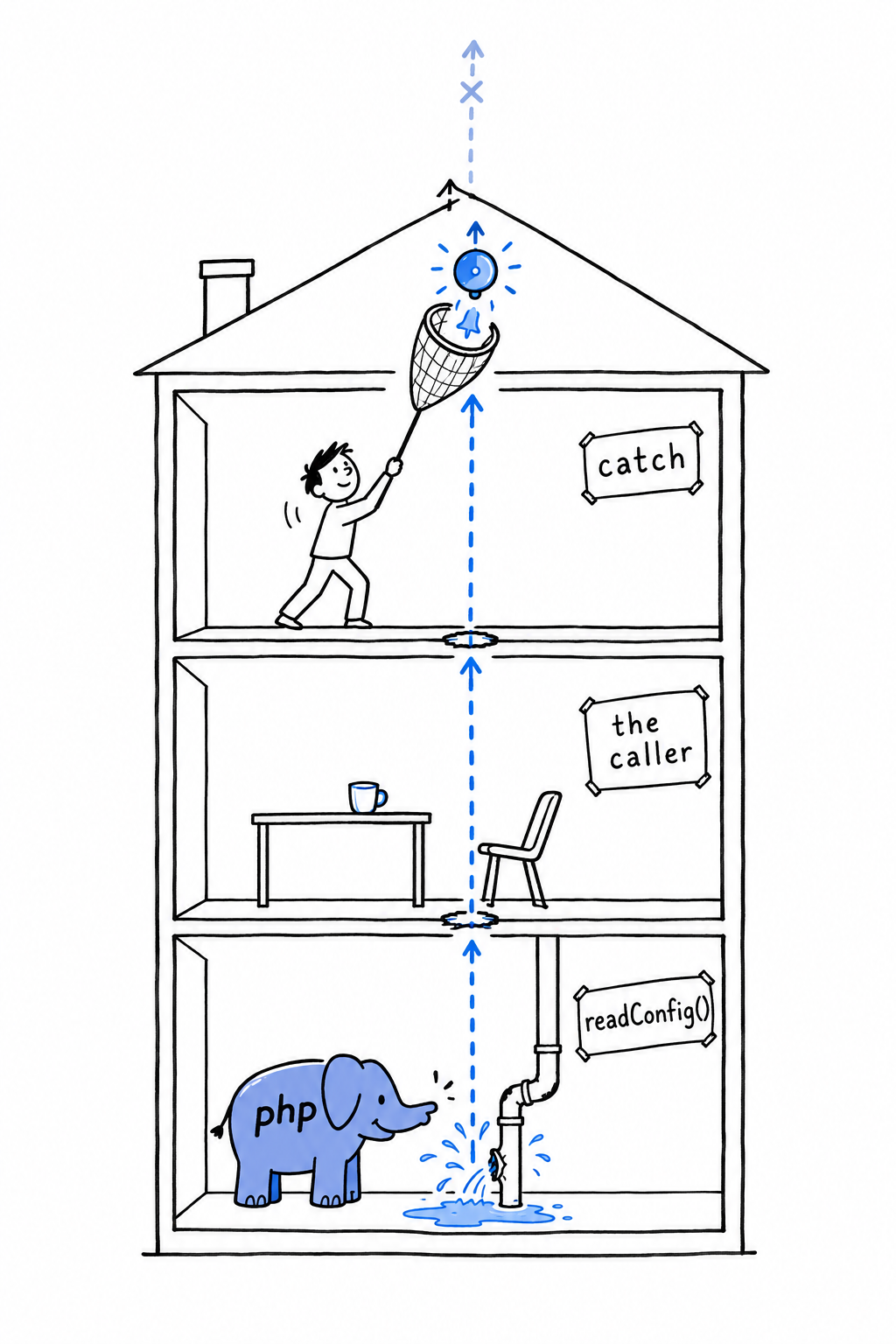
Think of a leak on the ground floor of a building. Nobody there can fix it, so the alarm climbs, floor by floor, and every floor it crosses drops what it was doing, until someone with a net catches it. If nobody does, the alarm reaches the roof, and PHP stops the program, printing the message and the path the exception took.
finally runs whatever happened: exception caught, exception not caught, or no exception at all. That makes it the place for cleanup that must happen no matter what, like closing a file or releasing a lock.
Tip
Try it: create a
config.jsoncontaining{"debug": true}and run again. Thecatchblock is skipped this time, andfinallystill prints its line.
Exception versus Error, and Throwable
PHP’s exception hierarchy has two parallel branches growing from the same interface, Throwable.
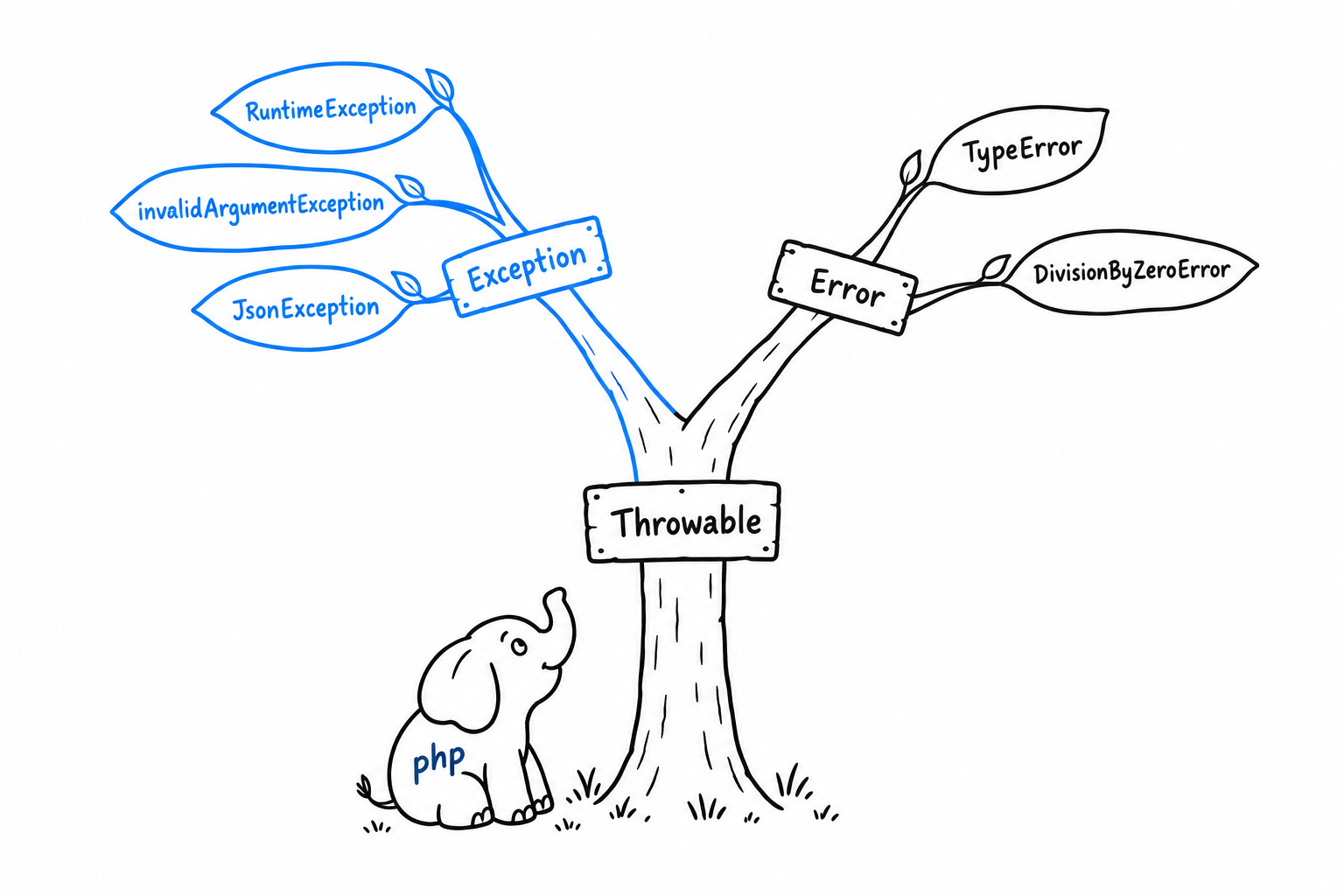
Exception and its subclasses (InvalidArgumentException, RuntimeException, JsonException) are for conditions a well-written program can anticipate and recover from. Error and its subclasses (TypeError, DivisionByZeroError) are the bugs of the previous section.
The split is what lets a catch be precise. catch (\Exception $e) catches exceptions and lets an Error fly past; catch (\Throwable $e) catches both. Reach for \Throwable only at the very edge of an application, in a top-level handler that logs whatever nobody else handled before the process exits. Never use it as a routine catch type in ordinary code: catching it casually is how bugs turn into “handled” cases that never get fixed.
Catching several types at once
A single catch can list several types separated by |, when you want to handle them the same way:
<?php

declare(strict_types=1);

try {
    $result = $client->send($request);
} catch (ConnectionException|TimeoutException $e) {
    echo "Network problem, retrying: {$e->getMessage()}\n";
    $result = retry($request);
}
If the handling differs between the two, write two catch blocks. The | is for when the response really is identical, not a shortcut to avoid a second block.
Writing your own exception
RuntimeException and InvalidArgumentException cover a lot of ground, but naming your own exceptions is one of the most common things you will do in real PHP. A specific exception type tells the caller exactly what went wrong, and lets them catch that and nothing else, instead of guessing from a message string:
<?php

declare(strict_types=1);

class InvalidAgeException extends \Exception
{
    public function __construct(
        public readonly int $age,
    ) {
        parent::__construct("Invalid age: {$age}. Must be between 0 and 150.");
    }
}

function registerUser(string $name, int $age): void
{
    if ($age < 0 || $age > 150) {
        throw new InvalidAgeException($age);
    }

    echo "Registered {$name}, age {$age}.\n";
}

try {
    registerUser('Alice', -5);
} catch (InvalidAgeException $e) {
    echo "Registration failed: {$e->getMessage()}\n";
    echo "Offending value was: {$e->age}\n";
}
Extending \Exception brings the whole standard machinery for free: getMessage(), getCode(), getPrevious(), and a stack trace through getTraceAsString(). The call to parent::__construct() is what wires your message into that machinery; skip it and getMessage() comes back empty. Beyond that, the class is yours. InvalidAgeException keeps the offending $age in a readonly property, so the catch block gets structured data to work with, not just a string to parse.
This small pattern, a specific exception carrying the context that caused it, comes back in Chapter 14. Get comfortable with it now, because the harder question is not how to throw. It is when.
To Throw or Not to Throw
The syntax of try and catch is the easy part. The hard part, the one that separates readable code from a maze of defensive checks, is deciding when a function should throw, when it should return null or false or an empty array, and when it is fine to let the whole thing come crashing down. No compiler will decide for you. It is judgment, the kind you build from having been burned both ways. Here is how I have come to think about it.
Not found is not exceptional
The most common mistake I see is throwing for something that is not exceptional at all, just a normal outcome the caller needs to handle. Looking up a user by an ID that does not exist is not a crisis. It happens all day, as routinely as any other branch in your code:
<?php

declare(strict_types=1);

function findUserById(array $users, int $id): ?array
{
    foreach ($users as $user) {
        if ($user['id'] === $id) {
            return $user;
        }
    }

    return null; // not found, a completely normal outcome, not an error
}

$user = findUserById($users, 42);

if ($user === null) {
    echo "No such user.\n";
} else {
    echo "Found: {$user['name']}\n";
}
Returning null tells the caller exactly what to expect, and lets them decide what “not found” means where they stand: show a 404, create a default, ask again. The ?array return type puts the possibility in the signature, where everyone can see it. Throwing a UserNotFoundException instead would force every caller into a try for something that happens constantly and is not wrong in any sense.
Save exceptions for things that are actually exceptions.
Throw when the caller has a precondition to meet
The flip side: throw when something the caller was supposed to guarantee before calling, a precondition, did not hold, and no reasonable default exists. That is the InvalidAgeException of the previous section. A negative age is not a normal outcome to branch on: it is a broken promise. The function cannot guess what you meant, so it says so, loudly and specifically:
<?php

declare(strict_types=1);

function withdraw(float $balance, float $amount): float
{
    if ($amount > $balance) {
        throw new \RuntimeException(
            "Cannot withdraw {$amount}: balance is only {$balance}."
        );
    }

    return $balance - $amount;
}
Silently clamping the withdrawal to the balance, or quietly returning 0, would hide a bug (or worse, a real financial error) behind a plausible-looking number, exactly the failure of the catch (\Error $e) example two sections back. Throwing forces whoever calls withdraw() to face the situation instead of letting it slip past.
Let it crash when it’s a bug, not a case
Sometimes the right answer is neither null nor a catch. It is letting the program stop. If your own code calls a function with the wrong type, or reaches a match arm that should be impossible, that is not a situation to design around. It is a bug to fix, and pretending otherwise only buries the evidence:
<?php

declare(strict_types=1);

enum Status
{
    case Draft;
    case Published;
    case Archived;
}

function statusLabel(Status $status): string
{
    return match ($status) {
        Status::Draft => 'Draft',
        Status::Published => 'Published',
        Status::Archived => 'Archived',
    };
}
A match with no default arm throws UnhandledMatchError when nothing fits, and UnhandledMatchError is an Error, not an Exception. With an enum, every case is covered today, so the only way this can fire is that someone adds a fourth Status later and forgets this function. Try it: add case Deleted; to the enum and call statusLabel(Status::Deleted). That is exactly the failure you want loud and immediate, at the line of the bug, not swallowed three files away. Do not wrap it in a try “just in case”. Let it fail, let the stack trace point at the missing arm, and go fix statusLabel().
A rough decision order
When you are not sure which of the three to reach for, ask the questions in this order.
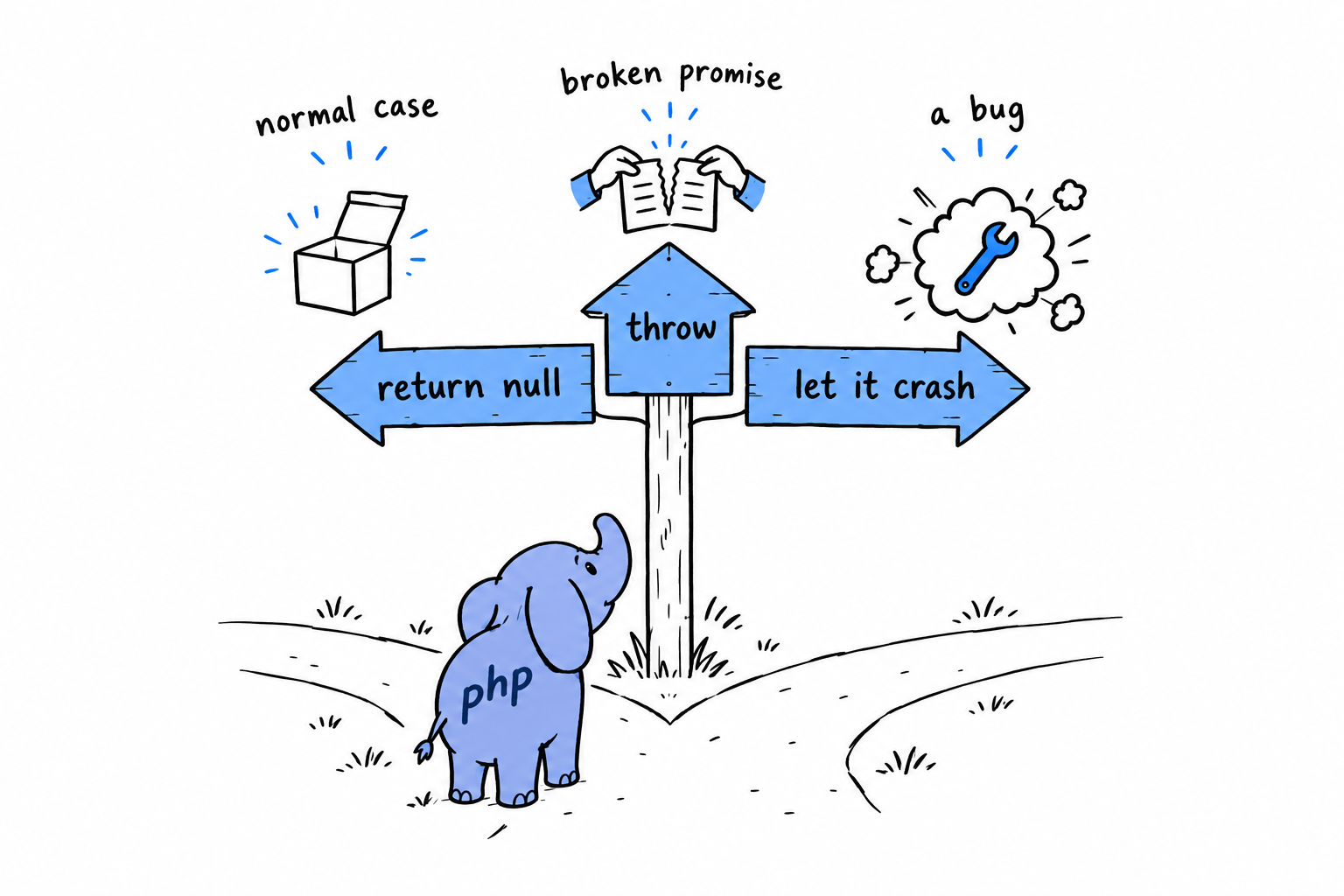
- Is “not found” or “empty” a normal, expected outcome here? Return
null,falseor an empty array, and give the function a return type that shows the possibility (?array, notarray). - Did the caller break a precondition, with no sensible default to fall back to? Throw a specific exception: a built-in one if it fits (
InvalidArgumentException,RuntimeException), a small custom class if the caller needs structured context back, as withInvalidAgeException. - Is this impossible unless the code itself is wrong? Do not defend against it at all. Let PHP’s
Errormachinery do its job, or useassert()during development. A loud failure at the site of the bug is far cheaper than a quiet one three layers ofcatchaway.
None of this applies mechanically. Plenty of real code sits in the gray zone between “expected” and “precondition violated”, and reasonable developers land in different places. But asking the question out loud, function by function, beats defaulting to whichever of throw and return null you happened to type first. You will make this exact call in nearly every function you write from here on, starting with several in the command line tool of Chapter 14.
Web Development Basics
Open a browser, type an address, press Enter. Somewhere, a PHP script wakes up, reads what your browser asked for, builds a page, and sends it back. Every program in this book so far ran in a terminal, where you typed something and the answer appeared on the next line. On the web, the thing you type is an HTTP request, and the answer is an HTML page. The language is the same. Only the way in and the way out change.
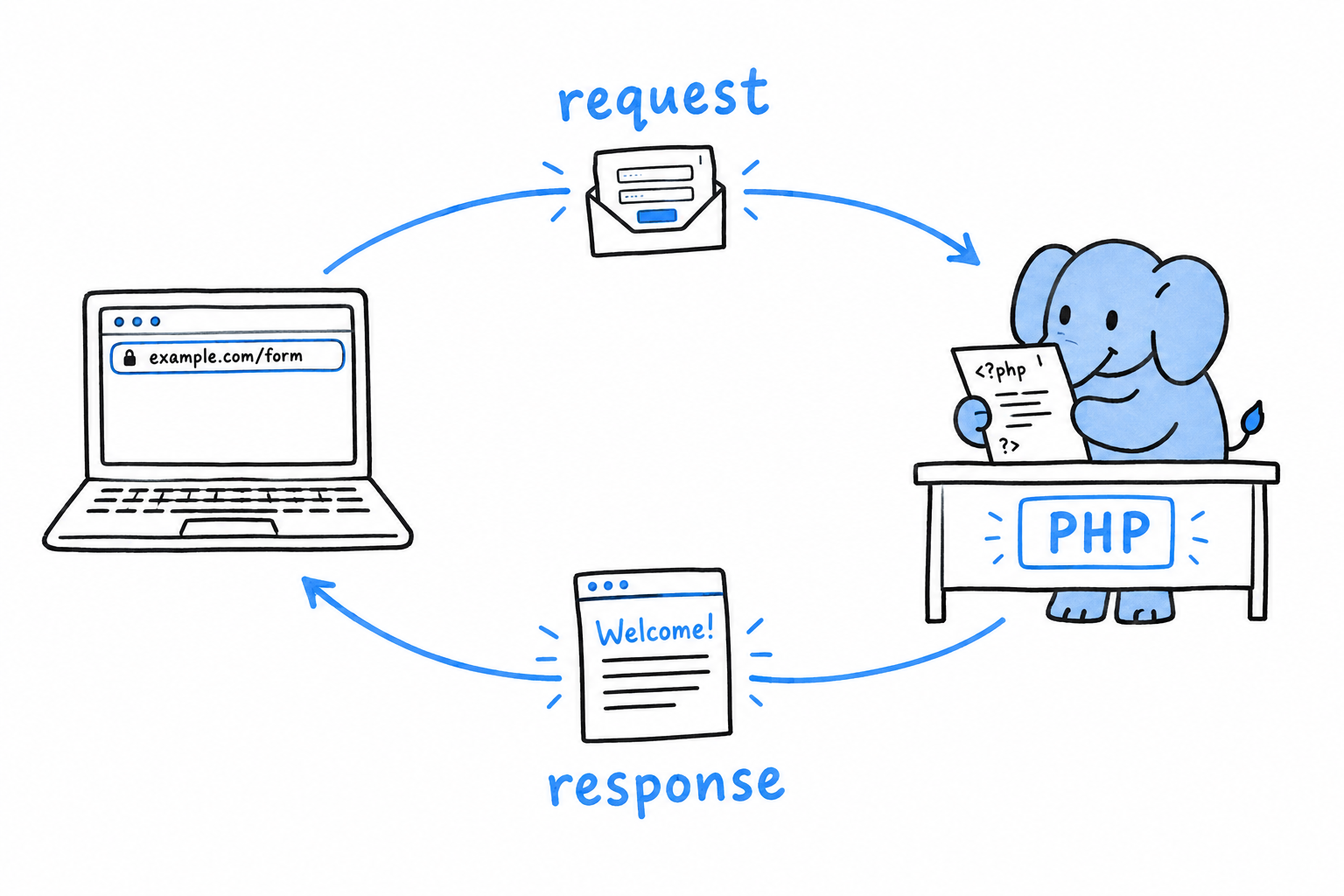
This chapter builds a guestbook: a page with a form for a name and a message, a script that reads what was submitted, checks it, stores it, and lists everything anyone has written so far. Three sections, three layers. First, getting the submitted data into your script at all, through the arrays PHP fills in for you before your code runs. Then, making sure what you send back cannot be used by one visitor to attack another. Last, keeping messages around between requests, in a real database, instead of losing them the moment the response is sent.
None of it will look impressive, and that is deliberate. No JavaScript framework, no CSS framework, no build step: one HTML <form>, a few lines of inline styling, PHP doing the rest, served by php -S, the built-in development server the book’s final project uses as well. The lesson is what PHP does with a request, not how to configure a bundler.
Everything here comes back in the final project: reading $_SERVER, escaping output before it reaches HTML, storing data safely. It is the ordinary substance of PHP on the web, and it deserves to be seen on its own, in the smallest form that could possibly matter, before a router and a class hierarchy grow around it.
Accepting Input with HTML Forms and Superglobals
PHP has no special syntax for “this script is a web page”. A web script is an ordinary script. What changes is where its input comes from: before your first line runs, PHP has already unpacked the request into a handful of arrays, and your code reads them like any other array. They are called superglobals because they are available in every scope, inside functions included, with no global keyword and no parameter. They are just there.
A plain HTML form
Start with the form itself. Create guestbook.php:
<!DOCTYPE html>
<html>
<head>
    <title>Guestbook</title>
    <style>
        body { font-family: sans-serif; max-width: 40em; margin: 2em auto; }
        textarea { width: 100%; }
    </style>
</head>
<body>
    <h1>Guestbook</h1>

    <form method="post">
        <p><label>Name: <input type="text" name="name"></label></p>
        <p><label>Message: <textarea name="message"></textarea></label></p>
        <p><button type="submit">Sign the guestbook</button></p>
    </form>
</body>
</html>
Nothing here is PHP yet. It is a <form> with method="post" and no action attribute, so submitting it sends a POST request back to this same URL. The other common choice is method="get", and the difference matters. A GET request writes its data in the URL (?name=Alice), visible in the address bar and in server logs: fine for a search box, wrong for anything private, and wrong for anything that changes data. A POST request carries its data in the body of the request, out of sight. A guestbook entry belongs there.
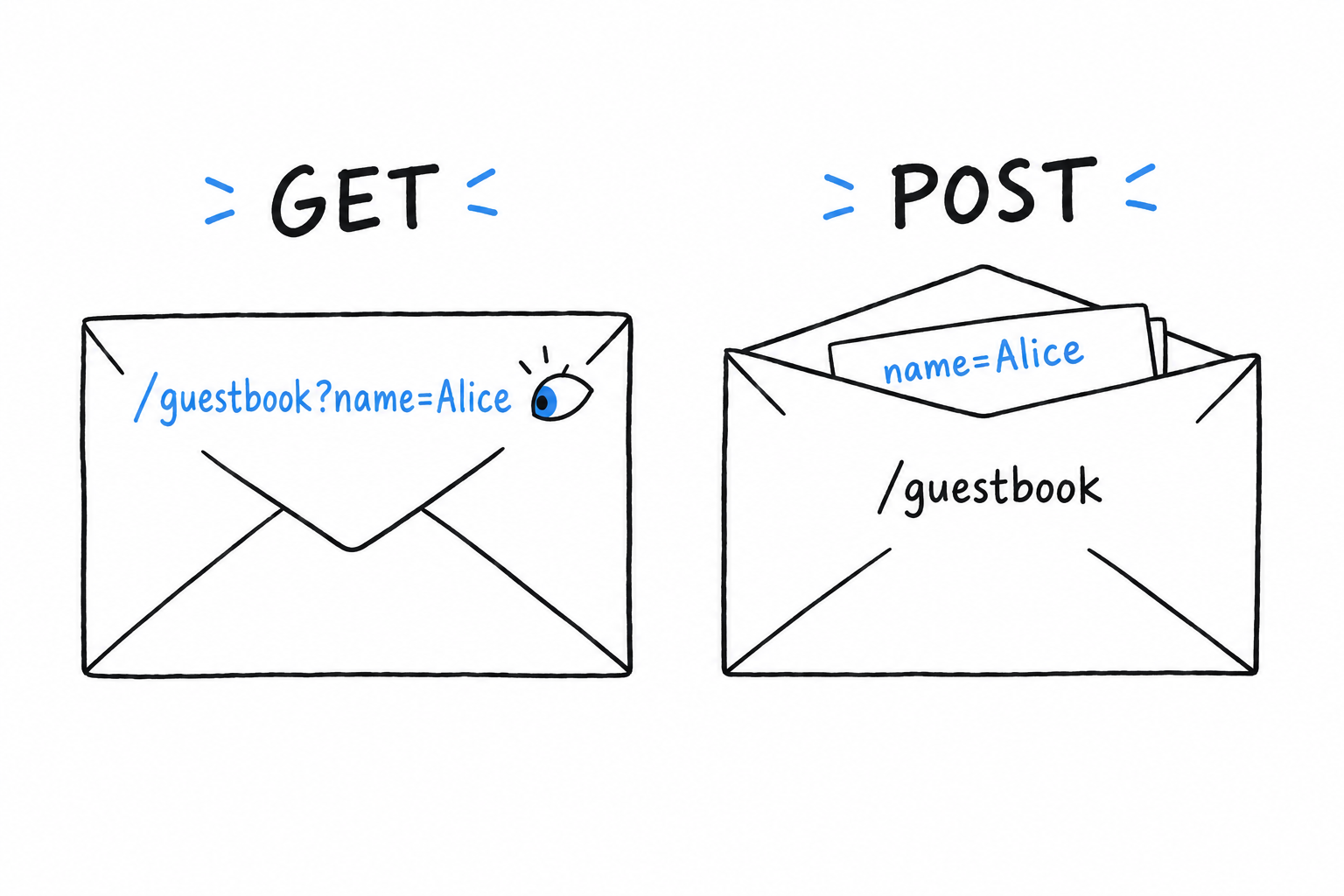
Serve it with PHP’s built-in development server:
$ php -S localhost:8000
Visit http://localhost:8000 and the form shows up. Fill it in, submit it, and nothing happens: the same page reloads, and what you typed is gone. Reading the submission is PHP’s job, and nobody has asked yet.
Superglobals: $_GET, $_POST, $_SERVER
Three of them matter for a script like this one. $_POST holds the form fields sent in the body of a POST request, as an associative array, one key per field name. $_GET holds the parameters of the query string, the part of the URL after the ?; it is filled for any request, but by convention you read it on GET requests. $_SERVER describes the request and the server itself, and one entry does most of the work here: $_SERVER['REQUEST_METHOD'], which is 'GET' or 'POST', is how a single script can both show a blank form and process a submitted one.
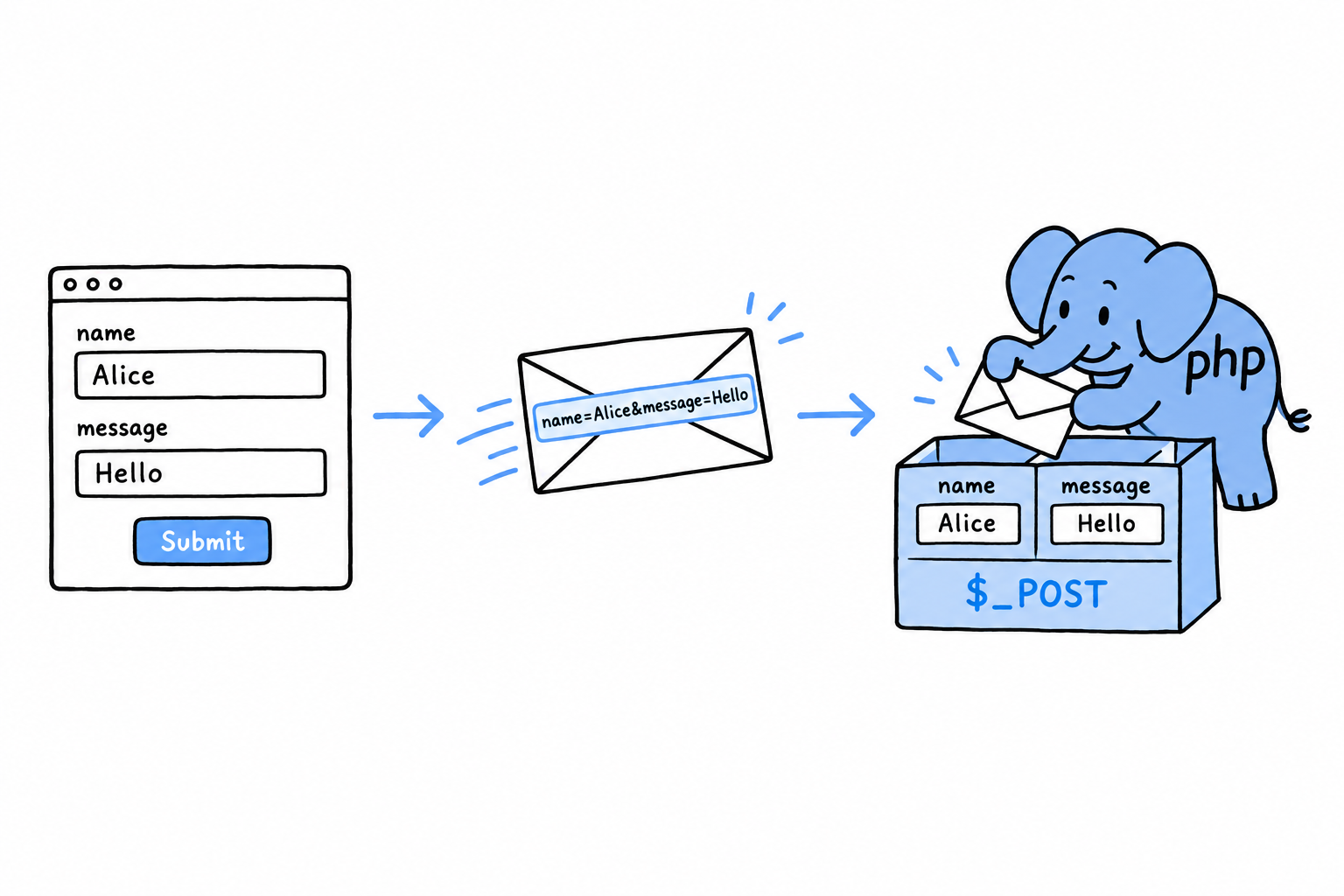
There is also $_REQUEST, which merges $_GET, $_POST and cookie data into one array. It is convenient, and best left alone: with it, your script can no longer tell whether a value came from the URL or from the request body, and that distinction matters more than it seems once security enters the picture, in the next section.
Reading the submission
Add PHP at the top of guestbook.php, before the <!DOCTYPE html> line:
<?php

$name = '';
$message = '';
$submitted = false;

if ($_SERVER['REQUEST_METHOD'] === 'POST') {
    $name = $_POST['name'] ?? '';
    $message = $_POST['message'] ?? '';
    $submitted = true;
}
?>
The if is the script asking “was a form submitted, or is someone just looking?”. The null coalescing operator ?? (from Chapter 3) covers a field that is missing entirely: a request forged by hand should not produce an “undefined array key” warning. Further down the file, show the submission when there is one:
<body>
    <h1>Guestbook</h1>

    <?php if ($submitted) { ?>
        <p>Thanks, <?= $name ?>. You wrote: <?= $message ?></p>
    <?php } ?>

    <form method="post">
<?= $name ?> is a short form of <?php echo $name ?>, made for exactly this: dropping one value into the middle of HTML. Reload, fill in the form, submit. The page greets you with exactly what you typed. To see the request itself, without a browser, try curl:
$ curl -X POST -d "name=Alice&message=Hello there" http://localhost:8000/
The response contains Thanks, Alice. You wrote: Hello there. Same greeting, built entirely from $_POST, and the browser turned out to be optional. Anything that can send an HTTP request can fill in your form.
A form is a request with data in it. PHP unpacks it into
$_POSTbefore your code starts.
The problem you can already see coming
That <?= ?> prints $name and $message straight into the page, unfiltered. Try it: submit <b>bold</b> as your name. The page shows your name in bold, not with literal angle brackets. The guestbook currently runs any HTML a visitor types, not just yours. The next section closes that hole, before anything gets stored anywhere permanent.
Validating Input and Preventing Cross-Site Scripting
Submit <script>alert('hello from your own guestbook')</script> as a message. The browser runs it. A guestbook that prints $_POST values straight into HTML lets any visitor put any markup on the page, and markup includes scripts. That is cross-site scripting, XSS for short: an attacker gets their own JavaScript to run in your page, in your visitors’ browsers, with your site’s trust behind it. A guestbook that stores messages and shows them to everyone is the textbook place for it, which makes it the right place to learn to stop it.
Escaping output
The fix is not to ban angle brackets. It is to make sure any user-supplied text that ends up inside HTML is escaped first, so the browser shows it as text instead of reading it as markup. PHP’s tool for this is htmlspecialchars(). It converts the few characters an HTML parser cares about (<, >, &, and quotes) into their entity equivalents (<, >, &, and so on), which the browser displays as the original characters without acting on them:
<?php if ($submitted) { ?>
    <p>Thanks, <?= htmlspecialchars($name) ?>. You wrote: <?= htmlspecialchars($message) ?></p>
<?php } ?>
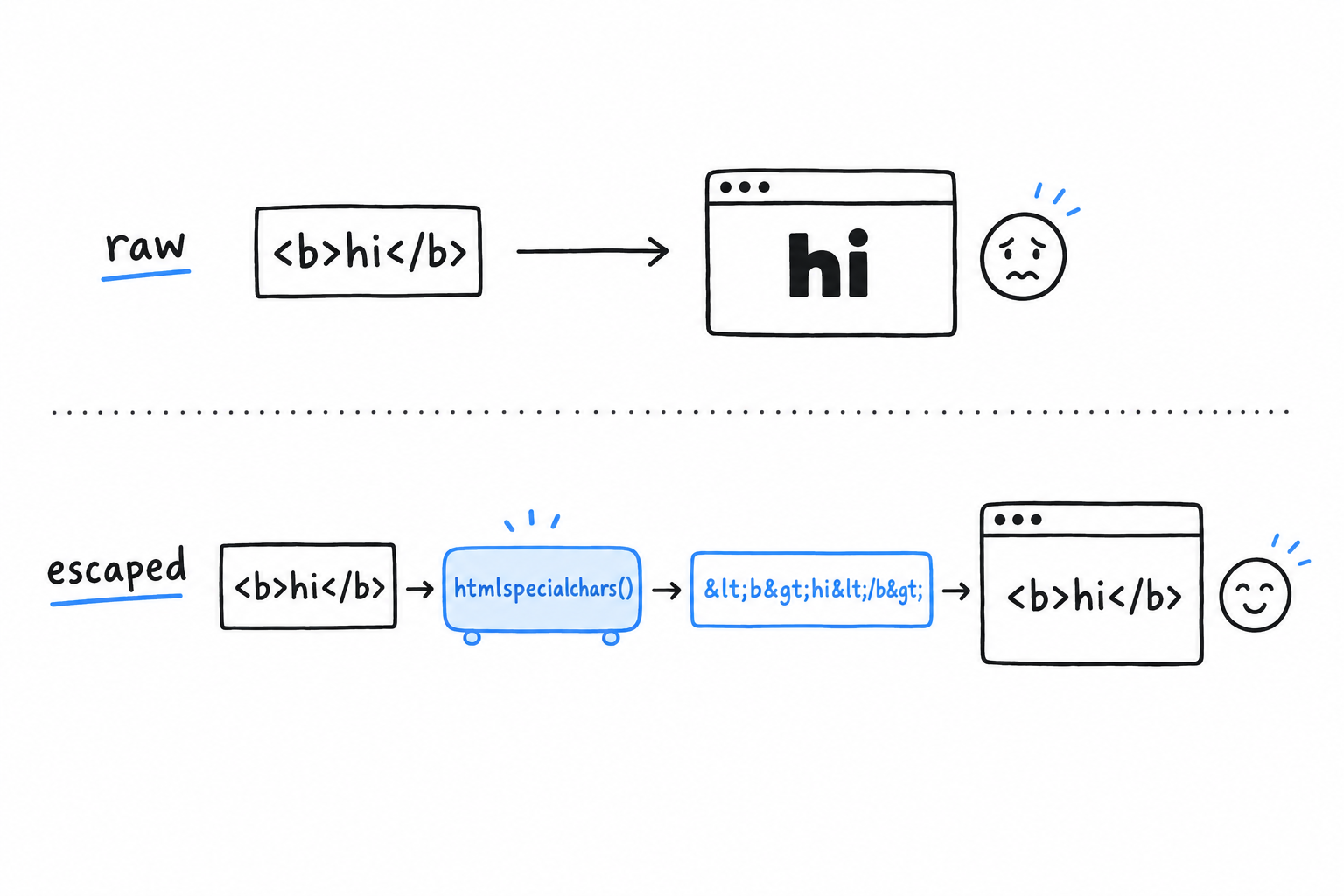
Submit the <script> message again. The page now shows the literal text <script>alert('hello from your own guestbook')</script>, and nothing runs. Since PHP 8.1, htmlspecialchars() escapes quotes as well as angle brackets by default, which is what you want almost every time.
The rule is short. Any value that came from outside your script, printed anywhere inside HTML, goes through htmlspecialchars() first. No exception for values that are “probably” safe: a name field looks harmless right up until someone tests it with a <script> tag.
Escape on the way out. Every value, every time.
Validating before you trust the data at all
Escaping protects the output. Validation is a separate question: is this input even acceptable? A name of two thousand characters, or a message made of nothing but spaces, is not dangerous, just wrong, and the script should say so before doing anything with it. Expand the form handling to check for problems and collect them:
<?php

$name = '';
$message = '';
$submitted = false;
$errors = [];

if ($_SERVER['REQUEST_METHOD'] === 'POST') {
    $name = trim($_POST['name'] ?? '');
    $message = trim($_POST['message'] ?? '');
    $submitted = true;

    if ($name === '') {
        $errors[] = 'Name cannot be empty.';
    } elseif (mb_strlen($name) > 60) {
        $errors[] = 'Name is too long.';
    }

    if ($message === '') {
        $errors[] = 'Message cannot be empty.';
    } elseif (mb_strlen($message) > 500) {
        $errors[] = 'Message is too long.';
    }
}
?>
trim() strips whitespace from both ends, so a message made only of spaces does not slip past the empty check. mb_strlen() rather than strlen() counts characters instead of bytes, which matters the moment a name contains anything outside plain ASCII, the same UTF-8 concern Chapter 8 covered for strings in general. And errors accumulate in an array instead of stopping at the first one, so a visitor sees every problem at once rather than discovering them one submission at a time.
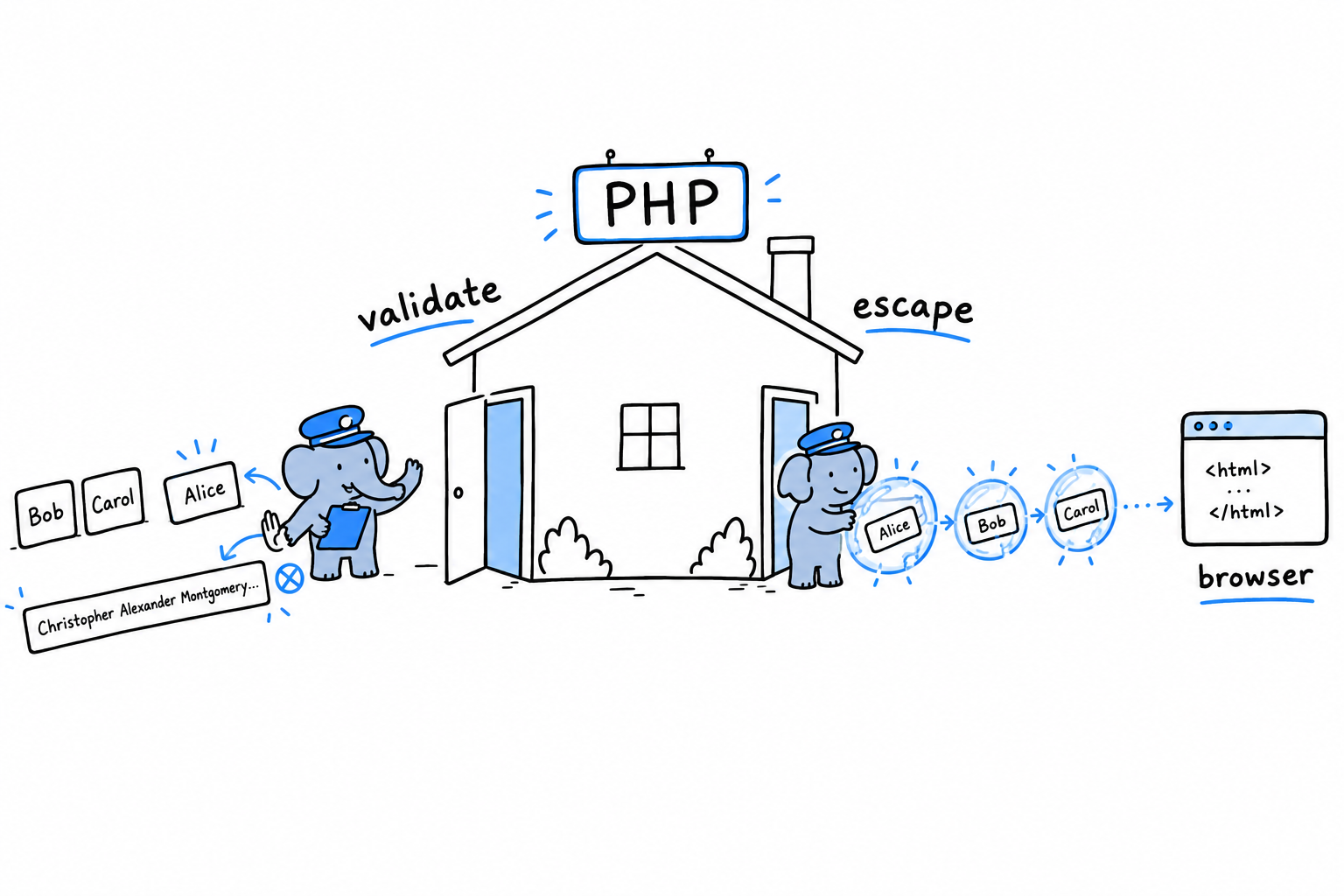
Show the errors, and put the submitted values back into the form (escaped, as always), so nobody retypes a long message because their name was too short:
<?php if ($errors) { ?>
    <ul>
        <?php foreach ($errors as $error) { ?>
            <li><?= htmlspecialchars($error) ?></li>
        <?php } ?>
    </ul>
<?php } elseif ($submitted) { ?>
    <p>Thanks, <?= htmlspecialchars($name) ?>. You wrote: <?= htmlspecialchars($message) ?></p>
<?php } ?>

<form method="post">
    <p><label>Name: <input type="text" name="name" value="<?= htmlspecialchars($name) ?>"></label></p>
    <p><label>Message: <textarea name="message"><?= htmlspecialchars($message) ?></textarea></label></p>
    <p><button type="submit">Sign the guestbook</button></p>
</form>
Look at value="<?= htmlspecialchars($name) ?>" inside the <input> tag. Escaping matters inside an HTML attribute just as much as in the page body: an unescaped " in the value would let a visitor close the attribute early and write their own.
A related risk worth naming
XSS is a visitor’s browser running an attacker’s script inside your page. Its cousin is CSRF, cross-site request forgery: another site tricks a visitor’s browser into submitting a form to your site on their behalf, using whatever session they are already logged into. The usual defense, a hidden token generated per form and checked on submission, is more than this small guestbook needs. Keep the name in mind for the day you build something where a forged submission would actually cost something.
The guestbook now behaves for a single request: it validates what comes in and escapes what goes out. What it still cannot do is remember. Reload the page and every message is gone, because nothing was ever stored. That is next.
Talking to a Database with PDO
Sign the guestbook, reload the page, and your message is gone. That is not a bug. PHP, in its classic and still most common form, gives every request a fresh start: it runs the script from the top and throws everything away once the response is sent, variables included. Nothing survives from one request to the next unless it was deliberately saved somewhere, and so far, nothing was. For a message to outlive the request that submitted it, it has to live somewhere PHP can read it back later: a database. (Chapter 18 covers this shared-nothing request model properly, including why it means PHP rarely needs threads.)
PDO and SQLite
PHP talks to databases through several extensions. PDO, the PHP Data Objects extension, is the one to reach for first: it gives you one interface for many database engines, so the same code works whether the data sits in MySQL, PostgreSQL, or, as here, SQLite. SQLite stores a whole database in one ordinary file. No server process to install, nothing to configure, which keeps the technology around this chapter as plain as the PHP inside it.
Open a connection near the top of guestbook.php:
<?php

$pdo = new PDO('sqlite:' . __DIR__ . '/guestbook.db');
$pdo->setAttribute(PDO::ATTR_ERRMODE, PDO::ERRMODE_EXCEPTION);

$pdo->exec('
    CREATE TABLE IF NOT EXISTS entries (
        id INTEGER PRIMARY KEY AUTOINCREMENT,
        name TEXT NOT NULL,
        message TEXT NOT NULL,
        created_at TEXT NOT NULL
    )
');
The string 'sqlite:' . __DIR__ . '/guestbook.db' is a DSN, a data source name: which driver to use, and where the database lives. The file is created the first time this runs, if it does not exist yet. CREATE TABLE IF NOT EXISTS is safe to leave in the script and run on every single request, since it does nothing once the table is there.
The second line deserves a habit. Set PDO::ATTR_ERRMODE to PDO::ERRMODE_EXCEPTION every time you open a connection. Without it, PDO can fail an operation silently and hand you back false, exactly the kind of quiet failure Chapter 9 warned against. With it, a bad query throws a PDOException, catchable like any other.
The wrong way to build a query
Before writing the insert, look at the version to avoid:
// Don't do this.
$pdo->exec("INSERT INTO entries (name, message, created_at) VALUES ('$name', '$message', '" . date('c') . "')");
Read the query the way the database will. If $message contains a single quote followed by SQL of the attacker’s choosing, that quote closes the string early and the rest becomes part of what actually runs. That is SQL injection, the same family of bug as the XSS from the previous section, aimed at your database instead of a visitor’s browser. Building a query by gluing untrusted text into a string is never safe, however carefully assembled the string looks.
Prepared statements
PDO’s answer is the prepared statement. The query goes to the database first, with placeholders where the values will go, and the values travel separately afterwards. The database never reads a value as part of the query’s syntax, so there is no string to break out of, and injection is closed off entirely:
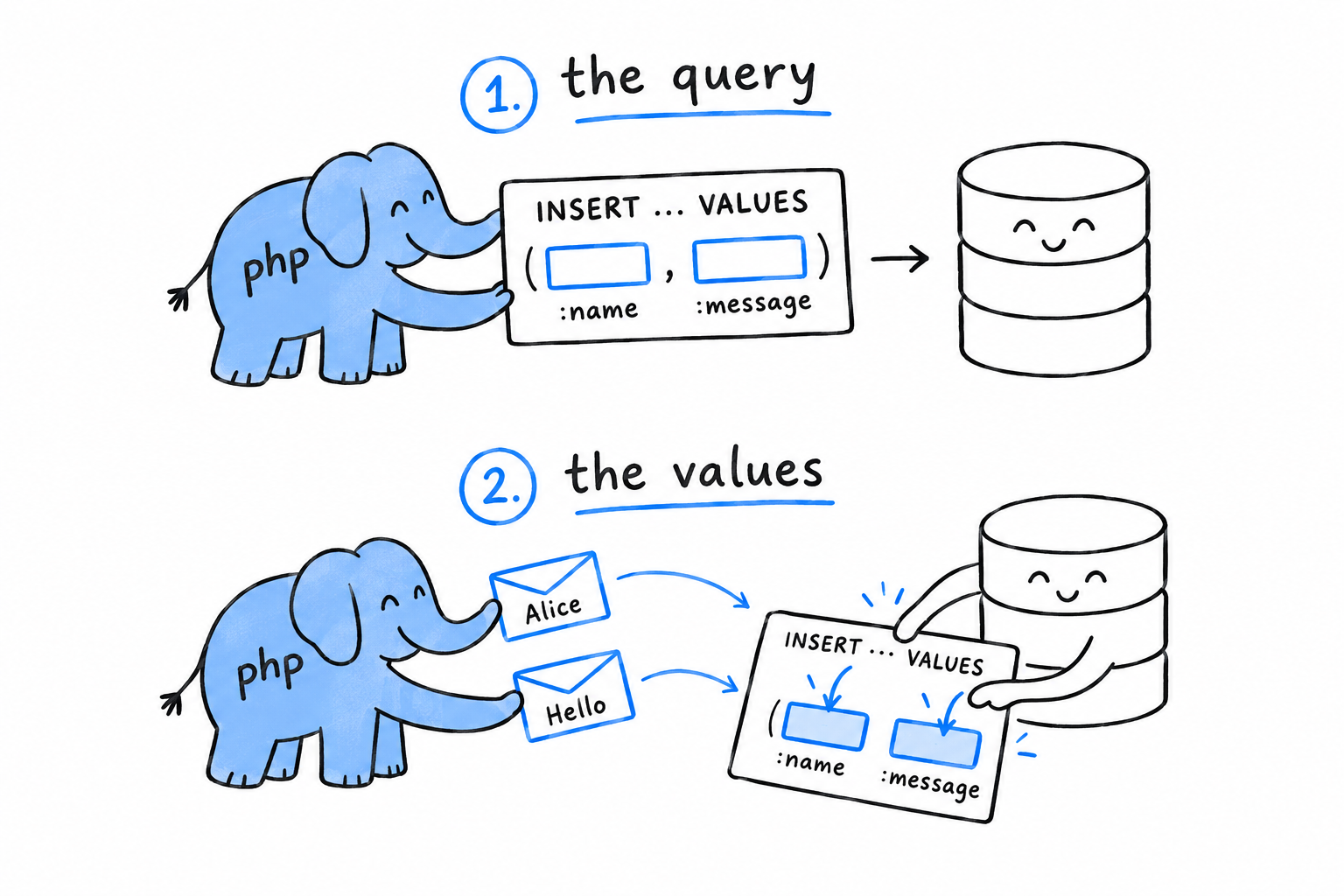
if ($submitted && !$errors) {
    $statement = $pdo->prepare(
        'INSERT INTO entries (name, message, created_at) VALUES (:name, :message, :created_at)'
    );
    $statement->execute([
        'name' => $name,
        'message' => $message,
        'created_at' => date('c'),
    ]);
}
:name, :message, and :created_at are named placeholders. prepare() sends the shape of the query once; execute() runs it with one set of values, given as an associative array with one key per placeholder. PDO handles the quoting for whatever database sits underneath, which is exactly the part that is easy to get wrong by hand.
The query is the sentence. The values are filled in afterwards, and can never change the sentence.
Listing what’s been said so far
Reading the entries back uses the same prepare() and execute() shape, or, for a query with no values to insert, the simpler query():
$entries = $pdo->query('SELECT name, message, created_at FROM entries ORDER BY id DESC')
    ->fetchAll(PDO::FETCH_ASSOC);
fetchAll(PDO::FETCH_ASSOC) returns every row as an associative array keyed by column name, all of them in one plain array: the same shape of data Chapter 8 showed you how to work with. Loop over it in the HTML, escaping each value exactly as before:
<h2>Previous entries</h2>
<ul>
    <?php foreach ($entries as $entry) { ?>
        <li>
            <strong><?= htmlspecialchars($entry['name']) ?></strong>:
            <?= htmlspecialchars($entry['message']) ?>
            <em>(<?= htmlspecialchars($entry['created_at']) ?>)</em>
        </li>
    <?php } ?>
</ul>
Escaping still applies, for the same reason as before. These values came from a visitor, by way of the database, and the database neither knows nor cares whether they are safe to print as HTML. Storing a value safely and displaying it safely are two separate jobs, and skipping either one reopens the hole the previous section closed.
What you’ve built
Reload the guestbook, sign it a few times, then stop php -S and start it again. The entries are still there. They never lived in memory; they live in guestbook.db, on disk, independent of any one request. That is the whole shape of a real, if tiny, web application: accept input through superglobals, validate it, escape it on the way out, store it through prepared statements. The book’s final project builds something larger on the same foundation, with more routes, controller classes and a proper view layer, and nothing about the underlying ideas changes. You have already done the part that matters.
Interfaces, Traits, and Generic-Style Code
One class is easy. The trouble starts with the second.
Two classes that have nothing to do with each other still need to agree on things. Your invoice line and your shipping fee both have to print a summary. Your payment processor and your report generator both want to write a line in a log. How do unrelated classes agree to work together, and how do you share a method between them without retyping it five times? PHP answers with two tools, and they solve opposite halves of the question.
An interface is a contract. It says “any class claiming this name promises to have these methods”, and nothing at all about how those methods are written. A trait is the reverse: a real chunk of implementation, copied into whichever classes ask for it, with no promise about what those classes are or how they relate. One is a shape you agree to fit. The other is a piece of code you borrow. Beginners mix them up, and so do plenty of experienced developers arriving from other languages, which is why the difference gets stated this bluntly, this early.
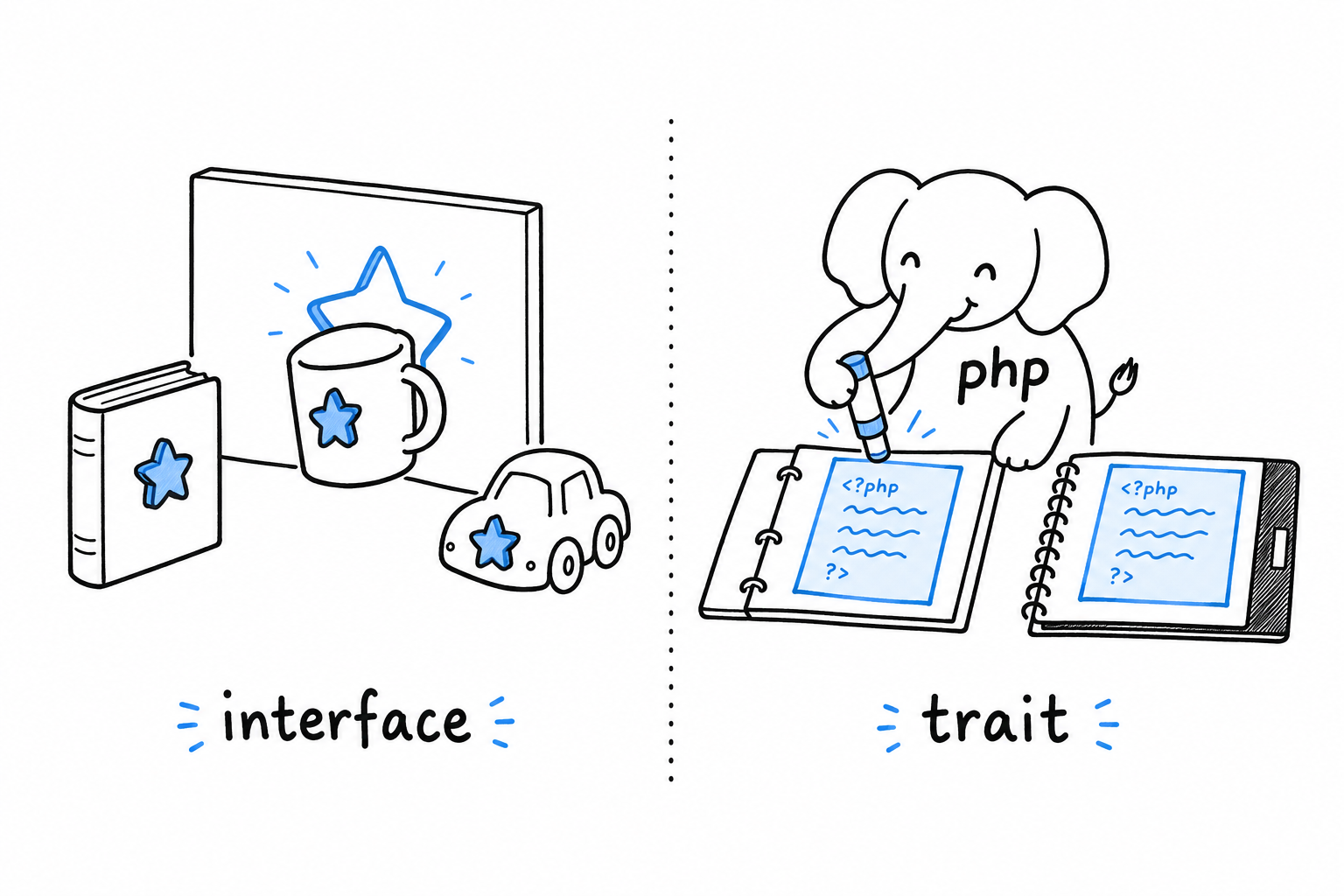
There is a third subject in this chapter, and it calls for some honesty. PHP has no generics. You cannot write Collection<Product> and have the language refuse to let a Banana in. What PHP has instead is a well-worn convention, docblocks read by a static analysis tool, that buys you most of the same safety. The check is done by a separate program you run before you ship, not by PHP itself.
Interfaces come first, because you will reach for them far more often than for the other two.
Defining Shared Behavior with Interfaces
Suppose you need to print a human-readable summary of an object: an invoice line, a product, a log entry, whatever it happens to be that week. You could give every class a describe() method and hope everyone remembers the name. Or you could make it a rule that PHP itself checks. That is what an interface is for.
<?php

interface Formattable
{
    public function format(): string;
}
An interface looks like a class with all the bodies removed. format(): string is a signature, not an implementation: no braces, no logic, just a promise. Any class that says it implements Formattable must have a public format() method returning a string, and PHP holds it to that promise. Leave the method out, or return the wrong type, and the code will not run.
Implementing it
A class opts in with implements:
<?php

readonly class Product
{
    public function __construct(
        public string $name,
        public float $price,
    ) {
    }
}

readonly class InvoiceLine implements Formattable
{
    public function __construct(
        private Product $product,
        private int $quantity,
    ) {
    }

    public function format(): string
    {
        $total = $this->product->price * $this->quantity;
        return sprintf('%dx %s, $%.2f', $this->quantity, $this->product->name, $total);
    }
}
InvoiceLine implements Formattable is a claim PHP verifies for you. If format() were missing, or declared to return an int, you would get a fatal error the moment PHP loaded the class, not three calls deep in production. Try it: rename format() to describe() and run the file.
A class can implement more than one interface, separated by commas. That is one of the ways PHP makes up for classes having a single parent.
Why bother: programming against the interface
Here is the part that pays for itself. Write a function that type-hints the interface, not the concrete class:
<?php

function printSummary(Formattable $item): void
{
    echo $item->format() . "\n";
}

printSummary(new InvoiceLine(new Product('Keyboard', 49.90), 2));
printSummary() does not know it received an InvoiceLine, and does not care. It knows it received something that can format(). Add a Refund class tomorrow, or a Discount, or a ShippingFee, implement Formattable on it, and printSummary() needs no change at all. It already works, because it was never written against a specific class in the first place.
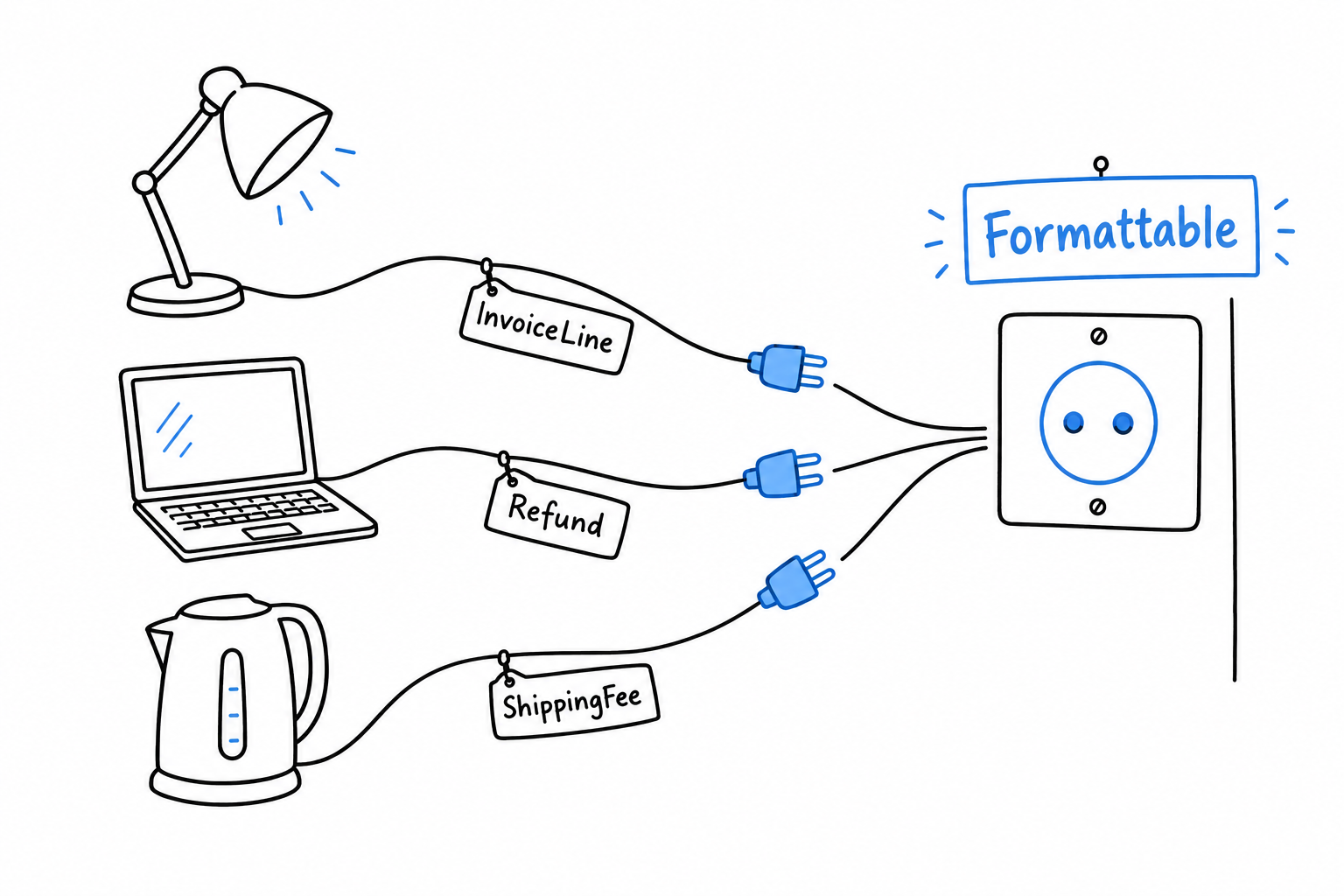
A wall socket does not care whether you plug in a lamp or a laptop, only that the plug has the right shape. Formattable is the shape, and printSummary() is the socket.
Tests raise the stakes. Had printSummary() type-hinted InvoiceLine directly, testing it on its own would mean building a real InvoiceLine with a real Product behind it. With Formattable, a test can hand it any object that honors the contract, including a deliberately fake one built for the occasion, with no Product in sight. Chapter 12 puts that to direct use.
Type-hint the contract, not the class. The function then works with every class that signs it, including the ones you have not written yet.
instanceof
Occasionally you need to ask, at runtime, whether an object satisfies an interface:
<?php

if ($item instanceof Formattable) {
    echo $item->format() . "\n";
}
Reach for this rarely. A pile of instanceof checks before a method call usually means the method belongs on an interface you should be type-hinting against, not that you need more instanceof.
A note on naming
PHP has no special syntax to mark an interface as “just” a contract rather than something more structural. Formattable, Countable, Stringable, ArrayAccess are all ordinary interfaces, some built into the language, some yours. Convention favors an adjective ending in -able for a single-capability contract (Formattable, Comparable, Sortable). PHP does not require it, but the next reader will thank you. Several of PHP’s own built-in interfaces show up in Chapter 20.
Reusing Code with PHP Traits
An interface promises nothing about implementation: it is pure shape. A trait is a chunk of real method bodies that PHP pastes into a class for you, as if you had typed them there yourself. No contract, no polymorphism, no “these classes can be used interchangeably”. Copy-paste, made official and made safe by the language.
Say two classes with nothing in common, a PaymentProcessor and a ReportGenerator, both want to write timestamped messages somewhere. They share no parent class, and they should not: they are not the same kind of thing. But they want the same few lines of logging code.
<?php

trait LoggableTrait
{
    private array $log = [];

    public function log(string $message): void
    {
        $this->log[] = sprintf('[%s] %s', date('H:i:s'), $message);
    }

    public function getLog(): array
    {
        return $this->log;
    }
}
trait looks like a class, but you can never write new LoggableTrait(). A trait is not a type. It appears in no instanceof check and no type hint. It exists only to be pulled into other classes with use:
<?php

class PaymentProcessor
{
    use LoggableTrait;

    public function charge(float $amount): void
    {
        $this->log("Charging \${$amount}");
    }
}

class ReportGenerator
{
    use LoggableTrait;

    public function generate(): void
    {
        $this->log('Generating monthly report');
    }
}

$processor = new PaymentProcessor();
$processor->charge(42.00);

var_dump($processor->getLog());
// array(1) { [0]=> string(...) "[14:32:01] Charging $42" }
PaymentProcessor and ReportGenerator now both have a working log() method, a getLog() method, and a private $log property, and neither class wrote a line of it. Once use LoggableTrait; is there, it is exactly as if you had typed those three members into the class body.
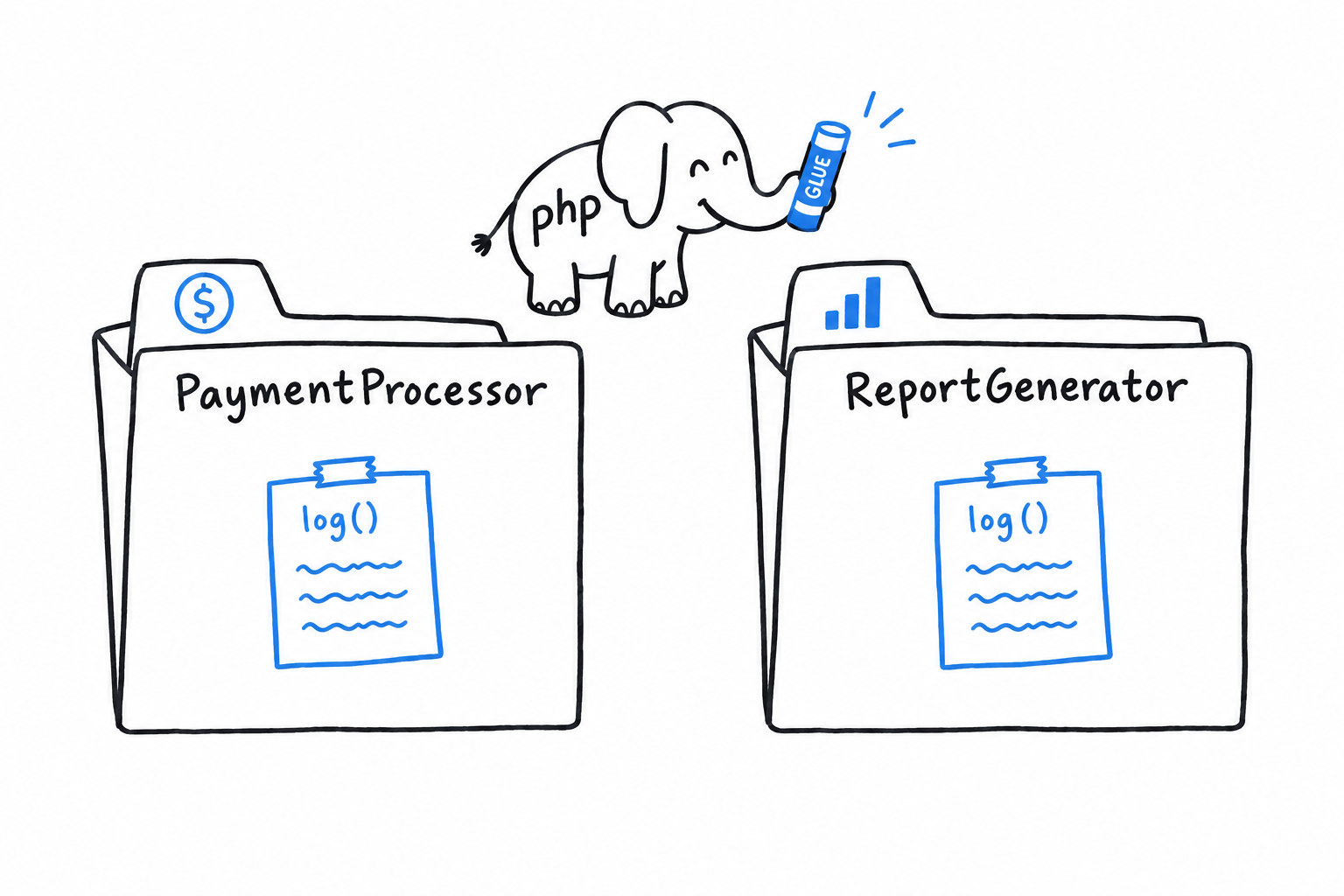
What they do not gain is a family tie. Asking $processor instanceof LoggableTrait gets you nowhere: a trait grants behavior, not identity. PaymentProcessor and ReportGenerator remain two unrelated classes that happen to share some code, not siblings in a type hierarchy.
A trait gives a class code, not an identity.
Why not just use inheritance?
Because these classes have nothing else in common. Forcing PaymentProcessor and ReportGenerator to extend a shared LoggableBase class purely to get a log() method would model a relationship that does not exist. PHP also gives each class exactly one parent, and you would be spending that one shot on logging. A trait sidesteps the whole question: not “is a”, but “has this behavior, borrowed from here”.
Conflicts between traits
A class can use several traits at once. If two of them define a method with the same name, PHP will not guess which one you meant. It raises a fatal error until you settle the matter yourself:
<?php

class Report
{
    use LoggableTrait, TimestampableTrait {
        LoggableTrait::log insteadof TimestampableTrait;
        TimestampableTrait::log as logTimestampOnly;
    }
}
insteadof picks the winner. as gives the loser’s version a new name instead of throwing it away. You will not need this often, since most traits are narrow enough that collisions are rare, but knowing the syntax means a codebase that uses it will not read as a mystery the first time you meet it.
Naming convention
You will see traits named both Loggable and LoggableTrait in the wild. This book adds the Trait suffix to keep them visually apart from the interfaces they often travel with. Pairing a Loggable interface (the contract: “this class can log”) with a LoggableTrait (the shared implementation that fulfills it) is arguably the best use of traits in real code. PHP enforces neither convention. Pick one for a codebase and stay consistent.
Interfaces and traits both work at the level of the class. The next gap in PHP’s type system sits one level down, inside the array, and the language leaves that one to you.
Generic-Style Code with Docblocks and Static Analysis
PHP does not have generics. Plenty of documentation dances around that sentence, so here it is plainly. In a language that has them (Java’s List<String>, TypeScript’s Array<Product>), the compiler refuses to let the wrong type into a typed container. PHP’s type system stops at the array boundary. You can type-hint a parameter as array, but “an array of what” is not a question the language will ever answer at runtime.
<?php

function totalPrice(array $products): float
{
    $total = 0.0;
    foreach ($products as $product) {
        $total += $product->price;
    }
    return $total;
}
Nothing stops you from calling totalPrice([1, 2, 3]) or totalPrice(['not', 'products']). PHP runs the loop happily and blows up on $product->price the moment it meets something without a price property. At runtime, in production if you are unlucky, instead of the moment you wrote the bug. Try it: add totalPrice([1, 2, 3]); at the bottom of the file and read what PHP says.
The workaround: docblocks that static analysis tools understand
The PHP ecosystem’s answer is not a language feature. It is a convention. You write what the array contains in a docblock comment, and a separate tool, run before you ship, checks that promise against how the code is actually used.
<?php

/**
 * @param Product[] $products
 */
function totalPrice(array $products): float
{
    $total = 0.0;
    foreach ($products as $product) {
        $total += $product->price;
    }
    return $total;
}
@param Product[] $products means nothing to the PHP interpreter. It is a comment, and php totalPrice.php runs identically with or without it. It means a great deal to PHPStan or Psalm, the two dominant static analysis tools in the PHP world. Run one of them on this file and it traces every call site. If another function passes an array containing an int, or a Refund where a Product was promised, the analyzer flags it. Same category of error a generics-aware compiler would catch, caught by a separate program instead of the language.
![A conveyor belt carrying boxes toward production passes two checkpoints: an inspector labeled PHPStan reads a sign saying @param Product[] and stops a banana, then a small elephant labeled php waves everything through](images/ch11-two-checkpoints.png)
Two checkpoints stand on the road to production. The analyzer reads your docblock and stops anything that does not match; php itself waves everything through without looking. Only the first checkpoint ever refuses a banana, and it only exists if you set it up.
A docblock is a promise. PHP ignores it. The analyzer holds you to it.
@template: closer to real generics
For genuinely generic structures, say a collection class that could hold any single type consistently, both tools understand a richer annotation, modeled on how generics read in other languages:
<?php

/**
 * @template T
 */
final class TypedCollection
{
    /** @var T[] */
    private array $items = [];

    /**
     * @param T $item
     */
    public function add(mixed $item): void
    {
        $this->items[] = $item;
    }

    /**
     * @return T[]
     */
    public function all(): array
    {
        return $this->items;
    }
}
Used with a matching @var annotation at the call site:
<?php

/** @var TypedCollection<Product> $products */
$products = new TypedCollection();
$products->add(new Product('Keyboard', 49.90));
PHPStan tracks T as Product for the rest of that variable’s life, and complains the moment you add() anything else. Look at the real signature: mixed. That is what PHP sees and permits at runtime, anything at all. The @template T annotation is the layer above, understood only by the analyzer, that narrows mixed down to one specific type for as long as static analysis is watching.
Where this leaves you
Nothing to apologize for. This is how PHP’s type system works today, and the ecosystem has settled comfortably around it. Real projects run PHPStan or Psalm as a required step in CI, often at a strict level, and treat a docblock mismatch like a compiler error: it fails the build. The runtime stays permissive by design, a habit as old as the language, but nothing forces you to ship code that only the runtime has checked. Annotate every array parameter whose contents matter, install one of the two tools, and you get most of what a generics-checking language gives you, one step earlier instead of inside php itself.
Writing Automated Tests
So far, you have checked every program in this book the same way: run it, look at the output, nod. That works for a guessing game. It stops working the day your project has thirty functions and you change one line, because the question is no longer “does this line work?” but “what else did I just break?”, and that answer does not fit in anyone’s head.
An automated test is a check you write once and the computer runs for you, every time, without getting tired and without forgetting. You describe what a piece of code should do, and PHP tells you whether it still does it. A thousand runs later, it is as attentive as on the first.
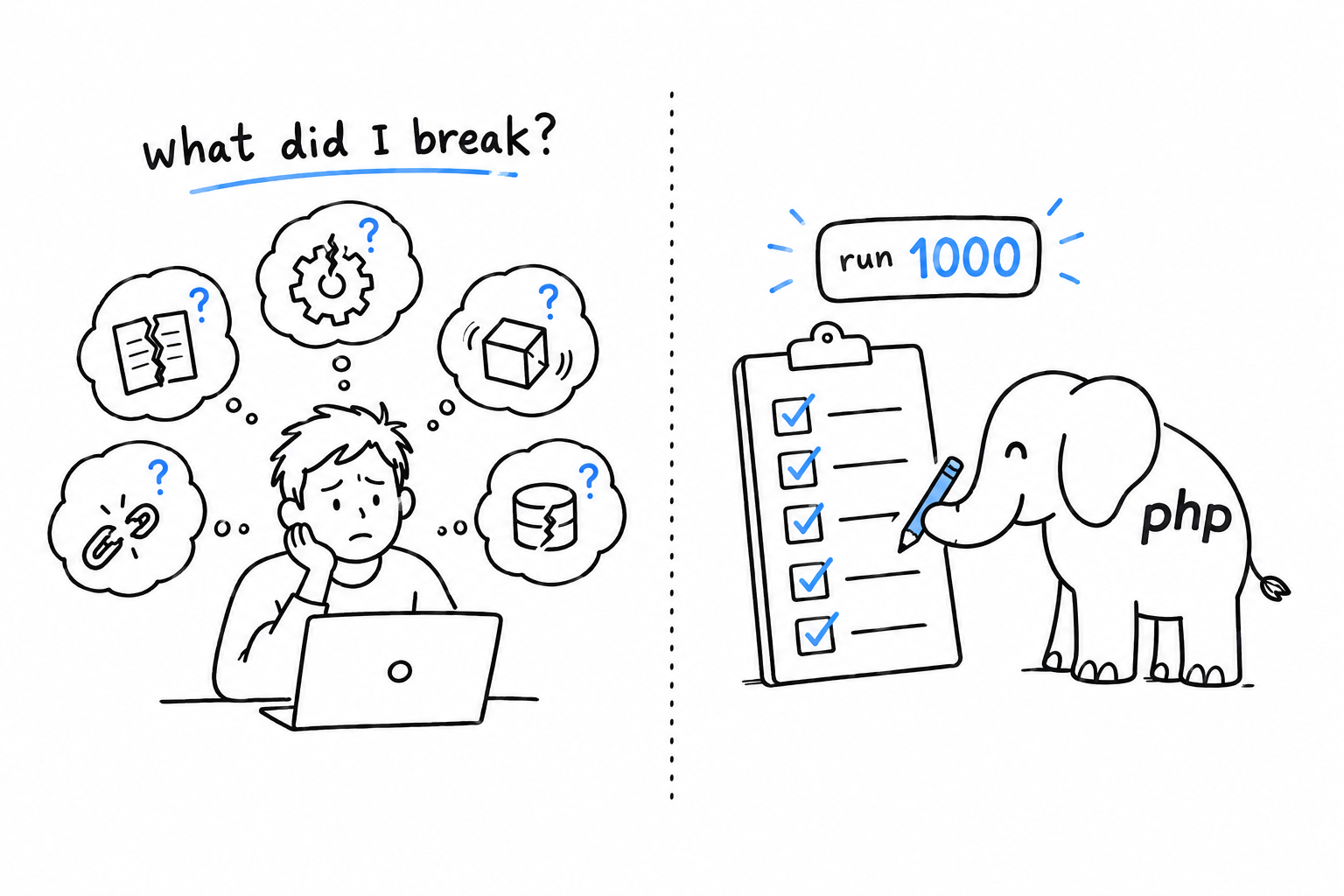
Think of the smoke detector in your kitchen. You do not sniff the air every minute; you install something that does, and it only speaks up when there is a problem. Tests play that role for your code. Silence means everything still works.
PHP has one clear default for the job: PHPUnit. It has been the standard for close to two decades, nearly every library and framework in the PHP world uses it internally, and it is a Composer package, installed the way you learned in Chapter 7.
A first test takes ten lines, and you will write yours in a few minutes. Choosing which tests to run, and keeping order once they multiply, takes a little more thought, and that is what the rest of the chapter is for. By the end, testing will not be a step bolted onto finished code; it will be part of how you write it. That is the habit Chapter 14 leans on when it builds a small project test-first.
A test is a question you ask your code once. The computer keeps asking it for you.
How to Write Tests with PHPUnit
Start a fresh project, as in Chapter 7:
$ composer init --no-interaction
$ composer require --dev phpunit/phpunit
The --dev flag matters. PHPUnit is a tool you use while building the project, not something the project needs to run. Composer keeps development-only dependencies apart for that reason: they never ship.
The code under test
Here is a small class worth testing, the kind you have been writing since Chapter 5:
<?php
// src/Rectangle.php

declare(strict_types=1);

final class Rectangle
{
    public function __construct(
        private readonly float $width,
        private readonly float $height,
    ) {
    }

    public function area(): float
    {
        return $this->width * $this->height;
    }

    public function isSquare(): bool
    {
        return $this->width === $this->height;
    }
}
Nothing new: a readonly class, two properties, two methods. The question a test answers is simple. Does it actually do what it claims?
Your first test
A test is a class that extends PHPUnit’s TestCase, with methods whose names start with test. Each method sets up a situation, then makes a claim about the result:
<?php
// tests/RectangleTest.php

declare(strict_types=1);

use PHPUnit\Framework\TestCase;

final class RectangleTest extends TestCase
{
    public function testAreaOfARectangle(): void
    {
        $rectangle = new Rectangle(8.0, 7.0);

        $this->assertEquals(56.0, $rectangle->area());
    }
}
Read the method as a sentence: build a rectangle 8 by 7, then claim its area is 56. assertEquals(expected, actual) is the claim. If the two values differ, the test fails and PHPUnit shows you both sides. Run it:
$ vendor/bin/phpunit tests
PHPUnit 10.5.0 by Sebastian Bergmann and contributors.

.                                                                   1 / 1 (100%)

Time: 00:00.012, Memory: 6.00 MB

OK (1 test, 1 assertion)
One dot per passing test. That is the whole feedback loop for the rest of this chapter: change the code, run the tests, count the dots.
Try it: change 56.0 to 57.0 and run again. The dot becomes an F, and PHPUnit tells you which claim broke, with the value it expected and the value it got.
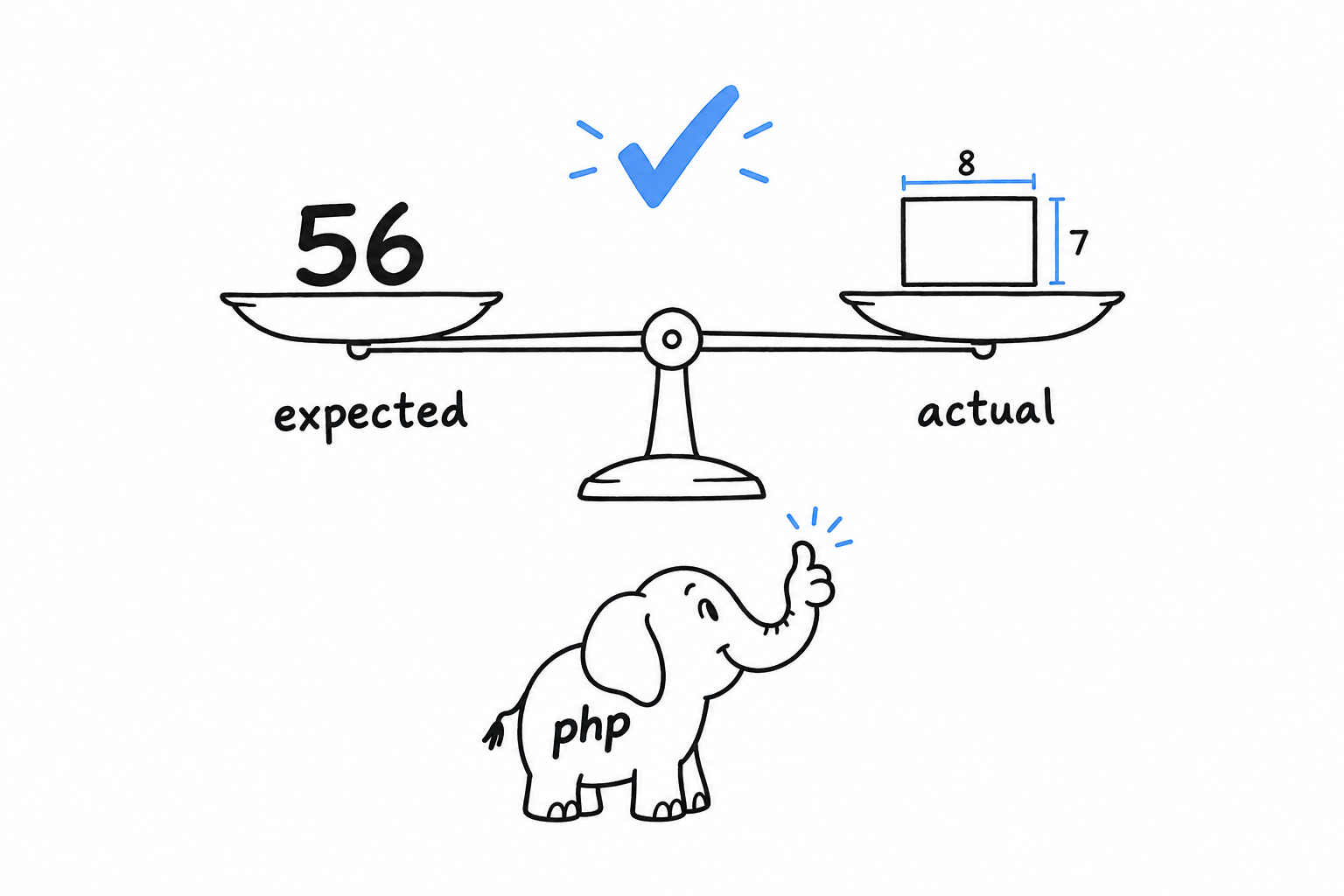
A test is a claim about your code. PHPUnit checks whether the claim still holds.
#[Test] as an alternative to the test prefix
PHP 8 attributes (Chapter 20 covers them properly) give PHPUnit a second way to mark a method as a test, with no naming constraint:
<?php

use PHPUnit\Framework\Attributes\Test;
use PHPUnit\Framework\TestCase;

final class RectangleTest extends TestCase
{
    #[Test]
    public function itCalculatesArea(): void
    {
        $rectangle = new Rectangle(8.0, 7.0);

        $this->assertEquals(56.0, $rectangle->area());
    }
}
Either style is fine; pick one per project and stick to it. This book keeps the test prefix: no use statement, and the intent is clear from the name alone.
More assertions: assertTrue, and assertEquals vs. assertSame
<?php

final class RectangleTest extends TestCase
{
    public function testASquareIsDetected(): void
    {
        $square = new Rectangle(5.0, 5.0);

        $this->assertTrue($square->isSquare());
    }

    public function testEqualsVsSame(): void
    {
        $this->assertEquals(1, "1");   // passes, loose comparison, like ==
        $this->assertSame(1, "1");     // fails, strict comparison, like ===
    }
}
assertTrue() does what it says. The second method is the interesting one, because one of its two lines fails.
assertEquals() compares like ==, and assertSame() compares like ===. This is the exact distinction from Chapter 3, wearing an assertion-shaped hat. For assertEquals(), 1 and "1" are equal enough. assertSame() refuses: it checks the type and the value together.
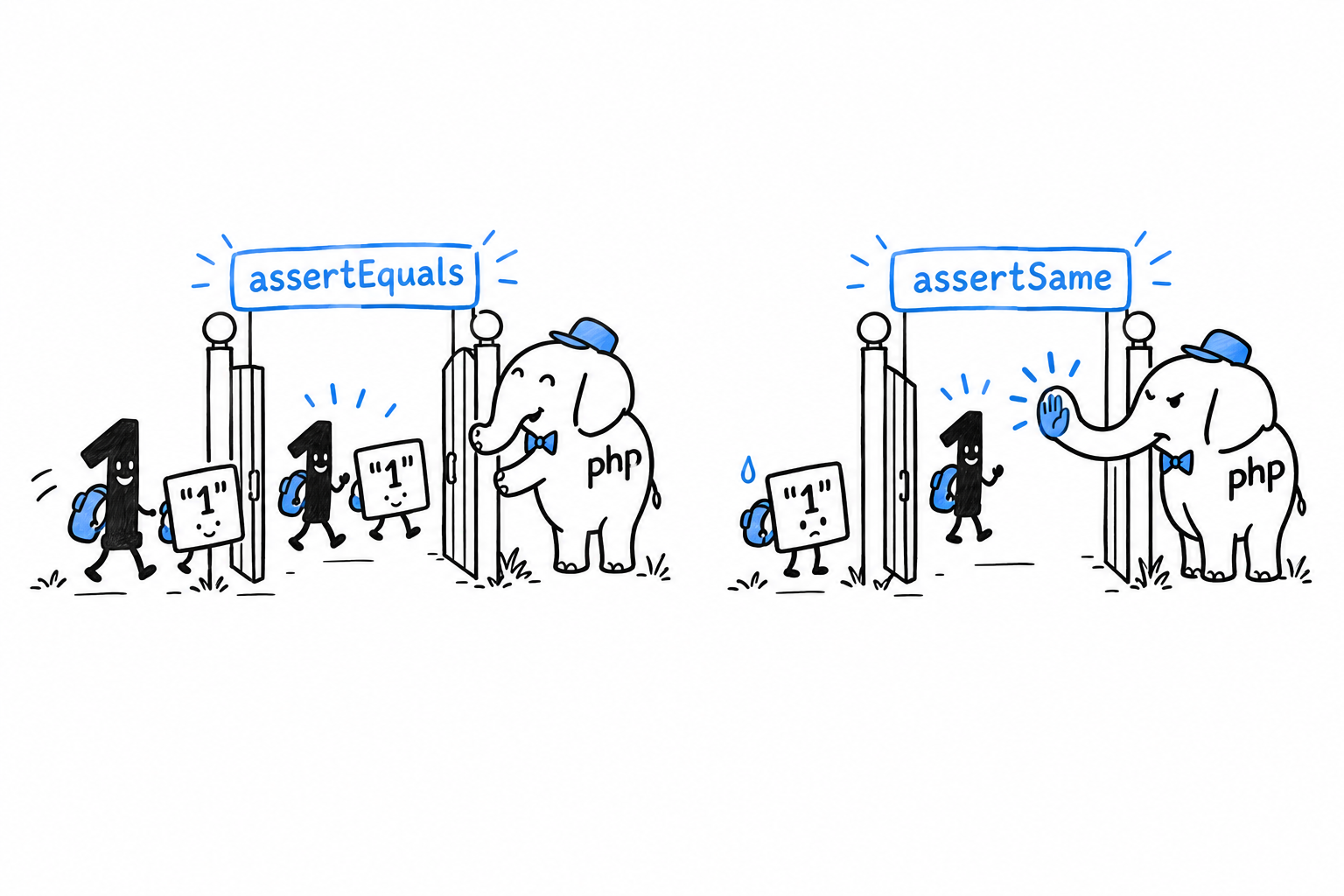
Default to assertSame(). It catches a whole family of bugs (a function returning a string where you expected an integer) that assertEquals() lets through without a word. Reach for assertEquals() only when the loose comparison is really what you mean to test.
A failing assertion tells you exactly what went wrong:
$ vendor/bin/phpunit tests
1) RectangleTest::testEqualsVsSame
Failed asserting that 1 is identical to '1'.
That message does real work: “not identical” rather than “unequal” points straight at the type mismatch. Read failure messages closely; PHPUnit is more specific than it looks.
Controlling How Tests Are Run
vendor/bin/phpunit tests runs everything, every time. With five tests, fine. With five hundred, waiting for the whole suite each time you save a file gets old, and most of the output is noise about code you did not touch. PHPUnit lets you run a slice of the suite, and a config file makes the whole thing repeatable.
Filtering by name
--filter runs only the tests whose name matches a pattern:
$ vendor/bin/phpunit --filter testAreaOfARectangle tests
The pattern is a regular expression matched against the method name, so --filter Area catches testAreaOfARectangle and anything else with “Area” in it. That is the mode you want while heads-down on one feature: run the two or three tests that matter, and leave the rest for later.
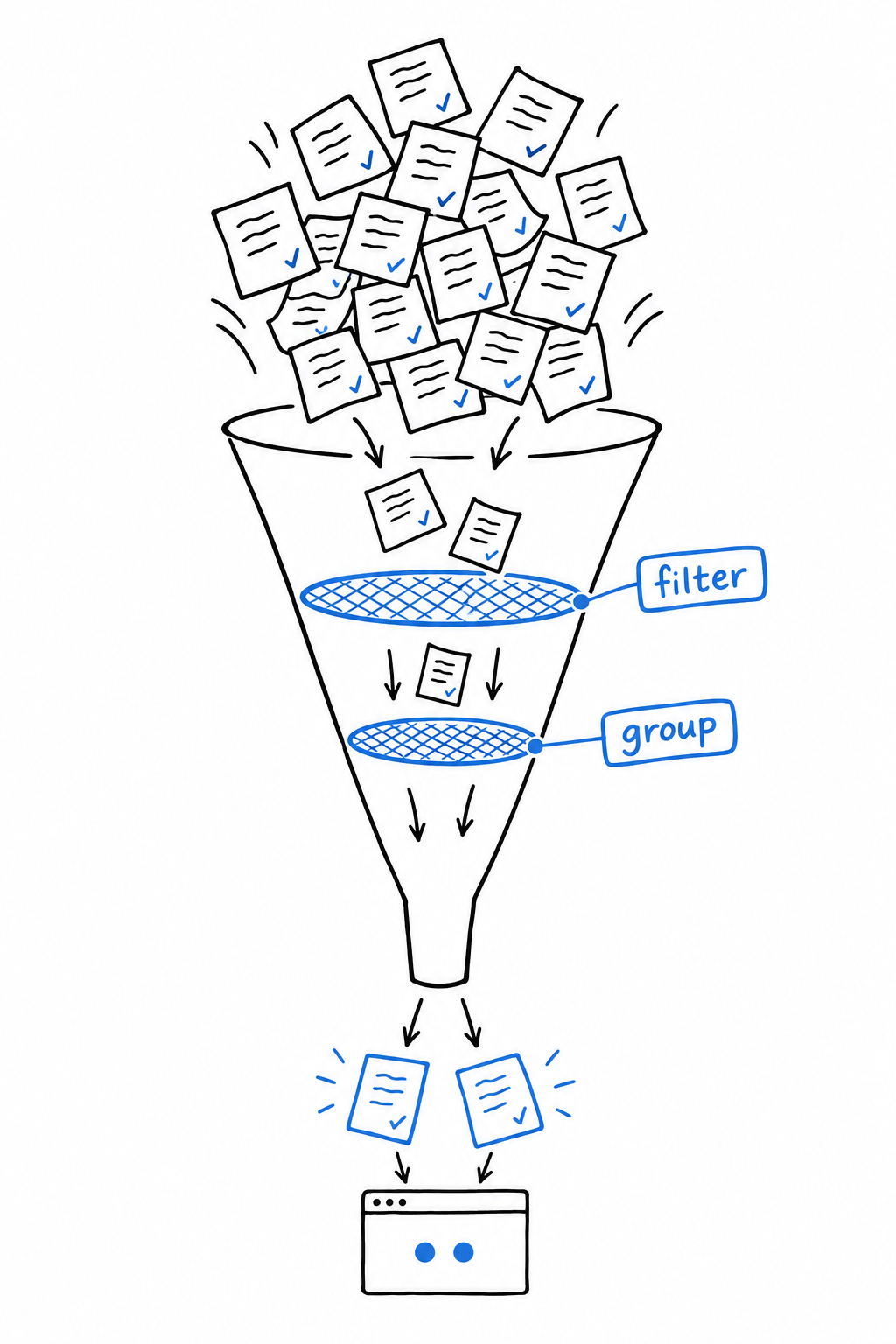
Grouping tests
For a coarser cut than one test at a time, tag tests with a group, using either the older docblock annotation or the modern attribute:
<?php

use PHPUnit\Framework\Attributes\Group;
use PHPUnit\Framework\TestCase;

final class RectangleTest extends TestCase
{
    #[Group('geometry')]
    public function testAreaOfARectangle(): void
    {
        $rectangle = new Rectangle(8.0, 7.0);

        $this->assertSame(56.0, $rectangle->area());
    }
}
Then run just that group:
$ vendor/bin/phpunit --group geometry tests
The everyday use is speed. Mark slow tests (database, filesystem, network) with #[Group('slow')] and keep them out of your inner loop with --exclude-group slow. The full run waits for CI, where a few extra seconds cost nobody anything.
phpunit.xml
Typing tests and remembering your favorite flags on every run gets old too. A phpunit.xml file at the project root fixes that, and PHPUnit reads it without being asked:
<?xml version="1.0" encoding="UTF-8"?>
<phpunit bootstrap="vendor/autoload.php"
         colors="true">
    <testsuites>
        <testsuite name="default">
            <directory>tests</directory>
        </testsuite>
    </testsuites>
</phpunit>
Two things live in it. bootstrap names the file PHPUnit loads before anything else, almost always Composer’s autoloader, so your tests can mention Rectangle without a manual require. testsuites defines what “the suite” even means: here, everything under tests/. With the file in place, the command shrinks to its shortest form:
$ vendor/bin/phpunit
--filter and --group still layer on top whenever you want a narrower run. If you would rather answer a few questions than write XML by hand, vendor/bin/phpunit --generate-configuration produces a starting version. Either way, commit the file. It is project configuration, not a personal preference: everyone on the team, and the CI pipeline, should run the same suite the same way.
The suite is defined once, in
phpunit.xml. The flags narrow it down for the moment.
Test Organization
Where tests live changes nothing for PHPUnit and everything for the person looking for them, including you in six months. PHP’s convention fits in one sentence: a tests/ directory that mirrors src/, one test class per class, named after the class plus Test.
src/
    Rectangle.php
    GrepOptions.php
tests/
    RectangleTest.php
    GrepOptionsTest.php
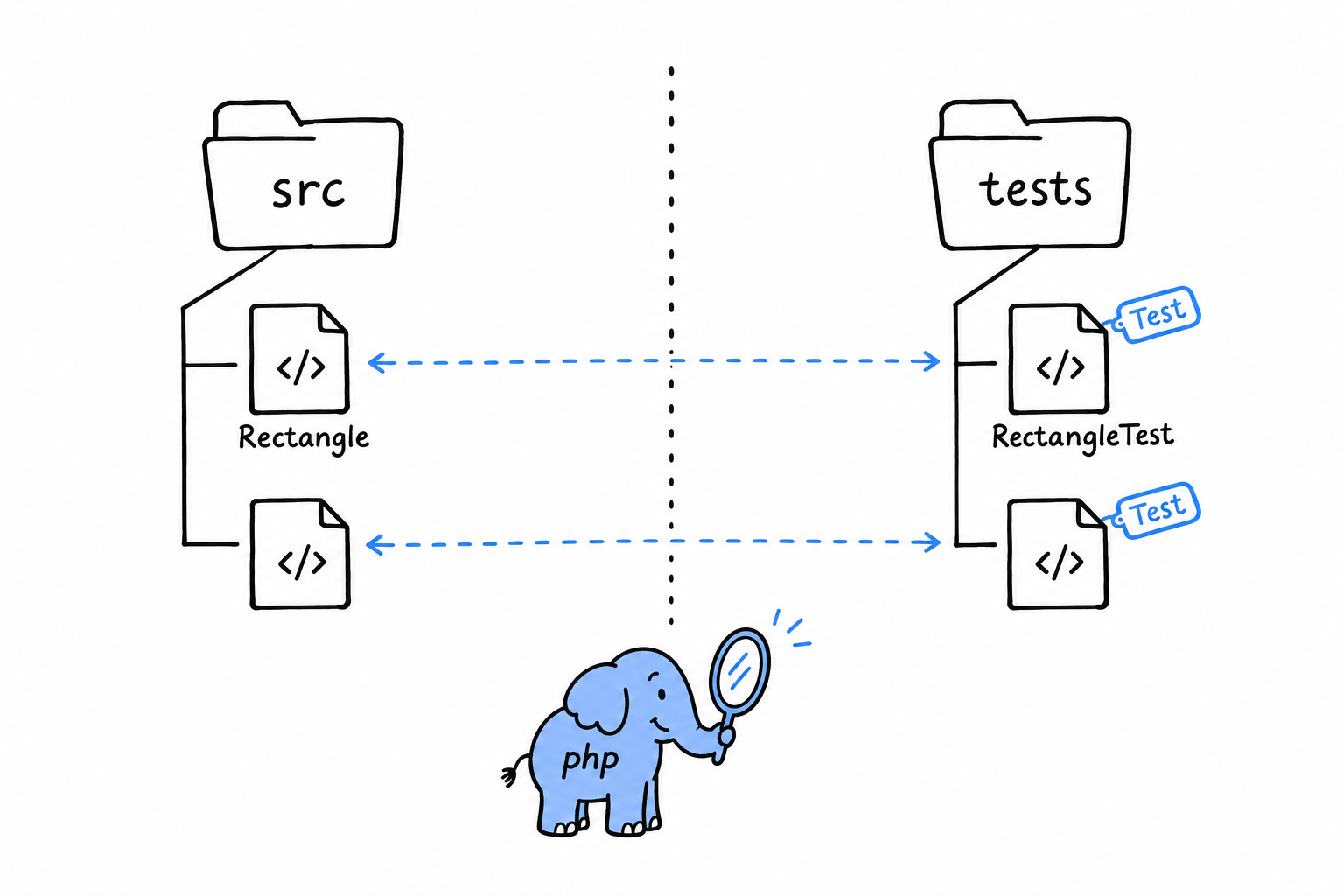
src/Rectangle.php gets tests/RectangleTest.php. src/Http/Client.php would get tests/Http/ClientTest.php, with the folders lined up on both sides. Nothing enforces this: PHPUnit runs whatever phpunit.xml points at, named however you like. But nearly every PHP project follows the convention, and breaking it without a good reason only makes your code harder for the next person to find their way around. Composer’s PSR-4 autoloading, from Chapter 7, usually maps a Tests\ namespace onto tests/ the same way it maps your application namespace onto src/.
Unit tests vs. integration tests
A unit test exercises one class or function alone, with nothing outside it involved: no database, no filesystem, no network. RectangleTest is one. It builds a Rectangle and checks its methods, nothing more. Unit tests are fast. Thousands of them run in a few seconds, which is exactly what lets you run the whole suite constantly without it slowing you down.
An integration test checks that several pieces work together: your code talking to a real database, a real file on disk, a real HTTP call to another service. It catches a family of bugs a unit test structurally cannot see, when two pieces are each correct on their own and wrong about each other. The price is speed, often by orders of magnitude, and a tendency to fail for reasons that have nothing to do with your code: a slow disk, a network blip.
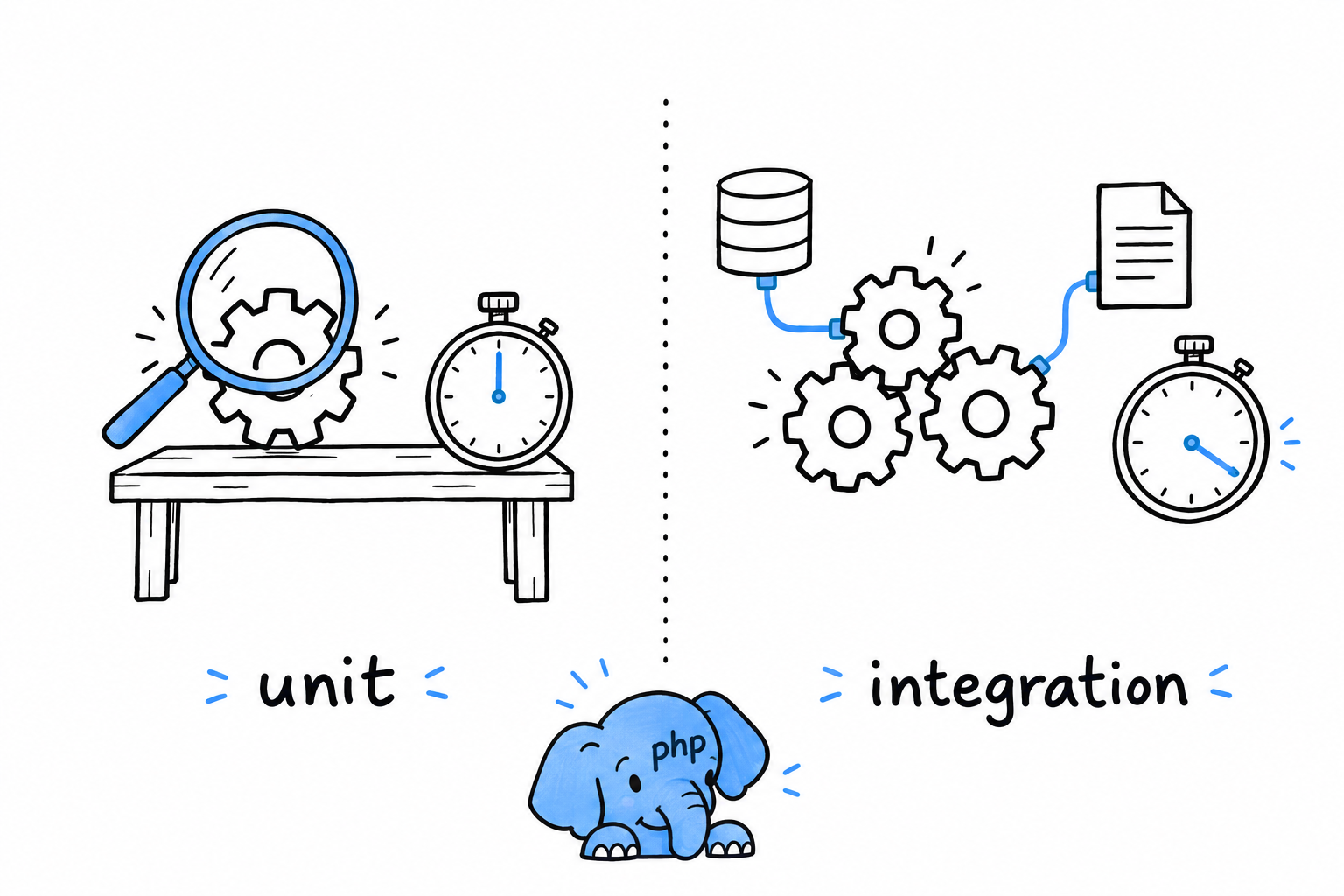
<?php

use PHPUnit\Framework\TestCase;

final class FindMatchingLinesIntegrationTest extends TestCase
{
    public function testFindsLinesInARealFile(): void
    {
        $path = tempnam(sys_get_temp_dir(), 'lines');
        file_put_contents($path, "apple\nbanana\ncherry\n");

        $lines = findMatchingLines($path, 'banana');

        $this->assertSame(['banana'], $lines);

        unlink($path);
    }
}
Nothing exotic here. It is still a TestCase, still full of assertions. What makes it an integration test is that it touches the real filesystem, creating an actual temporary file and cleaning it up, instead of faking one. The difference is in what the test touches, not in its syntax.
A practical split
Most projects keep both kinds in the same tests/ tree and separate them by directory (tests/Unit/ and tests/Integration/) or by group (the #[Group('integration')] attribute from the previous section). The fast unit suite then runs constantly while you work, and the slower integration suite waits for a commit or for CI. Neither replaces the other. Unit tests tell you a piece works on its own; integration tests tell you the pieces still work once they talk to each other, which is the only way your program ever runs.
Debugging PHP
Sooner or later, one of your programs will run without a single error and still give the wrong answer. No exception, no warning, just a total that is off by one or a page that greets the wrong person. Reading the code again rarely helps, because the code says exactly what you meant. Debugging is finding out what the program actually does, as opposed to what you meant it to do. It is a skill in its own right, worth learning on purpose.
Every program in this book so far was small enough to read from top to bottom and spot the bug by eye. The guessing game and the guestbook are already past that point.
There are two ways to look inside a running program, and you will want both.
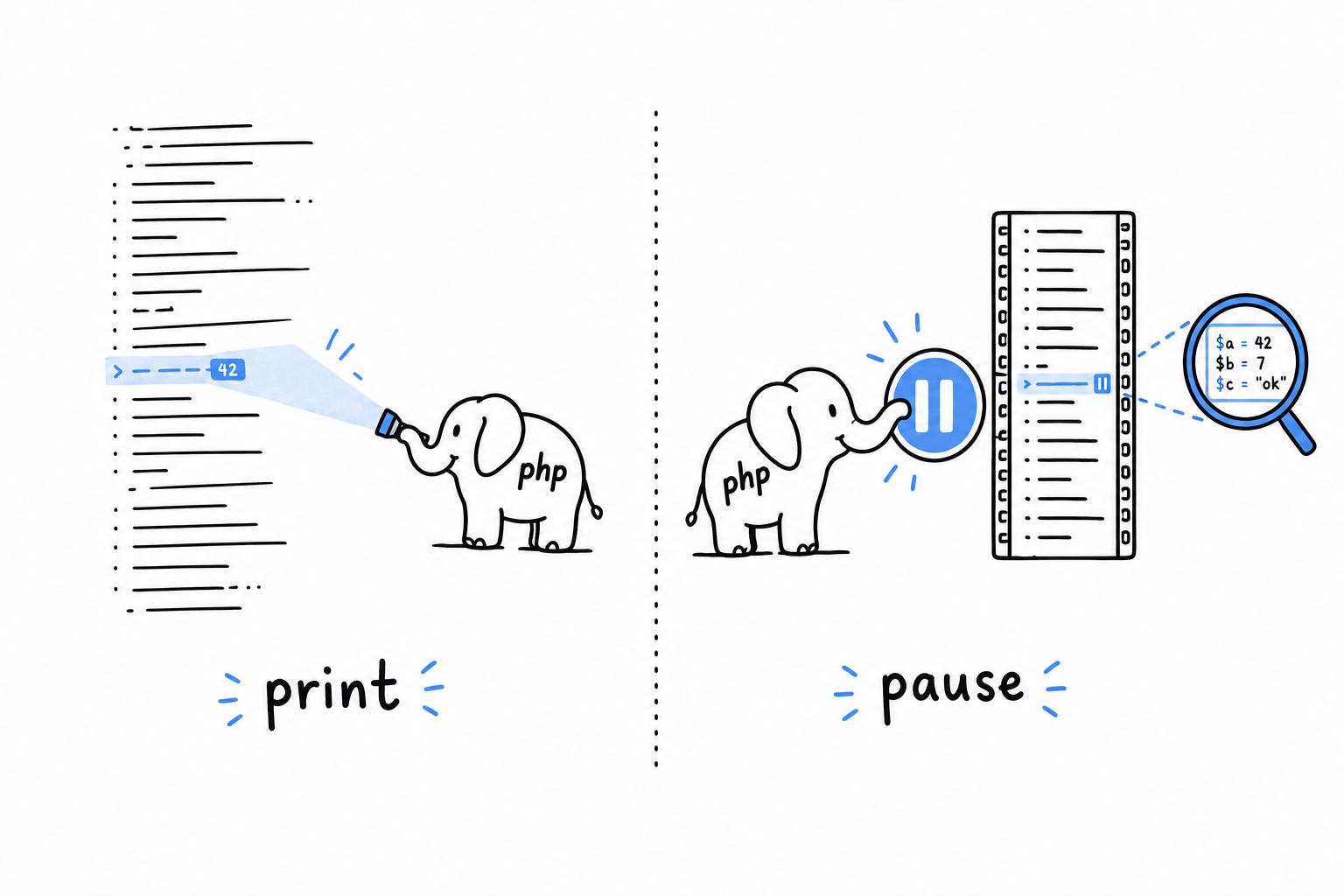
The first is print debugging, the oldest trick in the book. You put something in the middle of your code that shows you a value, rerun the program, and read the output. It is a flashlight: you see the one spot you point it at. It needs nothing but PHP itself, and var_dump() and print_r() are the tools for it.
The second is step debugging. You pause the program at an exact line, look at every variable as it stood at that instant, and move forward one line at a time. A pause button rather than a flashlight: no more guessing where to look. It takes a tool, Xdebug, and a few minutes of setup, which pay for themselves the first time a bug gives you no obvious value to print.
Neither replaces the error handling from Chapter 9. A well-placed exception tells you that something went wrong. Debugging is how you find out why, especially when nothing threw at all and the program just quietly produced the wrong answer. The command line tool of Chapter 14 is exactly the kind of multi-file program where both tools earn their keep.
Print Debugging with var_dump() and print_r()
echo $count prints 5. Is $count the number five, or the text "5"? echo will never tell you, and that difference is often the entire bug.
You met var_dump() briefly in Chapter 3: it shows a value’s type along with the value itself. var_dump($count) prints int(5) or string(1) "5", and now you know. That is what turns it from an inspection tool into a debugging tool: a bug is very often a value with the wrong type, not the wrong contents.
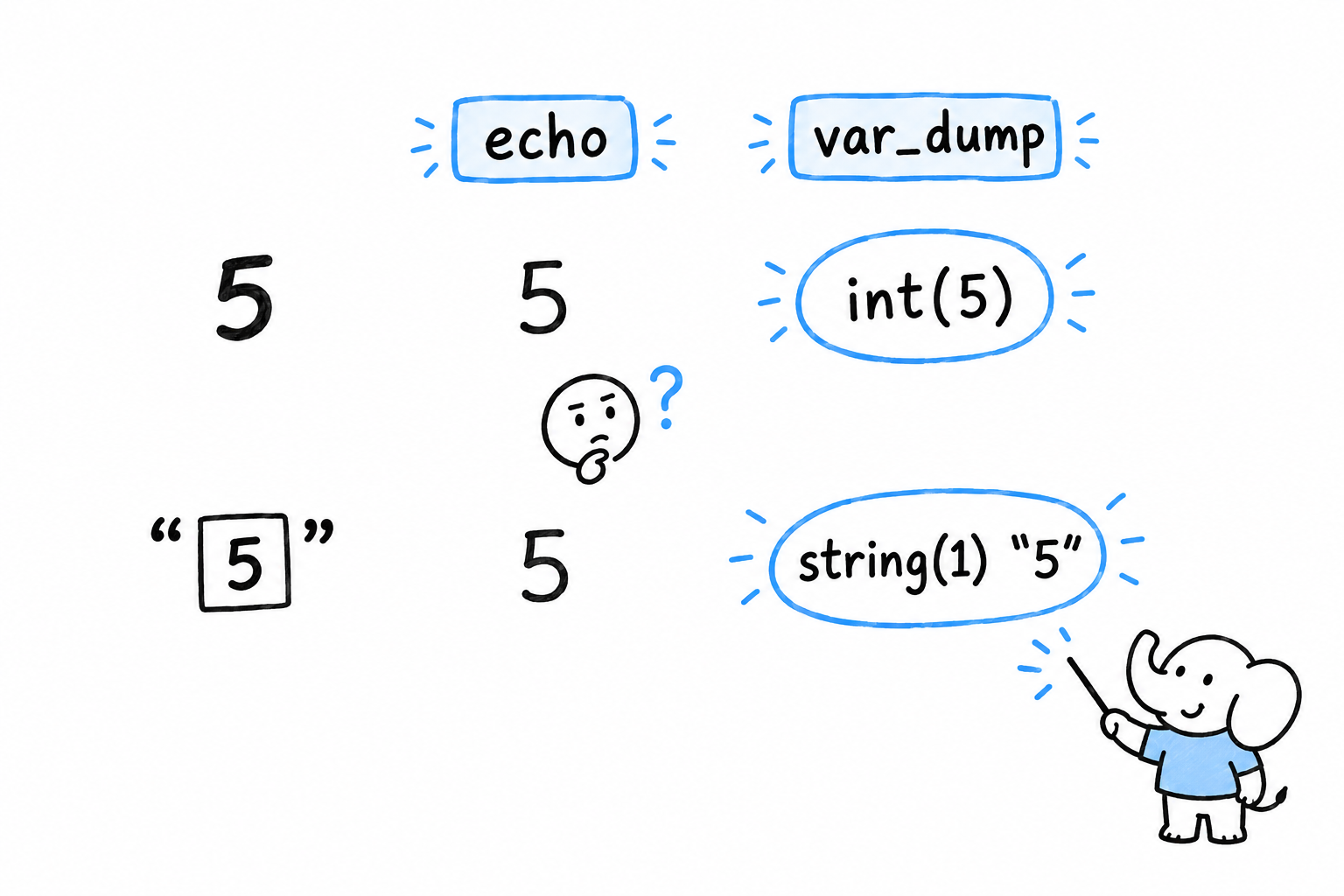
var_dump() on structured data
var_dump() is not limited to a single value. Hand it an array or an object and it walks through the whole thing, showing you its shape:
<?php

$user = [
    'name' => 'Alice',
    'age' => '32',
    'active' => true,
    'roles' => ['admin', 'editor'],
];

var_dump($user);
array(4) {
  ["name"]=>
  string(5) "Alice"
  ["age"]=>
  string(2) "32"
  ["active"]=>
  bool(true)
  ["roles"]=>
  array(2) {
    [0]=>
    string(5) "admin"
    [1]=>
    string(6) "editor"
  }
}
Look at "age": it came back as string(2) "32", not int(32). If this array came from a form (the kind of data Chapter 10 reads out of $_POST), that is expected, because everything in $_POST arrives as text. Code further down that assumes $user['age'] is already an integer is a bug waiting to happen. var_dump() catches in seconds what a quiet wrong answer three functions later would take an hour to trace back.
Try it: change '32' to 32 in the array and run the script again. The "age" line becomes int(32).
var_dump($name, $age, $roles) dumps all three in turn, shorter than three separate calls.
print_r(): easier to read, less precise
print_r() shows the same structure without the types, in a format that is much easier to scan when the array is large:
<?php

print_r($user);
Array
(
    [name] => Alice
    [age] => 32
    [active] => 1
    [roles] => Array
        (
            [0] => admin
            [1] => editor
        )

)
Notice what got lost. true became 1, and nothing says whether 32 is a number or text. That is the trade: reach for print_r() to see the shape of something quickly, and for var_dump() the moment a value’s exact type is in question, which it usually is once you are hunting a bug.
print_r() has one more trick. Pass true as a second argument and it returns the formatted text instead of printing it, which lets you send a snapshot to a log rather than to the screen:
<?php

$snapshot = print_r($user, true);
error_log("user state: {$snapshot}");
A third function, var_export(), sits between the two. It shows roughly what print_r() shows, but formats it as valid PHP source: var_export($user) prints something you could paste straight back into a script as an array literal. Handy for capturing a real value as a test fixture.
The limits of printing things
All three functions share the same weakness. You have to suspect where the problem is before you know where to put the call, and every time you want to look somewhere new, you edit the file and rerun the program. Point the flashlight, look, move it, look again.
For a script the size of anything in this book so far, that works. It stops working once a bug depends on the exact sequence of several function calls, or only shows up on the fifth turn of a loop, or lives inside a library you would rather not edit. At that point printing things stops being surgical and becomes trial and error. Xdebug is the tool for that moment: it lets you pause a running script and look around, instead of guessing in advance where to point the light.
Step Debugging with Xdebug
Imagine pressing pause on your program at the exact line you are curious about, then reading every variable as it stood at that instant. That is what Xdebug gives you.
Xdebug is not a separate program, and not a function you call the way you call var_dump(). It is a PHP extension: once installed, it changes how PHP itself behaves. That means a little more setup than the previous section needed, in exchange for the one thing print debugging cannot do: looking at everything in scope without having guessed in advance what to print.
Installing it
Xdebug is not bundled with PHP, so it needs installing separately. The generic way is through PECL:
$ pecl install xdebug
Most package managers offer it too (apt install php-xdebug on Debian and Ubuntu, brew install php followed by pecl install xdebug on macOS with Homebrew’s PHP). Whichever route you take, it then needs to be switched on in php.ini with a line resembling:
zend_extension=xdebug
Confirm it loaded:
$ php -v
PHP 8.3.0 (cli) (built: ...)
    with Xdebug v3.3.0, Copyright (c) 2002-2024, by Derick Rethans
If Xdebug’s name shows up there, it is active.
xdebug.mode: turning on what you need
Xdebug does several unrelated jobs, and a single setting, xdebug.mode, says which ones are switched on. It takes a comma-separated list in php.ini:
xdebug.mode=develop,debug
develop is worth leaving on all the time. It needs no other tooling and quietly improves output you already produce: var_dump() prints with color and tells you the file and line it was called from, and an uncaught exception comes with a full stack trace, arguments included, instead of PHP’s terser default. debug is the mode this section is about: it lets an external tool pause execution and inspect it.
Connecting an editor
Step debugging needs two ends talking to each other. On one end, PHP runs your script. On the other, an editor listens for PHP to say “I have paused, come and look.” PhpStorm and VS Code (with the “PHP Debug” extension) both do this out of the box, over a protocol called DBGp, on port 9003 by default.
The setup has the same shape in either editor. You tell it to start listening for Xdebug connections. You click in the margin next to a line of code, and a red dot appears: a breakpoint, which means “pause here.” Then you run the script, from the terminal with php your_script.php or by reloading a page served by php -S, with xdebug.mode including debug. Execution stops the moment it reaches that line, before running it, and the editor shows every variable in scope at that exact point.
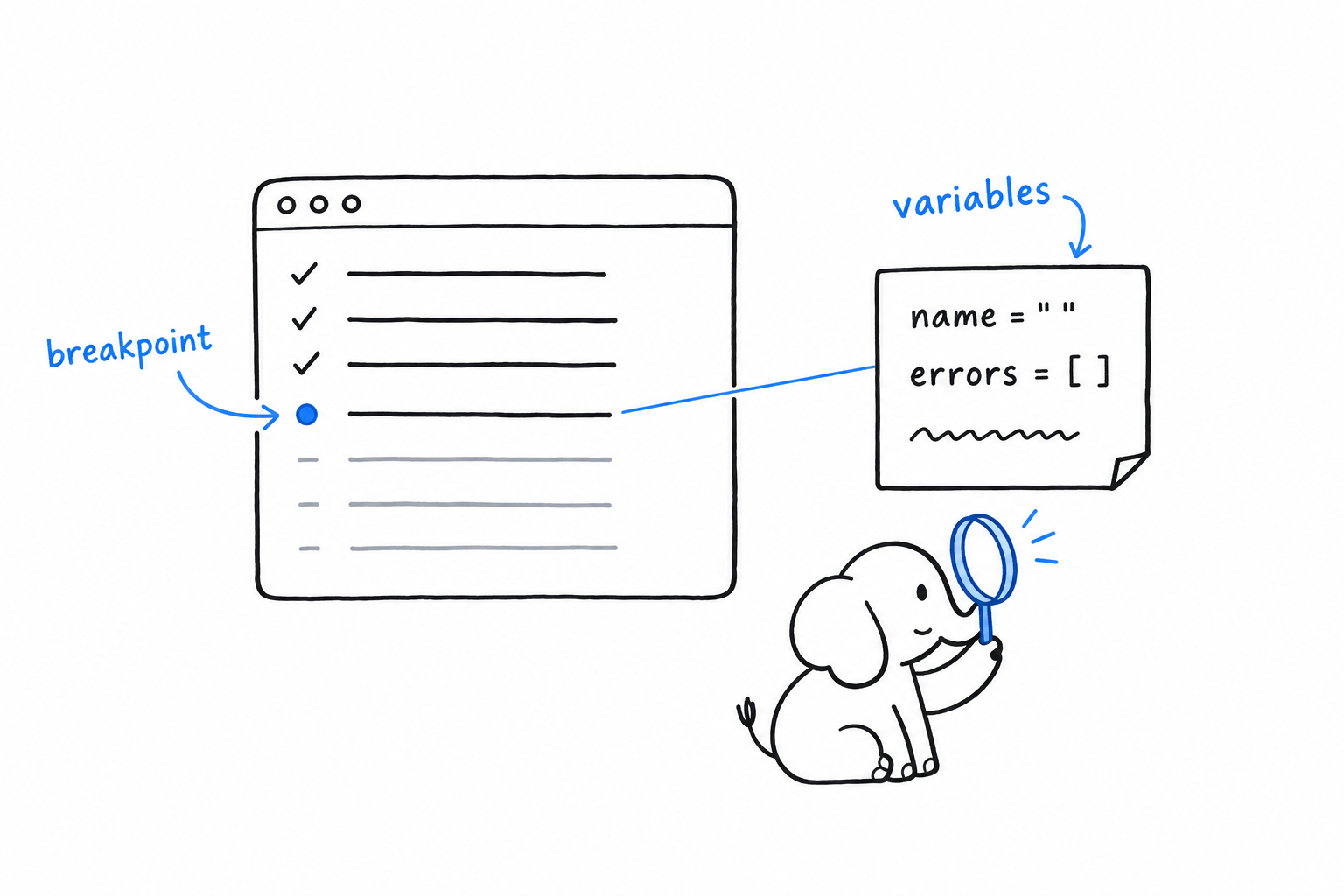
From there you have three ways to move. Step over a line runs it and stops at the next one. Step into a function call follows execution inside the function instead of running it as a block. Step out finishes the current function and stops back in its caller. Variables update in the panel as you go.
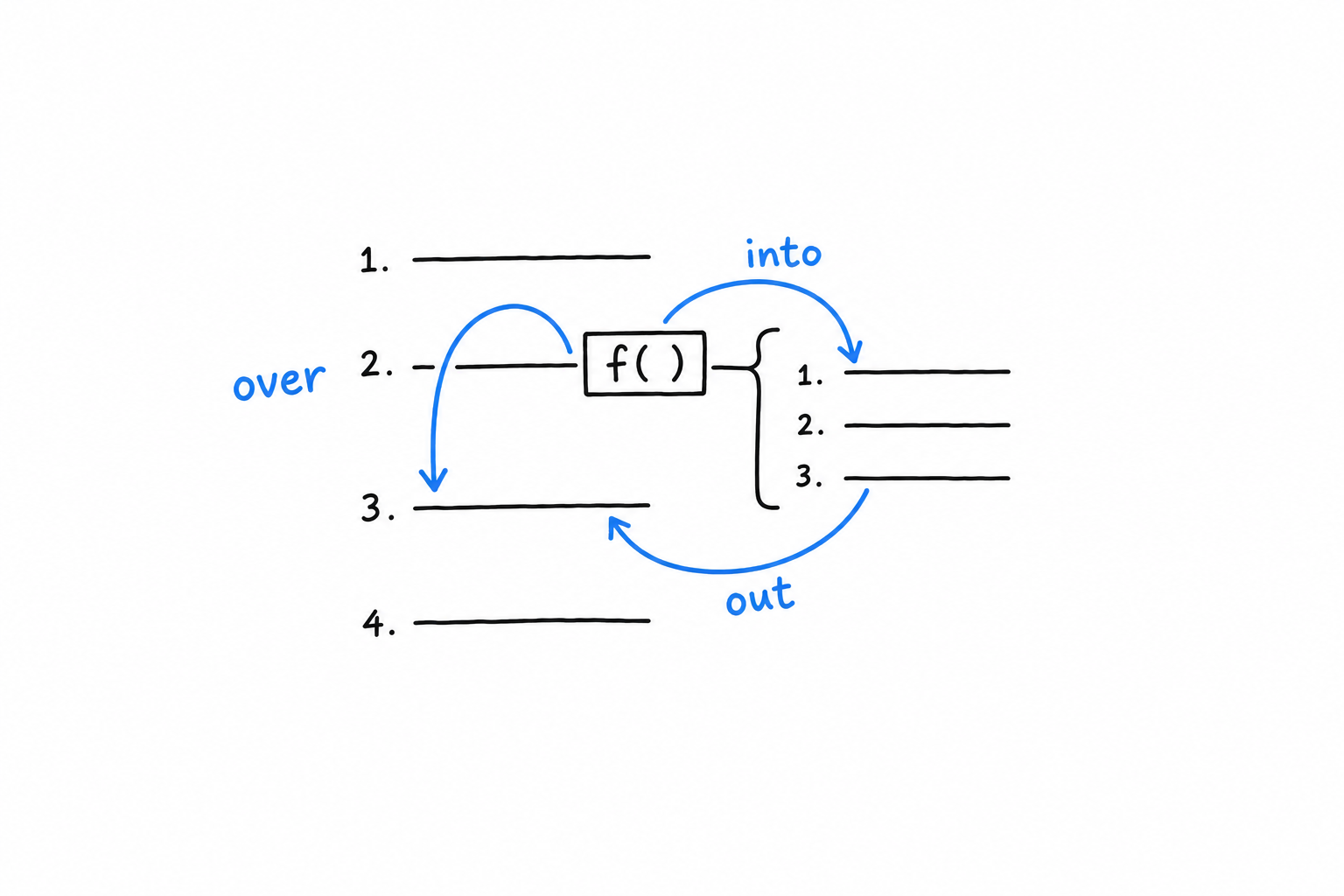
Trying it on the guestbook
The validation code from Chapter 10 is a good place to practice: small enough to hold in your head, with a real branch worth watching.
if ($name === '') {
    $errors[] = 'Name cannot be empty.';
} elseif (mb_strlen($name) > 60) {
    $errors[] = 'Name is too long.';
}
Set a breakpoint on the if ($name === '') line. Start the built-in server with xdebug.mode=debug set, start listening in your editor, and submit the guestbook form with the name field left blank. Execution pauses right there. The variables pane shows $name as an empty string and $errors as an empty array, exactly as they stood at that instant, before a single line of the if block has run. Step over it, and watch $errors gain its first entry.
No
var_dump()had to be written, moved, or removed to see any of that. That is the entire value of step debugging.
Profiling, briefly
xdebug.mode=profile turns on a third capability. Instead of pausing execution, Xdebug records how long each function call took and writes the result to a “cachegrind” file (xdebug.output_dir says where). Tools like QCachegrind, or the profiler built into PhpStorm, read that file and show you exactly where a slow request spent its time: which function, called how many times, for what share of the total. Chasing slowness is a different job from chasing a wrong answer, closer to what Chapter 15 discusses about loops and generators, but it is the same extension, and worth knowing about.
Choosing between the two tools
Honestly, reach for var_dump() and print_r() first. They need no setup, and for most bugs, especially early on, printing the value and looking at it finds the problem in seconds.
Reach for Xdebug once printing stops narrowing things down: when a bug depends on a sequence of calls rather than a single value, or when you catch yourself adding and removing var_dump() for the third time on the same problem. At that point, pausing the program and looking around costs less than guessing again.
A CLI Project: Building a Command Line Program
Somewhere on your disk sits a log, a list, an export of something, and you want only the lines that mention one word. On Unix, that job belongs to grep. Over the next six sections you will write your own. phpgrep is a small command line tool that prints every line of a file containing a word, and it is the biggest program in the book so far.
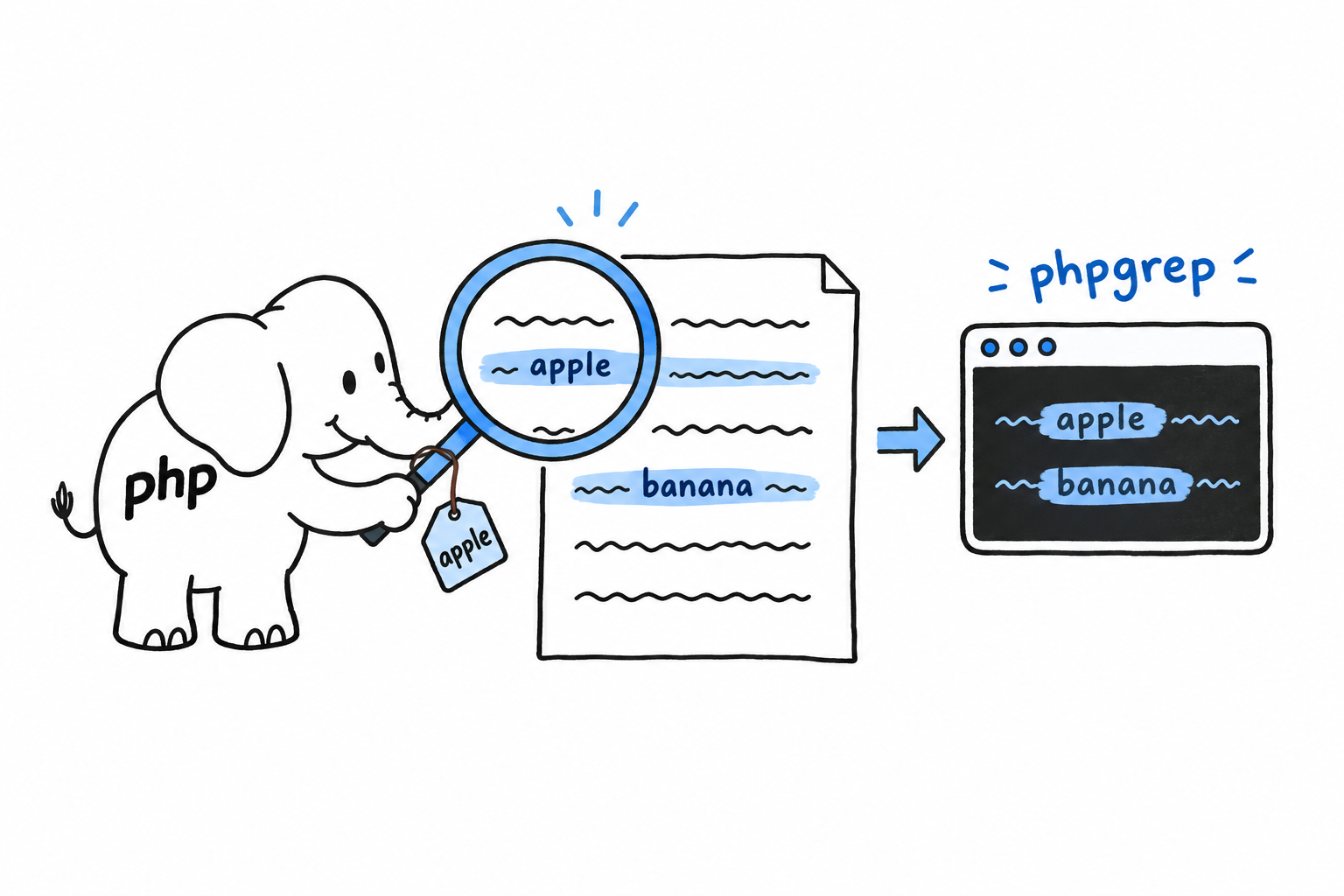
This is one program, not six examples. Each section starts exactly where the previous one stopped, the way Chapter 2 grew its guessing game one capability at a time. The first version is crude: read two arguments, print them. The last one reads its file properly, reports errors the way a real tool should, respects an environment variable, and is covered by tests written before the code that makes them pass. On the way you reuse most of what the book has taught: classes and constructor promotion from Chapter 5, exceptions from Chapter 9, PHPUnit from Chapter 12.
A search tool makes a good teaching project for a reason. It is small enough to hold entirely in your head, yet it has arguments to parse, a file to read, one place where things can legitimately go wrong (the file is missing) and one feature worth adding with care (ignoring case). Every piece of it is something you will do again, in some form, at work.
Type the code as you go rather than pasting the final file. The value of this chapter is in watching the program change shape: clumsy first, then modular, then tested, then polished. And keep the project once you are done. Chapter 15 comes back to phpgrep for one more upgrade, once you have met a PHP feature it is made for.
Accepting Command Line Arguments
Create a directory for the project and, inside it, a file called phpgrep.php. Everything typed after php on the command line lands in an array called $argv, available to every script run from a terminal:
<?php
declare(strict_types=1);

var_dump($argv);
$ php phpgrep.php apple fruits.txt
array(3) {
  [0]=>
  string(11) "phpgrep.php"
  [1]=>
  string(5) "apple"
  [2]=>
  string(9) "fruits.txt"
}
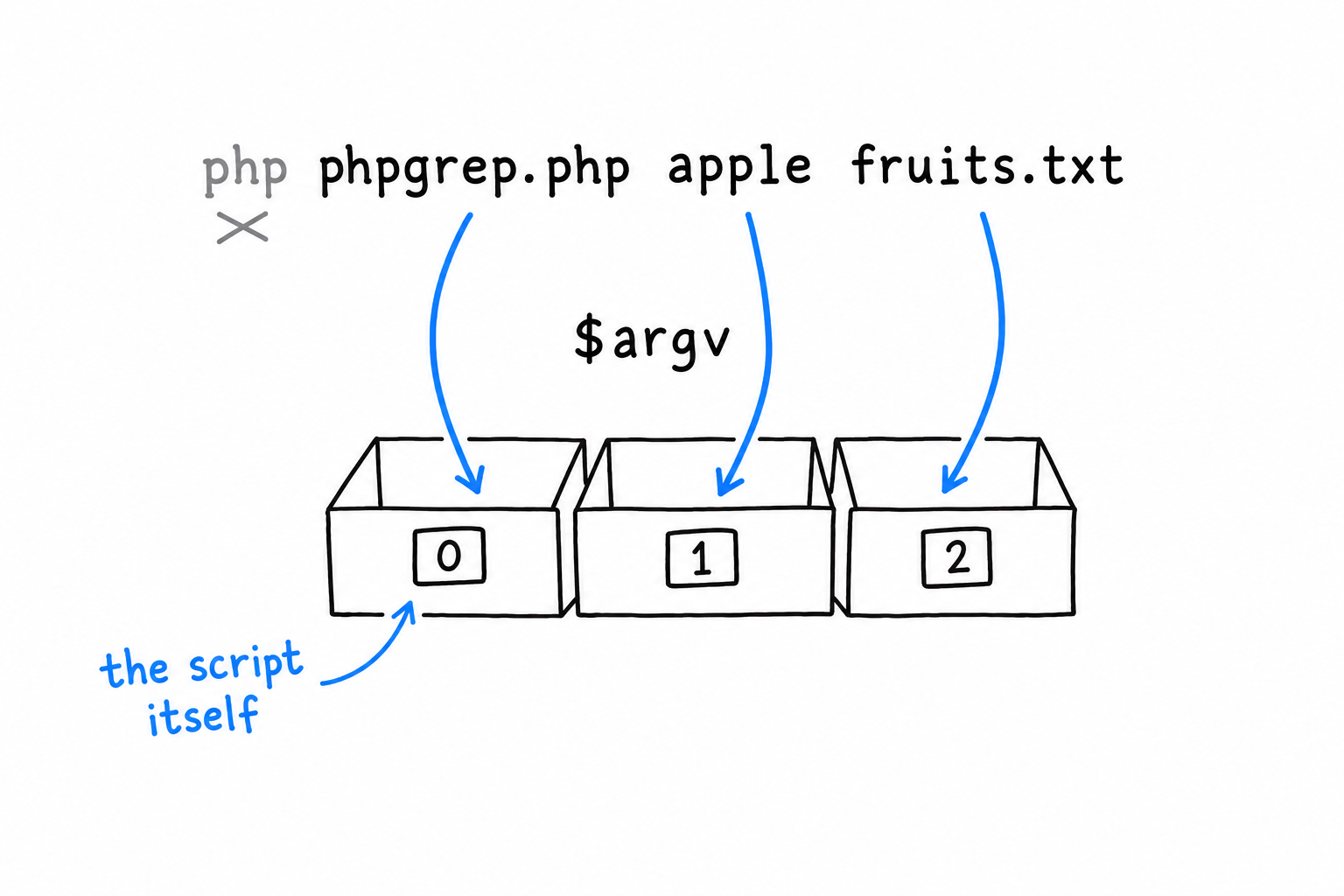
The first surprise, if you have never met $argv: $argv[0] is not your first argument. It is the name of the script itself. Everybody trips on this once. Your real arguments start at index 1: here $argv[1] is the word to search for and $argv[2] the file to search in, and that is the whole interface phpgrep needs.
Reading two arguments, badly
The most direct way to grab them:
<?php
declare(strict_types=1);

$query = $argv[1];
$filename = $argv[2];

echo "Searching for \"{$query}\" in \"{$filename}\"\n";
Run it right, and it works. Now run it with one argument too few:
$ php phpgrep.php apple
PHP prints a warning about the missing $argv[2], treats it as null, and limps on with garbage input instead of stopping to say what went wrong. Tolerable while you are the only user. Not for a tool anyone else will ever run. Let’s guard the door:
<?php
declare(strict_types=1);

if (count($argv) < 3) {
    echo "Usage: php phpgrep.php <query> <filename>\n";
    exit(1);
}

$query = $argv[1];
$filename = $argv[2];

echo "Searching for \"{$query}\" in \"{$filename}\"\n";
exit(1) stops the script on the spot and hands the number 1 to the shell as the exit code. By Unix convention, 0 means “it worked” and anything else means “something went wrong”. Every command you have ever chained with &&, every $? you have checked in a shell, relies on that convention. phpgrep honors it from its very first version.
Giving the arguments a home: GrepOptions
Two loose variables are fine today. But this project is going to grow, and passing a pair of separate strings into every function you write gets unwieldy fast. Better to bundle them in a small class whose only job is to hold what this run of the program was asked to do:
<?php
declare(strict_types=1);

final class GrepOptions
{
    public function __construct(
        public readonly string $query,
        public readonly string $filename,
    ) {
    }

    public static function fromArgv(array $argv): self
    {
        return new self(
            query: $argv[1],
            filename: $argv[2],
        );
    }
}

if (count($argv) < 3) {
    echo "Usage: php phpgrep.php <query> <filename>\n";
    exit(1);
}

$options = GrepOptions::fromArgv($argv);

echo "Searching for \"{$options->query}\" in \"{$options->filename}\"\n";
Two readonly properties, set once through constructor promotion, as in Chapter 5. A GrepOptions cannot change after it is built, which is exactly right for something that represents the user’s request for the lifetime of one run. fromArgv() is a static factory: give it the raw $argv array, get back a fully formed GrepOptions. The question “how do we parse arguments” now has one answer, in one place.
Run it again to check that nothing changed from the outside:
$ php phpgrep.php apple fruits.txt
Searching for "apple" in "fruits.txt"
Same behavior, better bones. That is the whole point of introducing the class this early: it costs almost nothing now, and it is the seam the rest of the chapter needs. The class will grow a third property soon enough. Its shape and its job stay the same.
Reading a File
phpgrep parses its arguments and searches nothing. Time to give it a file. Create one right next to phpgrep.php:
$ cat fruits.txt
Apple pie recipe
apple sauce for the win
Banana bread is better
cherry clafoutis
Four lines, two of them about apples, one with a capital letter and one without. That detail is deliberate, and it comes back later.
Reading the whole file into lines
PHP’s file() function reads a file straight into an array, one element per line, exactly the shape a line-by-line search needs:
<?php

$lines = file($options->filename, FILE_IGNORE_NEW_LINES);
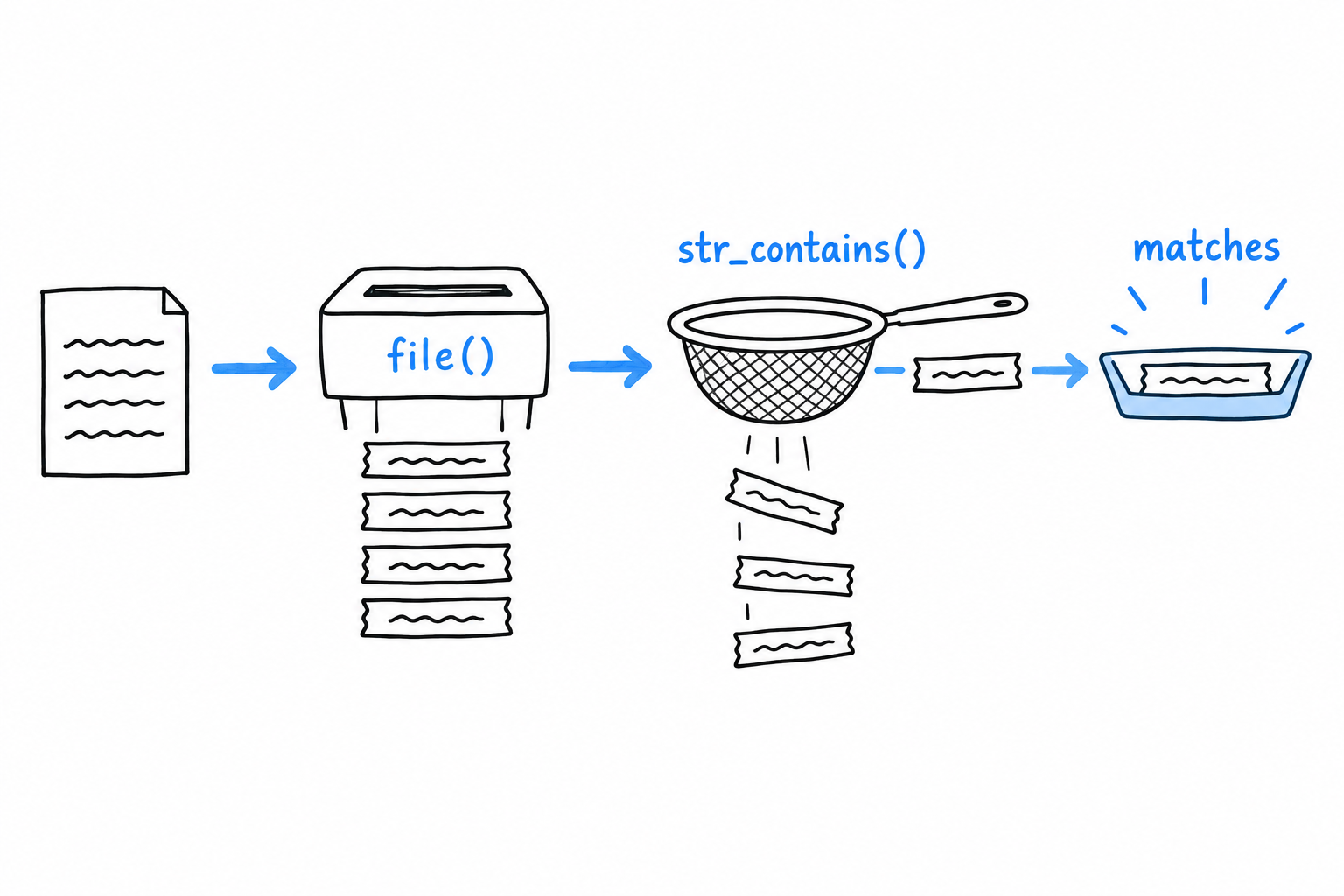
The FILE_IGNORE_NEW_LINES flag strips the trailing \n from each line as it reads, which saves a trim() on every single one afterward. You could get the same result with file_get_contents() followed by explode("\n", ...), and you will see that pair often in real code, particularly when the raw contents are needed for something else too. For a tool that thinks in lines, file() is the direct match.
Searching each line
With the lines in hand, str_contains() does the matching. It arrived in PHP 8, after years of everyone hand-rolling strpos($haystack, $needle) !== false, and it reads like what it does:
<?php
declare(strict_types=1);

final class GrepOptions
{
    public function __construct(
        public readonly string $query,
        public readonly string $filename,
    ) {
    }

    public static function fromArgv(array $argv): self
    {
        return new self(
            query: $argv[1],
            filename: $argv[2],
        );
    }
}

if (count($argv) < 3) {
    echo "Usage: php phpgrep.php <query> <filename>\n";
    exit(1);
}

$options = GrepOptions::fromArgv($argv);

$lines = file($options->filename, FILE_IGNORE_NEW_LINES);

foreach ($lines as $line) {
    if (str_contains($line, $options->query)) {
        echo $line . "\n";
    }
}
$ php phpgrep.php apple fruits.txt
apple sauce for the win
Only the lowercase apple line matched. str_contains() is case-sensitive: "Apple pie recipe" does not contain the substring "apple", capital A and all. Keep that fixture and that behavior in mind. Two sections from now, they become the exact test case for case-insensitive matching.
The file that isn’t there
Point phpgrep at a file that does not exist:
$ php phpgrep.php apple missing.txt

Warning: file(missing.txt): Failed to open stream: No such file or directory in phpgrep.php on line 20
A warning, and then nothing. file() returns false when it cannot open its target, our foreach treats that false like an empty array, and the program ends with no matches and no explanation. The tool looks like it ran and found nothing, when it never read anything at all. That is the worst kind of failure, the quiet kind.
Let’s patch it with the bluntest tool available, a check before the read:
<?php

if (!file_exists($options->filename)) {
    echo "Error: file \"{$options->filename}\" not found.\n";
    exit(1);
}

$lines = file($options->filename, FILE_IGNORE_NEW_LINES);
$ php phpgrep.php apple missing.txt
Error: file "missing.txt" not found.
Better, because at least it is honest. But look at what the check buys, and what it does not. file_exists() only answers “is there something at this path”. It says nothing about whether you can read it: a file that exists with its permissions locked down passes this check and then fails at file() exactly as before, warning and all. And every place in this program that will ever open a file would need the same check pasted in front of it, with every copy a chance to forget one.
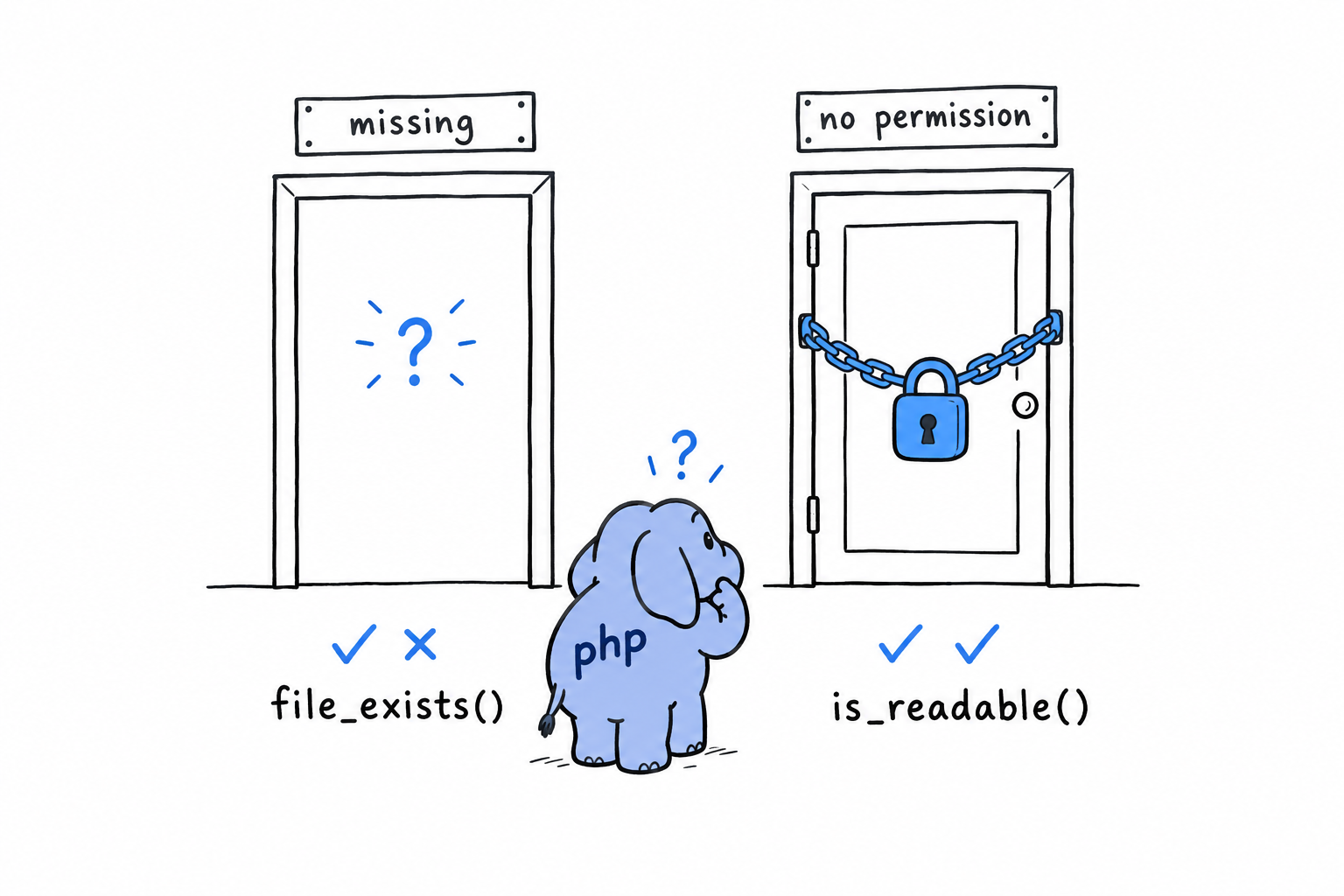
A clumsy, incomplete guard, standing in for something PHP has a proper mechanism for. Time to reach for it.
Refactoring to Improve Modularity and Error Handling
Everything phpgrep does lives in one script, top to bottom: parse the arguments, check the file, read it, loop, print. Fine for thirty lines. It stops being fine the moment you want to test one piece without running the whole program, and that is exactly where this project is headed. This section splits phpgrep into parts that can be called on their own, and replaces the file_exists() patch with the mechanism PHP designed for the job: an exception.
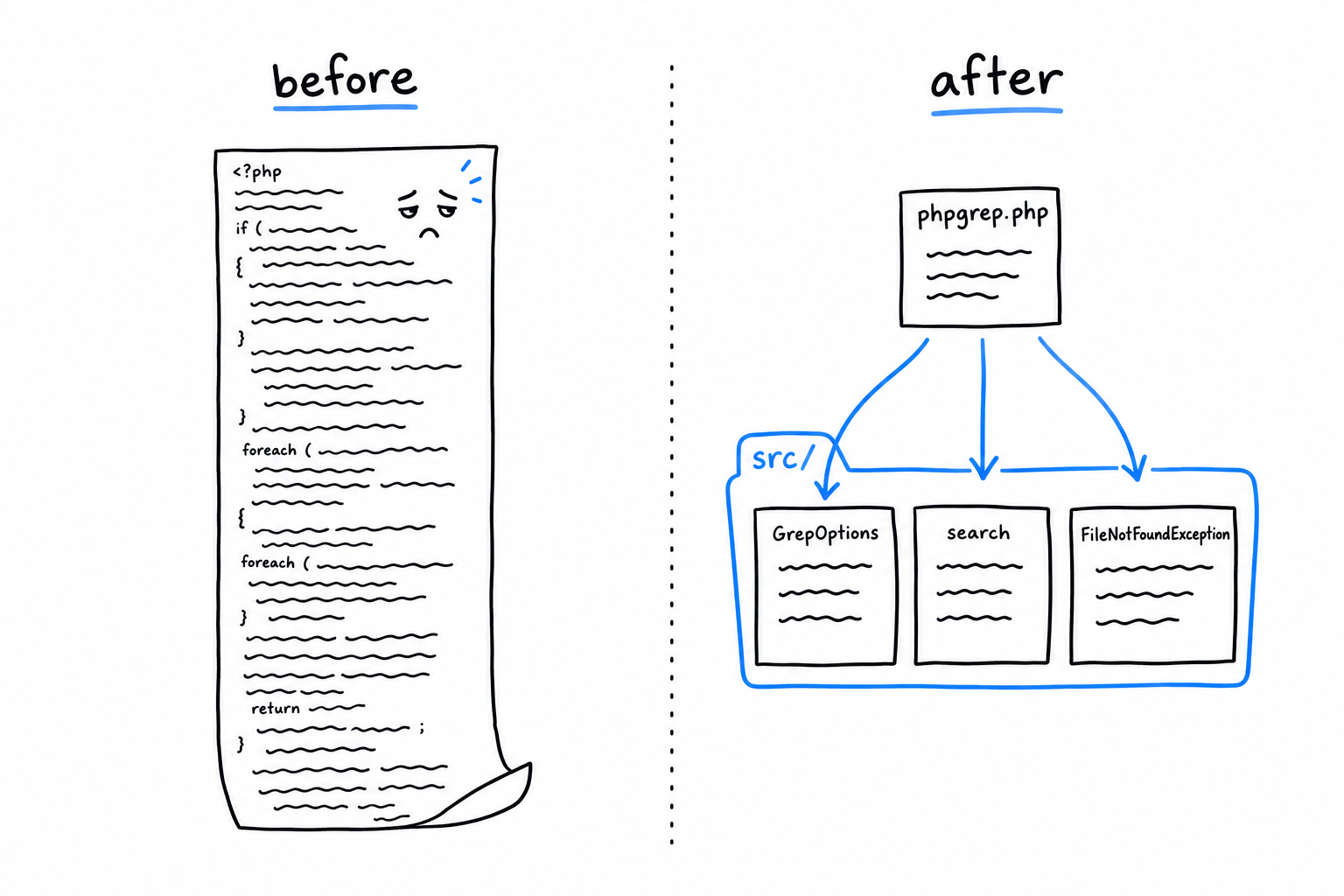
A named exception
Chapter 9 made the case for throwing a specific, well-named exception rather than returning a sentinel value or printing an error and hoping someone checks. PHP’s RuntimeException is the right base class for “something went wrong while running, and the caller deserves a chance to handle it”. Extend it with a name that says exactly what happened:
<?php
// src/FileNotFoundException.php
declare(strict_types=1);

final class FileNotFoundException extends RuntimeException
{
}
That is the entire class. It adds no behavior, and it does not need to. Its whole value is its name. A catch (FileNotFoundException $e) tells whoever reads it precisely which failure is being handled, without a trip to the code that threw it.
Extracting search()
Now pull the reading and matching out of the script and into a function with a real name and a real contract: it takes a GrepOptions, returns the matching lines, and throws if the file cannot be read:
<?php
// src/search.php
declare(strict_types=1);

require_once __DIR__ . '/FileNotFoundException.php';

function search(GrepOptions $options): array
{
    if (!is_readable($options->filename)) {
        throw new FileNotFoundException("Cannot read file: {$options->filename}");
    }

    $lines = file($options->filename, FILE_IGNORE_NEW_LINES);

    $matches = [];
    foreach ($lines as $line) {
        if (str_contains($line, $options->query)) {
            $matches[] = $line;
        }
    }

    return $matches;
}
is_readable() is a genuine improvement over file_exists(). It checks that the file exists and that the current process has permission to read it, which is the precondition file() actually needs. Fail either, and search() throws immediately, naming the file. No warning on a stream nobody watches, no silent empty result, just a clear failure that a caller can catch.
GrepOptions moves into its own file too, unchanged:
<?php
// src/GrepOptions.php
declare(strict_types=1);

final class GrepOptions
{
    public function __construct(
        public readonly string $query,
        public readonly string $filename,
    ) {
    }

    public static function fromArgv(array $argv): self
    {
        return new self(
            query: $argv[1],
            filename: $argv[2],
        );
    }
}
The entry script, now just wiring
With GrepOptions and search() in src/, phpgrep.php shrinks to what it should have been all along: the part that talks to the outside world, and nothing else.
<?php
// phpgrep.php
declare(strict_types=1);

require __DIR__ . '/src/GrepOptions.php';
require __DIR__ . '/src/FileNotFoundException.php';
require __DIR__ . '/src/search.php';

function main(array $argv): int
{
    if (count($argv) < 3) {
        echo "Usage: php phpgrep.php <query> <filename>\n";
        return 1;
    }

    $options = GrepOptions::fromArgv($argv);

    try {
        $matches = search($options);
    } catch (FileNotFoundException $e) {
        echo "Error: {$e->getMessage()}\n";
        return 1;
    }

    foreach ($matches as $line) {
        echo $line . "\n";
    }

    return 0;
}

exit(main($argv));
Look at main(): it returns an exit code instead of calling exit() itself. The process ends in exactly one place, the last line of the file. A function that returns a value instead of killing the process is a function you can call from anywhere, and “anywhere” includes a test, where you would much rather get main()’s mistakes back as a return value to assert on than watch your test runner vanish mid-suite.
$ php phpgrep.php apple fruits.txt
apple sauce for the win

$ php phpgrep.php apple missing.txt
Error: Cannot read file: missing.txt
Same behavior from the outside, and that is deliberate. Nothing about what phpgrep does changed in this section, only how it is built.
A refactor that changes behavior is not a refactor. It is a rewrite wearing a refactor’s name.
What did change is that search() and GrepOptions now live in files that never exit, never echo, and never touch $argv. For the first time, they are things a test can call directly. That is what the next section does.
Adding Functionality with Test-Driven Development
search() and GrepOptions now live in files that do not read $argv, do not echo, and do not exit. That was the point of the last section, and it pays off now: for the first time in this project, a PHPUnit test can call them directly, the way Chapter 12 taught. Let’s use that to add a real feature, case-insensitive search, test first.
Set up PHPUnit the same way you did there:
$ composer require --dev phpunit/phpunit
Red: write the test you wish already passed
Back to fruits.txt:
Apple pie recipe
apple sauce for the win
Banana bread is better
cherry clafoutis
Searching for apple finds only the lowercase line, because str_contains() does not fold case. Write down, as a test, the behavior you want instead: a GrepOptions with case-insensitivity turned on should match both "Apple pie recipe" and "apple sauce for the win".
<?php
// tests/SearchTest.php
declare(strict_types=1);

use PHPUnit\Framework\TestCase;

require_once __DIR__ . '/../src/GrepOptions.php';
require_once __DIR__ . '/../src/FileNotFoundException.php';
require_once __DIR__ . '/../src/search.php';

final class SearchTest extends TestCase
{
    private string $fixture;

    protected function setUp(): void
    {
        $this->fixture = tempnam(sys_get_temp_dir(), 'phpgrep');
        file_put_contents(
            $this->fixture,
            "Apple pie recipe\napple sauce for the win\nBanana bread is better\ncherry clafoutis\n"
        );
    }

    protected function tearDown(): void
    {
        unlink($this->fixture);
    }

    public function testSearchCanIgnoreCase(): void
    {
        $options = new GrepOptions(
            query: 'apple',
            filename: $this->fixture,
            ignoreCase: true,
        );

        $this->assertSame(
            ['Apple pie recipe', 'apple sauce for the win'],
            search($options)
        );
    }
}
setUp() and tearDown() are PHPUnit hooks that run before and after every test method in the class. Here they build a fresh temporary file per test and delete it afterward, so no test ever depends on what a previous run left behind.
Run it:
$ vendor/bin/phpunit tests
PHPUnit 10.5.0 by Sebastian Bergmann and contributors.

E                                                                   1 / 1 (100%)

Time: 00:00.014, Memory: 6.00 MB

1) SearchTest::testSearchCanIgnoreCase
Error: Unknown named parameter $ignoreCase
Red, and for exactly the right reason. GrepOptions has no ignoreCase property yet, so PHP cannot even build the object the test asks for. This is the whole rhythm of test-driven development in one step: write the test for the behavior you want before the code exists, watch it fail, and let the failure tell you what to build next.
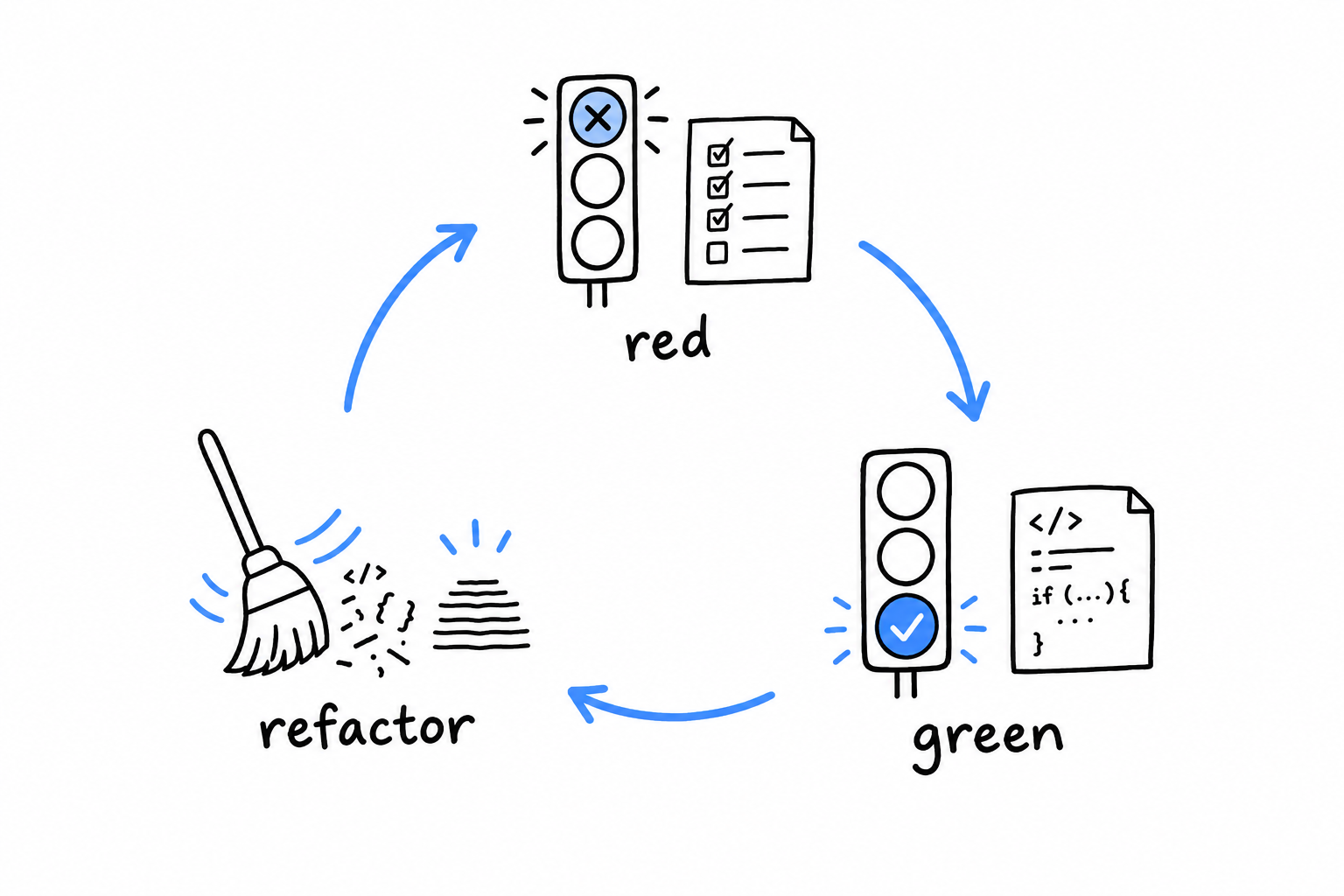
Green: make it pass
First, give GrepOptions the property the test asks for:
<?php
// src/GrepOptions.php
declare(strict_types=1);

final class GrepOptions
{
    public function __construct(
        public readonly string $query,
        public readonly string $filename,
        public readonly bool $ignoreCase,
    ) {
    }

    public static function fromArgv(array $argv): self
    {
        return new self(
            query: $argv[1],
            filename: $argv[2],
            ignoreCase: false,
        );
    }
}
fromArgv() passes a hardcoded false for now. Letting the user control it is the next section’s job. Then teach search() to honor the flag:
<?php
// src/search.php
declare(strict_types=1);

require_once __DIR__ . '/FileNotFoundException.php';

function search(GrepOptions $options): array
{
    if (!is_readable($options->filename)) {
        throw new FileNotFoundException("Cannot read file: {$options->filename}");
    }

    $lines = file($options->filename, FILE_IGNORE_NEW_LINES);
    $query = $options->ignoreCase ? strtolower($options->query) : $options->query;

    $matches = [];
    foreach ($lines as $line) {
        $haystack = $options->ignoreCase ? strtolower($line) : $line;
        if (str_contains($haystack, $query)) {
            $matches[] = $line;
        }
    }

    return $matches;
}
When ignoreCase is on, both the query and the line are lowercased for the comparison. Notice what gets pushed into $matches, though: the original $line, untouched. We want case-insensitive matching, not case-mangled output.
$ vendor/bin/phpunit tests
PHPUnit 10.5.0 by Sebastian Bergmann and contributors.

.                                                                   1 / 1 (100%)

Time: 00:00.013, Memory: 6.00 MB

OK (1 test, 1 assertion)
Green. Red, then green, then, traditionally, refactor, though there is not much worth reshaping here yet. While you are in the file, add one more test, to pin down the behavior you are not changing:
<?php

public function testSearchIsCaseSensitiveByDefault(): void
{
    $options = new GrepOptions(
        query: 'apple',
        filename: $this->fixture,
        ignoreCase: false,
    );

    $this->assertSame(['apple sauce for the win'], search($options));
}
It passes at once. It tests nothing new; it guards the old behavior against a future regression. Both tests earn their place: the first proves the feature works, the second proves that adding it did not quietly break what was already there.
Working with Environment Variables
GrepOptions carries an ignoreCase flag and search() honors it, but fromArgv() still hardcodes it to false. Nobody running phpgrep from a terminal can turn it on. Let’s fix that with an environment variable rather than a third argument.
Why not simply $argv[3]? Because ignoring case is closer to a standing preference than a per-search decision. It is something you may want on for every search in a shell session, without retyping a flag each time. An environment variable is set once and inherited by every command you run afterward, until you close the terminal or unset it. That is exactly the tool for a preference.
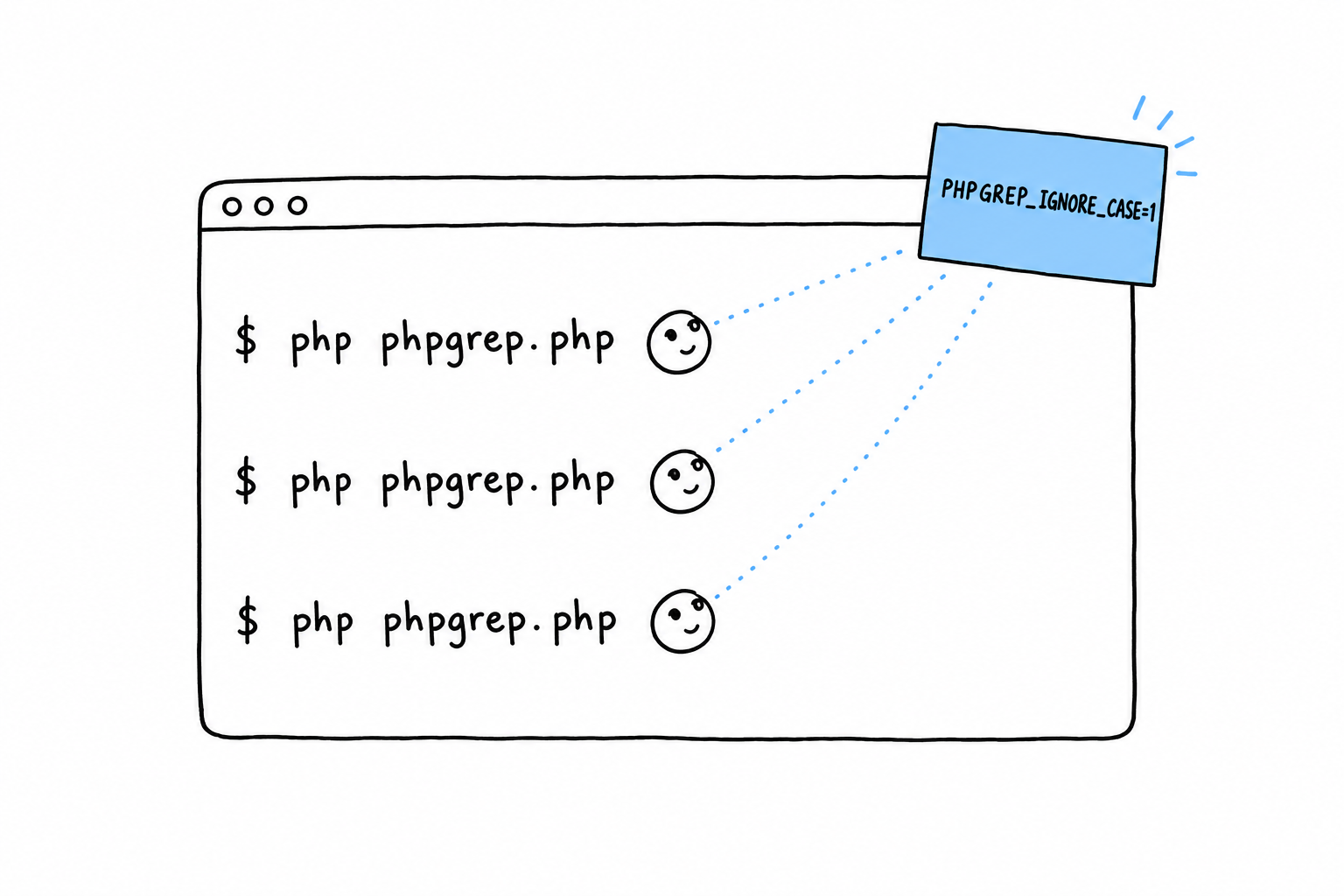
Reading it with getenv()
<?php
// src/GrepOptions.php
declare(strict_types=1);

final class GrepOptions
{
    public function __construct(
        public readonly string $query,
        public readonly string $filename,
        public readonly bool $ignoreCase,
    ) {
    }

    public static function fromArgv(array $argv): self
    {
        return new self(
            query: $argv[1],
            filename: $argv[2],
            ignoreCase: getenv('PHPGREP_IGNORE_CASE') !== false,
        );
    }
}
getenv('PHPGREP_IGNORE_CASE') returns the variable’s value as a string if it is set, and the boolean false if it is not set at all. That is why the check is !== false rather than an attempt to interpret the value. It means PHPGREP_IGNORE_CASE=1 turns the flag on, but so does PHPGREP_IGNORE_CASE= with nothing after the =: an empty string is still a value, and setting the variable at all counts as “on”. If that looseness bothers you, you are right to notice it. Tightening it (say, requiring the value to be exactly "1") is a good improvement to make on your own once the chapter is done.
Trying it
$ php phpgrep.php APPLE fruits.txt
No output at all: APPLE, compared case-sensitively, appears in neither the Apple line nor the apple line. Now flip the flag on:
$ PHPGREP_IGNORE_CASE=1 php phpgrep.php APPLE fruits.txt
Apple pie recipe
apple sauce for the win
Writing PHPGREP_IGNORE_CASE=1 just before the command, on the same line, sets it for that one invocation only. It is a common shell idiom for a setting that should not outlive the command it is attached to. Export it instead, and it sticks around for the rest of the session:
$ export PHPGREP_IGNORE_CASE=1
$ php phpgrep.php APPLE fruits.txt
Apple pie recipe
apple sauce for the win
getenv() versus $_ENV
PHP also exposes the environment through the $_ENV superglobal, and you should know why this chapter did not reach for it. $_ENV is only filled according to the variables_order setting in php.ini. On plenty of default installations, especially ones tuned for serving web pages, the E is missing from that setting, and $_ENV stays empty whatever the process environment holds. getenv() has no such dependency: it asks the operating system directly, every time, and behaves the same in CLI scripts, web requests and every hosting setup you are likely to meet. For a tool meant to run reliably wherever it is installed, that consistency is worth the slightly less fashionable syntax.
Writing to Standard Error
Since the first section, phpgrep has printed everything the same way. Matches, usage message, error text: all through echo, all onto the same stream. That has been a quiet problem the whole time, and this is where it bites.
Every process has two output streams, not one. Standard output (STDOUT) is for the program’s results. Standard error (STDERR) is for diagnostics, warnings and error messages. echo always writes to the first. So phpgrep’s errors have been landing right next to its matches, which is fine as long as you only ever read the terminal directly. It stops being fine the moment someone sends phpgrep’s output somewhere else, which is the entire reason command-line tools exist.
Watch it go wrong
$ php phpgrep.php apple missing.txt > results.txt
$ cat results.txt
Error: Cannot read file: missing.txt
The error message landed inside results.txt. Whatever reads that file next (another script, a report, a colleague trusting it holds only matches) now has a stray error line mixed into its data, with nothing marking it as different from a real result. This is exactly the mix-up the two streams exist to prevent.
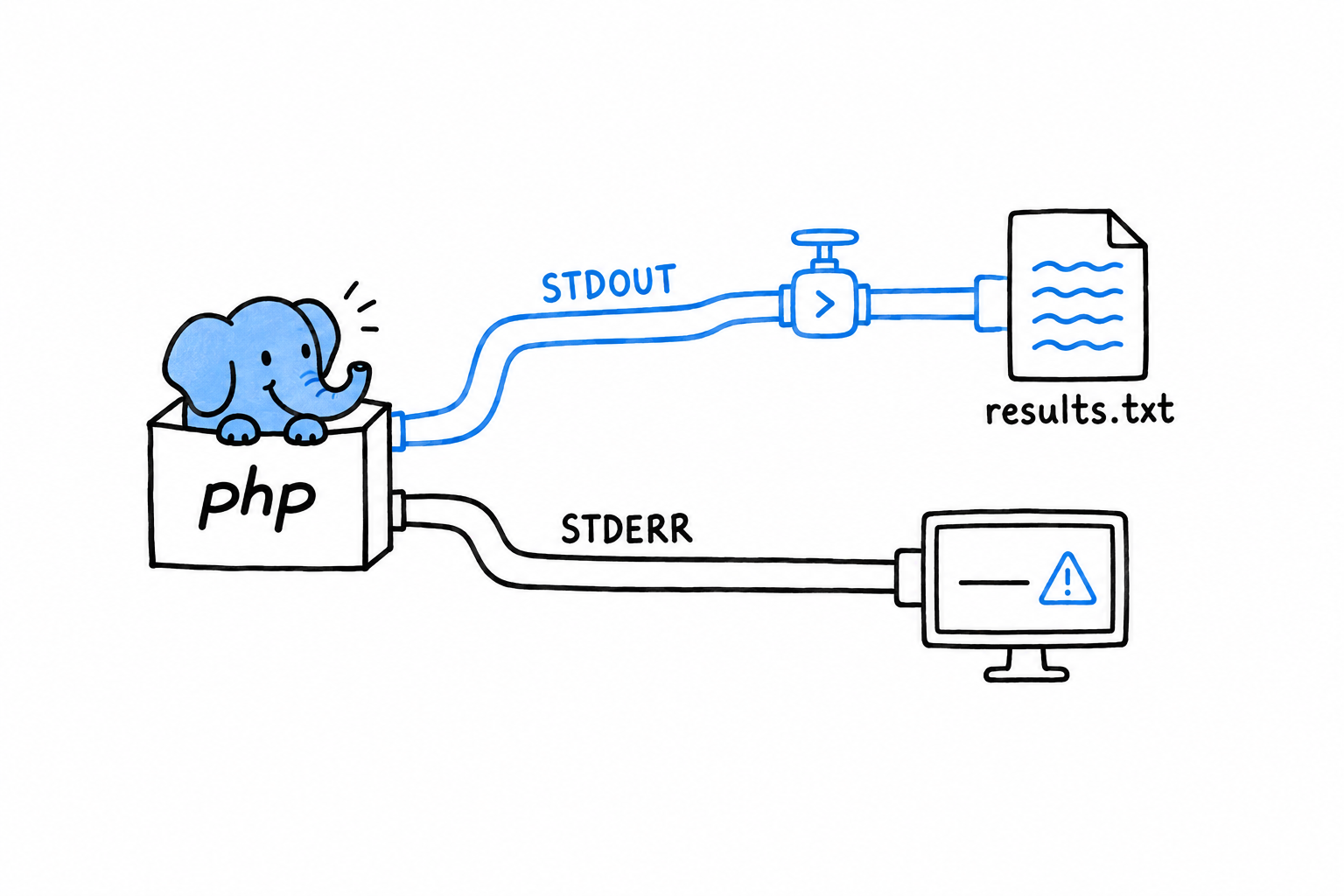
Fixing it with fwrite(STDERR, ...)
PHP exposes standard error as the constant STDERR, and fwrite() writes to it directly, bypassing echo:
<?php
// phpgrep.php
declare(strict_types=1);

require __DIR__ . '/src/GrepOptions.php';
require __DIR__ . '/src/FileNotFoundException.php';
require __DIR__ . '/src/search.php';

function main(array $argv): int
{
    if (count($argv) < 3) {
        fwrite(STDERR, "Usage: php phpgrep.php <query> <filename>\n");
        return 1;
    }

    $options = GrepOptions::fromArgv($argv);

    try {
        $matches = search($options);
    } catch (FileNotFoundException $e) {
        fwrite(STDERR, "Error: {$e->getMessage()}\n");
        return 1;
    }

    foreach ($matches as $line) {
        echo $line . "\n";
    }

    return 0;
}

exit(main($argv));
Two lines changed, echo became fwrite(STDERR, ...) on both error paths, and the behavior at the boundary is completely different:
$ php phpgrep.php apple missing.txt > results.txt
Error: Cannot read file: missing.txt
$ cat results.txt
$
The error still shows up on your terminal immediately. STDERR is not hidden, it is a different stream, one that redirecting STDOUT with > does not touch. And results.txt is now empty, exactly as it should be: no match was found because the search never ran, and no error text is posing as a result. Try it against a file that does have matches, and the split holds: results go to results.txt, errors stay on your screen, and the two never mix.
Results go to
STDOUT. Everything else goes toSTDERR.
Exit codes, one more time
main() still returns an int, and exit(main($argv)) at the bottom of the file is still the only place the process ends. That discipline from two sections ago is doing double duty now. It is what let SearchTest call search() without launching a process, and it is why main()’s return value becomes the real exit code: 1 on either failure path, 0 when it reaches the end having printed whatever it found. Printing nothing at all is a successful outcome for a search tool, not a failure. A shell script or a CI pipeline can chain phpgrep with other commands and trust that code, the way it trusts every other well-behaved Unix tool, without parsing phpgrep’s output to know whether it worked.
That is phpgrep, for now. It accepts its arguments properly, reads a file and searches it, fails loudly and specifically when it cannot, is backed by tests of its real logic, respects an environment variable, and keeps results and errors on separate streams. A small program, with very little left to apologize for.
One improvement remains. Chapter 15 introduces generators, and comes back to this exact project for one last pass.
Functional Features: Closures and Generators
Sort a list of prices. Keep only the ones above twenty. Add tax to each. Three different jobs, and in each one the part that matters is a single line of logic: how to compare two prices, what “expensive” means, what the tax rate is. PHP lets you write that line of logic as a value and hand it to another function, and it gives you two ways to write it. Back in Chapter 3 you met the first one in passing: the closure, a function without a name. A closure can pick up variables from the code around it, as long as you say which ones. The arrow function, the second way, is shorter and picks them up on its own.
The second half of the chapter is about a different problem: the data itself. Sometimes the series you are working through is too big to build in one go, or too slow to produce, or you only need the first few items anyway. A generator is a function that hands back its results one at a time, pausing between each, instead of assembling the whole pile and returning it. It looks almost like an ordinary function, and it changes what a function can do.
Then both ideas go to work. The phpgrep tool from Chapter 14 reads a whole file and collects every matching line into an array before it prints anything. Fine for a small file, a real problem for a large one. You will rewrite search() as a generator and watch the first match appear before the file has been read to the end.
The chapter closes with a measurement rather than an opinion: the same task written as a plain loop, as a generator, and with array_map() and array_filter(), timed and weighed, so that you choose between them for a reason and not because one of them was in the last piece of code you read.
Closures and Arrow Functions
A closure is a function without a name. You met one at the end of Chapter 3, stored in a variable and called like any other function. What Chapter 3 skipped is the part that makes closures useful: a closure can carry variables from the code around it, and PHP gives you two ways to hand those variables over, with two very different results.
Capturing by value with use
Inside a closure, the variables of the surrounding code are invisible by default. You have to name the ones you want to bring along, with use:
<?php
declare(strict_types=1);

function makeMultiplier(int $factor): callable
{
    return function (int $n) use ($factor): int {
        return $n * $factor;
    };
}

$double = makeMultiplier(2);
$triple = makeMultiplier(3);

echo $double(21) . "\n"; // 42
echo $triple(21) . "\n"; // 63
makeMultiplier(2) runs, $factor holds 2, and the closure is created. At that instant, use ($factor) copies the value of $factor into the closure, and the copy is what the closure will use for the rest of its life. It is the same by-value rule you saw in Chapter 4, applied to a function instead of a variable.
That is why calling makeMultiplier() twice gives two closures that behave differently forever. $double left with a copy of 2, $triple with a copy of 3, and nothing that happens later to any variable called $factor, anywhere, can reach either of them. Think of it as a photograph: the closure took a picture of $factor on its way out, and a picture does not change when the subject does.
Capturing by reference with use (&$var)
Sometimes a photograph is not enough. You want the closure to share a variable with the code around it, so that a change on either side shows on the other. That is use (&$var), the same & you have seen on function parameters:
<?php
declare(strict_types=1);

function makeCounter(): callable
{
    $count = 0;

    return function () use (&$count): int {
        $count++;
        return $count;
    };
}

$counter = makeCounter();
echo $counter() . "\n"; // 1
echo $counter() . "\n"; // 2
echo $counter() . "\n"; // 3
$count lives inside makeCounter(), and by every rule you know it should vanish when that function returns. It does not, because the closure holds a reference to it. The closure and the variable are now two labels on the same box, and each call to $counter() adds one to what is in the box. Nobody else can see $count anymore, but it stays alive for as long as the closure does.
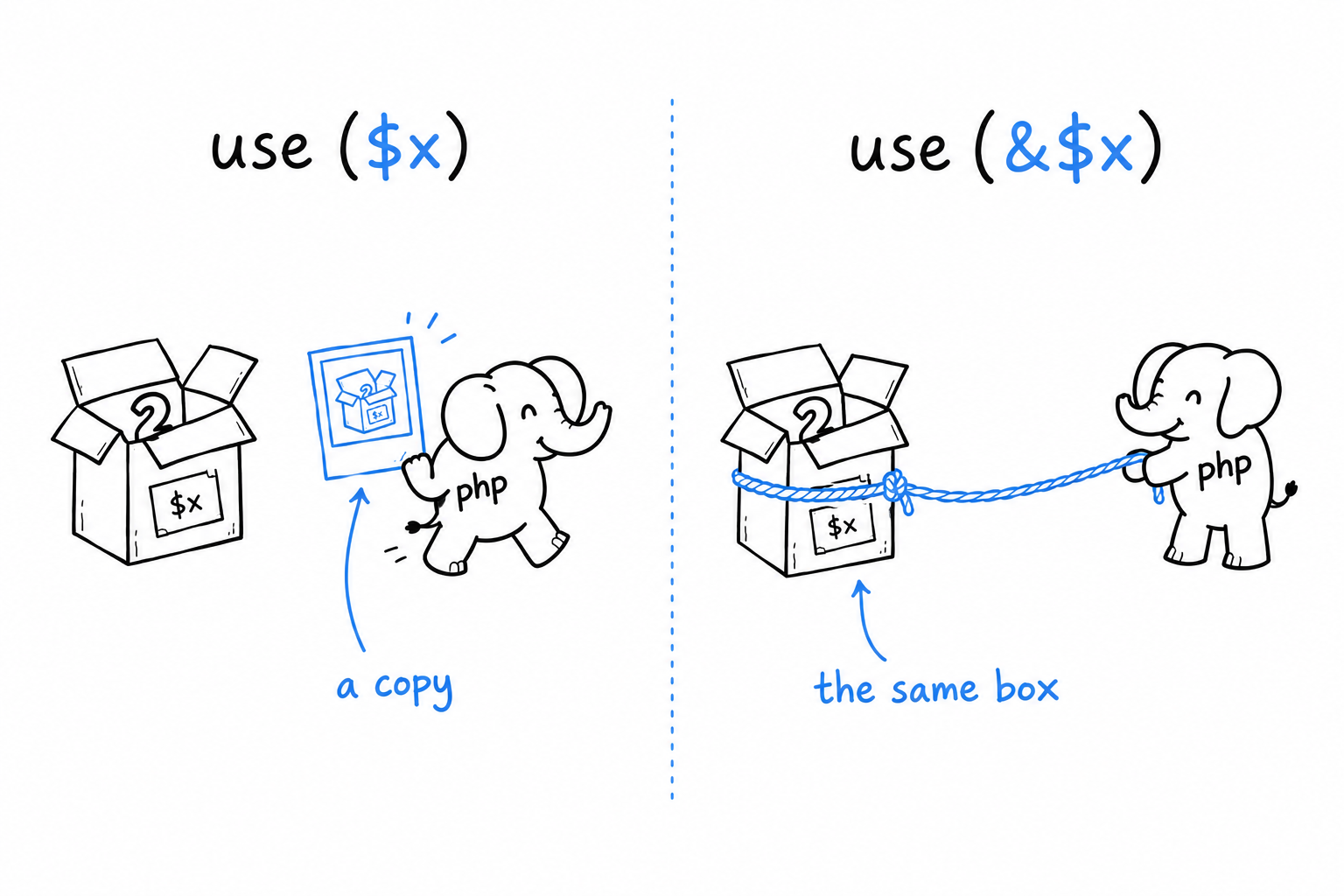
Try it: remove the & and run the file again. Every call now gets its own fresh copy of $count, starting at 0, and the counter prints 1, 1, 1. One character is the whole difference between a snapshot and a shared box.
Arrow functions: capture without asking
Writing use for every variable gets tedious quickly, especially for the one-liners you pass to functions like array_map(). Arrow functions exist for exactly that:
<?php
$factor = 3;
$triple = fn(int $n): int => $n * $factor;

echo $triple(14) . "\n"; // 42
No use anywhere, and $factor is still visible inside. An arrow function automatically captures every variable it mentions from the surrounding code, by value, as if PHP had written use ($factor) for you. That convenience is the reason fn exists.
It comes with two limits. The body is a single expression: whatever follows => is the return value, with no braces, no return, and no statements before it. And the capture is always by value. There is no arrow-function version of use (&$var); when you need a reference, you write a full closure.
A closure declares what it captures. An arrow function captures whatever it uses, always as a copy.
Where this actually gets used
You will write far more arrow functions than closures, because most of the behavior you pass around is short. array_map(), array_filter() and usort() are their natural homes:
<?php
declare(strict_types=1);

$prices = [10.00, 25.50, 3.99, 100.00];

$withTax = array_map(fn(float $p): float => round($p * 1.2, 2), $prices);

$expensive = array_filter($prices, fn(float $p): bool => $p > 20.00);

usort($prices, fn(float $a, float $b): int => $a <=> $b);
array_map() runs the function on every element and returns a new array of the results. array_filter() keeps the elements for which the function returns true, or anything PHP treats as true. usort() sorts the array in place, calling the function to compare two elements at a time; <=>, the spaceship operator, is the standard way to write that comparison, since it returns a negative number, zero or a positive number depending on which side is bigger.
None of the three needed more than a one-line arrow function, which is precisely the case they were designed for. Reach for a full closure when you need to capture by reference, or when the logic takes more than one expression. The rest of the time, the arrow function is the better default.
Processing a Series of Items with Generators
Every function you have written so far that hands back a series of values has done it the same way: build an array, fill it, return it. That works right up to the day the series is so big that building the whole thing before anyone looks at the first item stops being reasonable. A generator is a function that produces its values one at a time, on demand, instead of all at once.
The array way, and its limit
Here is an ordinary function that returns the first $max square numbers:
<?php
declare(strict_types=1);

function squaresUpTo(int $max): array
{
    $result = [];
    for ($i = 1; $i <= $max; $i++) {
        $result[] = $i * $i;
    }
    return $result;
}

foreach (squaresUpTo(5) as $square) {
    echo $square . "\n";
}
For five squares, nobody minds that squaresUpTo() builds the entire array before the foreach sees a single value. For five million, that is five million integers sitting in memory before anything gets printed. And if you only wanted to look at the first three, you paid for all five million anyway.
The same function, rewritten with yield
Replace return with yield, and change the return type to Generator:
<?php
declare(strict_types=1);

function squaresUpTo(int $max): Generator
{
    for ($i = 1; $i <= $max; $i++) {
        yield $i * $i;
    }
}

foreach (squaresUpTo(5) as $square) {
    echo $square . "\n";
}
The calling code did not change at all: foreach does not know or care whether it is walking an array or a generator. What changed is when the work happens. A function that contains yield does not run its body when you call it. squaresUpTo(5) returns a Generator object immediately, with nothing computed inside it. The loop then runs one turn at a time, as foreach asks for the next value, and at any moment exactly one square exists.
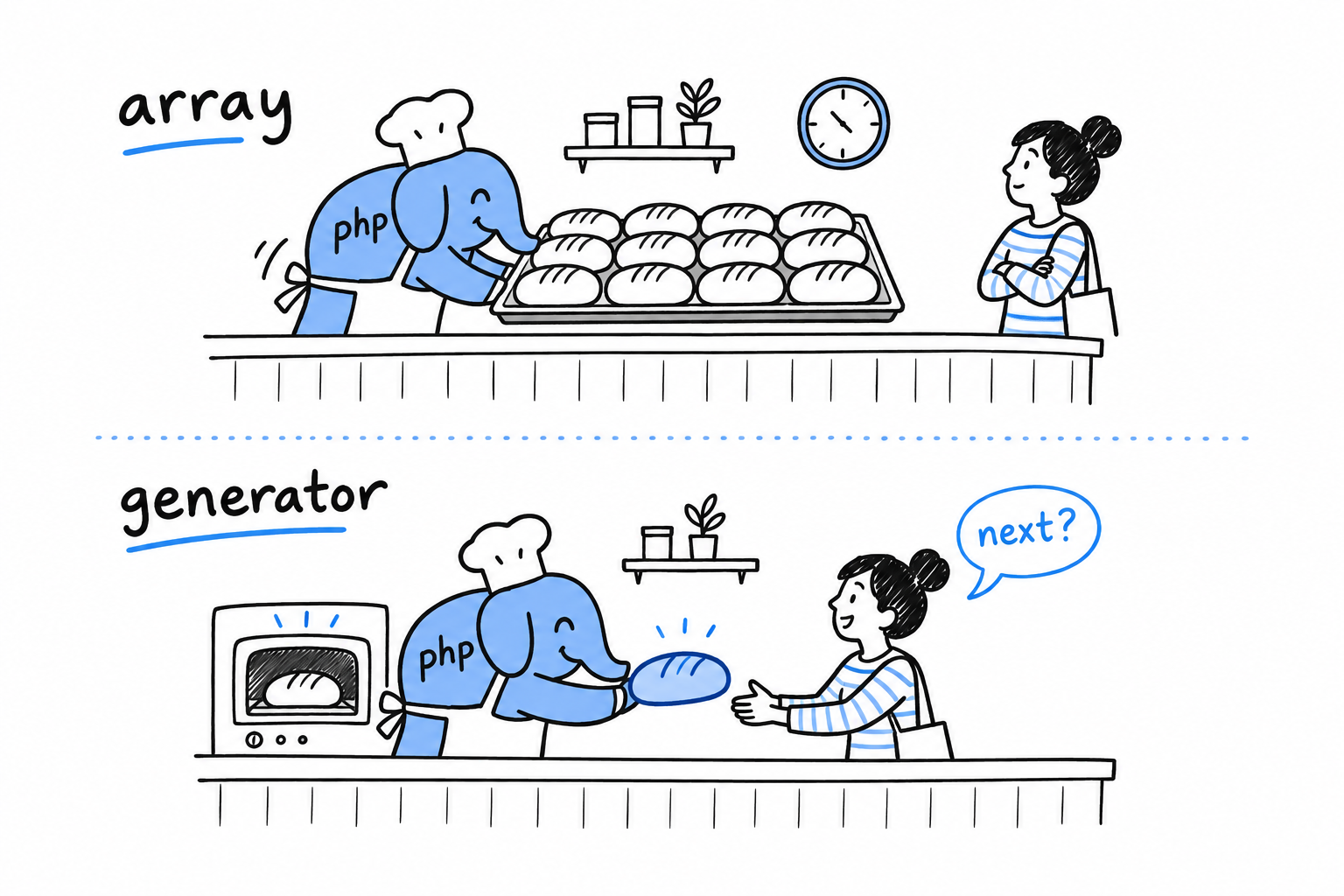
Picture a bakery. The array function bakes every loaf, stacks them on a tray and hands you the tray. The generator hands you one loaf, waits until you come back for more, then bakes the next.
Watching the laziness happen
“Runs lazily” is easy to nod along to, and much more convincing when you watch it:
<?php
function countUp(): Generator
{
    echo "starting\n";
    for ($i = 1; $i <= 3; $i++) {
        echo "about to yield {$i}\n";
        yield $i;
        echo "resumed after {$i}\n";
    }
}

$gen = countUp();
echo "generator created, nothing has run yet\n";

foreach ($gen as $value) {
    echo "got {$value}\n";
}
$ php lazy.php
generator created, nothing has run yet
starting
about to yield 1
got 1
resumed after 1
about to yield 2
got 2
resumed after 2
about to yield 3
got 3
resumed after 3
Look at the order. Calling countUp() prints nothing, not even "starting", because the body has not run. Execution begins when foreach pulls the first value, and it stops dead at yield, handing 1 to the loop. "resumed after 1" only prints when foreach comes back for the next value, and countUp() picks up exactly where it stopped, in the middle of its loop, with $i and every other local variable intact.
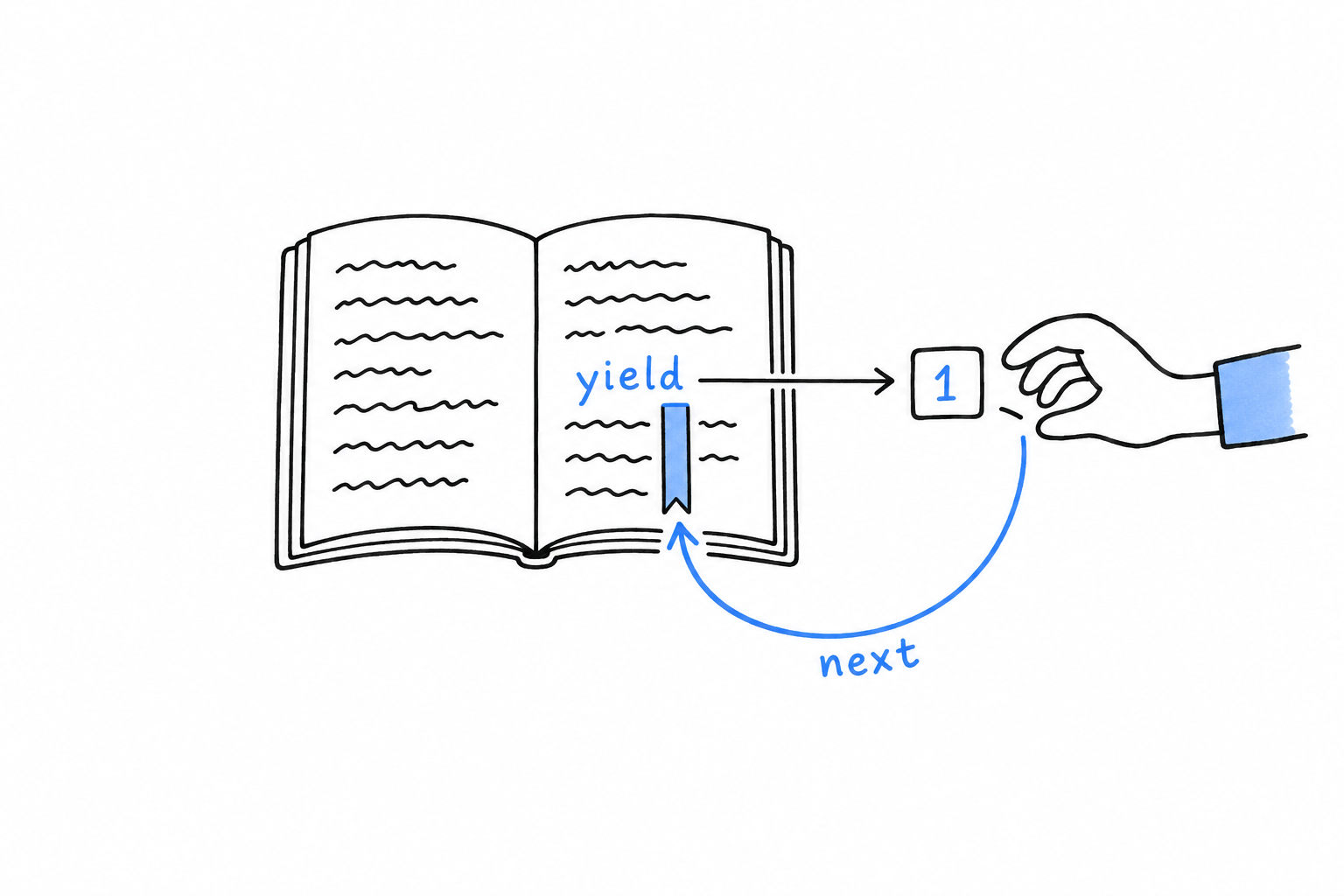
A generator is a function that can be paused and resumed, and yield is where the pause happens. That is the whole mechanism.
yieldhands out a value and leaves a bookmark in the function. The next request reopens the function at the bookmark.
Associative generators
yield can produce key-value pairs too, with the same key => value syntax you use to build an associative array:
<?php
function statusCodes(): Generator
{
yield 200 => 'OK';
yield 404 => 'Not Found';
yield 500 => 'Internal Server Error';
}
foreach (statusCodes() as $code => $message) {
echo "{$code}: {$message}\n";
}
Everything else works the same way: the pairs come out lazily, one at a time, as foreach asks for them. A small feature, and a handy one whenever what you are generating has an obvious key, the way an associative array often does.
Generators do not replace arrays. Plenty of code needs a real array it can index into, count, or pass to array_map(). Generators are for a series of values that nobody needs in memory all at the same time. Later in this chapter, that goes to work on a file a good deal bigger than five squares.
Improving Our CLI Project
Point phpgrep at a two-gigabyte log file and watch. Nothing happens for a long while. Then every matching line pours out at once. The search() you wrote in Chapter 14 is the reason:
<?php
declare(strict_types=1);
function search(GrepOptions $options): array
{
$contents = file_get_contents($options->filename);
if ($contents === false) {
throw new RuntimeException("Could not read file: {$options->filename}");
}
$matches = [];
foreach (explode("\n", $contents) as $line) {
$haystack = $options->ignoreCase ? strtolower($line) : $line;
$needle = $options->ignoreCase ? strtolower($options->query) : $options->query;
if (str_contains($haystack, $needle)) {
$matches[] = $line;
}
}
return $matches;
}
Two things are happening at once. file_get_contents() reads the entire file into one string before search() does anything else, and $matches keeps growing for as long as the loop runs. With half a million matching lines, search() hands back nothing until it has built an array holding all of them. The whole file and every match are sitting in memory at the same time, and the user sees nothing until the last line has been checked.
Rewriting search() as a generator
Now that you know yield, the first fix is direct: stop collecting into $matches, and yield each match the moment you find it. A second change goes with it. file_get_contents() would still load the whole file up front, so swap it for fopen() and fgets(), which read one line at a time. Otherwise the generator would be lazy about a file that was already entirely in memory, which defeats half the point:
<?php
declare(strict_types=1);
function searchLines(GrepOptions $options): Generator
{
$handle = fopen($options->filename, 'r');
if ($handle === false) {
throw new RuntimeException("Could not read file: {$options->filename}");
}
$needle = $options->ignoreCase ? strtolower($options->query) : $options->query;
while (($line = fgets($handle)) !== false) {
$haystack = $options->ignoreCase ? strtolower($line) : $line;
if (str_contains($haystack, $needle)) {
yield $line;
}
}
fclose($handle);
}
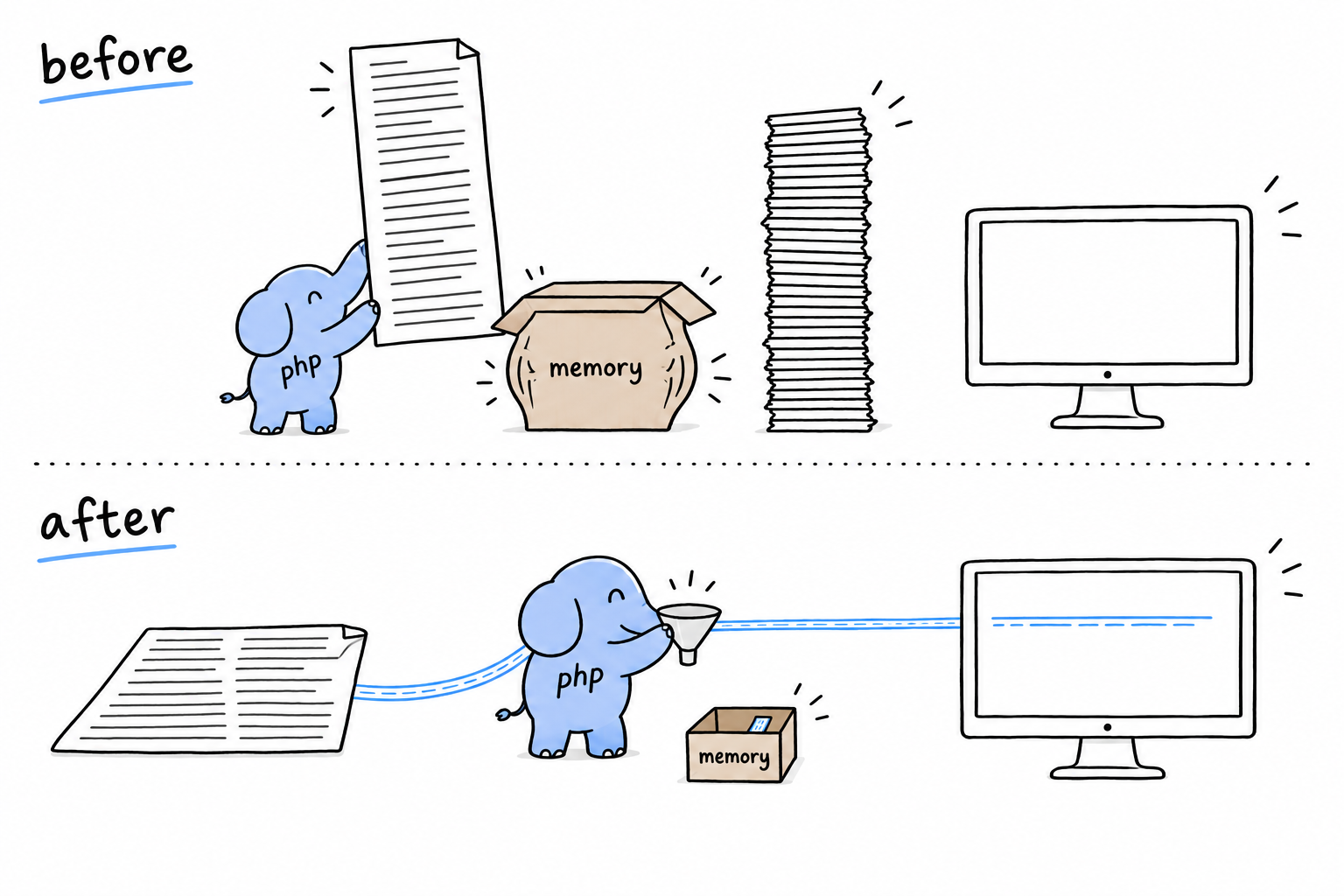
The file is now read a line at a time, and each match leaves through yield as soon as it is found, before the next line is even read. At any moment, the function holds one line and nothing else. The error check moved as well: with no file_get_contents() left to fail, it is fopen() that reports a missing file, with the same RuntimeException you met in Chapter 9.
That exception hides a subtlety, and it deserves a straight explanation. Because the body of searchLines() contains yield, calling searchLines($options) runs none of it, fopen() included. The exception does not fire when you call the function. It fires when someone starts iterating. That changes where you have to catch it.
Updating phpgrep.php
The main script barely changes: it still loops over what the search gives it and prints each line. But the try/catch must now wrap the loop, not just the call:
<?php
declare(strict_types=1);
require __DIR__ . '/vendor/autoload.php';
$options = GrepOptions::fromArgv($argv);
try {
foreach (searchLines($options) as $line) {
echo $line;
}
} catch (RuntimeException $e) {
fwrite(STDERR, "Error: {$e->getMessage()}\n");
exit(1);
}
Try it the wrong way: keep the try around the call alone, put the foreach after the catch, and run phpgrep on a file that does not exist. The try block finishes without a complaint, since nothing has opened the file yet, and the exception bursts out of the foreach a few lines later, uncaught, with a stack trace instead of your tidy error message.
With a generator, the error happens where the values are pulled, not where the function is called. Catch it there.
Why this is worth doing
Point phpgrep at that two-gigabyte log again. With the array-returning search(), you wait for the entire file to be scanned, and then half a million lines print in one burst, after the program has held every one of them in memory. With searchLines(), the first match appears almost immediately, before the rest of the file has been read, because foreach only needed one value to start printing. And memory stays flat for the whole run, whatever the file size and the number of matches, because the program holds exactly one line at a time. Never “all matches so far”, never the whole file.
That is the trade a generator offers: earlier results, and a memory ceiling that does not move no matter how big the input gets.
Performance: Loops vs. Generators vs. Array Functions
Square two million integers and add them up. You can write that as a plain loop, with array_map(), or with a generator, and the three programs print the same number. They do not cost the same, and cost means two things here, time and memory, that do not always move together. Rather than guess, measure.
A small benchmark
The same task, three ways:
<?php
declare(strict_types=1);
const N = 2_000_000;
// 1. plain loop
$sum = 0;
for ($i = 1; $i <= N; $i++) {
$sum += $i * $i;
}
// 2. array functions
$numbers = range(1, N);
$squares = array_map(fn(int $n): int => $n * $n, $numbers);
$sum = array_sum($squares);
// 3. generator
function squares(int $max): Generator {
for ($i = 1; $i <= $max; $i++) {
yield $i * $i;
}
}
$sum = 0;
foreach (squares(N) as $square) {
$sum += $square;
}
Run each version in its own process, so that one does not inflate another’s peak-memory reading, and measure with hrtime() and memory_get_peak_usage(). On the machine this book was written on:
loop ~100 ms peak memory: 2 MB
array functions ~140 ms peak memory: 66 MB
generator ~170 ms peak memory: 2 MB
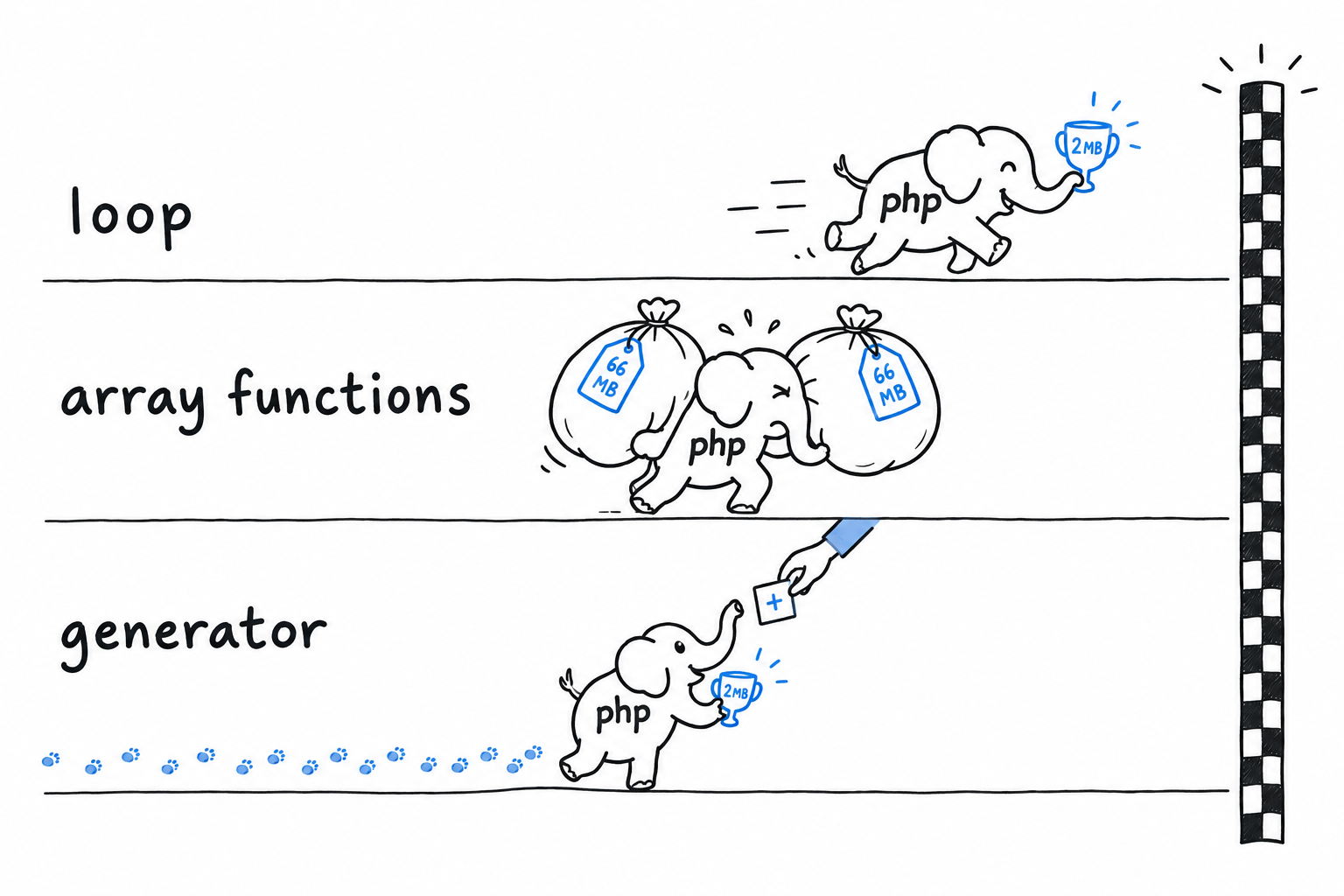
Take the exact numbers with a grain of salt: they shift with your PHP version, your hardware and whatever else is running. The shape of the result is what to trust. The plain loop is the fastest and the leanest, full stop. The array-function version is the slowest and by far the hungriest: range() builds a two-million-element array, then array_map() builds a second one to hold the squares, and both exist at once before array_sum() even starts. The generator lands in between on time, since pausing and resuming a function two million times has a real cost, but it matches the loop’s flat memory use, because it never holds more than one value.
Reading that honestly
None of this means “always write loops”. The three tools are good at different things, and choosing one means knowing which thing you need.
A for or foreach loop is the fastest option, and often the clearest. There is nothing to learn, just a variable changing on every pass. Reach for it when speed matters, when the logic is more than a one-line transformation, or whenever you are unsure. It is rarely the wrong default.
A generator trades a little speed for memory that does not grow with the input. A huge file, an API you page through, an endless sequence: that is its territory. You saw it pay off in phpgrep, printing its first match before the file was finished. If the whole series would comfortably fit in memory anyway, the pause-and-resume overhead buys you nothing.
array_map() and array_filter() are often the most readable option for small and medium data already in memory. A one-line array_map(fn($x) => ..., $items) reads better than the five-line loop it replaces, and that is a real win. What they are not is a memory saving: each one builds a brand-new array on top of the one you gave it. For a hundred items, irrelevant. For millions, it is the 66 MB you just saw.
A decision rule, not a table
If the data is small enough that you would never think twice about holding it all in memory, pick whichever reads best where it is called: usually an array function for a simple transformation, a loop for anything with real logic in it. If the data is large, unbounded or expensive to produce (a big file, a database cursor, anything you page through), pick a generator and accept the modest overhead in exchange for memory that stays put. And if you are chasing raw speed on a hot path, and you have measured that it matters, the plain loop is still, quietly, the fastest thing PHP gives you.
Small data: whatever reads best. Big data: a generator. Hot path: a loop, once you have measured.
Do not guess which case is yours. The benchmark above is a dozen lines. Measure your own, if the question matters enough to ask it.
More About Composer and Packagist
Since Chapter 7, Composer has been doing one job for you: read composer.json, fetch the packages listed in it, and find your classes by name thanks to a PSR-4 line. That covers most of a working day. It is not all Composer can do, though, and the rest becomes useful the day your project stops being “one package, one repository”.
The first two additions live in the composer.json you already have. A "scripts" section turns the commands you type all day into short Composer subcommands, and a second flavor of autoloading, "files", takes care of the function files PSR-4 has no way to find.
Then the view widens. Packagist is the public registry behind every composer require, and how a package gets there is not obvious. Spoiler: nobody uploads anything. Right after come path repositories, the mechanism for developing two local packages side by side before either is published, and the shape most PHP monorepos are built on.
Two last stops sit slightly outside any single project: installing command-line tools once, globally, instead of one copy per project, and a short, honest look at the hooks Composer fires around its own lifecycle, with the door it leaves open for plugins.
Customizing Autoload and Scripts
So far your composer.json has done two things: list dependencies, and map a namespace to a folder. Two more entries, a few lines each, are worth adding to your habits right away.
Scripts: shortcuts for commands you run constantly
Think of the commands you type ten times a day in a project: the test suite, the linter, a cache clear. Each has its own name, its own flags, and a teammate who types it slightly differently. Composer lets you give each of them a short name, in the "scripts" section of composer.json:
{
"name": "you/phpgrep",
"require": {},
"require-dev": {
"phpunit/phpunit": "^11.0"
},
"scripts": {
"test": "phpunit",
"check": "phpstan analyse src"
}
}
Run either one with composer run, or, when the name does not collide with a built-in Composer command, with composer followed directly by the name:
$ composer test
$ composer check
Saving a few keystrokes is the small win. The big one shows up on a team. Everyone runs composer test, whether the tool underneath is PHPUnit, Pest, or something else, and whatever flags it needs. Swap the tool or change a flag, and every developer and every CI pipeline picks up the change on its next run, with nothing to edit on their side. The script name is the contract; the command behind it is a detail.
When a task genuinely needs more than one step, an entry can be a list of commands, run in order:
{
"scripts": {
"check": [
"phpstan analyse src",
"phpunit"
]
}
}
Try it: composer run --list prints every script a project defines. It is the fastest way to learn your way around a repository you have just cloned.
"files" autoloading: for code that isn’t a class
PSR-4, from Chapter 7, works like a well-ordered library: ask for a class by name, and Composer knows which shelf and which file. A file full of plain functions has no class name to ask for, so PSR-4 walks straight past it. For that, composer.json has a second mechanism, "files": a list of files loaded every time the autoloader starts, no questions asked:
{
"autoload": {
"psr-4": {
"PhpGrep\\": "src/"
},
"files": [
"src/helpers.php"
]
}
}
Everything defined at the top level of src/helpers.php, functions and constants, becomes available everywhere in the project as soon as vendor/autoload.php is included. No use statement, the same way a built-in like strtolower() needs none.
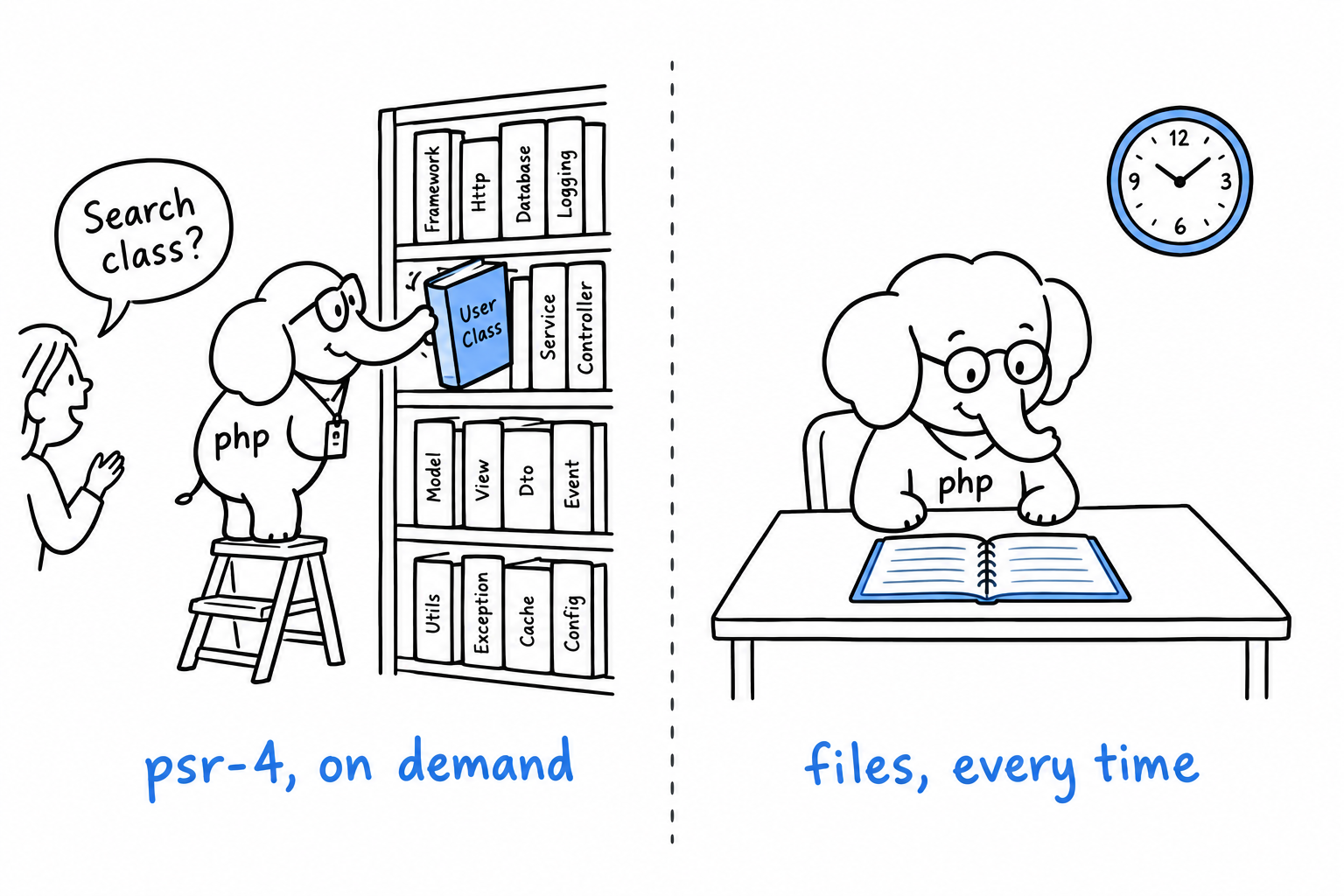
That convenience has a price. A PSR-4 class is loaded only when something references it. A "files" entry is loaded on every single request, whether the request uses it or not. Keep the list for a handful of small, truly global helpers, and let PSR-4 handle everything that reasonably belongs on a class.
PSR-4 loads a class when asked.
"files"loads a file every time.
After editing either section by hand, one step remains: composer dump-autoload, so Composer regenerates the autoloader to match what you wrote. composer install and composer require do it for you; a manual edit does not, until you ask.
Publishing a Package to Packagist
Every composer require you have typed has relied on a service you never had to name: Packagist, the public registry Composer checks by default. It is why composer require nunomaduro/termwind in Chapter 7 needed no URL and no server. Packagist already knew where that package lived. Putting your own package there is easier than it sounds, and the mechanism is worth understanding, because it explains what “publishing a PHP package” really means.
What a publishable composer.json needs
Four things, at minimum:
{
"name": "yourname/phpgrep",
"description": "A small line-searching CLI tool, built as a learning project.",
"license": "MIT",
"require": {
"php": ">=8.1"
},
"autoload": {
"psr-4": {
"PhpGrep\\": "src/"
}
}
}
"name" has a fixed shape, vendor/package, all lowercase, words separated by hyphens. The vendor part is usually your GitHub username or organization, not a formal company name; plenty of published packages belong to one person. "description" and "license" are what visitors read on your Packagist page. The license matters for a practical reason: without one, nobody knows under which terms they may legally use your code, and that kind of doubt quietly scares off users. "MIT" is the common permissive choice when you have no reason to pick another.
You don’t upload anything
This is the part that surprises people coming from ecosystems with a publish command. Packagist does not host your code. It hosts information about your code, and reads the source straight from your Git repository, GitHub included.
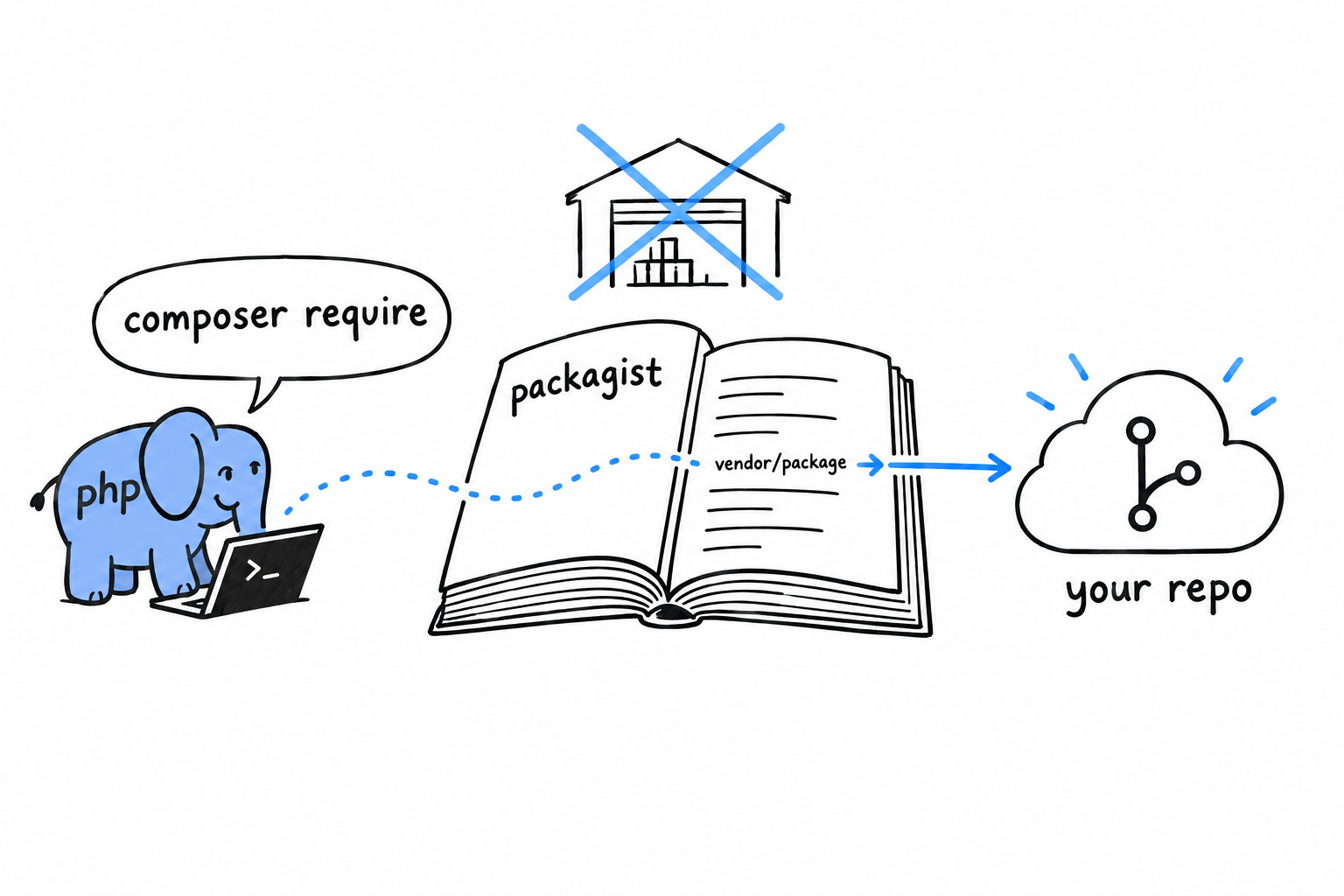
Publishing is three moves. Push a composer.json like the one above to a public Git repository. Sign in on packagist.org, click “Submit”, and paste your repository’s URL. Packagist then reads your composer.json, indexes the package under the "name" you gave it and, this is the important part, sets up a webhook so it hears about every push you make from then on.
No release step, no build artifact to hand over. Packagist watches your repository.
Packagist is a phone book, not a warehouse. It knows where your code lives and sends Composer there.
Versions come from Git tags
If Packagist reads your repository, where does a version like 1.2.0 come from? From an ordinary Git tag, named after semantic versioning: MAJOR.MINOR.PATCH.
$ git tag v1.0.0
$ git push origin v1.0.0
Push the tag, the webhook fires, and 1.0.0 appears as an installable version within moments. The tag is the release. There is nothing else to do.
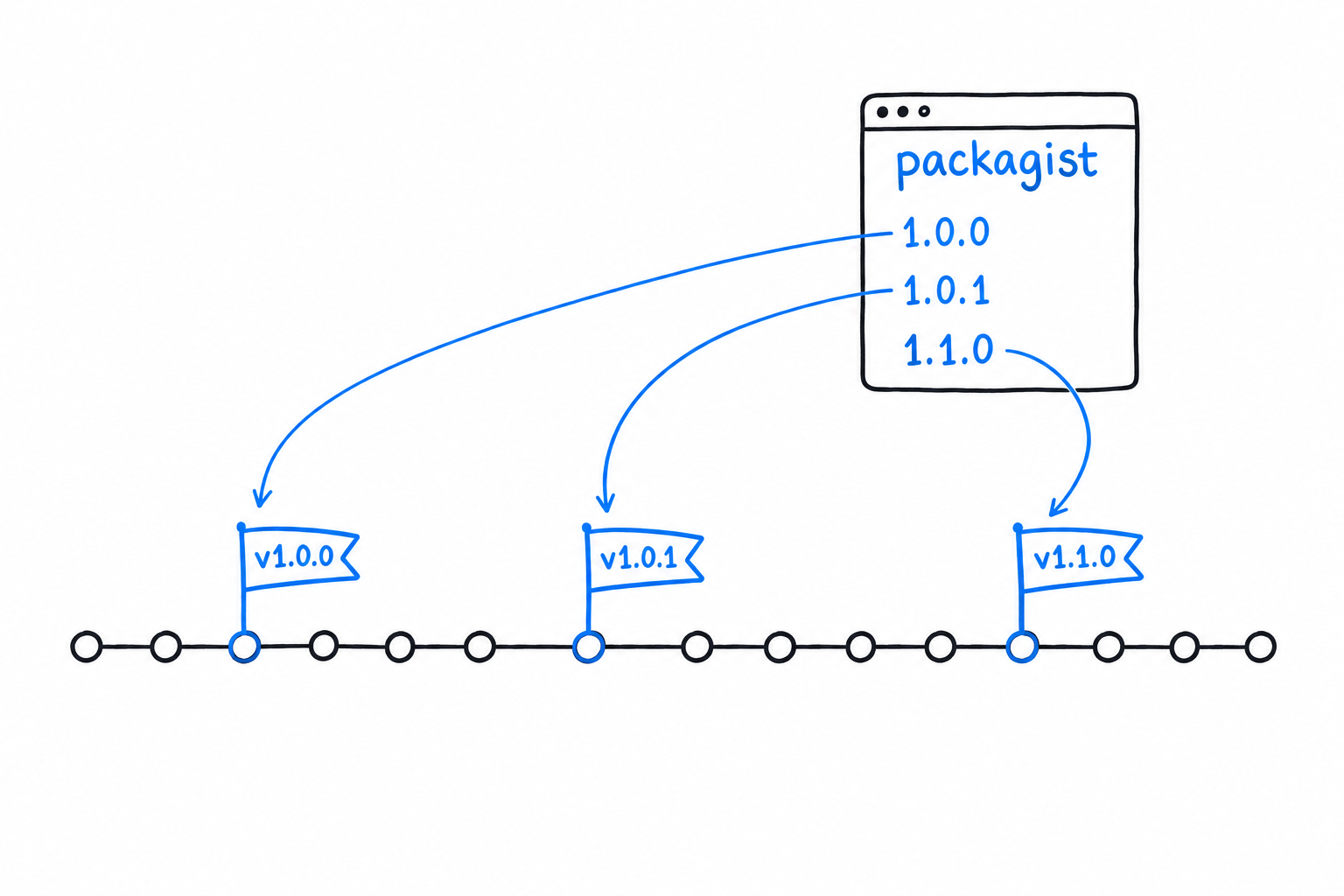
The three numbers carry a promise. Bump the patch for a fix that breaks nothing, the minor for a new feature that breaks nothing, and the major the moment you break something a user might rely on. That last rule is the one that matters to whoever depends on you: it is what lets them write ^1.0 in their own composer.json and trust that anything matching it will not break their code.
Composer Path Repositories and Monorepos
Publishing assumes your package is finished enough to hand to strangers. A lot of real work happens before that point, in the stretch where two related packages grow together and a change in one must show up in the other right away. Composer has a repository type built for that stretch: the path repository.
The problem it solves
Say you split phpgrep in two: a core library, phpgrep/core, and a CLI wrapper, phpgrep/cli, that depends on it. Type composer require phpgrep/core in the CLI package and Composer comes back empty-handed. Packagist has never heard of the core, and neither has any other registry. You could publish a half-finished version just to unblock yourself, but that is backwards: you would be publishing code for the sole purpose of testing it on your own machine.
Pointing Composer at a local folder instead
A path repository tells Composer, for one project: when you meet this package name, do not look on Packagist, look in this folder on disk.
{
"repositories": [
{
"type": "path",
"url": "../phpgrep-core"
}
],
"require": {
"phpgrep/core": "*"
}
}
With a layout like this:
projects/
├── phpgrep-core/
│ └── composer.json ("name": "phpgrep/core")
└── phpgrep-cli/
└── composer.json (the file above)
running composer install inside phpgrep-cli resolves phpgrep/core to ../phpgrep-core. By default it does not copy the folder. It creates a symlink at vendor/phpgrep/core that points back at the real one.
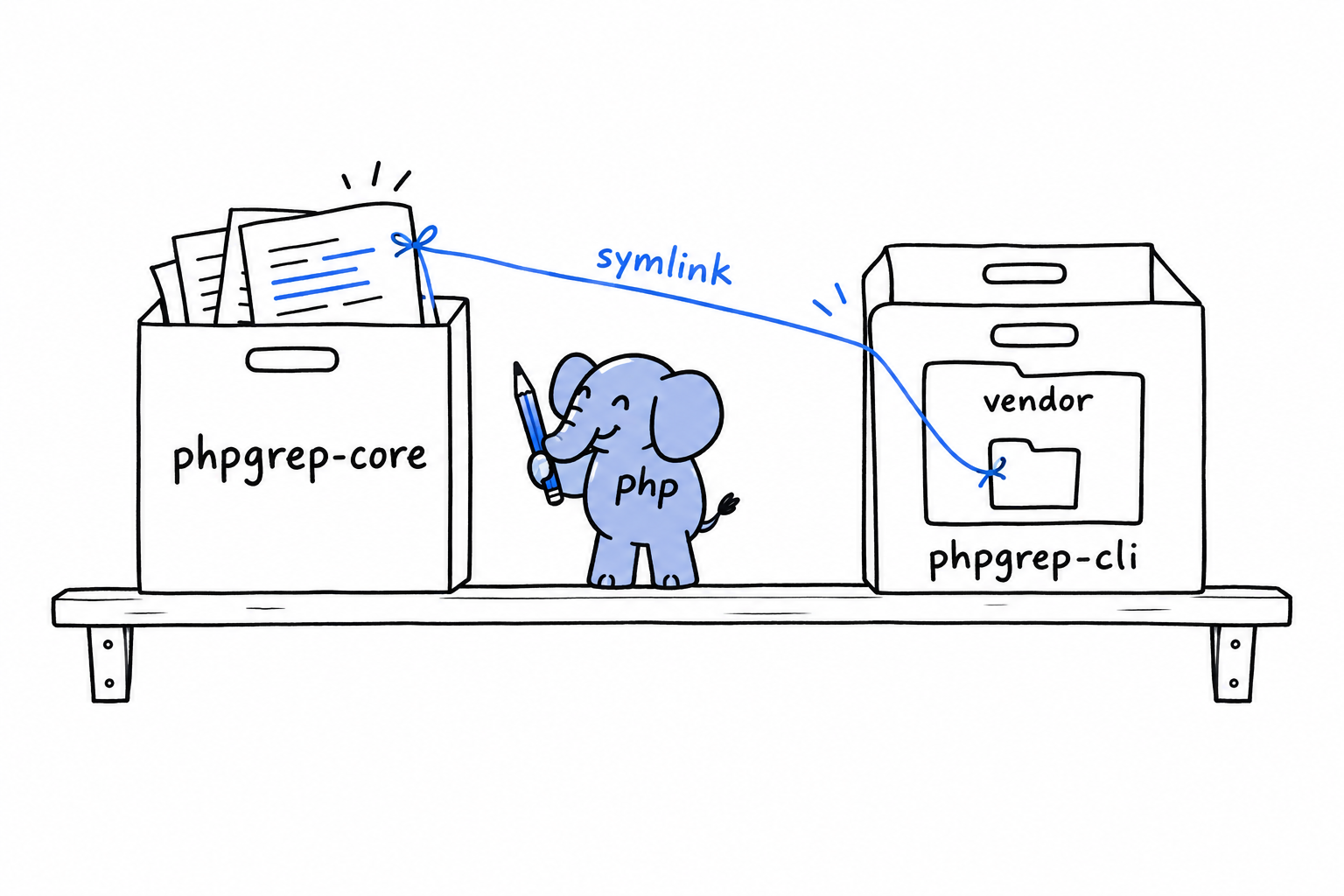
Edit a file in phpgrep-core, and phpgrep-cli sees the change instantly. No reinstall, no publish, nothing to run in between. Day to day it feels like a single package. It remains two packages all the same, each with its own composer.json, its own version constraints, and its own road to Packagist when the time comes.
Try it: inside phpgrep-cli, run ls -l vendor/phpgrep and read the arrow ls draws next to core. That arrow is the symlink.
Where this leads: monorepos
Put several related packages in one Git repository, each with its own composer.json, wired together with path repositories pointing at each other’s subfolders, and you have the shape most PHP monorepos take. There is no monorepo mode in Composer. A monorepo is an ordinary directory tree of packages that share one repository and point at each other during development.
Some teams keep it that way for good and ship the monorepo as is. Others treat it as a development convenience and, once a package settles, move it to its own repository and publish it to Packagist on its own. Both are legitimate. The choice depends on how your team releases, not on anything Composer enforces.
Installing Global Tools with Composer
Not everything you install with Composer belongs to a project. A static analyzer like PHPStan or a formatter like PHP-CS-Fixer is a tool you carry with you, to run against whatever project you happen to be standing in. Composer has a separate command for tools like these.
require --dev vs. global require
You already know require-dev: a dependency needed only while developing, like PHPUnit, listed in the project’s composer.json and installed into its vendor/ folder:
$ composer require --dev phpunit/phpunit
That is the right call for anything the tests or the build depend on. Everyone who clones the repository and runs composer install gets the same version, and that reproducibility matters. It is the wrong call for a tool you like to run everywhere, regardless of what a project declares. Ten projects, ten copies of PHPStan in ten vendor/ folders, at ten possibly different versions: a lot of duplication for something that belongs to none of them.
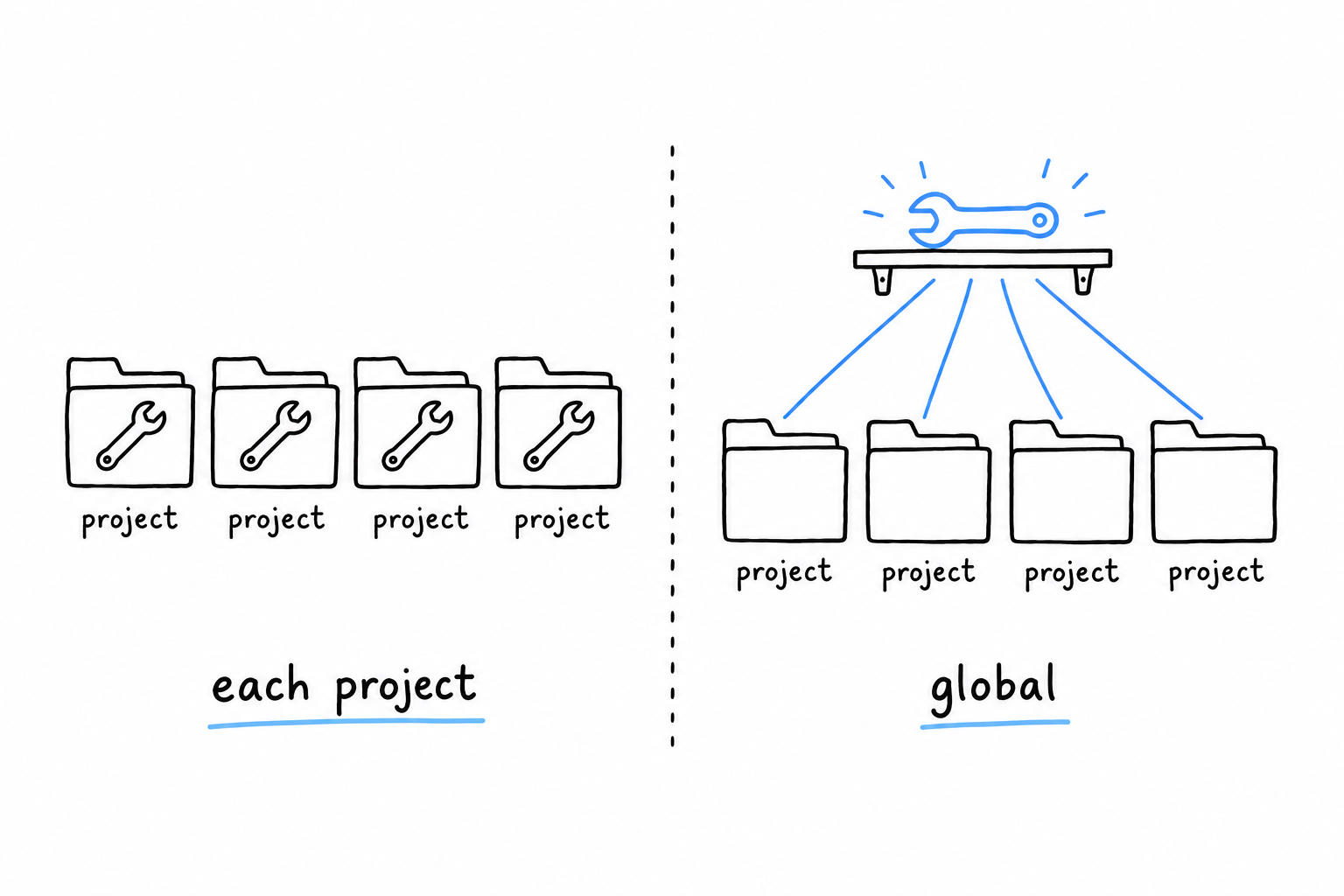
composer global require installs it once:
$ composer global require phpstan/phpstan
PHPStan lands in a global Composer directory, apart from any project: ~/.config/composer on Linux, ~/.composer on macOS by default, and the exact path is worth checking with composer global config home. From then on there is one shared install, whatever directory you are standing in.
Getting it on your PATH
Installing globally does not, by itself, make phpstan a command your shell knows. The binary sits in a vendor/bin folder inside that global directory, and your shell only looks in the folders listed in PATH:
$ export PATH="$HOME/.composer/vendor/bin:$PATH"
Put that line in your shell’s startup file (~/.zshrc, ~/.bashrc, or the equivalent) so every new terminal gets it, then check:
$ phpstan --version
PHPStan - PHP Static Analysis Tool 1.11.5
If the command is not found, the PATH line is almost always the culprit. It is missing, it points at the wrong directory for your platform, or you edited the startup file and never reloaded it (source ~/.zshrc, or open a new terminal).
Choosing between the two
A tool that must run identically for everyone, CI included, at a version pinned in version control, belongs in require-dev. A personal tool you run across every project, and that may drift a version away from a teammate’s copy without anyone minding, belongs in composer global require. Many setups use both: PHPStan pinned per project so CI is reproducible, and PHP-CS-Fixer installed globally for a quick format while editing.
Extending Composer with Scripts and Plugins
composer test and composer check are scripts you run yourself. Scripts have a second, quieter use. Attach one to a moment in Composer’s own lifecycle, and it runs by itself, at the right time, without anyone having to remember it.
Lifecycle events
Composer fires a named event at each stage of its work: before and after an install, before and after an update, and a few more. Use one of those names as the script key, instead of inventing your own, and Composer calls it when the moment comes:
{
"scripts": {
"post-install-cmd": "@php artisan-like-thing:setup",
"post-update-cmd": [
"@php bin/generate-config.php"
]
}
}
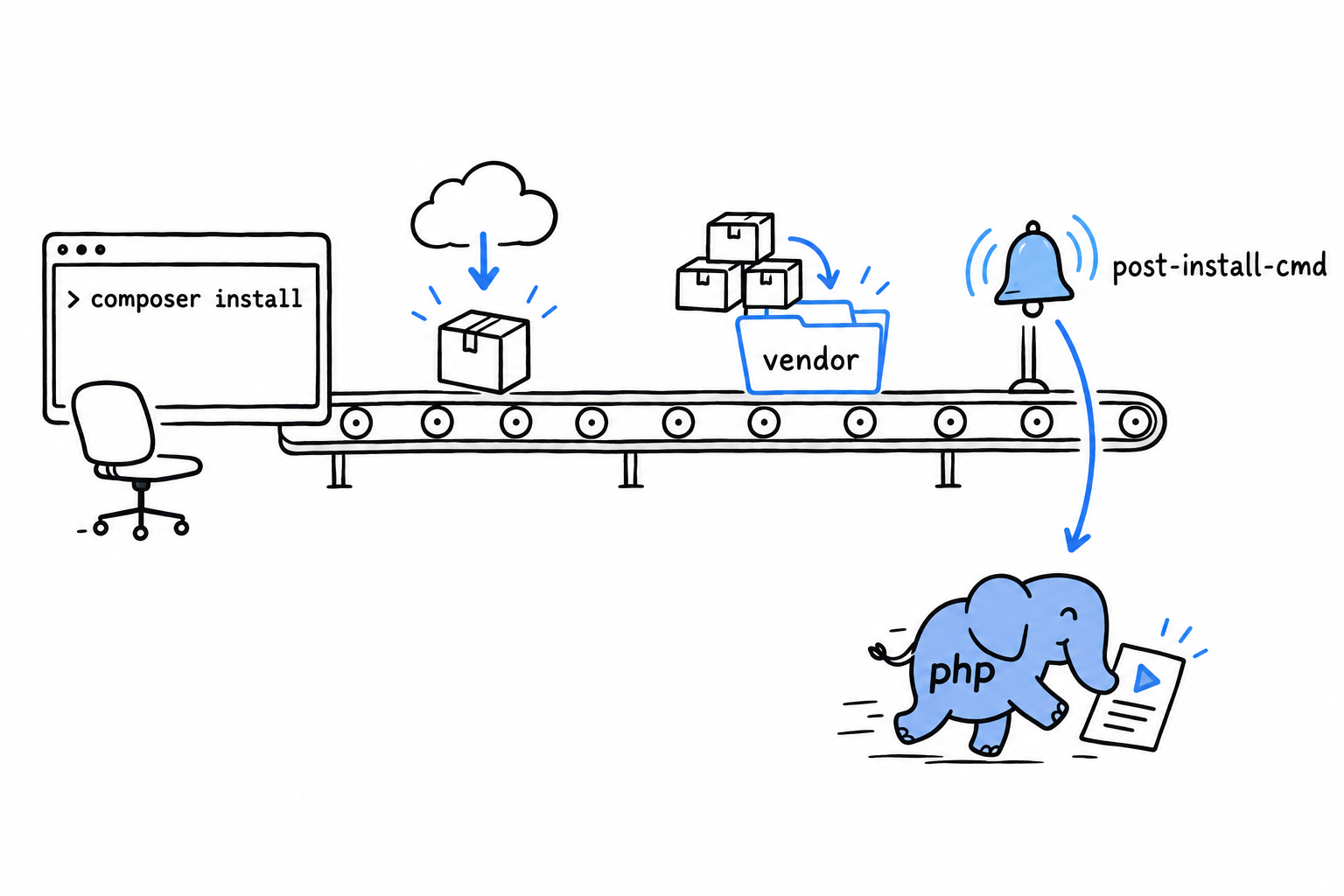
post-install-cmd runs after every composer install: a fresh clone fetching its dependencies, a CI job setting up before the tests, a new colleague on their first day. Nobody has to find the extra step buried in a README, because Composer performs it, in the right order, every time. post-update-cmd is the same hook for composer update. Other events exist for narrower moments, before a single package is installed or removed for instance, but these two cover most real needs: regenerating a config file, warming a cache, printing a reminder about an environment variable still to set.
Tip
The
@phpprefix runs the script with the same PHP binary Composer itself is running under. On a machine with several PHP versions installed, it removes any doubt about whichphpgets used.
Where scripts stop, and plugins start
A lifecycle script is a command Composer runs at a fixed point. That is useful, and that is all it is. Sometimes you want more: a new Composer command, a different way of installing packages, a reaction to an event written in real PHP logic rather than a fire-and-forget shell line. That is what plugins are for: ordinary Composer packages that hook into Composer’s internals, written in PHP, installed like any other dependency. You have probably used one without knowing it; the automatic .env handling in some frameworks is a Composer plugin under the hood.
Writing one is a legitimate thing to do, and it is real Composer-internals territory: event subscriber classes, Composer’s own plugin API, well beyond what this book covers. When lifecycle scripts stop being enough, that is the next door, and the official Composer documentation is the place to start.
Object-Oriented PHP
Open a framework, a library, almost any PHP file written by someone else, and you will find classes that build on other classes. Chapter 5 taught you to write a class. Chapter 11 taught you to make unrelated classes promise the same thing with an interface. This chapter is where those pieces become a design.
One example runs through the whole chapter: a shop that accepts several kinds of payment. A credit card and a PayPal account do the same job in different ways, and that is precisely the situation object-oriented design was invented for. You make one class build on another with extends, override what needs to change while keeping the rest with parent::, and then reach the payoff. Code written once against the general idea of a payment method works with every specific kind you hand it, including the kinds you have not written yet. That property has a name, polymorphism, and it is the reason inheritance exists.
Abstract classes and interfaces then get placed side by side. They solve overlapping problems, and choosing between them is a design decision, not a matter of taste.
The second half of the chapter turns to PHP’s magic methods, a handful of specially named methods the language calls on its own when an object is printed, used like a string, or asked for a property it does not have. Some are everyday tools. Others make code harder to read than the boilerplate they save, and the chapter says which is which.
The payment example ends up assembled into a classic design pattern, Strategy, using nothing but the interfaces and polymorphism you already have in hand. Patterns have a reputation for being abstract. Watching one come together from familiar pieces, to solve a problem you actually meet, should put that reputation to rest.
Classes, Inheritance, and Polymorphism
A shop takes credit cards. Then it takes PayPal. Next quarter it will take bank transfers. Each one charges money in its own way, yet from the checkout’s point of view they are all the same thing: a way to pay. Inheritance is how you tell PHP that several classes are variations on one idea, sharing what they have in common and differing only where they must. Every class you have written since Chapter 5 has stood alone. Time to make some of them related.
extends and method overriding
A class builds on another with extends, inheriting its properties and methods and replacing whichever ones need to behave differently:
<?php
declare(strict_types=1);
class PaymentMethod
{
public function charge(float $amount): string
{
return sprintf('Charged $%.2f.', $amount);
}
}
class CreditCard extends PaymentMethod
{
public function __construct(private string $last4)
{
}
public function charge(float $amount): string
{
$base = parent::charge($amount);
return $base . " (card ending {$this->last4})";
}
}
Read class CreditCard extends PaymentMethod as “a credit card is a payment method”. Everything PaymentMethod knows how to do, CreditCard knows too, without writing a line. The one method CreditCard defines for itself is charge(), and since the parent already has a charge(), the child’s version takes its place. That is called overriding.
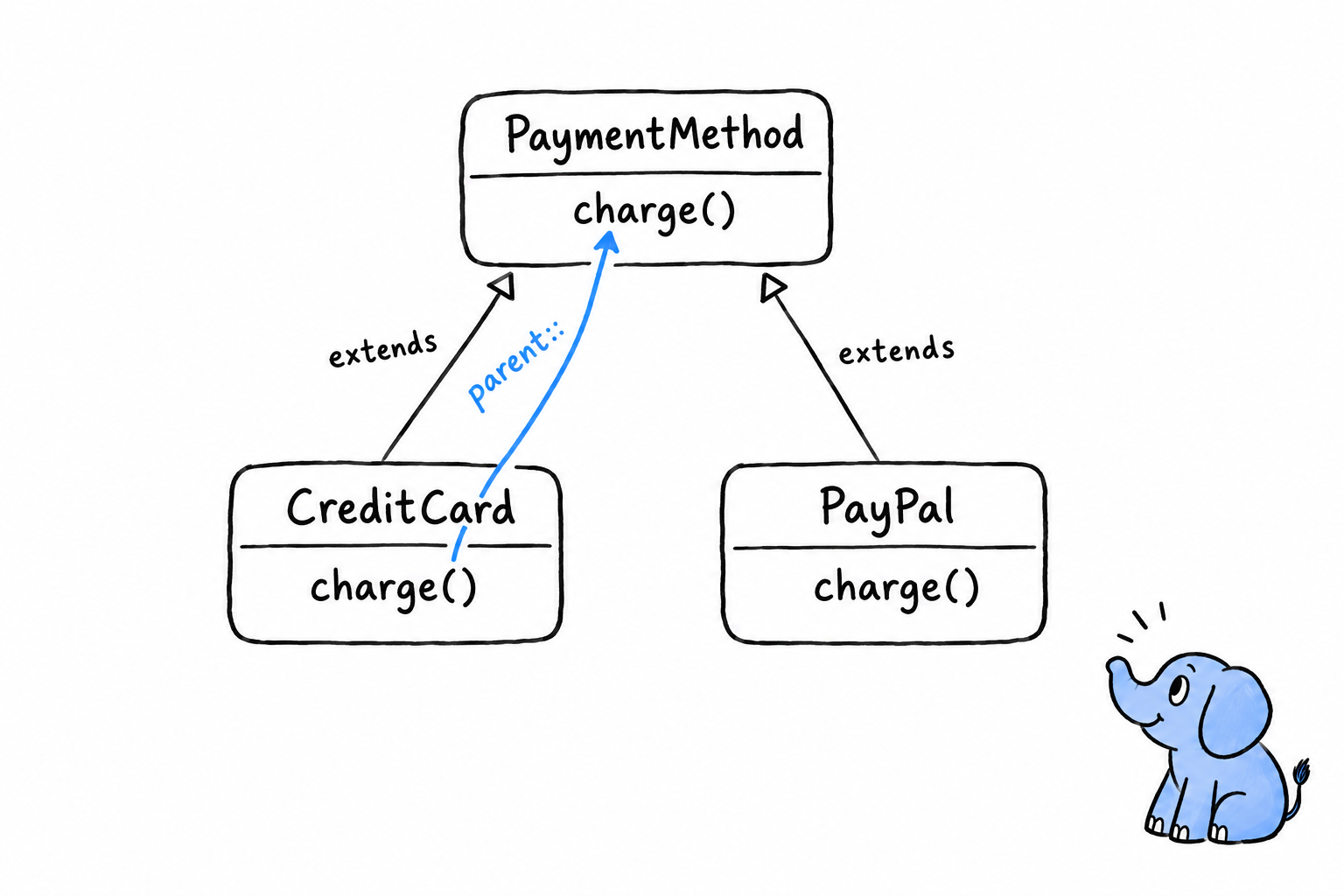
Now look at the first line of the override. parent::charge($amount) calls the parent’s original charge(), the very method that was just replaced, and builds on its result instead of throwing it away. parent:: is how an override says “do what you were going to do, then let me add something.” The base class still formats the amount; CreditCard only appends the last four digits. Without parent::, that sprintf() line would be copied into every subclass, which is exactly the duplication inheritance is meant to remove.
extendssays “is a”.parent::says “and also”.
A second subclass
Add another payment method the same way, with a charge() that does something else entirely:
<?php
declare(strict_types=1);
class PayPal extends PaymentMethod
{
public function __construct(private string $email)
{
}
public function charge(float $amount): string
{
return sprintf('Charged $%.2f via PayPal account %s.', $amount, $this->email);
}
}
PayPal never calls parent::charge(). Nothing forces an override to reuse the parent’s version; it only has to exist. A subclass may keep the parent’s behavior, add to it, or replace it outright, and all three are ordinary uses of inheritance. CreditCard and PayPal share the promise that every PaymentMethod can charge(), and only one of them shares any code.
Polymorphism: the actual payoff
Here is why any of this was worth setting up. Write a function against the base type and hand it any subclass:
<?php
declare(strict_types=1);
function processPayment(PaymentMethod $method, float $amount): void
{
echo $method->charge($amount) . "\n";
}
$methods = [
new CreditCard('4242'),
new PayPal('damien@example.com'),
];
foreach ($methods as $method) {
processPayment($method, 42.00);
}
$ php payments.php
Charged $42.00. (card ending 4242)
Charged $42.00 via PayPal account damien@example.com.
processPayment() asks for a PaymentMethod. It never mentions CreditCard or PayPal. Yet give it either one and the right charge() runs. The same call, $method->charge($amount), does the right thing for whatever object is actually behind $method. That is polymorphism.
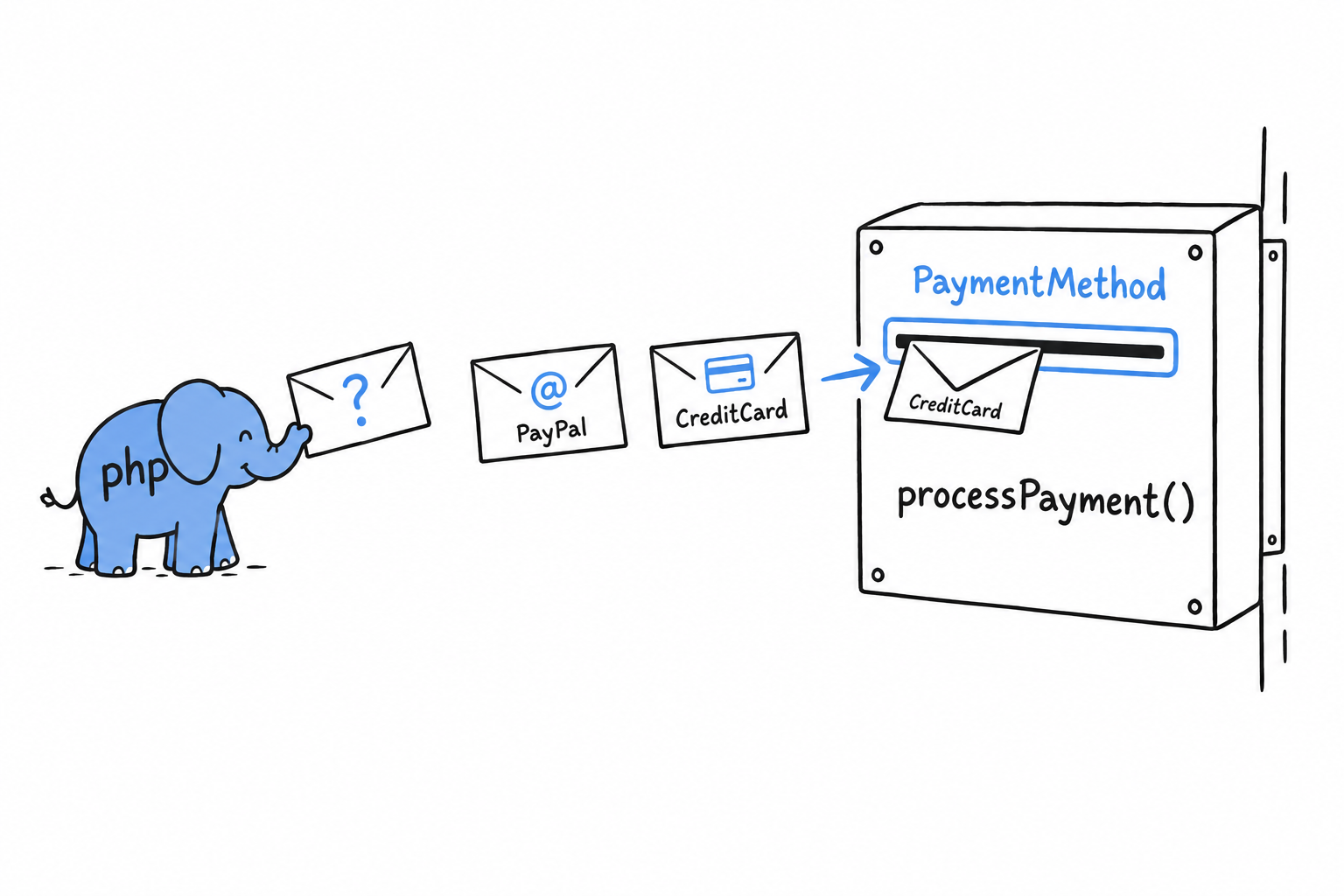
Think of a letterbox. It does not care who wrote the envelope, only that the envelope fits the slot. PaymentMethod is the slot, and every subclass is an envelope cut to that size, including the ones nobody has written yet. Add BankTransfer next month: as long as it extends PaymentMethod and implements charge(), neither processPayment() nor the loop changes. They were never written against a specific class, only against the shape every PaymentMethod guarantees.
Try it: write BankTransfer, add new BankTransfer() to the $methods array, and run again. Count the lines you changed in processPayment().
This should feel familiar. It is the same move as programming against an interface in Chapter 11: interfaces and inheritance are two roads to the same place, code that does not need to know which concrete class it holds. The next section puts the two roads side by side and asks when to take which.
Abstract Classes and Interfaces Revisited
Nothing stops you from writing new PaymentMethod() and charging forty-two dollars to it. The base class from the previous section has a working charge(), so PHP obliges, and money gets “charged” to a payment method attached to no card, no account, nothing at all. PaymentMethod was only ever meant as a foundation for subclasses, but a comment saying so is not a rule. abstract turns that intention into something PHP enforces.
Making the contract explicit
<?php
declare(strict_types=1);
abstract class PaymentMethod
{
abstract public function charge(float $amount): string;
protected function receipt(float $amount): string
{
return sprintf('$%.2f processed on %s', $amount, date('Y-m-d'));
}
}
class CreditCard extends PaymentMethod
{
public function __construct(private string $last4)
{
}
public function charge(float $amount): string
{
return $this->receipt($amount) . " (card ending {$this->last4})";
}
}
Two things changed. abstract class PaymentMethod means PHP refuses new PaymentMethod() outright: a fatal error, enforced by the language rather than left as a convention you hope people follow. And charge() became abstract public function charge(float $amount): string;, a signature with no body, exactly like an interface method. Every non-abstract subclass must now implement charge(), or PHP refuses to load that subclass too.
What the base class kept is receipt(): a real, working method that every subclass inherits for free. That pairing is the point of an abstract class. A contract the language enforces, bundled with shared code written once. A plain interface can only give you the first half.
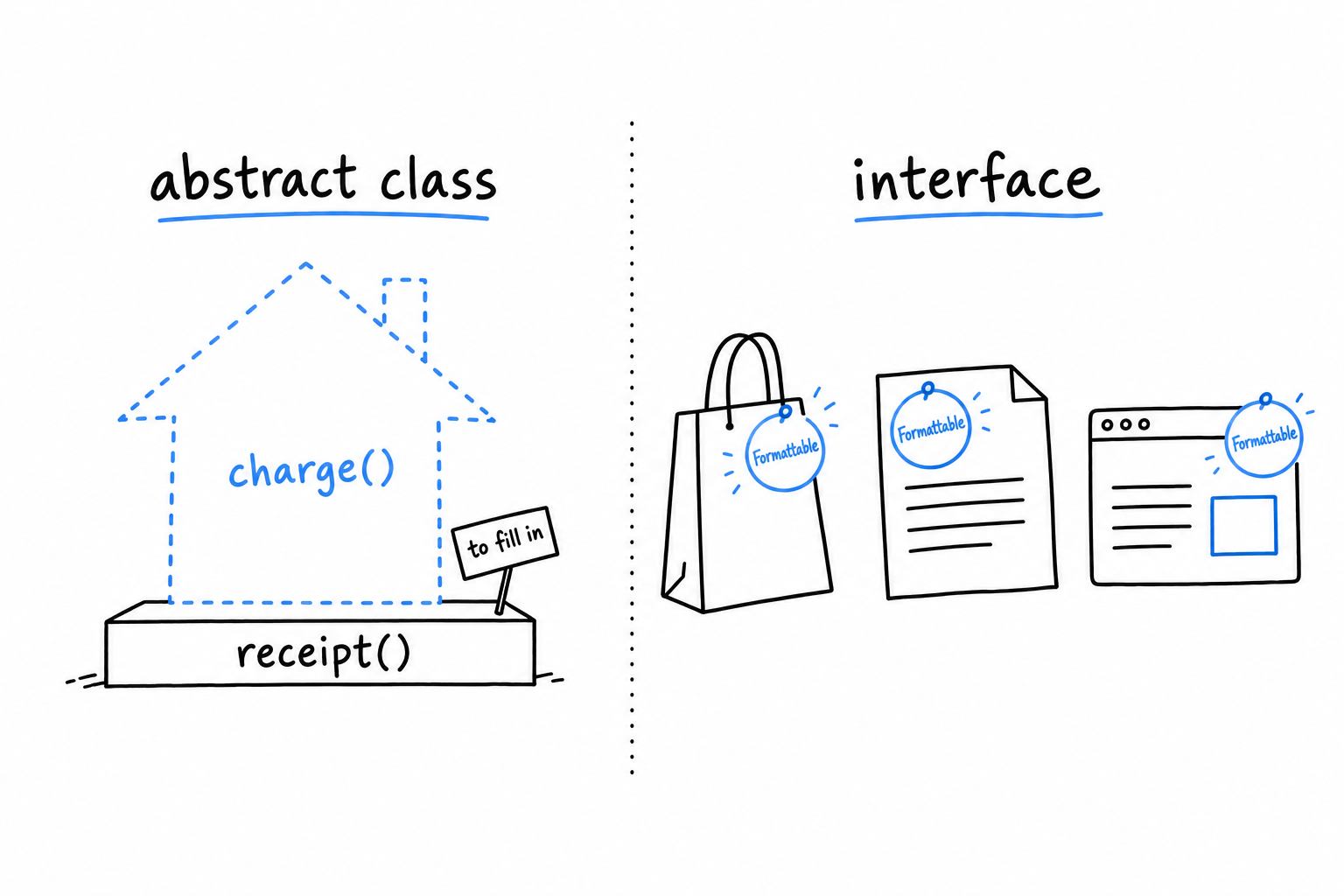
Tip
receipt()isprotected: visible toPaymentMethodand its subclasses, hidden from everyone else. That is the usual visibility for a helper a base class offers to its children and to nobody else.
Compare this to Formattable
Go back to the Formattable interface from Chapter 11:
<?php
interface Formattable
{
public function format(): string;
}
An interface is nothing but a contract. No method bodies, not even optional ones a class could choose to inherit. Every class implementing Formattable writes its own format() from scratch, because there is nothing to inherit.
That is not a shortcoming; it is the job. An interface names a capability that classes with nothing else in common can all claim. A Product, a LogEntry and an HttpResponse share no ancestor and never will, yet each can promise format(). A class can implement as many interfaces as it likes, which is how PHP gets by without multiple inheritance. An abstract class is a real ancestor: a class can extend only one, and everything the parent carries comes along with it, properties, working methods, constructor logic.
An interface is a badge a class wears. An abstract class is a parent it descends from. You get one parent, and as many badges as you want.
When to reach for which
Reach for an abstract class when you have real code every subclass should share, and you also want to force each subclass to fill in the parts that must differ. receipt() shared, charge() mandatory but unique to each subclass: the example above is the textbook case.
Reach for an interface when all you need is the guarantee that a method exists, with no assumption that the classes are related. It is also the only option when a class already extends something and still needs to promise a second, unrelated capability.
They are not rivals, and PHP does not make you choose:
<?php
declare(strict_types=1);
interface Formattable
{
public function format(): string;
}
abstract class PaymentMethod implements Formattable
{
abstract public function charge(float $amount): string;
public function format(): string
{
return static::class;
}
}
PaymentMethod gets both. The enforced structure of an abstract class for its own family of subclasses, and a separate Formattable badge that lets any code in the system call format() on it without knowing, or caring, that payments are involved. static::class is the name of the concrete class at runtime, so a CreditCard formats as CreditCard, and the parent never had to know its children by name.
Magic Methods
Put an object inside a string, and PHP has a decision to make. Read a property the class never declared, and it has another. Magic methods are the hooks PHP looks for in those moments: specially named methods, always starting with two underscores, that the language calls by itself when a specific situation comes up. You have already met two of them.
__construct and __destruct, briefly
__construct() has been running under every new you have written since Chapter 5. PHP calls it as the object is created, and constructor promotion does its work there. __destruct() is the mirror image: PHP calls it when the object is about to disappear, typically when the last variable pointing to it goes out of scope. You will write it rarely. PHP’s garbage collector, from Chapter 4, frees memory on its own, so __destruct() is for the cases where something else must be released promptly, a file handle or a network connection, rather than waiting for the process to end.
__toString(): letting an object act like a string
This is the one you will use most. Define it, and PHP calls it wherever your object lands in a string context: concatenation, interpolation, a bare echo.
<?php
declare(strict_types=1);
final class Money
{
public function __construct(
private int $cents,
private string $currency,
) {
}
public function __toString(): string
{
return sprintf('%.2f %s', $this->cents / 100, $this->currency);
}
}
$price = new Money(4999, 'USD');
echo "Total: {$price}\n";
echo 'Total: ' . $price . "\n";
$ php money.php
Total: 49.99 USD
Total: 49.99 USD
Neither echo names a method. PHP sees $price land in a string and calls __toString() on its own. Any class with an obvious textual form (money, a name, an identifier) is a good candidate. The return type must be string; returning anything else is a fatal error.
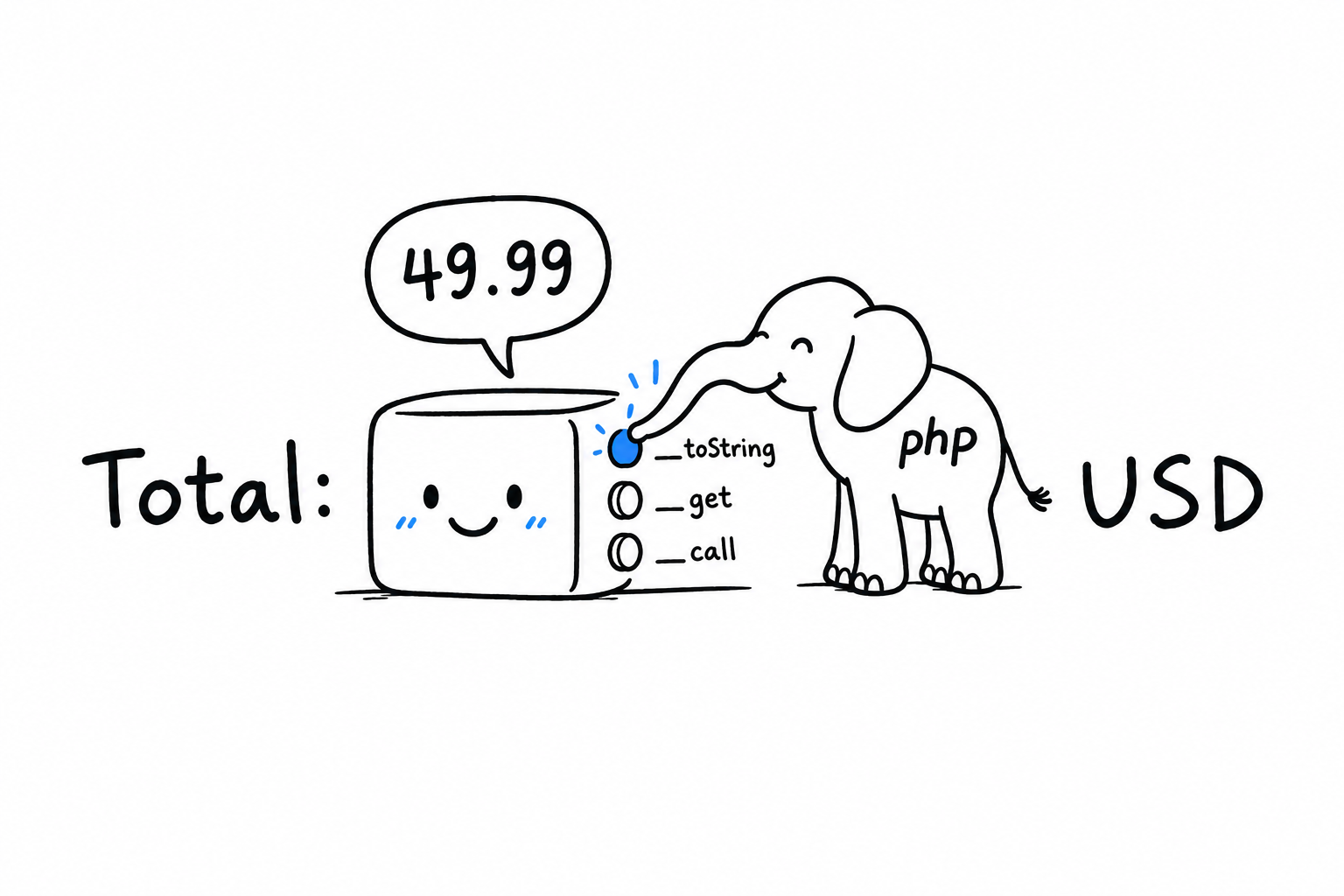
You write what the button does. PHP decides when to press it.
__get and __set: dynamic property access
These fire when code reads or writes a property the class does not declare:
<?php
declare(strict_types=1);
final class Config
{
private array $values = [];
public function __get(string $name): mixed
{
return $this->values[$name] ?? null;
}
public function __set(string $name, mixed $value): void
{
$this->values[$name] = $value;
}
}
$config = new Config();
$config->debug = true;
var_dump($config->debug); // true
var_dump($config->unset_key); // null
$config->debug = true looks like an ordinary property write. Config has no $debug property, so PHP calls __set('debug', true) instead, and the value lands in the private $values array. Reading $config->debug triggers __get('debug') the same way. The object behaves like a bag you can drop anything into.
Now the cost. Read $config->debug at a call site and nothing tells you where the value comes from or whether it exists. Your editor cannot autocomplete it. A static analysis tool like PHPStan, from Chapter 11, cannot check it the way it checks a declared property. Every magic accessor trades a little boilerplate for code that humans and tools follow less easily. Keep them for the cases where the dynamic shape is the whole point, a config bag, a wrapper around external data of unpredictable shape, and declare real properties everywhere else.
__call: intercepting method calls
__call() does for methods what __get does for properties: it fires when code calls a method the object does not have.
<?php
declare(strict_types=1);
final class Logger
{
public function __call(string $name, array $arguments): void
{
$level = strtoupper($name);
echo "[{$level}] {$arguments[0]}\n";
}
}
$logger = new Logger();
$logger->warning('Disk space is low.');
$logger->error('Connection refused.');
$ php logger.php
[WARNING] Disk space is low.
[ERROR] Connection refused.
Logger has no warning() and no error(). Every call to a missing method lands in __call(), with the name as a string and the arguments as an array, and the method turns the name into a log level. This is a real technique; some libraries build their fluent-looking APIs on it. It also carries the __get caveat, doubled: the class definition says nothing about which methods exist or what they accept.
Try it: declare a real warning() method on Logger. The first call now goes to it, and only error() still reaches __call(). PHP looks for a declared method first and falls back to magic only when it finds none.
Reach for __call when that flexibility is worth the cost. Otherwise, a handful of plainly declared methods serves your reader, and your tools, better.
Implementing a Classic OOP Design Pattern
A design pattern is a name for a shape of code that shows up so often, across so many different problems, that people learned to recognize it on sight. You have been building one for three sections without naming it. The PaymentMethod family is most of the Strategy pattern, one of the most common in all of object-oriented programming. This section finishes it.
The idea
Take a behavior that can vary: how a payment is charged, how a list is sorted, how a price is discounted. Pull it out behind an interface. Hand it to a class that uses the behavior without knowing which version it received. That last step is the polymorphism from earlier in this chapter. Strategy adds one piece, the context: a class whose whole job is to hold a strategy, delegate to it, and let it be swapped, even after the context exists.
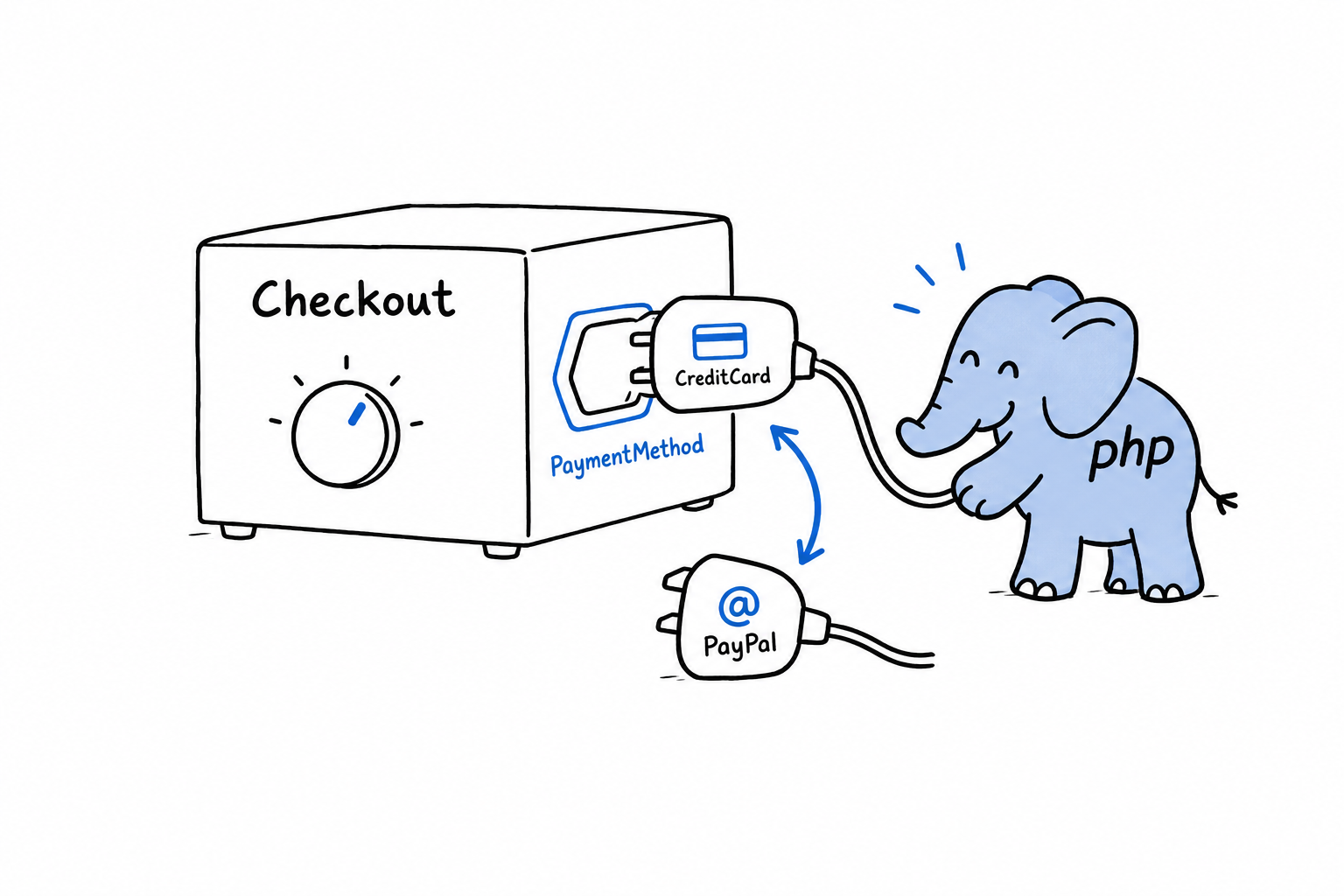
Building it
An interface this time, not an abstract class. There is no shared code worth forcing on every payment method, only a contract, and that is exactly the case the previous section said an interface fits best:
<?php
declare(strict_types=1);
interface PaymentMethod
{
public function charge(float $amount): string;
}
final class CreditCard implements PaymentMethod
{
public function __construct(private string $last4)
{
}
public function charge(float $amount): string
{
return sprintf('Charged $%.2f to card ending %s.', $amount, $this->last4);
}
}
final class PayPal implements PaymentMethod
{
public function __construct(private string $email)
{
}
public function charge(float $amount): string
{
return sprintf('Charged $%.2f via PayPal account %s.', $amount, $this->email);
}
}
Nothing new here: the same two classes as earlier in the chapter, implementing an interface instead of extending a base. Now the context:
<?php
declare(strict_types=1);
final class Checkout
{
public function __construct(private PaymentMethod $paymentMethod)
{
}
public function setPaymentMethod(PaymentMethod $paymentMethod): void
{
$this->paymentMethod = $paymentMethod;
}
public function complete(float $amount): void
{
echo $this->paymentMethod->charge($amount) . "\n";
}
}
Checkout holds a PaymentMethod, any PaymentMethod, and complete() hands the work to whichever one it is holding. Notice what is missing. There is no if asking “are you a card or a PayPal account?” That absence is the tell of Strategy done right: the context calls charge() and trusts the interface.
Using it and swapping strategies at runtime
<?php
$checkout = new Checkout(new CreditCard('4242'));
$checkout->complete(42.00);
$checkout->setPaymentMethod(new PayPal('damien@example.com'));
$checkout->complete(19.99);
$ php checkout.php
Charged $42.00 to card ending 4242.
Charged $19.99 via PayPal account damien@example.com.
Same $checkout object, same complete() call, two different outcomes, because setPaymentMethod() swapped the strategy in between. Picture the alternative: an if ($type === 'credit_card') inside Checkout, growing a new branch with every payment method the product adds. With Strategy, next quarter’s bank transfer is one new class that implements PaymentMethod, and Checkout does not change. It already works, for the same reason processPayment() worked earlier in the chapter: it was written against the interface, never against a particular class.
Try it: write BankTransfer, pass it to setPaymentMethod(), and complete a third payment. Count the lines you changed in Checkout.
That is the entire pattern. An interface describing a swappable behavior, classes implementing it, and a context that delegates to whichever one it holds. No new syntax, no library, nothing specific to PHP: the interfaces and polymorphism you already had, arranged on purpose to solve a recognizable problem. Once you have built one this way, you will start seeing the same shape everywhere, under other names, in code you did not write.
A strategy is a behavior you can unplug and replace. The context is the socket.
Concurrency in PHP: A Brief Tour
You can skip this chapter, come back to it in a year, and lose nothing.
That is an unusual thing to read in a programming book, so here is why it is true. Most PHP developers write years of production code, real code serving real traffic, without ever touching a thread, a fiber, or a process fork. That is not a gap in their skills. PHP was designed so that ordinary applications never have to deal with concurrency themselves, and for the vast majority of PHP work, from a small business site to a large online shop, that is still the right approach.
So this chapter is different from the others. Elsewhere, the book says “you will use this constantly, learn it well”. Here it says the opposite: this is a short, optional tour. Nothing in it is needed to write everyday PHP.
Why include it at all? Because sooner or later, two questions come up. Why doesn’t PHP have threads the way Java or C# do? And how do you send a welcome email without making the user wait for it? The two questions share an answer, and it takes two short sections to give it: first the request model, which made explicit concurrency largely unnecessary in PHP, then queues and background processes, the everyday tools PHP developers reach for when work has to happen outside the request.
Nothing here is required. Read it out of curiosity, or keep it for the day you need it.
Either way, you will come out knowing why PHP behaves the way it does, what your options are when the request model is not enough, and what to search for when you need more.
The PHP Request Model: Why PHP Is (Usually) Single-Threaded
A Node.js or Java server starts once and stays up. It handles every request that arrives while it is alive, and its memory lives on between them. A variable set while serving one user can, if you are not careful, still be sitting there when the next user shows up.
PHP, in its classic and still most common form, does not work that way. Every HTTP request gets a fresh start. The PHP process (or thread, depending on how your web server is set up) loads your script, runs it from the top, sends a response, and throws everything away. Every variable, every object, every static property: gone. The next request starts from zero. Nothing survives except what you have deliberately put somewhere outside PHP: a database, a file, a cache such as Redis or Memcached.
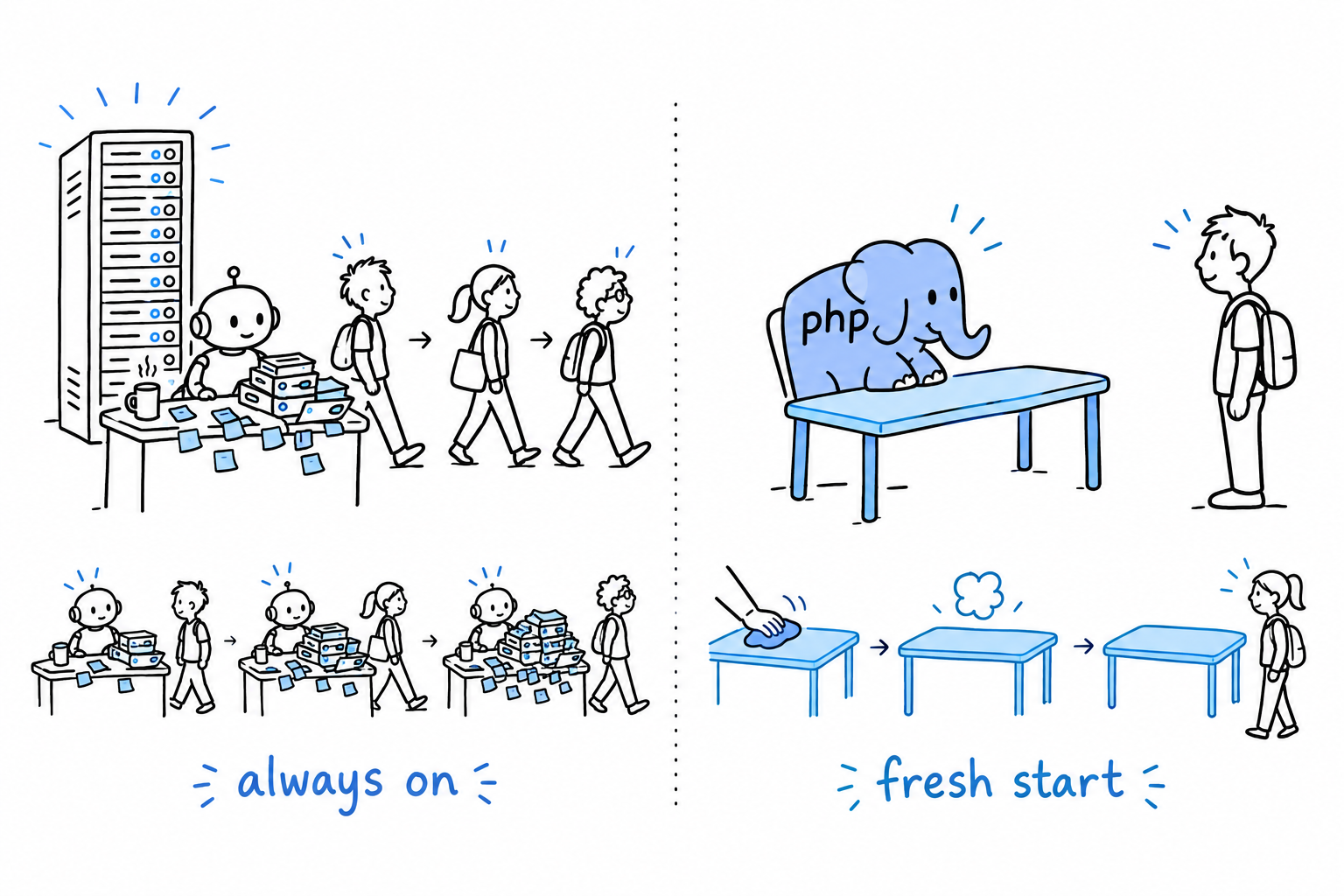
This is called a shared-nothing architecture, and it is the single biggest structural difference between PHP and languages built around long-running server processes. You already saw it in miniature in Chapter 1: php hello.php starts the interpreter, runs the script top to bottom, and exits. Production is the same lifecycle behind a web server. Under PHP-FPM (the FastCGI Process Manager, the standard way to run PHP behind nginx or Apache), a pool of PHP worker processes sits ready, and each incoming request is handed to one of them for exactly as long as it takes to produce a response.
A PHP request is born, works, answers, and forgets. The next one starts clean.
Why this made threading unnecessary
Threads exist to let one running program do several things at once while sharing memory. But if your program only ever handles one request from start to finish and then vanishes, there is rarely anything to run concurrently inside it. The concurrency a PHP application needs, thousands of users at the same time, is handled a level up, by running many PHP processes side by side, not by teaching a single process to juggle. Think of a post office: rather than one very fast clerk serving ten customers at once, ten counters each serve one customer. Your web server and process manager are the ones opening the counters, and they are already doing the hard part.
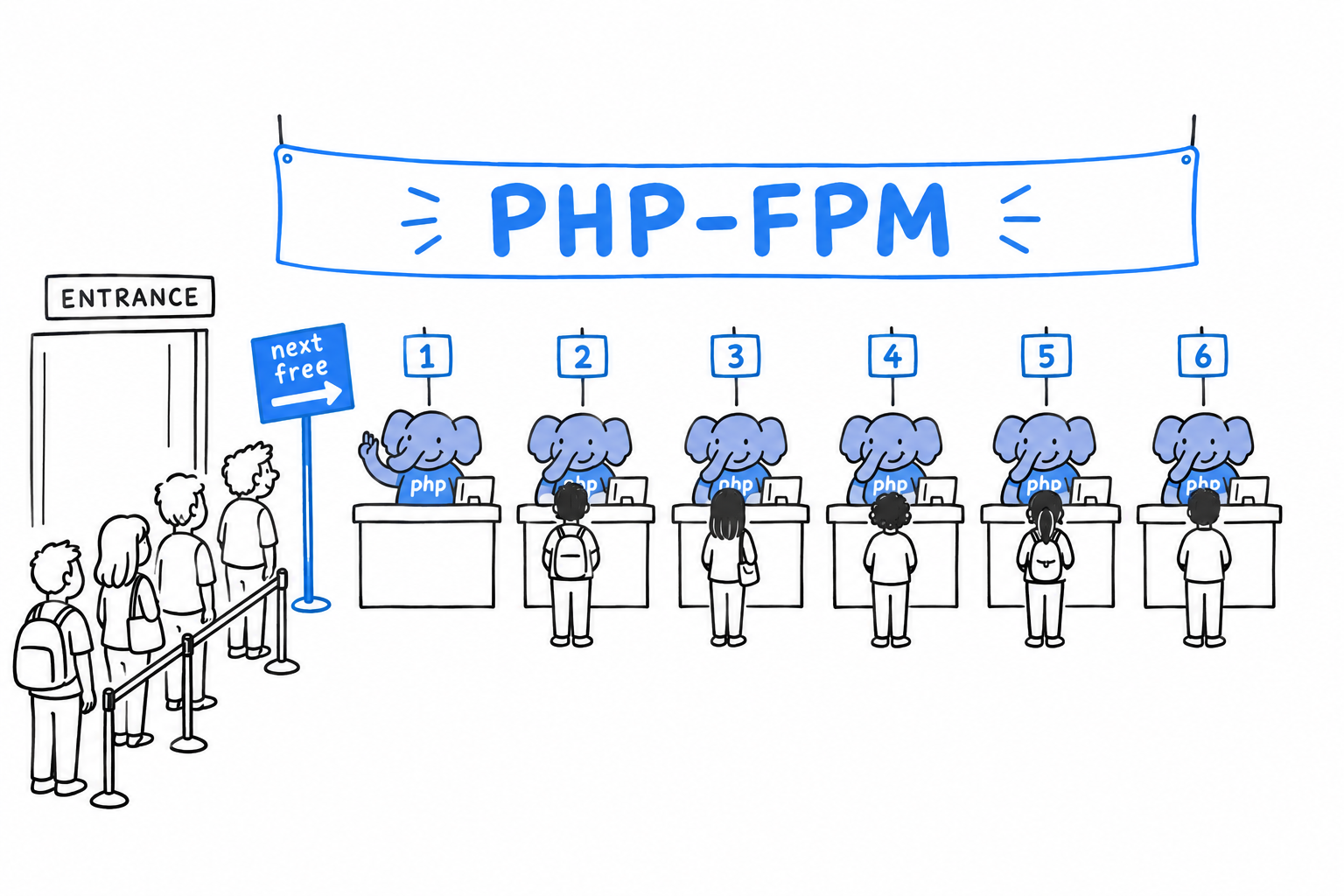
The practical upside is large. You never reason about race conditions inside a request the way you would in a multi-threaded Java servlet. Two users cannot corrupt each other’s $_SESSION data by writing to the same variable at once, because there is no shared variable: each user gets a separate execution. Whole categories of bugs that plague long-running, shared-memory servers simply cannot happen in classic PHP. The model rules them out from the start, instead of asking you to avoid them through discipline.
Where it stops being the whole story
PHP can share state and run things concurrently. By default it does not, and traditional PHP applications were designed around that constraint rather than against it. Three exceptions are worth knowing.
Work that has to happen but should not hold up the response (sending an email, resizing an uploaded image) is pushed to a separate process rather than run inline. The next section is about exactly that.
Long-running PHP processes do exist. Command-line daemons, queue workers, and newer tools such as Swoole servers keep one process alive across many units of work, and there the shared-nothing guarantee no longer applies automatically. It becomes your job again.
Opcache, PHP’s bytecode cache, does share compiled code across requests to save time. But that is compiled code, not your application’s runtime state: your variables still die with the request.
Whenever a PHP process outlives a single request, the clean-slate guarantee is gone, and you are back to thinking about shared state like everyone else. How PHP applications get concurrent-ish work done in practice, without a single thread, is the next stop.
Background Work with Queues and Processes
A request comes in, PHP handles it, and the process disappears when the response is sent. That is fine for “look up this user and show their profile”. It is a problem for “resize this uploaded photo, make three thumbnails, and email a confirmation”. Nobody wants to stare at a spinner for eight seconds because your code is busy processing images before it can say “Upload successful”.
The user does not need to wait for that work. They only need to know it has been accepted. The standard PHP answer is: don’t do it now. Do it later, in a different process.
Job queues
Think of a dry cleaner. You hand over the coat, you get a ticket, you leave. The cleaning happens in the back room, after you are gone, and you are not standing at the counter watching.
A job queue is that counter. Instead of doing the slow work inline, the request handler writes down what needs to happen, “resize image #482 for user #17”, as a small message, and pushes that message onto a queue. Then it answers the user right away: “Upload received, processing”. Meanwhile, one or more separate PHP processes, called workers, sit in a loop watching the queue. As soon as a message appears, a worker picks it up and does the actual work, entirely disconnected from the original request.
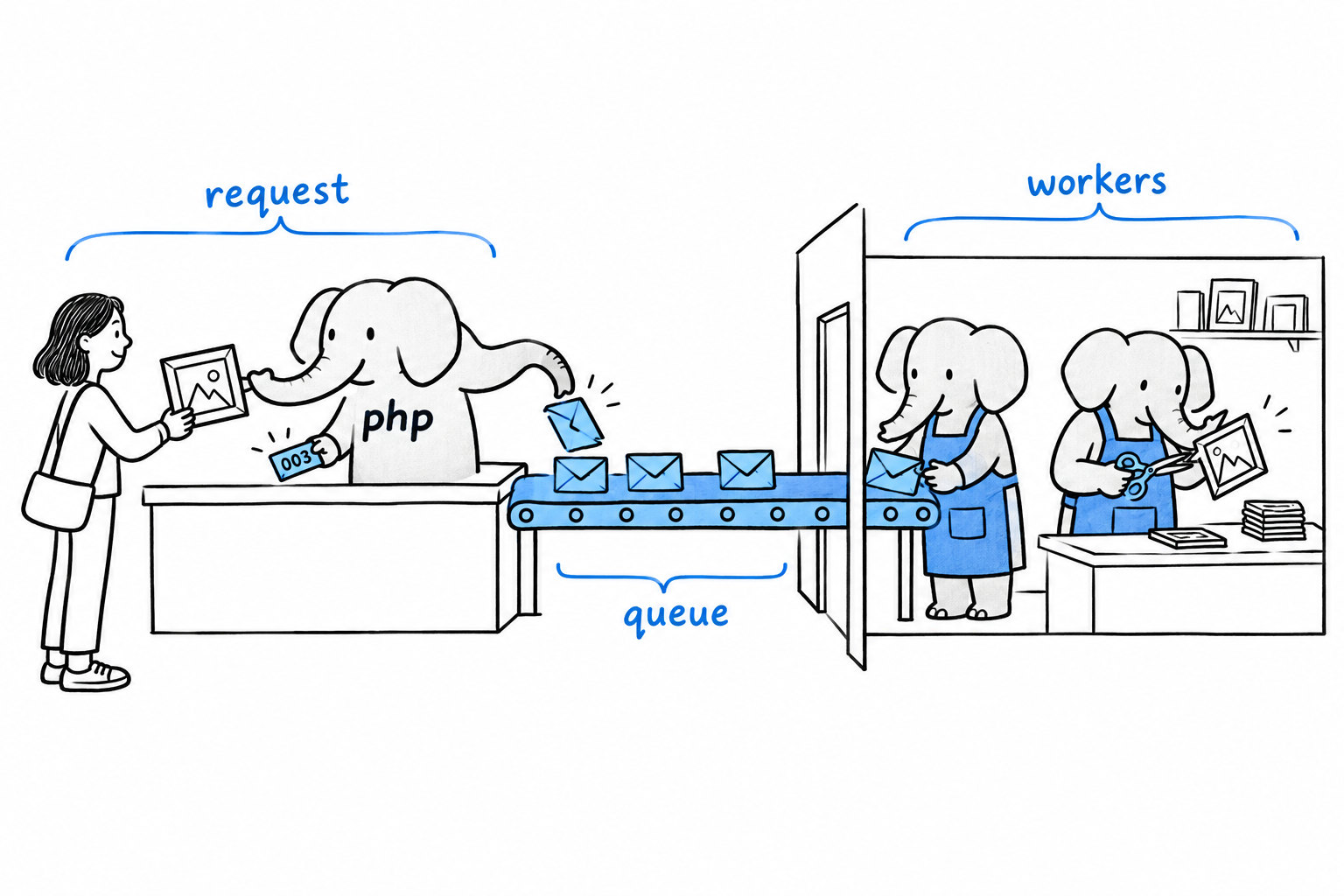
The queue itself is usually backed by something built for the job. Redis is a common, lightweight choice; RabbitMQ and Amazon SQS show up in larger systems. Frameworks such as Laravel and Symfony ship queue abstractions on top of these, so you are not hand-rolling the plumbing. The underlying idea is simple enough, though, that you could build a crude version yourself with nothing more than a database table and a SELECT ... WHERE processed = false.
The workers are ordinary PHP, run from the command line, usually kept alive by a process supervisor:
$ php worker.php
Waiting for jobs...
Processing job: resize-image #482
Done.
Waiting for jobs...
That worker script loops forever: check the queue, handle whatever is there, loop again. It is a long-running PHP process, exactly the kind of thing that steps outside the shared-nothing model of the previous section. It keeps state across many jobs, a database connection, perhaps a cache of configuration, the way a Node.js server does across many requests.
The request hands out the ticket. The worker does the cleaning. Nobody waits at the counter.
Next time you upload a photo to a big site, watch: the page says “received” almost instantly, and the thumbnails appear a few seconds later. That is a queue at work.
Spinning up a separate process directly
Queues are the right tool when many small units of work arrive over time. Sometimes you want something simpler: run this other program right now, and either don’t wait for it or let it run alongside what you are doing. For that, PHP can launch operating-system processes directly.
proc_open() is the general-purpose tool. It starts an external command (which may itself be another PHP script) and gives you handles to its input, output, and error streams, so you can talk to it while it runs. Composer uses it for its own process handling.
There is also the pcntl extension, which lets a PHP script fork itself into several copies with pcntl_fork(): genuinely parallel PHP, as separate OS processes, each with its own memory. Honestly, it is a little unforgiving. Forking only exists on Unix-like systems, not on Windows, and reasoning correctly about several processes at once takes real care. It shows up in command-line tools and daemons far more than in web applications.
Both are worth knowing about. Neither is something to reach for before a job queue, which solves the same problem, “run this later, not now”, with far less to get wrong.
Patterns and Matching
Pull three values out of an array the plain way and you write three lines: $name = $row[0];, then $age = $row[1];, then $city = $row[2];. Each line repeats the same gesture, and none of them tells the reader what the array looks like. Destructuring does the same job in one assignment, by drawing the shape you expect on the left of the equals sign. It is PHP’s quietest pattern tool, it gets far less attention than it deserves, and it is what this chapter is about.
You already know the loud one. match arrived in Chapter 6, next to enums, as the tidy replacement for switch. On the page, match and destructuring do not look alike. Underneath, they solve the same kind of problem: you hold a shape (an array, a value that could be one of several things), and you want PHP to take it apart for you rather than spelling out the indexing or the comparisons by hand.
Destructuring shows up in more places than you would guess: plain assignment, foreach, slots you skip on purpose. Then the syntax itself, nested and keyed, which is where it earns its place in everyday code. The chapter closes on three details of match that Chapter 6 had no room for: several conditions in one arm, why the order of arms matters, and arms that are full expressions rather than bare values.
None of this is exotic. It is ordinary, idiomatic PHP, and once it is in your hands, $row[0], $row[1], $row[2] on three separate lines will look as dated as a switch with six breaks.
Where match and Destructuring Can Be Used
An assignment normally moves one value into one variable. Destructuring is an assignment that unpacks: several values out of an array, into several variables, in a single statement. You describe the shape you expect on the left-hand side, and PHP fills in the names.
The two spellings
PHP has had this for a long time, under the name list():
<?php
$coordinates = [4, 7];
list($x, $y) = $coordinates;
echo "x={$x}, y={$y}\n";
The square-bracket form came later and does exactly the same thing:
<?php
$coordinates = [4, 7];
[$x, $y] = $coordinates;
echo "x={$x}, y={$y}\n";
![The pattern [$x, $y] drawn as a stencil laid over the array [4, 7], with each value dropping through its hole into the variable with the matching name](images/ch19-shape-stencil.png)
Both forms match by position: the first element goes to the first name, the second to the second, and so on. list() still lives in older codebases and in a few examples of PHP’s own documentation, so recognize it when you meet it, but write the bracket form. It is shorter, and it looks like the array it takes apart.
Try it: change the array to [4, 7, 9] and run again. Nothing breaks. The third value simply has no name to land in, so it is left where it is.
Inside a foreach
The first place destructuring really pays off is foreach, where you unpack each element as the loop hands it to you:
<?php
$pairs = [
['Alice', 30],
['Bob', 25],
['Carol', 35],
];
foreach ($pairs as [$name, $age]) {
echo "{$name} is {$age} years old.\n";
}
$ php pairs.php
Alice is 30 years old.
Bob is 25 years old.
Carol is 35 years old.
Without it, the loop body would read $pair[0] and $pair[1], and whoever reads the code would have to guess what position 0 means. foreach ($pairs as [$name, $age]) states the shape of the data in the loop header, the first line anyone looks at.
Skipping elements
Sometimes an array offers more than you want. Leave a slot empty and PHP skips it, without shifting the ones that follow:
<?php
$row = [1, 'Second', 'Third'];
[, $second, $third] = $row;
echo "{$second}, {$third}\n"; // Second, Third
The comma with nothing before it says “skip the first one”: the list of names has a gap where a name would normally go. A small thing, but it reads better than filling an $unused variable you will never touch.
Flat arrays are the easy case. Real ones nest, most carry keys rather than positions, and destructuring follows them there, swap trick included.
List and Array Destructuring
Real arrays are rarely flat lists. They nest, and more often than not they carry keys instead of positions. Destructuring follows the shape of the data, whatever that shape is.
Nested destructuring
If an array contains other arrays, the pattern mirrors that structure directly:
<?php
$point = [[1, 2], 3];
[[$x, $y], $z] = $point;
echo "x={$x}, y={$y}, z={$z}\n"; // x=1, y=2, z=3
Put the two sides next to each other: [[$x, $y], $z] and [[1, 2], 3]. The pattern is a tracing of the data. That symmetry is the whole appeal. Past one level of depth, a chain like $point[0][0] starts hiding what you are after, while the pattern says “give me exactly this shape” in one line.
Keyed destructuring
Coordinates come as positions. Almost everything else you will unpack in an application comes with keys: a database row, decoded JSON, a submitted form. For those, name the keys instead:
<?php
$userData = [
'name' => 'Priya',
'age' => 29,
'email' => 'priya@example.com',
];
['name' => $name, 'age' => $age] = $userData;
echo "{$name} is {$age}.\n"; // Priya is 29.
email is not mentioned, so it is left alone. You name only the keys you want, and the rest of the array stays where it is.
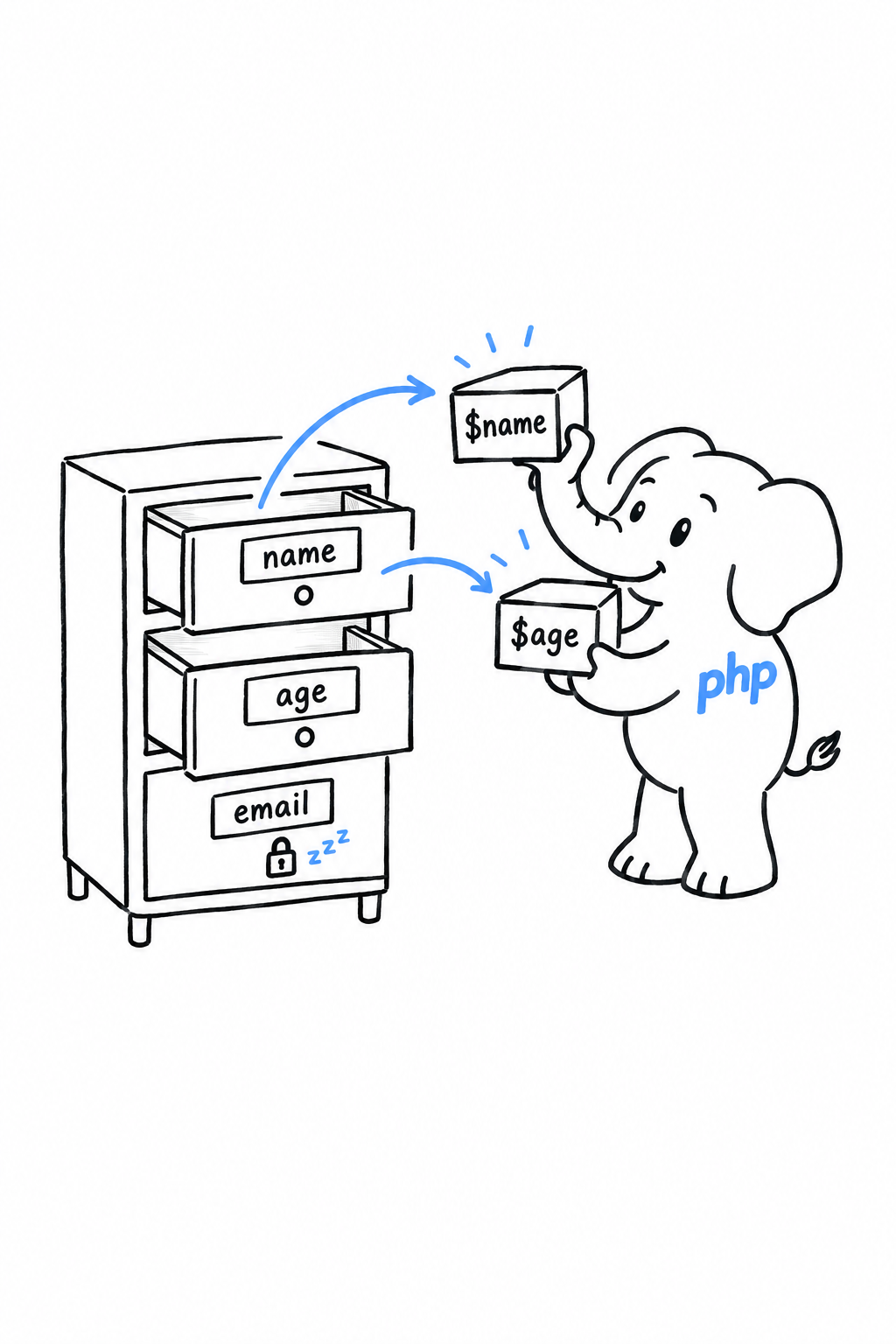
This is where destructuring stops being a shorthand and becomes clearer than the alternative. One line says “this code needs a name and an age”; two lines of $userData['name'] and $userData['age'] say it more slowly.
Keys and nesting combine:
<?php
$response = [
'status' => 'ok',
'user' => ['name' => 'Priya', 'age' => 29],
];
['user' => ['name' => $name, 'age' => $age]] = $response;
echo "{$name}, {$age}\n"; // Priya, 29
Swapping two variables
Destructuring has one small, satisfying party trick: swapping two variables without a third one to hold the spare.
<?php
$a = 1;
$b = 2;
[$a, $b] = [$b, $a];
echo "a={$a}, b={$b}\n"; // a=2, b=1
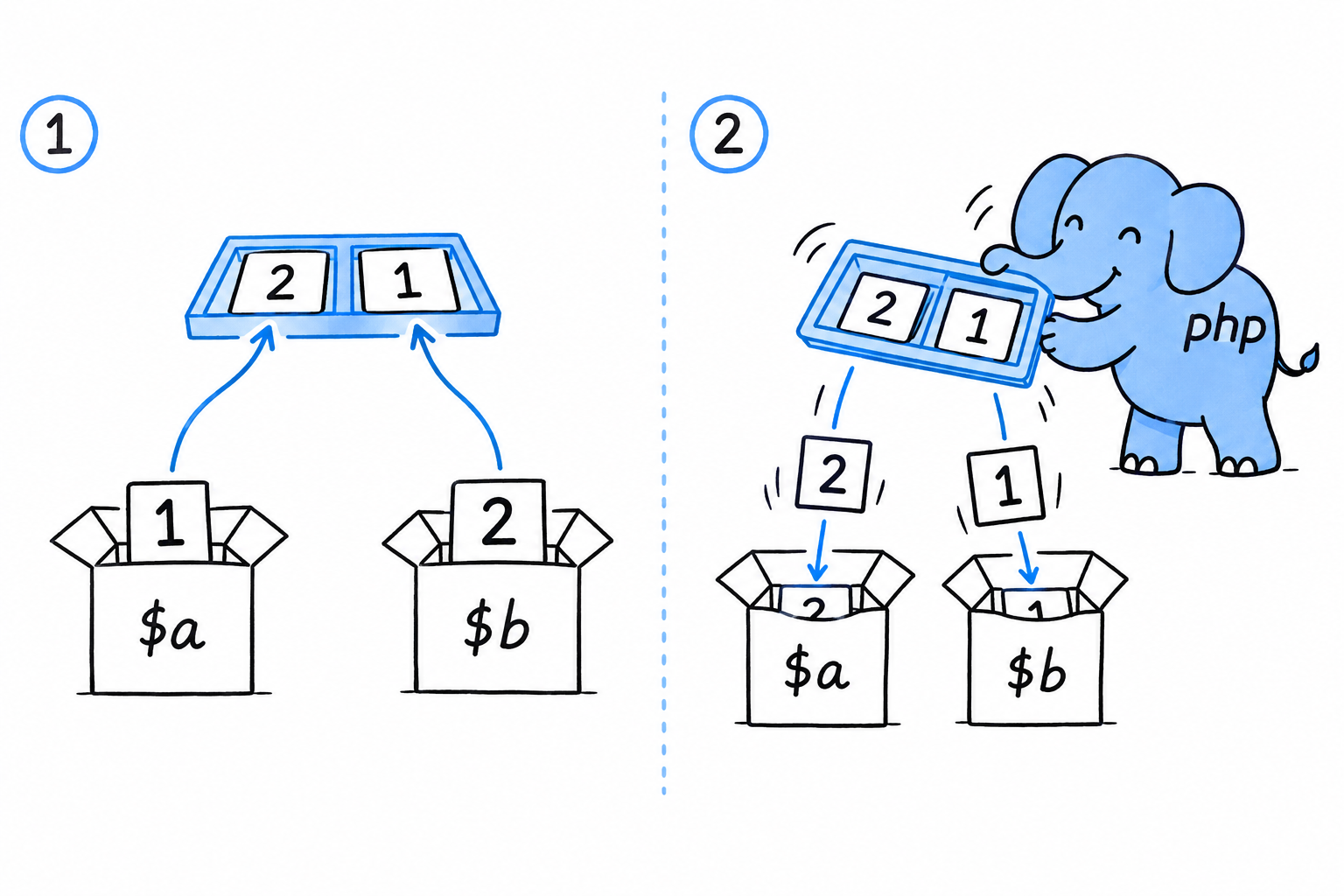
PHP builds the array [$b, $a] on the right first, which captures both original values, and only then pours them into $a and $b on the left. By the time $a is overwritten, the old value of $b has already been read. That ordering is what makes the swap safe, and it is the cleanest way to swap two values in PHP: no $temp variable required.
A word of caution
Destructure an array that lacks a key or a position you asked for, and nothing throws. The missing element becomes null, with a warning in strict error-reporting setups. Try it: remove 'age' from $userData above and run the file again.
Warning
Destructuring matches a shape; it never checks it. PHP will let you unpack a three-element array as if it had five.
Treat it as a convenience for code where you already trust the shape of the data. When the data comes from outside your control, validate first, destructure second.
match Pattern Syntax
Chapter 6 gave match its proper introduction, next to enums, where it shines most. Three details did not fit there, and you will want all three the first time you write a match with more than two or three arms.
Multiple conditions per arm
An arm does not have to test a single value. Separate several with commas, and the arm matches if any one of them equals the subject:
<?php
$dayNumber = 6;
$dayType = match ($dayNumber) {
1, 2, 3, 4, 5 => 'Weekday',
6, 7 => 'Weekend',
default => 'Invalid',
};
echo $dayType; // Weekend
Read the comma as “or”. 1, 2, 3, 4, 5 => means “if the subject is 1, or 2, or 3, or 4, or 5”. Without it you would write five arms that all return 'Weekday', which is exactly the repetition match exists to remove.
Order matters: first match wins
match checks its arms from top to bottom and stops at the first one that fits. Most of the time you never think about it, because well-designed conditions do not overlap. Pair match (true) (testing boolean conditions instead of a single value, as in Chapter 3) with conditions that can overlap, and order stops being a formality:
<?php
$score = 85;
$grade = match (true) {
$score >= 90 => 'A',
$score >= 80 => 'B',
$score >= 70 => 'C',
default => 'F',
};
echo $grade; // B
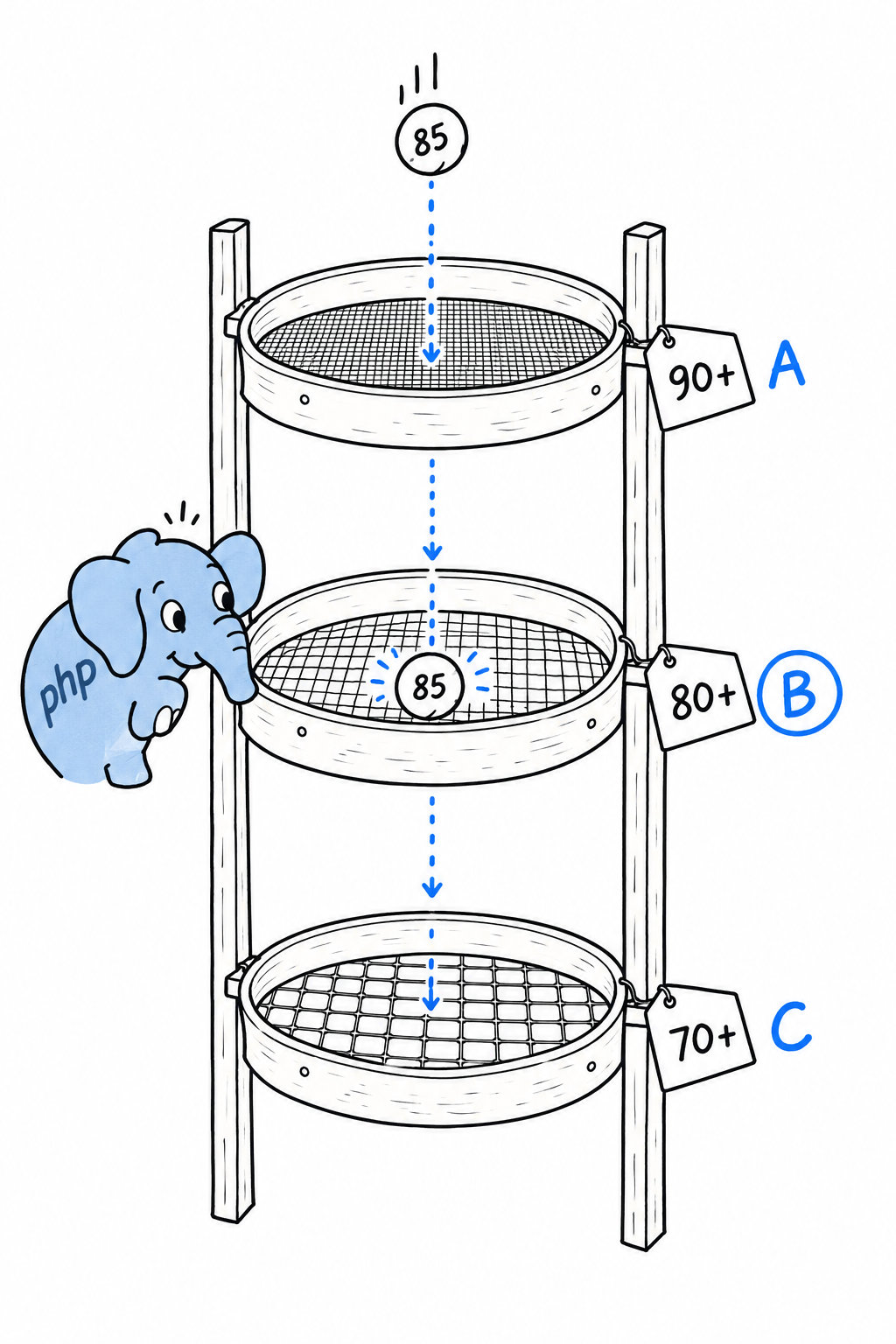
Move $score >= 70 to the top, and 85 satisfies it before the B arm gets a look. So does 95. The A and B arms become unreachable code, and PHP will not say a word about it. Try it: reorder the arms and run the file again.
Tip
When arms can overlap, put the most restrictive condition first, like sieves stacked from finest to coarsest.
Arms are expressions, not just values
An arm does not have to be a bare literal. Every arm of a match is a full expression, evaluated and returned only when that arm is chosen. Call a function, construct an object, run anything PHP accepts as an expression:
<?php
enum LogLevel
{
case Info;
case Warning;
case Error;
}
function formatMessage(string $level, string $text): string
{
return "[" . strtoupper($level) . "] {$text}";
}
$level = LogLevel::Warning;
$output = match ($level) {
LogLevel::Info => formatMessage('info', 'Request completed'),
LogLevel::Warning => formatMessage('warning', 'Disk usage above 80%'),
LogLevel::Error => (new RuntimeException('Disk full'))->getMessage(),
};
echo $output; // [WARNING] Disk usage above 80%
The last arm builds an exception and calls a method on it, in one go; the parentheses around new RuntimeException(...) are needed so PHP knows to call getMessage() on the finished object rather than parsing the line some other way. Arms have no obligation to be short or trivial. They have to be expressions, and in PHP that covers almost everything, which is what makes match a real replacement for a lot of small helper functions, not just a tidier switch.
Advanced Features
Every workshop has a drawer for the tools you use twice a year. The wood chisel, the pipe wrench, the tap and die set. You do not carry them around, but the day the right job turns up, knowing they exist saves the afternoon. This chapter is that drawer.
The four sections that follow do not build on each other, and none of them is needed to finish this book. Skip the chapter now if you like, and come back the day a framework does something you cannot explain. All of it is common in the PHP ecosystem, in the libraries you install with Composer, in Symfony and Laravel, in code written by people who have been at this a while. None of it is code you will write every day, which is exactly why it sits here, near the end, instead of being woven through the earlier chapters.
Here is what is in the drawer. Magic constants and Reflection let code look at itself, and at other code, while it runs; you will call them rarely, because frameworks and testing tools do it on your behalf. A few built-in interfaces let your own objects plug into PHP’s syntax, so that count(), square brackets and foreach work on them as if they were arrays. Closures get a second look, with the first-class callable syntax PHP 8.1 introduced. And attributes put metadata right into the code, where a comment used to do the job.
Pick whichever section matches the puzzle in front of you. Each one stands alone.
Magic Constants and Reflection
Your code usually knows what it is: you wrote it. But sometimes a program has to ask that question of itself while it runs. A logger wants to say which method emitted a warning. A testing tool wants the list of methods in a class it has never seen. PHP answers those questions with two tools of very different sizes: a handful of magic constants for the cheap questions, and Reflection, a whole API, for the detailed ones.
Magic constants
Start with the logger.
<?php
class Logger
{
public function warn(string $message): void
{
echo __CLASS__ . '::' . __FUNCTION__ . " at line " . __LINE__ . ": {$message}\n";
}
}
(new Logger())->warn('Disk space low');
$ php logger.php
Logger::warn at line 7: Disk space low
The warn() method never spells out its own name, yet the output shows Logger::warn and a line number. __CLASS__, __FUNCTION__ and __LINE__ are filled in by PHP before the code runs, with the name of the class, the name of the function and the line where they appear. Two more do the same job: __METHOD__ gives both names at once, as Class::method, and __FILE__ gives the full path of the current file.
They are called magic because their value depends on where you write them. Try it: push the echo line down with a blank line above it and run again. The 7 becomes an 8.
There is nothing clever underneath. The parser replaces each constant with a plain value, so they cost nothing and cannot be wrong. That is what a log line needs: where a message came from, without a hardcoded name that drifts when someone renames the method.
A magic constant is a name tag the parser sews into your code. It always reads the current location.
Reflection
Magic constants tell code about itself. Reflection lets code examine other code, class by class and method by method, as data it can query at runtime.
<?php
class UserRepository
{
public function find(int $id): ?string
{
return "User #{$id}";
}
public function save(string $name): void
{
// ...
}
private function connect(): void
{
// ...
}
}
$reflection = new ReflectionClass(UserRepository::class);
foreach ($reflection->getMethods(ReflectionMethod::IS_PUBLIC) as $method) {
echo $method->getName() . "\n";
}
$ php reflect.php
find
save
ReflectionClass wraps a class and exposes its shape: getMethods(), getProperties(), getConstructor(), and more. Each returns further reflection objects, ReflectionMethod or ReflectionProperty, that you can query in turn for a method’s parameters, their types, or whether a property is readonly. Passing ReflectionMethod::IS_PUBLIC filters out connect(), the private helper, and leaves just the public interface. Attributes, later in this chapter, are read back the same way.
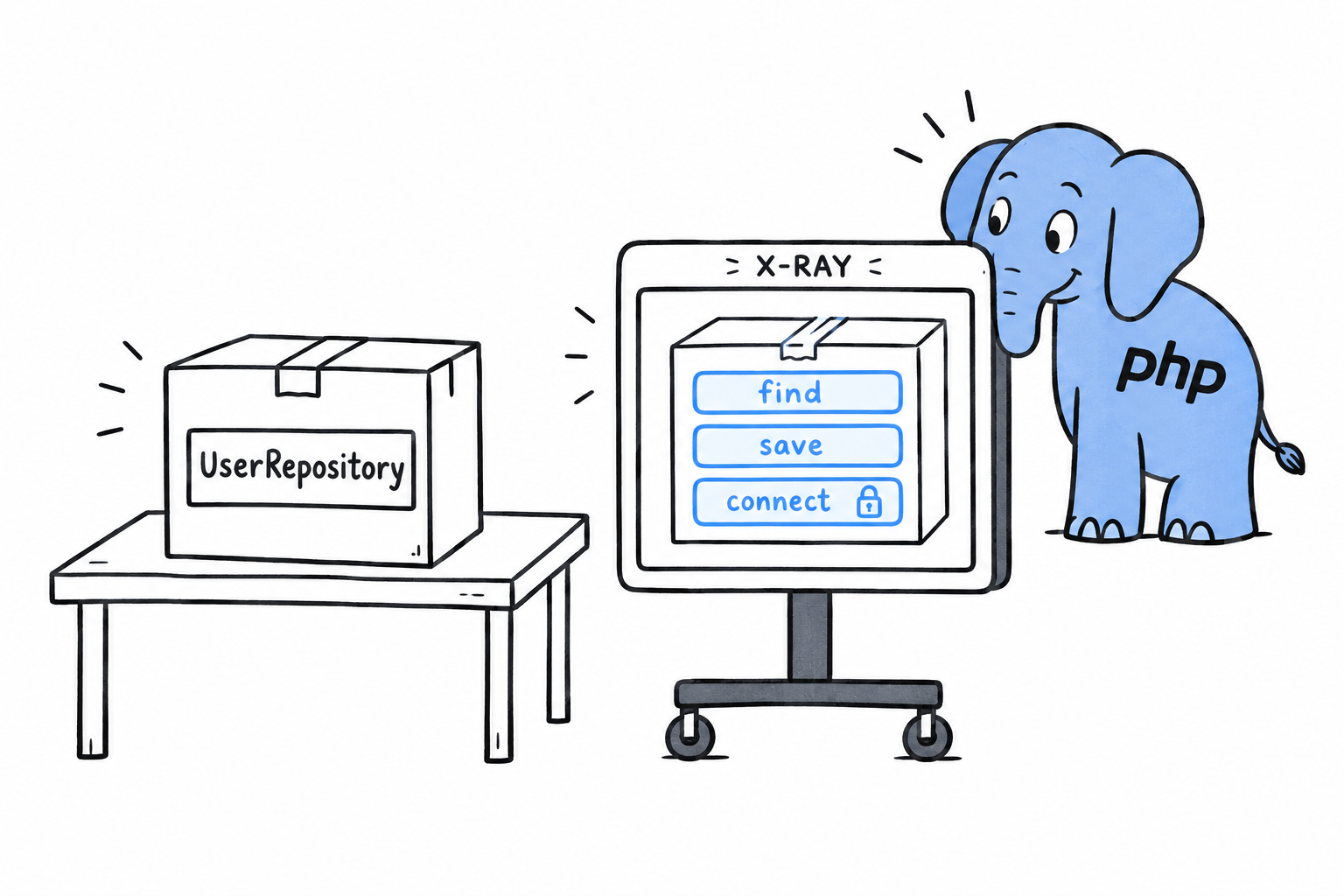
Think of it as an X-ray. The object stays closed, and you still get a full picture of what is inside.
Where you will actually meet this
Be honest about how often you will write new ReflectionClass(...) yourself: rarely. Reflection exists so that other tools can work on classes they have never seen. A dependency injection container reads a constructor’s parameters to figure out what to pass in. PHPUnit uses it to find your test methods. Laravel and Symfony lean on it constantly under the hood.
You will use Reflection through those tools far more often than directly. But the next time a framework does something that looks like magic with a class you just wrote, you know what happened. It took an X-ray.
Built-in Interfaces: Countable, ArrayAccess, IteratorAggregate
Call count() on an object you wrote, and PHP refuses: it counts arrays, not objects. Write $config['debug'], and the object has no idea what square brackets mean. Put it in a foreach, and you get its properties, not the things it holds. A small set of built-in interfaces fixes all three. Implement one, and PHP’s own syntax starts treating your object like an array.
An interface, as Chapter 11 showed, is a contract: implement its methods and your class can go anywhere that contract is expected. These three come from the SPL (Standard PHP Library), and the party expecting the contract is PHP itself.
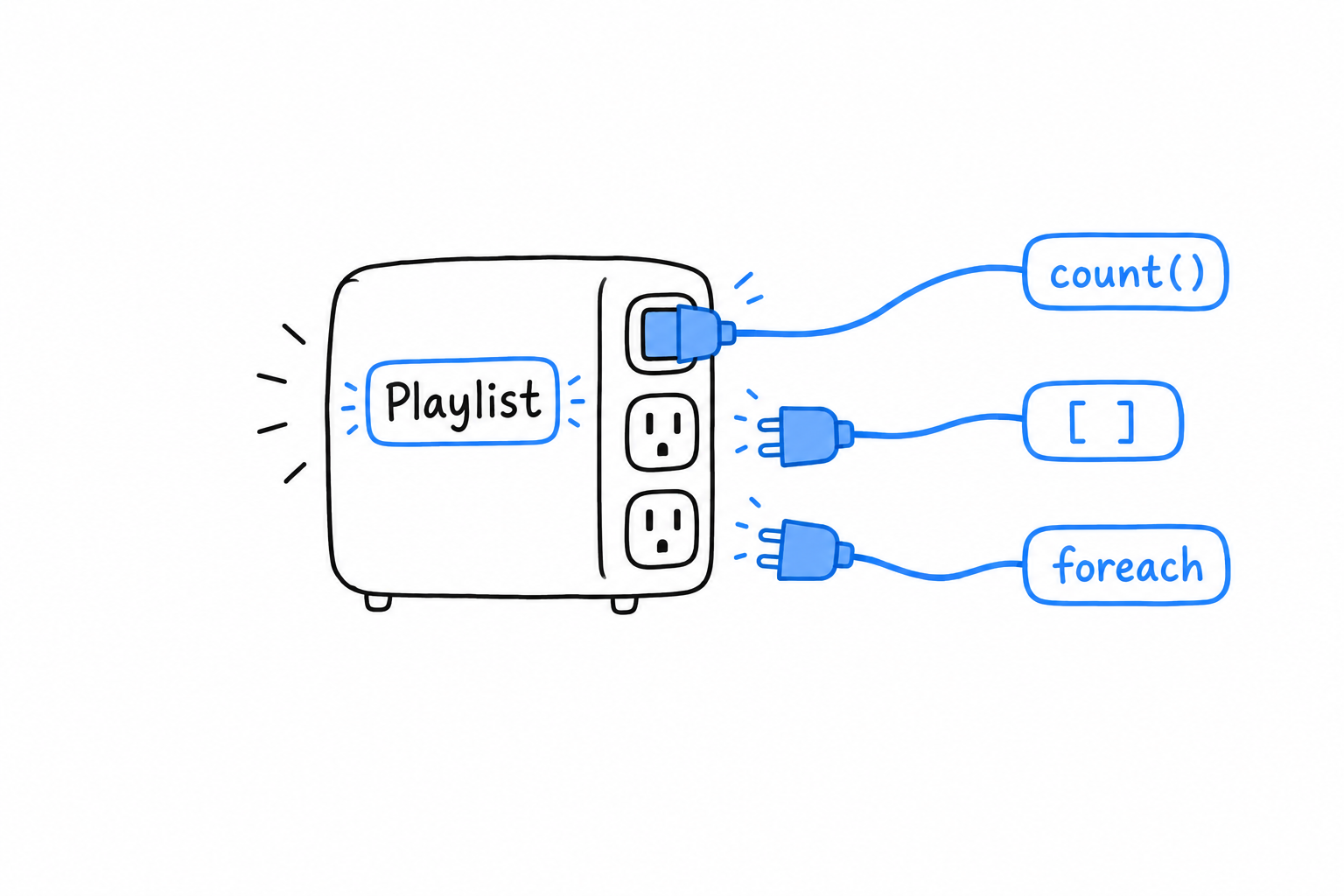
Countable
The smallest one. Implement a count() method, and PHP’s built-in count() function calls it for you.
<?php
class Playlist implements Countable
{
private array $tracks = [];
public function add(string $track): void
{
$this->tracks[] = $track;
}
public function count(): int
{
return count($this->tracks);
}
}
$playlist = new Playlist();
$playlist->add('Track One');
$playlist->add('Track Two');
echo count($playlist); // 2
Nothing here does more than $playlist->count() would. What changes is what the caller reads: count($playlist) says “this thing is a collection”, and that is the impression you want to give the next person who uses your class.
ArrayAccess
ArrayAccess is the dramatic one. Implement its four methods, and square brackets work on your object.
<?php
class Config implements ArrayAccess
{
private array $values = [];
public function offsetExists(mixed $offset): bool
{
return isset($this->values[$offset]);
}
public function offsetGet(mixed $offset): mixed
{
return $this->values[$offset] ?? null;
}
public function offsetSet(mixed $offset, mixed $value): void
{
$this->values[$offset] = $value;
}
public function offsetUnset(mixed $offset): void
{
unset($this->values[$offset]);
}
}
$config = new Config();
$config['debug'] = true;
echo $config['debug'] ? "on\n" : "off\n"; // on
echo isset($config['missing']) ? "yes\n" : "no\n"; // no
Each method backs one shape of the syntax. offsetSet runs for $config['debug'] = true, offsetGet for reading $config['debug'], offsetExists for isset($config[...]), and offsetUnset for unset($config[...]). Underneath, Config is still an ordinary object with an ordinary private array. ArrayAccess only lets the outside world address it with array syntax, and that reads well for a configuration object or a typed wrapper around a collection.
Try it: make offsetSet throw when $offset is not a string. The call site does not change, and the object now refuses what a plain array would have accepted blindly.
IteratorAggregate
The third makes your object work in a foreach. IteratorAggregate asks for a single method, getIterator(), that hands back something already iterable, usually a Generator from Chapter 15. You do not write the iteration logic; you point at it.
<?php
class Playlist implements IteratorAggregate
{
private array $tracks = [];
public function add(string $track): void
{
$this->tracks[] = $track;
}
public function getIterator(): Generator
{
foreach ($this->tracks as $track) {
yield $track;
}
}
}
$playlist = new Playlist();
$playlist->add('Track One');
$playlist->add('Track Two');
foreach ($playlist as $track) {
echo "{$track}\n";
}
$ php playlist.php
Track One
Track Two
The foreach does not know or care that $playlist is not an array. It asked PHP where the values were, and IteratorAggregate answered. There is also a lower-level Iterator interface, with current(), next(), valid() and friends, for the rare case where you need to drive the iteration state by hand. Almost always, IteratorAggregate is the one to reach for, because the generator does the bookkeeping.
Put the three on one class and it becomes indistinguishable, at the call site, from an array, while keeping the validation and the internal structure an array could never enforce.
Implement the interface, and the syntax follows. Underneath, the object keeps its own structure and its own rules.
First-Class Callable Syntax and Advanced Closures
array_map('strlen', ...). That string has been the way to pass a function around since PHP’s early days, and it always had a smell: to your editor, it is a string that happens to contain a function name. PHP 8.1 gave functions and methods a proper way to travel as values. This section shows it, along with two Closure tricks for more deliberate code. Closures and arrow functions themselves are in Chapter 15.
The old way of passing a function around
Before PHP 8.1, passing an existing function or method to array_map() meant a string or an array:
<?php
$lengths = array_map('strlen', ['a', 'bb', 'ccc']);
class Greeter
{
public function greet(string $name): string
{
return "Hello, {$name}!";
}
}
$greeter = new Greeter();
$greetCallable = [$greeter, 'greet'];
echo $greetCallable('Sam'), "\n"; // Hello, Sam!
It works, and you will see it in plenty of existing code. But $greetCallable is just an array holding an object and a string. Your editor cannot jump from 'greet' to the method, and a typo in the name is only caught on the line that calls it.
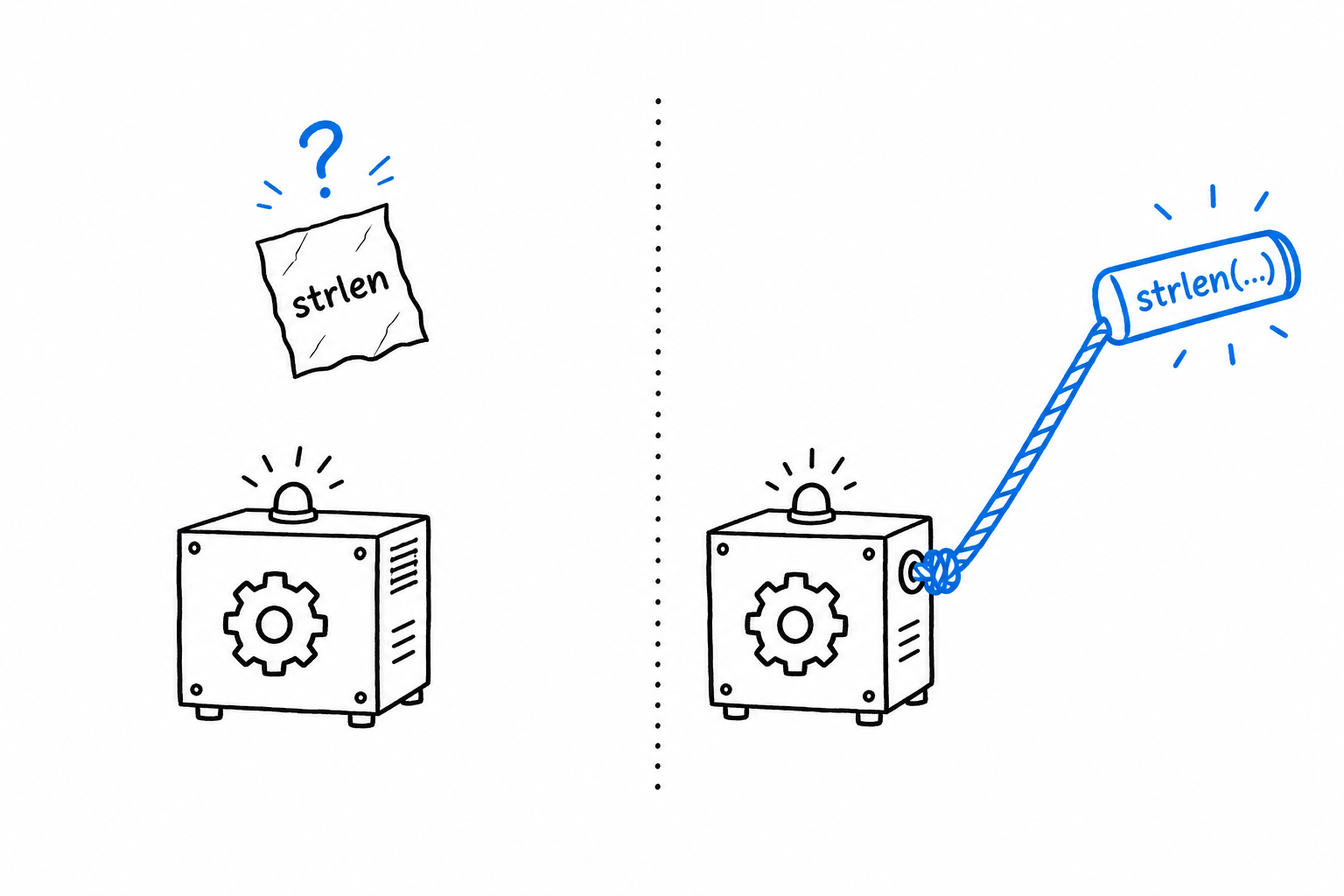
First-class callable syntax
Write the function or method name followed by (...), three literal dots, and PHP hands you a Closure pointing at it.
<?php
$lengths = array_map(strlen(...), ['a', 'bb', 'ccc']);
class Greeter
{
public function greet(string $name): string
{
return "Hello, {$name}!";
}
}
$greeter = new Greeter();
$greetCallable = $greeter->greet(...);
echo $greetCallable('Sam'), "\n"; // Hello, Sam!
Same behavior, one difference that matters: strlen(...) and $greeter->greet(...) are real references, and your tooling understands them. Go-to-definition works. Static analysis checks the signature. Rename greet() and the stale reference is caught at once instead of failing at runtime. It reads better too: $greeter->greet(...) says “the greet method, as a value”, which is exactly what happens.
A string is a name written on a note.
strlen(...)is a handle on the function itself.
Try it: misspell greet in both versions. The old one fails at the call. The new one fails on the line that creates the closure, before anything else can go wrong.
Closure::fromCallable()
Sometimes the callable comes from outside your control: a configuration value, a string read from a file. You are handed one of the traditional shapes and want a real Closure object, so you can call methods like bindTo() on it. Closure::fromCallable() converts any callable shape into a Closure.
<?php
$callableFromConfig = 'strtoupper';
$closure = Closure::fromCallable($callableFromConfig);
echo $closure('hello'), "\n"; // HELLO
In new code, first-class callable syntax covers most of the reasons you would reach for this. You will still see Closure::fromCallable() in library code that has to accept a callable in any of its historical forms and normalize it.
Static closures
A closure defined inside a method quietly captures $this. Most of the time that is convenient: the closure can call back into the object that made it. Occasionally you want the opposite guarantee, because the closure is about to be handed off elsewhere and must stay self-contained. Mark it static, and it cannot touch the object it was born in.
<?php
class Report
{
private string $secret = 'internal data';
public function makeFormatter(): Closure
{
return static function (string $line): string {
return strtoupper($line);
};
}
}
$formatter = (new Report())->makeFormatter();
echo $formatter('quarterly summary'), "\n"; // QUARTERLY SUMMARY
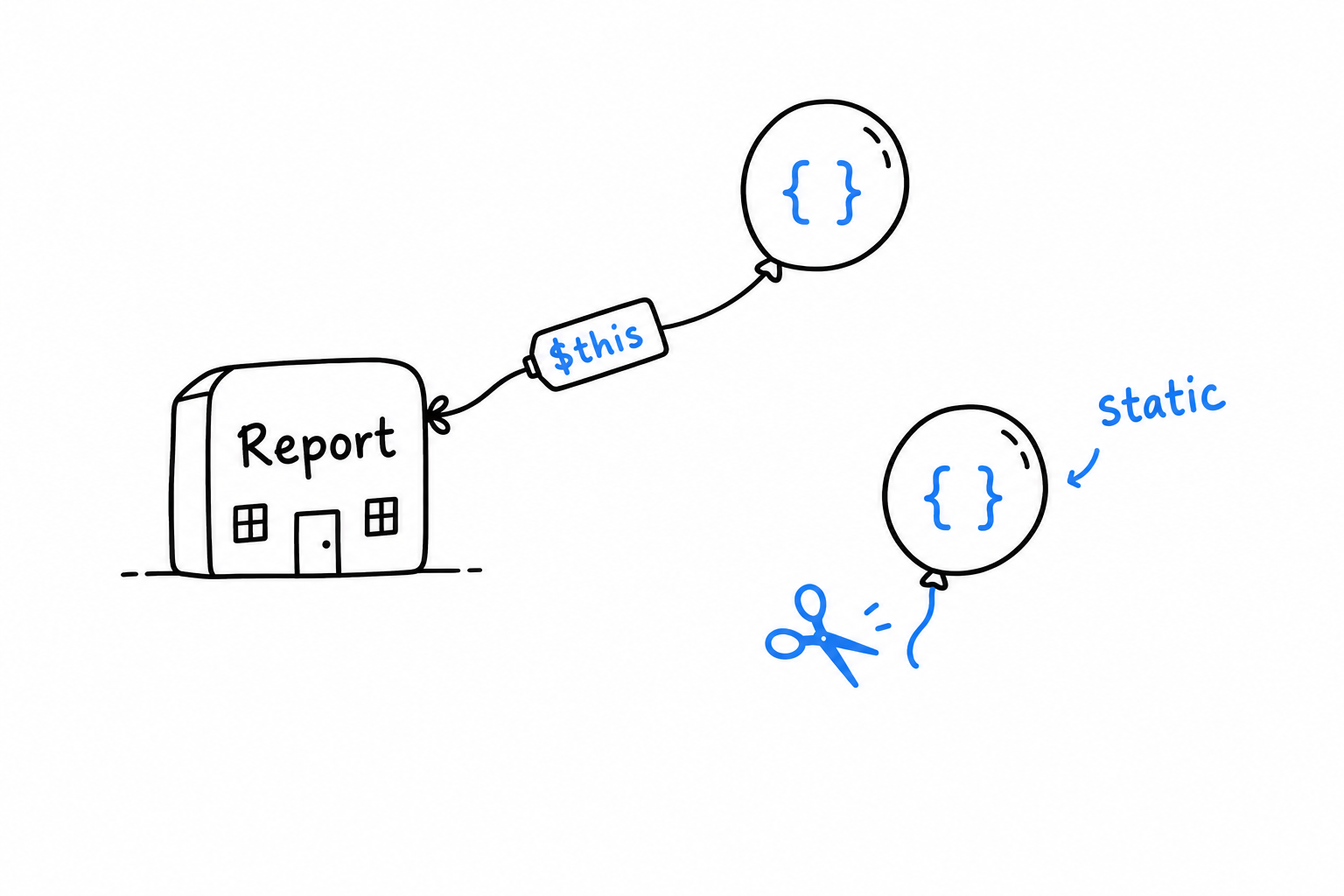
A static function closure behaves exactly like an ordinary one, except that $this is unavailable inside it: trying to use it is a compile-time error, not a runtime surprise. A small guarantee, but a real one. It tells the reader, and PHP itself, that the formatter carries no hidden thread back to the Report that created it.
Attributes
“This method is a test.” “This property maps to a database column.” “This route handles GET /users.” For years, PHP had exactly one place for that kind of note: a specially formatted comment, a docblock, that a framework parsed at runtime with a regular expression. It worked, and it was always a little uneasy. The language did not read the comment, did not check it, and a typo in it failed without a sound.
PHP 8 made the note part of the language: an attribute, written #[SomethingLikeThis] right above the thing it describes.
Defining and attaching an attribute
An attribute is a plain class. What turns it into an attribute is PHP’s own #[Attribute] marker above it:
<?php
#[Attribute]
class Route
{
public function __construct(
public readonly string $method,
public readonly string $path,
) {
}
}
Once defined, hang it on a method with the #[...] syntax:
<?php
class UserController
{
#[Route(method: 'GET', path: '/users')]
public function index(): string
{
return 'List of users';
}
#[Route(method: 'POST', path: '/users')]
public function store(): string
{
return 'User created';
}
}
Run this file and nothing happens. #[Route(...)] calls nothing on its own. It is inert metadata, a tag hanging on the method, waiting for someone to come and read it.
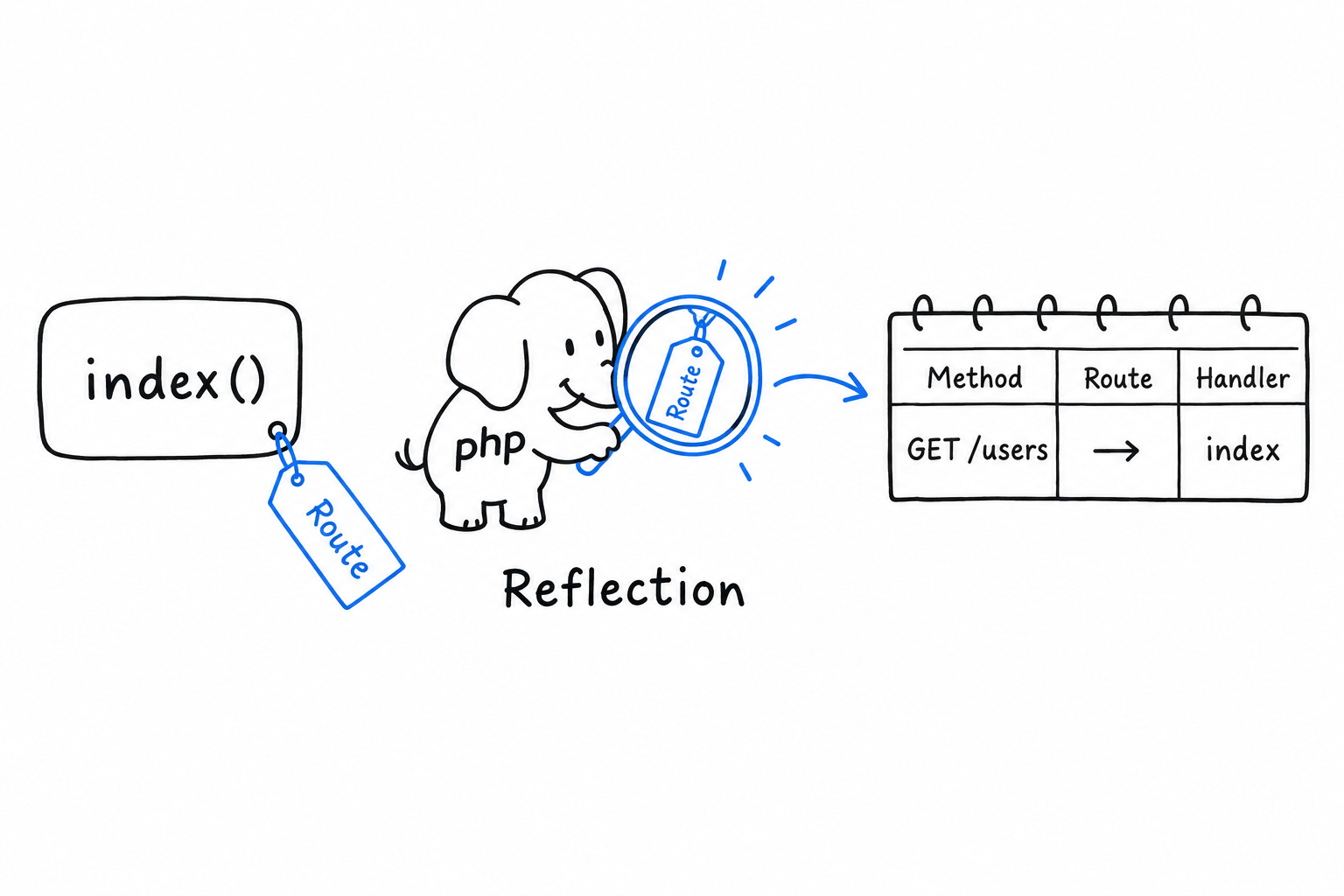
Reading attributes back with Reflection
That someone is Reflection, from earlier in this chapter. ReflectionMethod, like ReflectionClass and ReflectionProperty, lists the attributes attached to whatever it reflects, and builds the attribute object on demand.
<?php
$reflection = new ReflectionClass(UserController::class);
foreach ($reflection->getMethods() as $method) {
foreach ($method->getAttributes(Route::class) as $attribute) {
$route = $attribute->newInstance();
echo "{$route->method} {$route->path} -> {$method->getName()}()\n";
}
}
$ php routes.php
GET /users -> index()
POST /users -> store()
getAttributes(Route::class) finds every Route attribute on a method. newInstance() constructs it, running the constructor with the arguments you wrote in #[Route(...)], and hands back a real Route object with method and path properties. This is how simple routing systems are built: scan a controller’s methods, read off their Route attributes, fill a routing table with what you find. No separate configuration file to keep in sync.
An attribute is a plain object, parked next to your code, that Reflection can pick up.
Where you have already seen this
If you have read Chapter 12, this pattern is familiar. PHPUnit’s #[Test] marks a method as a test case the way #[Route] marks one as a handler here: a plain class, read back through Reflection, driving real behavior. Frameworks lean on attributes constantly. Symfony uses them for routes and dependency injection configuration, Doctrine to map properties to database columns, PHPUnit for test metadata of every kind.
You may not write many attributes of your own. You will read #[...] above methods and classes every day in modern PHP code, and now you know exactly what is happening when you do: a plain object, waiting to be read back through Reflection.
Final Project: Building a Simple Web Application
You have all the pieces. Classes and constructor promotion, namespaces and Composer, arrays and collections, exceptions, interfaces: the previous chapters handed you the working vocabulary of modern PHP, one word at a time. This chapter assembles those pieces into one small, coherent thing: a web application built from nothing but PHP itself.
No framework, on purpose. You will probably use Laravel or Symfony at work, and you should. But using one before you have built something without it means taking its conveniences on faith. Router, controller, view: these are only names for patterns that fall out naturally when you solve the small problems every web application faces. Build them once by hand, at this scale, and everything a framework does later reads as “that is the thing I already understand” instead of magic.
The build has three steps. First, the smallest router that could work: one file, PHP’s own development server, and a few if statements deciding what to send back. Then that file grows into something shaped like MVC, with real controller classes and PHP’s oldest talent, templating, put to proper use. Last, a look at how a request’s life actually ends, and how to run cleanup code at that exact moment, which brings back the request model from Chapter 18.
Well under two hundred lines in total. What you keep afterwards is bigger than the code: a clear picture of what happens underneath the frameworks you will reach for next.
A Single-File Router with PHP’s Built-in Server
A browser asks for /about. Somewhere on the server, a piece of code has to answer. Which one? The part of a web application that turns a URL into a piece of code is called a router, and every framework has one, however large the framework. Before you use theirs, build the smallest one that could possibly work, so you can see exactly what it does.
PHP’s built-in development server
A request has to be received by a web server, and PHP has one hiding inside the php command itself. No Apache, no nginx, nothing to install. It is not made for production. For development, and for learning, it is exactly right:
$ php -S localhost:8000 router.php
[Thu Aug 20 10:00:00 2026] PHP 8.3.0 Development Server (http://localhost:8000) started
That command starts a server on port 8000 and sends every incoming request through router.php. Nothing gets matched to a file on disk automatically. Your script decides, for each request, what to send back. Total visibility, which is exactly what we want.
The router itself
Create router.php:
<?php
$uri = parse_url($_SERVER['REQUEST_URI'], PHP_URL_PATH);
$routes = [
'/' => function (): string {
return "Welcome to the home page.\n";
},
'/about' => function (): string {
return "This is a tiny PHP application, built without a framework.\n";
},
];
header('Content-Type: text/plain');
if (isset($routes[$uri])) {
echo $routes[$uri]();
} else {
http_response_code(404);
echo "404 Not Found: {$uri}\n";
}
Read it from the top. $_SERVER['REQUEST_URI'] is where PHP puts the path the browser asked for: /, /about, whatever was typed or clicked. parse_url(..., PHP_URL_PATH) cuts off any query string (?foo=bar), so /about?ref=email and /about land on the same route.
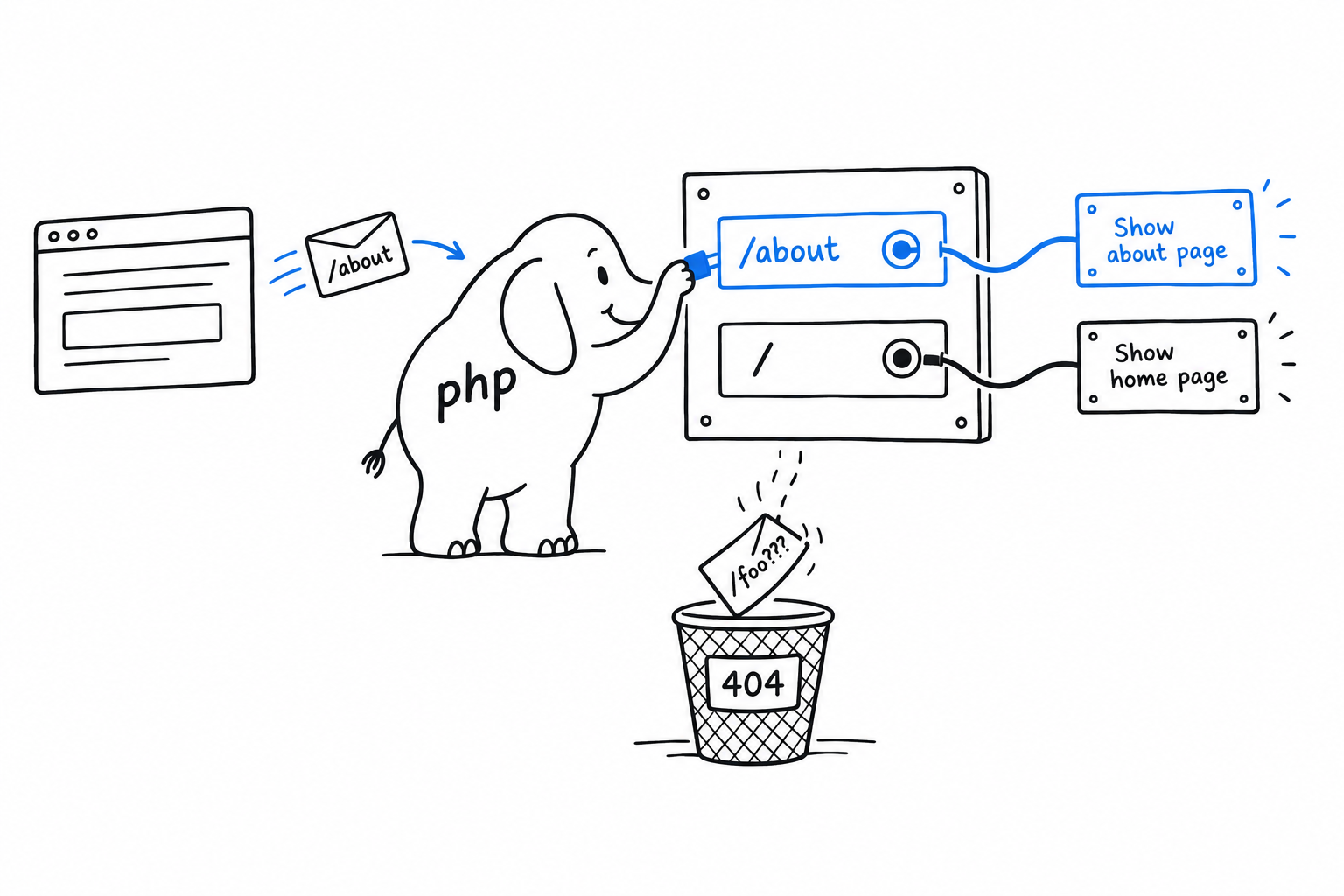
Then $routes is an associative array, a plain lookup table: a path on the left, and on the right a closure that produces the response. The router looks up the path; if it is a key we know, it calls the closure and echoes what comes back. Otherwise it answers 404, the way any server does for a page that does not exist.
Try it, with the server still running in another terminal:
$ curl http://localhost:8000/
Welcome to the home page.
$ curl http://localhost:8000/about
This is a tiny PHP application, built without a framework.
$ curl http://localhost:8000/nonexistent
404 Not Found: /nonexistent
Now add a route of your own: a /contact key with a closure returning any text you like. Save, and ask curl for it. No restart needed, since the server runs router.php fresh on every request.
What this is (and isn’t) doing
This router knows nothing about path parameters (/users/{id}), nothing about HTTP methods (GET versus POST at the same path), nothing about middleware. Real routers add all of that. Structurally, though, they do what these fifteen lines do: inspect something about the incoming request, and dispatch to a piece of code based on it.
A router is a lookup table with a 404 at the bottom.
Fifteen lines are enough to see the mechanism. They are not enough to grow on: the moment each route needs real HTML, the closures in that array turn into a tangle. The next section gives each route a proper home.
Structuring a Small MVC-Style App
Two routes, two closures, one file: the router from the previous section works. Add ten more routes and it stops being readable, because what each route does is tangled up with how it was found. Real applications pull those two apart. The classic split is Model, View, Controller, MVC for short, and even at our scale the shape is worth having: a controller decides what should happen for a request, and a view decides how the result turns into HTML. There is no model yet, because there is no data to hold. Two or three routes are enough to see the pattern.
Controllers
A controller, at this size, is a class whose methods each handle one route and return the response body as a string:
<?php
class HomeController
{
public function index(): string
{
return render('home', ['title' => 'Welcome']);
}
}
class AboutController
{
public function show(): string
{
return render('about', [
'title' => 'About',
'description' => 'A tiny PHP application, built without a framework.',
]);
}
}
Notice what is missing. Nothing here reads $_SERVER, nothing knows which URI led to it. That is the router’s business. A controller method has one job: produce a response. That keeps it easy to read, and easy to test: call (new HomeController())->index() and look at the string that comes back.
Views: PHP’s original superpower
render() is where the view layer lives, and it leans on something PHP has been good at from day one. PHP is a templating language underneath the programming language. That was its original purpose, before it grew everything else. A view is an ordinary file with HTML in it and small islands of PHP for the moving parts, the same <?php ... ?>-in-HTML style as the very first pages this book showed you.
Create views/home.php. Unlike the other code samples in this book, this one is an HTML file with islands of PHP in it, not a PHP file in its own right, so it does not open with <?php:
<!DOCTYPE html>
<html>
<head><title><?= htmlspecialchars($title) ?></title></head>
<body>
<h1><?= htmlspecialchars($title) ?></h1>
<p>This page was rendered from views/home.php.</p>
</body>
</html>
And a small helper that includes a view file with data made available to it:
<?php
function render(string $view, array $data = []): string
{
extract($data);
ob_start();
include __DIR__ . "/views/{$view}.php";
return ob_get_clean();
}
Four lines, each with a job. extract() turns each key of $data into a local variable: 'title' => 'Welcome' becomes $title, visible inside the included file. ob_start() and ob_get_clean() are output buffering. Without them, the included file’s HTML would print straight to the browser. With them, it is caught in a buffer and handed back as a string, so the controller can return it like any other value.
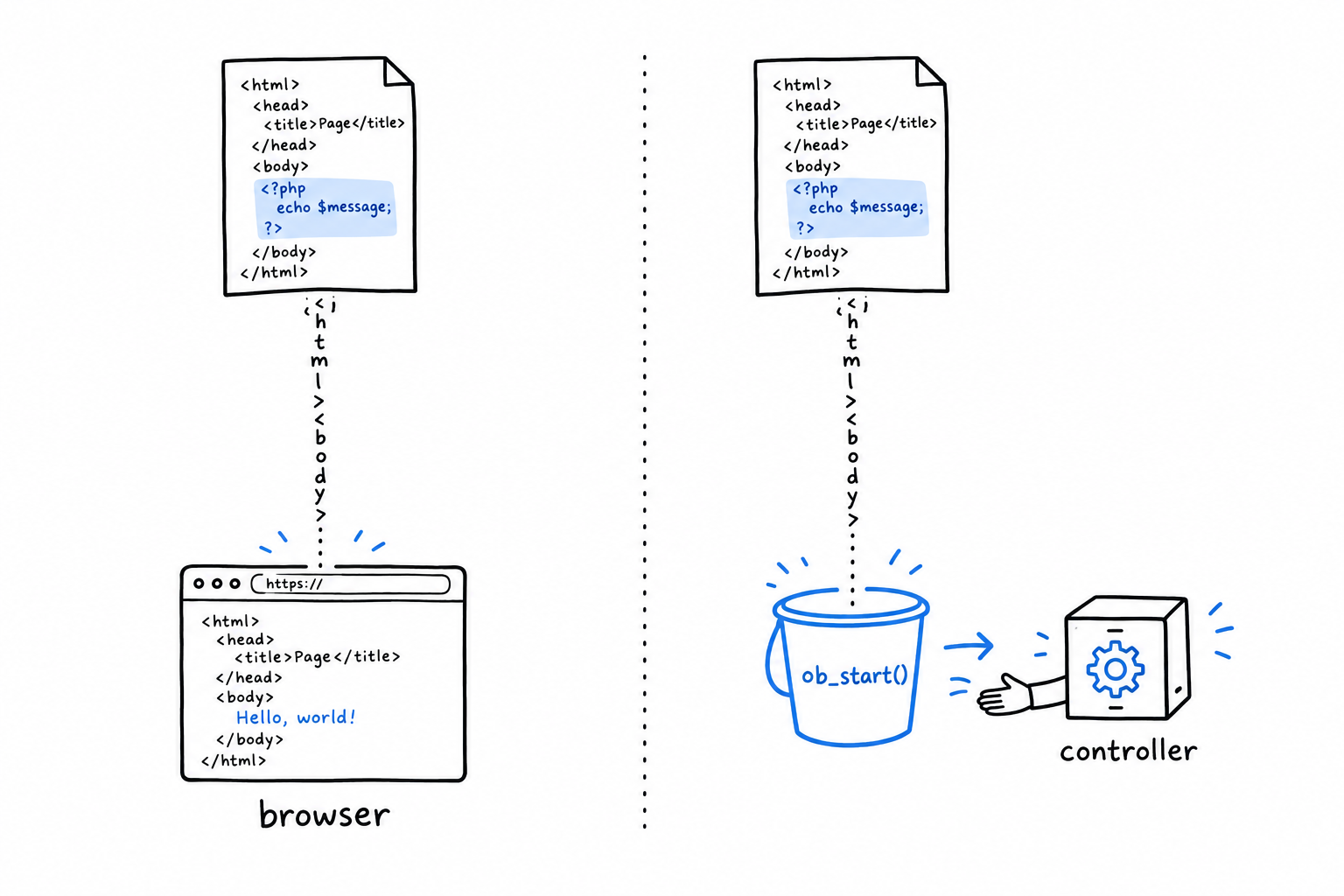
Back in the view, <?= ... ?> is shorthand for <?php echo ... ?>, and $title goes through htmlspecialchars() before it is printed. That one call is what stops text that came from a user from being rendered as raw HTML. Make it a reflex.
Wiring the router to controllers
Update router.php to dispatch to controller methods instead of inline closures:
<?php
require __DIR__ . '/render.php';
require __DIR__ . '/controllers.php';
$uri = parse_url($_SERVER['REQUEST_URI'], PHP_URL_PATH);
$routes = [
'/' => [HomeController::class, 'index'],
'/about' => [AboutController::class, 'show'],
];
if (isset($routes[$uri])) {
[$class, $method] = $routes[$uri];
echo (new $class())->{$method}();
} else {
http_response_code(404);
echo "404 Not Found: {$uri}";
}
$routes now maps each path to a [class, method] pair instead of a closure. The pair is destructured on the spot with [$class, $method] = $routes[$uri], the syntax from Chapter 19; new $class() builds the controller, and ->{$method}() calls the method on it.
Follow one request all the way through.
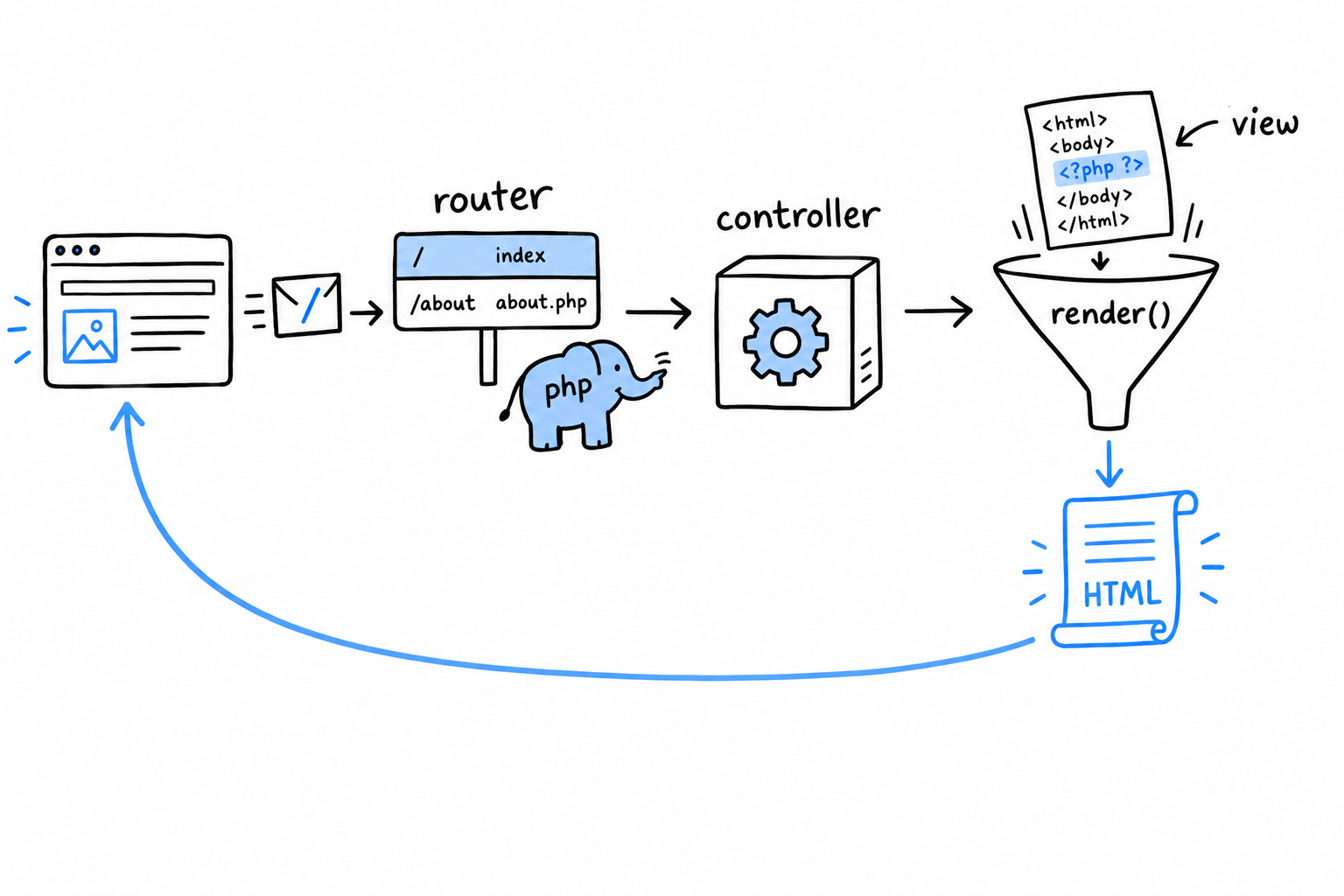
The browser asks for /. The router finds HomeController and index in its table, builds the controller, calls the method. The method calls render('home', ...), which includes views/home.php with its output captured and returns the HTML as a string. The string travels back to the router, which echoes it. Response sent.
That round trip is what every framework’s router is built on: look at the request, find the class and method responsible for it, call them, return what they give you. The machinery is small, and it is the whole idea.
Try it: /about has a controller but no view. Write views/about.php on the model of home.php, with $description in it, and ask curl for /about.
Handling Shutdown and Cleanup
Every PHP script ends. Most of the time it ends by running its last line. Sometimes it ends on a fatal error nobody planned for. Either way, there is often something you want to be sure happens on the way out: closing a file handle, logging that the request finished, flushing a write to a database. try/finally, from Chapter 9, covers the ordinary cases. It cannot cover a genuine fatal error, the kind that stops execution dead with no exception to catch. For that, PHP gives you a hook into the very last moment of the script’s life.
register_shutdown_function()
<?php
register_shutdown_function(function (): void {
echo "Cleaning up before the script ends.\n";
});
echo "Doing regular work.\n";
// Simulate something going badly wrong.
strlen(); // fatal error: too few arguments
$ php shutdown_demo.php
Doing regular work.
Cleaning up before the script ends.
Fatal error: Uncaught ArgumentCountError: strlen() expects exactly 1 argument, 0 given...
Look at the order in that output: the cleanup message comes before the fatal error. The shutdown function runs at the true end of the request, whatever way the script got there: after a normal return, after an uncaught exception, after most fatal errors. You register the callback once, near the top of your application (in real life, inside a framework’s bootstrap code), and PHP promises to run it on the way out. It is the closest thing PHP has to “no matter what happens, run this last.”
Try it: replace the strlen(); line with exit;, then with throw new RuntimeException('boom');. The cleanup line shows up every time.
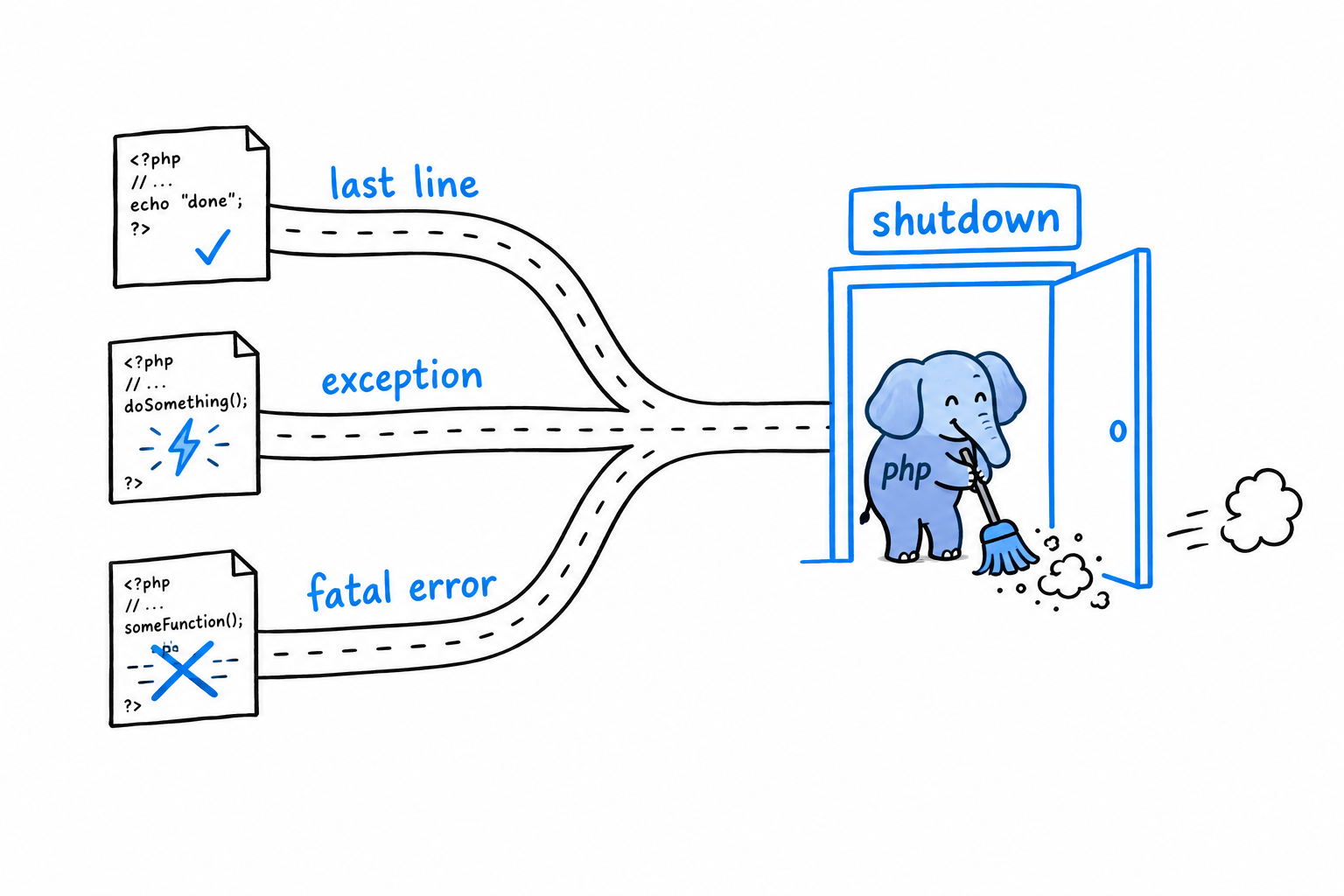
Where a script’s life actually ends
This is Chapter 18’s shared-nothing request model, seen from the end. In the traditional PHP lifecycle, a script’s “end” is a precise moment: the response has been sent, and the process (or thread) that handled this one request is about to be recycled or torn down for the next one. Everything the script allocated (variables, objects, the file handles PHP itself manages) is cleaned up in that teardown, shutdown functions included. There is no long-lived process to leak memory into, the way a Node.js server that runs for weeks can. Each request gets a clean slate, and each request’s mess, cleaned up or not, dies with it.
That is also why register_shutdown_function() means more in PHP than “runs at the end” suggests. It is not a background job, and it is not deferred to some later point the way a queued job from Chapter 18 is. It runs synchronously, inline, before this exact request’s story is over. That makes it the right place for “log that this request completed” or “release the lock this request was holding,” and the wrong place for anything that should happen independently of this request.
A shutdown function is the last thing this request does. Not something that happens later.
Where you’ve landed
Look back at what the project used: a router built from an array and a handful of if statements, controllers that are plain classes with methods, a view layer in the same PHP-in-HTML style you saw on page one, and a shutdown hook that closes the loop on a request’s life. None of it needed a framework. All of it is, in miniature, what a framework provides at scale.
You started this book with echo "Hello, world!\n";, about as small as a program gets. You are ending it by wiring classes, namespaces, interfaces, error handling, and a request lifecycle into something that serves web pages. The syntax in between was never the point. The point was the judgment to reach for the right piece at the right moment, and that judgment is the one part no book can finish for you. It comes from writing more PHP than you have written so far.
Go write some.
Where to Go from There
You started this book by making PHP print one sentence. You are closing it with a web application built from nothing: a router, controllers, views, a database behind them, tests around them. That is fluency in the language, and it is not a small thing.
It is also not everything the job involves. Most of what remains is not PHP the language but PHP in context: the tools that carry your code from your laptop to a server, the habits that keep a team’s codebase sane, the other systems your programs talk to, and the people who built all of it.
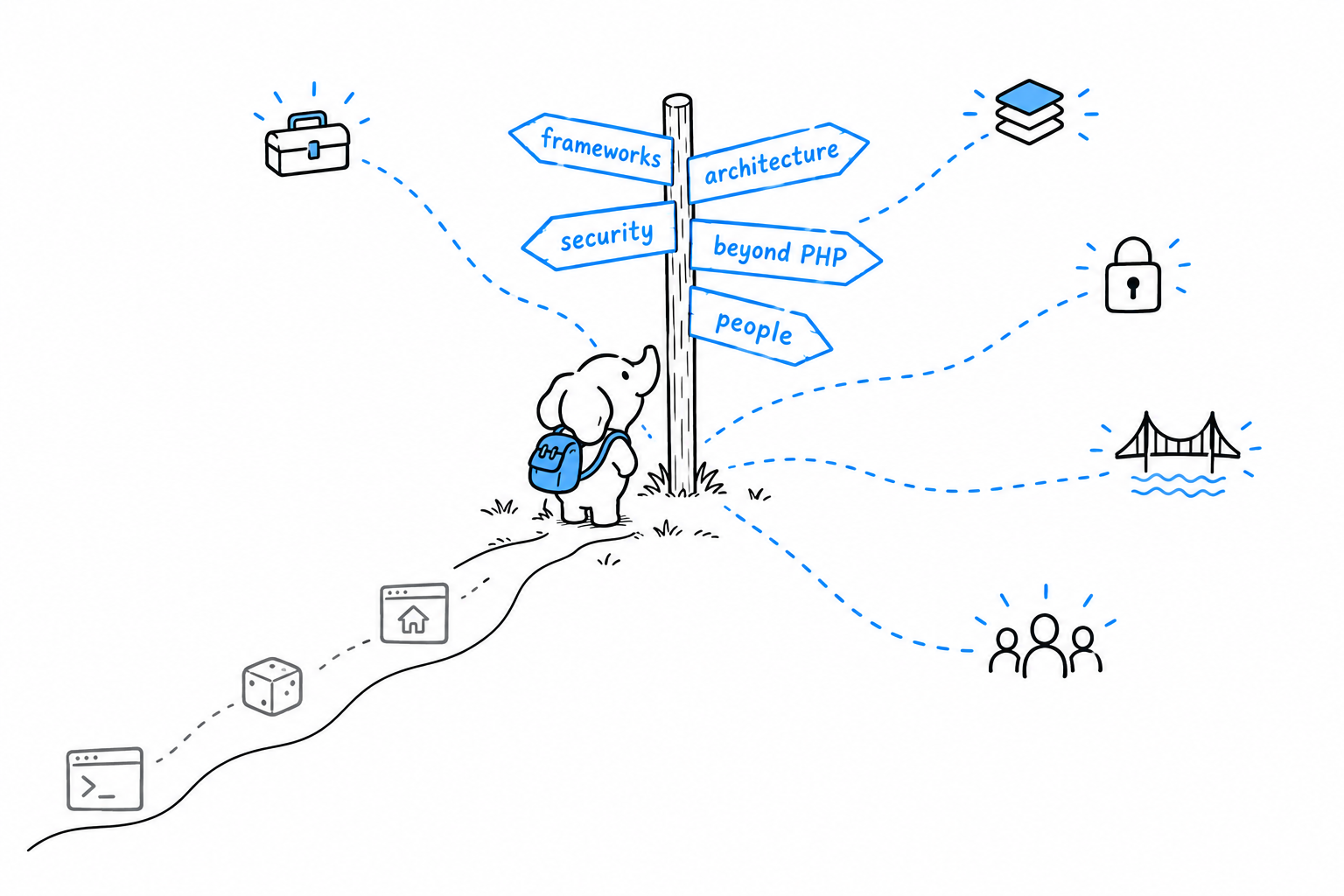
What follows is a map, not a tutorial, in the spirit of the tour Chapter 18 gave of concurrency. For each destination you get enough to recognize it by name, know what it is for, and know what to search for the day you need it. None of it is required to write good PHP. All of it becomes relevant as your software grows bigger, lives longer, or gains a second contributor, which is to say, sooner or later, most of it.
There are five destinations. Frameworks and tooling is the ready-made version of what Chapter 21 built by hand, and the toolchain around it. Architecture and process is about organizing code, and the team habits that keep changes to it safe. Security and performance hardens what Chapter 10 started and keeps it fast once real traffic shows up. Beyond PHP looks at other languages, other technologies, and the engine PHP itself runs on. The community is the people who built everything above, and how to find them.
Read whichever one matches what you are about to do next. None of them assumes you read the others first.
Frameworks and the Tooling Around Them
Frameworks
Chapter 21 had you write a router, controllers and a view layer by hand, on purpose, so that none of it would ever feel like magic. A framework is that same shape, already built, exercised by thousands of projects, with an ecosystem of packages assembled around it. Reaching for one is not admitting defeat. It is skipping work that has already been done well.
Two frameworks dominate the PHP world, and they make different bets.
Laravel comes with batteries included. An ORM (Eloquent), a templating engine (Blade), a command line tool (Artisan), queues, authentication scaffolding, and more, all designed to work together out of the box. It is the most common entry point for a new PHP project today.
Symfony is built components first. Its pieces (routing, dependency injection, the HTTP abstraction) can each be used on their own, and it favors explicitness over convention. It is often the choice for larger, longer-lived codebases, and parts of it quietly power other projects, Laravel included.
Smaller frameworks such as Slim and Mezzio exist for the cases where a full framework is more than a project needs, an API with no views, say. Pick based on what the project and the team actually need, not on which name is loudest online. Because you have built the pieces by hand, none of them should look opaque: open a Laravel controller or a Symfony route and you will recognize the shape.
A framework is Chapter 21, done before you by a thousand people.
Tooling
Appendix D covered the tools you run while writing PHP: Composer, PHPUnit, static analysis, a debugger. The next layer of tooling is about what happens after the code is written: carrying it safely from your machine into production, and keeping it healthy once it is there.
Continuous integration (GitHub Actions, GitLab CI) runs your test suite, PHPStan and your style checker on every push, so a broken change is caught before a human has to notice it. Containers (Docker) package PHP, its extensions and its dependencies into something that runs identically on your laptop, in CI and in production, which ends the “works on my machine” conversation. Deployment tools (Deployer, or managed platforms like Laravel Forge and Platform.sh) automate “get the new code onto the server correctly”, a job that by hand involves more steps than it should.
Two tools go a step further. Rector refactors code mechanically, including upgrading a whole codebase across PHP versions in bulk rather than file by file, which matters the moment the compatibility concerns of Appendix E stop being theoretical. Infection tests your tests. It deliberately plants small bugs in your code and checks whether the suite from Chapter 12 notices, a sharper question than “do the tests pass”.
None of these ideas is PHP-specific. What is PHP-specific is how well they fit: the ecosystem has mature, boring, well-documented tooling for every one of them, and boring is a real advantage over flashier ecosystems with thinner tooling underneath.
Architecture and the Development Process
Architecture
Past a handful of files, “where does this piece of code live, and why there” stops being obvious. It becomes a discipline of its own. You have already practiced its smallest form: the Strategy pattern in Chapter 17 pulled varying behavior out behind an interface, so the class using it never needed to know which version it received. Architecture is that same instinct, applied to a whole codebase instead of one class.
A few names are worth recognizing.
Layered architecture separates concerns the way the router, controllers and views of Chapter 21 did, made formal: explicit layers (presentation, domain logic, persistence), and rules about which layer may depend on which.
Domain-Driven Design, DDD for short, names classes and methods after the concepts the business actually uses rather than after the framework’s folder structure, so the code reads like the problem it solves.
Hexagonal architecture, also called ports and adapters, keeps your core logic ignorant of the database and the framework at its edges, so that logic can be tested and reasoned about without either one in the room.
Monolith versus microservices is the debate you will hear most often. A well-organized monolith stays the right choice for longer than internet wisdom suggests. Splitting a system into services solves organizational problems (many teams shipping independently), not technical ones, and it brings real new problems of its own: coordination across a network instead of within one process, the shared-nothing model of Chapter 18 repeated at a much larger scale.
None of these is a rule to apply everywhere. They are vocabulary. When the structure of a codebase starts to hurt, you will have a name for what to look up.
Architecture names are vocabulary, not orders.
The software development lifecycle
Architecture organizes code. The rest of the practices around a project organize the people changing that code, and the path a change takes from an idea to something running safely in production.
Branching and code review give a team a shared way to propose a change and have someone else look at it before it merges, which catches the problems a test suite cannot. Versioning gives releases a meaning: the same MAJOR.MINOR.PATCH scheme that Appendix E used for PHP’s own compatibility promises applies to any package you publish through Chapter 16. Environments keep local, staging and production meaningfully similar, built on the environment variables of Chapter 14 rather than on hardcoded differences. Issue tracking and changelogs keep a record of what changed and why, separate from the commit history, that a teammate (or you, in six months) can actually read.
None of this is PHP-specific either. What deserves a flag is that PHP makes it unusually easy to skip. No compile step, no build wait: edit, reload, done. You can go a long time without this discipline and feel nothing go wrong, right up until the project has enough history and enough contributors that skipping it finally costs something.
Security and Performance
Security
Chapter 10 dealt with XSS and SQL injection properly, and named CSRF without defending against it. That is the beginning of web application security, not the whole of it. A few more directions are worth knowing about.
Authentication and authorization answer two different questions: who is making this request, and what are they allowed to do. password_hash() and password_verify() are PHP’s built-in, correctly salted way to store passwords. Sessions keep track of a logged-in user across requests, despite the shared-nothing model of Chapter 18. OAuth covers “log in with an account from somewhere else”.
A codebase is only as secure as the packages it pulls in, and Chapter 16 taught you to pull in many. composer audit checks the packages you have installed against a database of known vulnerabilities, and Roave Security Advisories blocks installing a package version with a known issue in the first place.
The OWASP Top 10 is a standard, regularly updated list of the most common web application vulnerabilities, XSS and SQL injection among them. Read it once, as a map of what to defend against beyond what this book covered.
Secrets are the last direction: never commit a credential to a repository. Environment variables, the mechanism from Chapter 14, are the floor. A dedicated secrets store (Vault, or a cloud provider’s secrets manager) is the ceiling for anything that handles real user data.
Performance and observability
By default, PHP compiles your source code to bytecode on every single request, then throws the result away. Opcache keeps that compiled bytecode between requests. Turning it on in production is not so much optional as assumed.
Caching layers such as Redis and Memcached give you a place to store data that is expensive to recompute or refetch. The shared-nothing model of Chapter 18 means nothing survives between requests unless you deliberately put it somewhere, which is the same reason Chapter 10 reached for a database at all.
Profiling in production needs different tools. The Xdebug profiler from Chapter 13 is for development, far too slow to leave running under real traffic. Production leans on lighter instruments: Blackfire, or general application performance monitoring products like Datadog and New Relic.
Knowing what a request did after the fact matters more in PHP than in a long-running server, precisely because each request’s state disappears the moment it ends. Structured logs, request-level metrics and distributed tracing are how you reconstruct what happened once “add a var_dump() and rerun it” stops being an option.
Both directions share a theme. The guestbook of Chapter 10 and the final project of Chapter 21 were built to teach the underlying model correctly. Neither was built to survive a hostile internet or serious traffic, and that is fine. That is what this section is for.
Beyond PHP: Other Languages, Other Technologies, and the Engine Itself
Talking to other languages
Real systems are rarely written in one language, and the common way to mix them is not to link them together but to have them talk over an API. Each side exposes a language-neutral interface, over HTTP or gRPC, that any language can call. A PHP backend and a service written in Go or Rust talk to each other this way all day long, neither one aware of what the other is written in.
Two more direct routes exist. FFI (Foreign Function Interface, since PHP 7.4) calls straight into a compiled C library from PHP, without writing a full extension. It is narrow, useful when it applies, and worth knowing about. At the other end of the effort scale, proc_open() from Chapter 18 simply runs a program written in something else entirely and reads back what it prints.
Talking to other technologies
Chapter 10 used SQLite because it needed no separate server. Most production PHP talks to MySQL, MariaDB or PostgreSQL instead, through the same PDO interface and a different DSN, each with its own SQL dialect quirks worth knowing about.
The queue of Chapter 18 scales up into dedicated software like RabbitMQ or Amazon SQS, for background work that must survive a crash or fan out across several workers reliably. Search engines (Elasticsearch, Meilisearch) take over the day a LIKE '%...%' query stops being good enough: full-text and faceted search need infrastructure built for exactly that. Cloud services (object storage like S3 and its many compatible alternatives, managed databases, managed queues) are largely the same ideas, run and scaled by someone else.
Extending the engine itself
The PDO drivers and Xdebug you have already used are PHP extensions: code written in C against the Zend Engine’s own API, and installed through PECL. Zephir is a higher-level language that compiles down to a real extension, for teams who want that level of performance without writing raw C by hand.
This layer is worth knowing about and rarely worth reaching for. Almost everything an application needs is achievable in ordinary, userland PHP. Writing an extension is a decision for when PHP itself is the bottleneck, not the application sitting on top of it, and that is a rare place to end up.
The PHP Community
Everything in this chapter, and most of this book, exists because other people did their work in public: extensions, frameworks, standards, RFCs. Finding those people is less a next step than a shortcut through all the others.
The nearest way in is a user group: local, often monthly meetups, typically listed on sites like php.ug. Low effort, and the fastest way to meet other PHP developers in person and hear what problems they are actually solving.
Conferences come next. PHP UK, phpDay, SymfonyCon, Laracon and many more, worldwide. The talks matter less than the hallway conversations between them. Either way, they are a reminder that the language has an active present and not only the history the foreword faced head-on.
Some of those people write the standards you have been using without noticing. PHP-FIG, the Framework Interop Group, is behind the PSRs this book leaned on silently throughout: PSR-4 autoloading from Chapter 7, PSR-12 style from Appendix D. Its proposals and meetings are public.
Others change PHP itself. Appendix G covered the RFC process. The discussions behind every RFC, on internals@lists.php.net, are open to read and, eventually, open to join.
And you can contribute. To PHP’s own source or documentation, or to any of the open source packages this community’s projects rest on, a great many of which live on Packagist, from Chapter 16. Fixing a typo in a documentation page is a small, legitimate, genuinely welcomed first contribution, and a good way to find out how a codebase much larger than any in this book is actually organized.
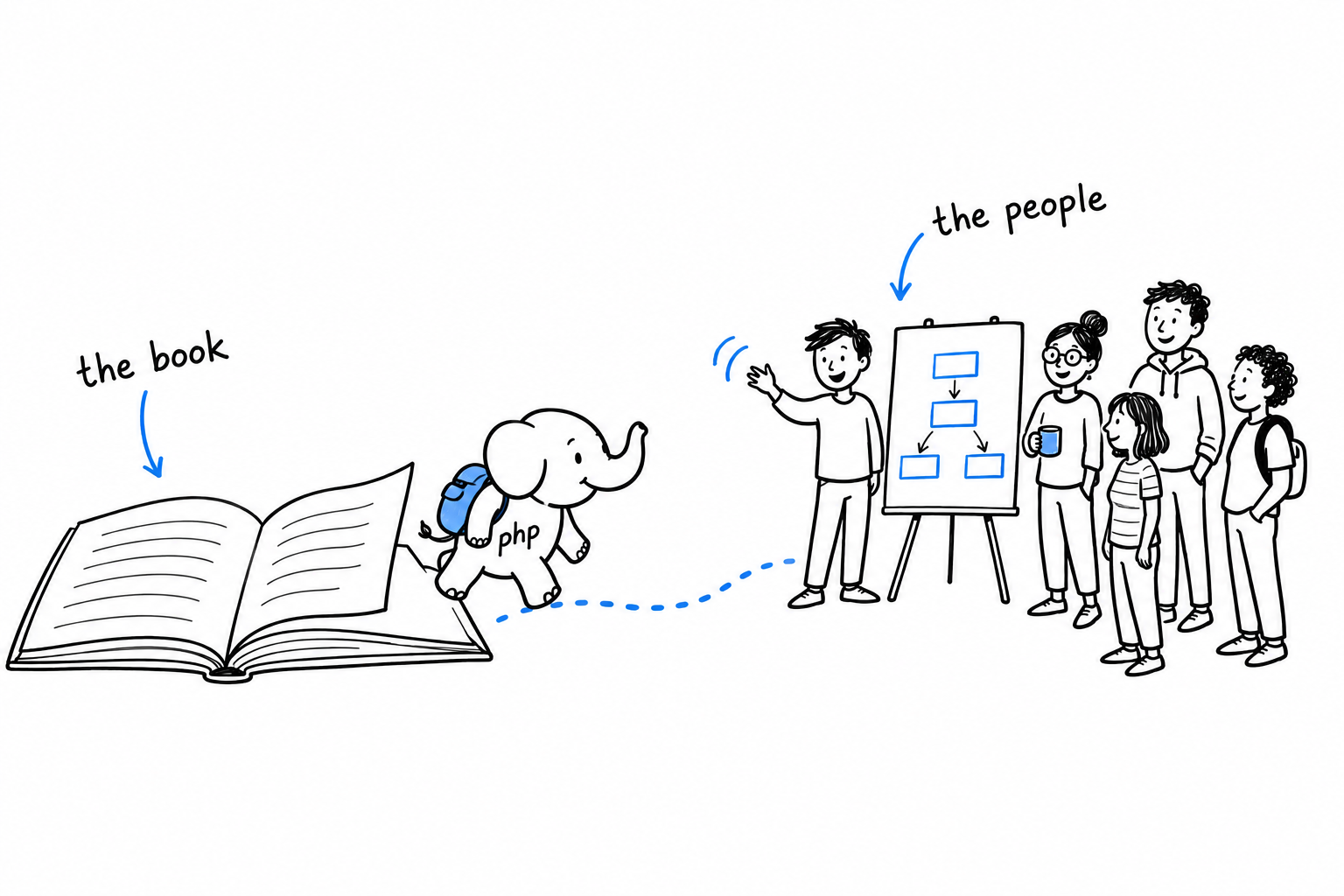
The fastest way to grow past this book is to talk to people who already have. Every destination in this chapter has someone standing at it, happy to explain what they found there. Go and ask.
Appendix
The chapters before this were meant to be read. This part is meant for looking things up. Nobody memorizes the full list of PHP’s reserved keywords, and nobody should have to: that’s what an appendix is for.
Eight sections follow. A lists the reserved keywords you can’t use as identifiers. B is a reference table of operators and symbols. C recaps the SPL interfaces and magic methods scattered through earlier chapters, gathered in one place. D is a tour of the tools worth installing once you’re past the basics. E covers version support and backward compatibility. F and G are shorter still: translation status, and a look at how PHP itself gets decided. H links every feature this book covers to its entry in the online PHP Dictionary.
Skim it now if you like, but you’ll get more out of it the next time you’re mid-project and can’t remember whether it’s ??= or ?=.
A - Keywords
The following words are reserved by PHP. You can’t use any of them as the name of a variable, function, class, constant, or namespace: the parser has already claimed them for something else.
Control flow
if · else · elseif · endif · while · endwhile · do · for · endfor · foreach · endforeach · as · switch · endswitch · case · default · match · break · continue · goto · return · yield
Class-related
class · interface · trait · enum · extends · implements · new · clone · instanceof · abstract · final · public · protected · private · readonly · static · const · var · function · fn · use
Error handling
try · catch · finally · throw
Namespaces and includes
namespace · use · require · require_once · include · include_once
Other
echo · print · declare · enddeclare · global · list · array · isset · unset · empty · exit · die · and · or · xor · not · int · float · bool · string · null · true · false · void · mixed · never · self · parent
That last group of type names (int, string, null, true, false, and the rest) deserves a note: they only became reserved gradually, as PHP added them as proper type declarations. Older code sometimes used String or Int as class names, back when that was still legal. It isn’t anymore.
use shows up in two groups above because it does two unrelated jobs: importing names from a namespace (Chapter 7) and capturing variables into a closure (Chapter 15). Same word, same reservation, different context.
None of these can be repurposed, no matter how well the name would otherwise fit your code. Try to name a variable $class: that one’s fine, actually. Keywords only block bare identifiers, not variable names after the $. Try to name a function list() or a class Match, and PHP will stop you at parse time, not at runtime. Better there than in production.
B - Operators and Symbols
A reference table, grouped by what the operators actually do rather than alphabetically. Alphabetical order is great for dictionaries and terrible for remembering anything.
Arithmetic
| Operator | Meaning |
|---|---|
+ | Addition |
- | Subtraction |
* | Multiplication |
/ | Division |
% | Modulo (remainder) |
** | Exponentiation |
Assignment
| Operator | Meaning |
|---|---|
= | Assign |
+= -= *= /= | Arithmetic, then assign |
.= | Concatenate, then assign |
%= **= | Modulo / exponentiate, then assign |
Each compound assignment operator is shorthand: $x += 1 is exactly $x = $x + 1, just shorter and, once you’re used to it, easier to read at a glance.
Comparison
| Operator | Meaning |
|---|---|
== | Equal, after type juggling |
=== | Identical: same type and value, no juggling |
!= <> | Not equal |
!== | Not identical |
< > <= >= | Less than, greater than, and their “or equal” variants |
<=> | Spaceship |
The spaceship operator (<=>) compares two values and returns -1, 0, or 1, meaning less than, equal, or greater than, which is exactly the three-way answer sorting callbacks expect:
<?php
$numbers = [5, 3, 8, 1];
usort($numbers, fn($a, $b) => $a <=> $b);
Before it existed, that comparison took three lines of if. Now it’s one operator doing what it says.
Prefer === over == by default, for the reasons covered in Chapter 3.
Logical
| Operator | Meaning |
|---|---|
&& | And |
|| | Or |
! | Not |
and or xor | Word forms of and/or/exclusive-or |
and/or do the same job as &&/||, but at much lower precedence, low enough to lose to =. This compiles, and does not do what it looks like it does:
<?php
$result = false or true;
var_dump($result); // bool(false)
= binds tighter than or, so that line is actually ($result = false) or true: $result gets false, and the or true is discarded as an unused expression. Swap in || and it works as expected. Stick to && and ||; leave and/or/xor alone unless you have specifically memorized their precedence table, which is not a thing worth memorizing.
String
| Operator | Meaning |
|---|---|
. | Concatenation |
.= | Concatenate and assign |
Array
| Operator | Meaning |
|---|---|
+ | Union: keys from the left array win on conflict |
... | Spread: unpacks one array’s elements into another, or into a function call |
Array + is not array merging; see Chapter 8 for the difference between + and array_merge(), which handle duplicate keys in opposite ways.
Null-related
| Operator | Meaning |
|---|---|
?? | Null coalescing: right side, only if left side is null or unset |
??= | Null coalescing assignment |
?-> | Nullsafe method/property access |
<?php
$name = $user->name ?? 'Anonymous'; // fall back if null
$config['retries'] ??= 3; // set only if not already set
$city = $user?->address?->city; // null, not a fatal error, if either is null
All three are covered properly in Chapter 6.
Other symbols
| Symbol | Meaning |
|---|---|
$ | Marks a variable name |
-> | Access a property or method on an object instance |
:: | Access a static property, static method, class constant, or parent from within a class |
#[...] | Attribute: structured metadata attached to a class, method, or property |
Attributes are the newest of the four, and get a full treatment in Chapter 20.
C - Built-in Interfaces and Magic Methods
Two reference tables: the SPL interfaces that let your objects plug into PHP’s built-in language features, and the magic methods that let your objects hook into behavior PHP would otherwise handle for you.
Built-in interfaces
| Interface | Implementing it gets you |
|---|---|
Countable | Your objects work with count() |
ArrayAccess | Your objects support $obj[$key] syntax: read, write, isset, and unset |
Iterator | Your objects work directly in foreach, with full control over the iteration |
IteratorAggregate | Your objects work in foreach by delegating to another iterator, usually a Generator |
Stringable | Your objects can be used anywhere a string is expected |
Stringable is the odd one out: it was added in PHP 8, and you rarely need to implement it explicitly, since any class that defines __toString() is automatically treated as implementing it. It exists mostly so type declarations can say “anything printable,” rather than listing every class that happens to have a __toString() method.
Full examples of all five, including what Iterator demands of you that IteratorAggregate doesn’t, are in Chapter 20.
Magic methods
| Method | Called when |
|---|---|
__construct | An object is created |
__destruct | An object is about to be destroyed |
__get | Reading an inaccessible or undefined property |
__set | Writing to an inaccessible or undefined property |
__call | Calling an inaccessible or undefined instance method |
__callStatic | Calling an inaccessible or undefined static method |
__toString | The object is used in a string context |
__invoke | The object is called as if it were a function |
__clone | The object is duplicated with clone |
“Magic” is PHP’s word for methods the language calls for you, by naming convention, rather than you calling directly. Useful for building things like lazy-loaded properties or fluent proxies, easy to overuse into code nobody can trace by reading it. Full treatment, with the tradeoffs, in Chapter 17.
D - Useful Development Tools
This book has already covered two of these properly. The rest are what to go install next: not exhaustive documentation of any one of them, just enough to know what each one is for and why working PHP developers bother.
Composer
Covered from Chapter 7 onward, and again in depth in Chapter 16. Dependency management and autoloading. You will not write PHP professionally without it, and by this point in the book you already haven’t.
PHPUnit
Covered in Chapter 12. The standard testing framework. If a PHP project has tests, they are very likely PHPUnit tests.
PHPStan and Psalm
Static analysis tools: they read your code without running it and tell you where it’s wrong, or at least where it’s suspicious. Both understand PHP’s type system more strictly than PHP itself does at runtime; they’ll catch a call to a method that doesn’t exist, a null passed where the type says it can’t be, a return type that quietly stopped matching what the function returns. This is exactly the territory Chapter 11 touches on with docblock-based generics: PHP’s own type system can’t express “an array of User objects,” but a docblock annotation combined with PHPStan or Psalm reading it can check that promise for you.
Neither ships with PHP. Both install via Composer, both run in CI, and both are worth adding to a project on day one rather than after the bugs they’d have caught have already shipped.
$ composer require --dev phpstan/phpstan
$ vendor/bin/phpstan analyse src
PHP-CS-Fixer and PHP_CodeSniffer
Code style enforcement: not “is this correct” but “is this formatted the way the team agreed to format it.” Both can check a codebase against PSR-12 (PHP’s standard style guide) and, more usefully, both can fix violations automatically rather than just listing them.
$ vendor/bin/php-cs-fixer fix src
Pick one, wire it into your editor or a pre-commit hook, and stop having style debates in code review; let the tool have that argument instead.
Xdebug
A step debugger and profiler for PHP. Instead of scattering var_dump() calls through your code and rerunning it, Xdebug lets you pause execution at a breakpoint, inspect every variable in scope, and step through line by line, from your editor, in real time. It also profiles, showing you exactly where a slow request spent its time. Covered properly, installation and all, in Chapter 13.
Editors and IDEs
PHP doesn’t require any particular editor, but two are worth knowing about:
PhpStorm: a dedicated PHP IDE with deep, built-in understanding of the language (refactoring, navigation, and inline static analysis that rivals PHPStan without leaving the editor). Commercial, free for students and open source maintainers.
VS Code, with the PHP extensions (Intelephense or the official PHP extension pack): free, general-purpose, and perfectly capable once configured. What most PHP developers who don’t use PhpStorm reach for.
Either is a fine choice. What matters is picking one and learning it properly, rather than fighting a half-configured editor on top of learning the language.
E - PHP Versions and Backward Compatibility
Release cadence
PHP ships a new minor version roughly once a year. Each version gets about two years of active support (new features, bug fixes, security patches) followed by roughly one more year of security-only support before it reaches end of life. After that, running it in production is running unpatched software, full stop.
Check what you’re running:
$ php -v
PHP 8.3.0 (cli) (built: ...)
Or from inside a running script:
<?php
echo phpversion(); // "8.3.0"
A short history
PHP 5 to PHP 7 was a genuinely huge leap: a rewritten engine, roughly double the performance, and the introduction of scalar type declarations. PHP 7 to PHP 8 was smaller in raw performance terms but denser in language features: the JIT compiler, union types, enums, attributes, named arguments, the nullsafe operator, constructor promotion, match. Most of what this book leans on (enums in Chapter 6, attributes in Chapter 20, and constructor promotion in Chapter 5) didn’t exist before PHP 8. This book targets PHP 8.1 and later for exactly that reason.
Pin a minimum version
Tell Composer, and anyone installing your package, what it actually needs:
{
"require": {
"php": ">=8.1"
}
}
This isn’t a formality. Without it, Composer will happily let your package install on a PHP version that doesn’t have the features you’re using, and the failure will happen at runtime instead of install time, which is a much worse place to discover it.
Don’t fear upgrading
PHP takes backward compatibility within a major version seriously. Code written for PHP 8.0 runs, largely unmodified, on PHP 8.3. Deprecation notices generally show up one or two versions before something is actually removed, giving you real warning rather than a surprise. Upgrading is rarely the ordeal PHP’s older reputation suggests: the bigger risk, in practice, is staying on an unsupported version and quietly losing security patches.
F - Translations of the Book
This edition is written in English. There are no other translations yet.
If that changes, they’ll be linked from this page. If you’re interested in producing one, that’s a conversation worth having, but there’s nothing to link to today, and this page won’t pretend otherwise.
G - How PHP Is Made (the RFC Process)
At some point, reading through enums, match, attributes, and readonly properties, a question comes up: who decided PHP should work this way? The answer is public, documented, and more interesting than “a company decided.”
PHP’s language evolution happens through RFCs (Requests for Comments), proposed and discussed on the internals@lists.php.net mailing list. Anyone can write one. The process, roughly:
- Someone drafts an RFC describing a proposed change (new syntax, a new function, a change to existing behavior) with motivation and, usually, a working implementation to point at.
- It’s posted to the mailing list and discussed publicly, often for weeks, sometimes for months. Discussion is not a formality; RFCs get substantially reworked, or abandoned, based on it.
- Once discussion settles, it goes to a vote among PHP’s voting members: established core contributors, not the general public.
- Most language-level RFCs need a two-thirds majority to pass. Some narrower changes need only a simple majority; the RFC process page specifies which threshold applies to which category of change.
Every finished RFC lives at wiki.php.net/rfc, vote tally and all. Enums, match, attributes, readonly properties: everything this book has leaned on that didn’t exist before PHP 8 went through exactly this process, usually after real public disagreement about whether it was the right idea.
Worth reading through if you’re curious, and worth remembering the next time a piece of PHP syntax seems arbitrary. Somebody had to argue for it, in public, against people arguing the other way.
H - Covered PHP Features
Every chapter in this book introduces a piece of PHP: a keyword, an operator, a built-in interface, a language mechanism. This appendix pulls them all into one list, each one linked to its entry in the PHP Dictionary, an independent, ever-growing reference of PHP terms, keywords, functions, and jargon. Use it the way you’d use any glossary: when a term from an earlier chapter comes back and you want the short version again, without hunting back through the chapter that first introduced it.
A handful of items below have no dictionary entry yet. They’re listed anyway, plainly, without a link.
Syntax and basics
- Opening tag
<?php: switches the parser from HTML mode into PHP mode. - Short echo tag
<?= ?>: shorthand that combines<?phpwith an immediateecho. echoandprint: output constructs, covered in Chapter 1.- String interpolation: embedding variables directly inside a double-quoted string.
- Comments and docblocks:
//,#,/* */, and the structured/** */form tools read, from Chapter 3.
Types and comparison
- Type juggling: PHP’s automatic conversion between types depending on context.
- Casting: explicit conversion with
(int),(string), and the rest. - Boolean,
gettype(),var_dump(): the scalar type system and how to inspect it, from Chapter 3. declare(strict_types=1): opts a file out of implicit scalar coercion.- Identical operator
===, equal operator==, loose comparison: the two families of comparison and where they diverge. - Spaceship operator
<=>: three-way comparison, returns-1,0, or1. - Union types: a parameter or return type expressed as
int|string. TypeError: thrown when a value doesn’t satisfy a type declaration.- Array: PHP’s one compound type doing double duty as list and map, from Chapter 8.
array_key_exists()andisset(): checking for a key versus checking for a non-null value.
Control flow
if/elseif/elseand conditional structures generally.while,do-while,for,foreach: the loop constructs, from Chapter 3.breakandcontinue: leaving or skipping ahead in a loop, including their optional numeric argument for nested loops.switchandmatch: the two branch-and-compare constructs, one a statement, one an expression, covered together in Chapter 6 and again as pattern syntax in Chapter 19.list()/ array destructuring and destructuring generally: unpacking an array into separate variables in one step, from Chapter 19.
Functions and closures
- Function declarations, return type declarations, and default parameter values.
void: a return type declaring that a function returns nothing meaningful.- Named arguments: calling a function by parameter name instead of position.
- Passing by reference versus passing by value: whether a function can modify the caller’s variable.
- Anonymous functions and closures: functions as values, with variables captured via
use, from Chapter 15. - Arrow functions (
fn): single-expression closures with implicit capture of the outer scope. - First-class callable syntax
foo(...): converting a named function or method reference into a realClosure. - Generators and
yield: functions that produce values lazily, one at a time, from Chapter 15.
Classes and objects
- Class declarations,
new,instanceof,clone: the basic vocabulary of object creation. - Visibility (
public,protected,private): controlling access to properties and methods. - Constructor property promotion and
readonlyproperties: shorthand construction and write-once properties, from Chapter 5. - Typed properties: declaring a property’s type up front.
staticproperties and methods, static variables, and late static binding: the several unrelated jobs thestatickeyword does.- Inheritance,
extends, andparent::: building one class on top of another, from Chapter 17. - Abstract classes and abstract methods: base classes that can’t be instantiated on their own.
- Interfaces and traits: shared contracts versus shared implementation, from Chapter 11.
- Constructor (
__construct), destructor (__destruct), and other magic methods:__toString(),__get()/__set(),__call(), covered in Chapter 17. - Generics, via docblocks: PHP has no native generics, so static analysis tools read the type from a comment instead, discussed in Chapter 11.
Enums
Namespaces and autoloading
- Namespaces and
useimports: organizing and importing names, from Chapter 7. - Autoloading: loading class files on demand instead of with a pile of
requirestatements. - PSR-4: the autoloading standard Composer implements, covered in Chapter 7. Not yet in the dictionary; only mentioned there in passing.
Error handling
Exception,Error,Throwable: PHP’s two parallel throwable hierarchies, from Chapter 9.try/catch/finallyandDivisionByZeroError: catching and handling failure.RuntimeException: one of PHP’s built-in exception subclasses, used as a base in the CLI project starting Chapter 14.- Custom exception classes (
extends Exception): a common idiom, but not yet its own dictionary entry.
Web and databases
- Superglobals,
$_GET,$_POST, and$_SERVER: reading a web request’s data, from Chapter 10. htmlspecialchars()and XSS: escaping output to stop an attacker’s markup from running in someone else’s browser, from Chapter 10.- CSRF: forged cross-site requests, named but not defended against in this book, from Chapter 10.
- PDO,
PDOException, and SQLite3: a consistent, file-based way to talk to a database, from Chapter 10. - Prepared statements and SQL injection: separating a query’s structure from its values to stop an attacker from rewriting the query.
Debugging
var_dump(),print_r(), andvar_export(): printing a value’s structure (and, forvar_dump(), its type) while chasing a bug, from Chapter 13.- Xdebug: a step debugger and profiler, pausing execution at a breakpoint instead of guessing where to print, from Chapter 13.
- Profiling: measuring where a script actually spends its time, one of Xdebug’s other jobs.
Concurrency
pcntl: the extension behind forking and controlling separate OS processes.
Reflection and attributes
- Reflection: inspecting classes, methods, properties, and attributes at runtime, from Chapter 20.
- Magic constants (
__CLASS__,__FUNCTION__,__METHOD__,__LINE__,__FILE__): compile-time constants describing the code’s own location. - Attributes
#[...]: structured metadata attached to code and read back through Reflection, from Chapter 20.
Built-in interfaces
Countable: letscount()work on a custom object.ArrayAccess: enables square-bracket access on a custom object.IteratorandIteratorAggregate: the two ways to make an object work inforeach, from Chapter 20.
Odds and ends
global: pulling a variable in from the global scope.- Copy-on-write: why passing an array by value is cheap until something actually writes to it, from Chapter 4.
- Garbage collection: how PHP reclaims memory from objects nobody references anymore.
assert(): a debug-time sanity check, from Chapter 12.- PHPUnit: the testing framework used throughout the book’s later chapters.
getenv()and$_ENV: reading environment variables, from Chapter 14.fwrite(STDERR, ...): writing to standard error instead of standard output.- Output buffering: capturing generated output into a buffer instead of sending it immediately.
register_shutdown_function(): a callback PHP guarantees to run at the end of a script, from Chapter 21.$thisandSTDIN: both used constantly from Chapter 2 onward, neither has its own dictionary entry yet.random_int(): PHP’s cryptographically secure random integer function, also not yet listed.
The gaps are worth noticing as much as the links. A few things this book leans on hard ($this, STDIN, PSR-4, custom exception classes) don’t have an entry in the dictionary yet. If you find yourself explaining one of them to someone else, that explanation is most of a dictionary entry already.