Hello, Composer!
hello.php has no dependencies, so it needs no help managing them. Real projects do, almost from day one: a testing library here, an HTTP client there. Composer is how a PHP project pulls in someone else’s code without copy-pasting it into your own. If you have used npm, pip or cargo, you already know the job. If not, you will by the end of this page.
Installing Composer
On macOS or Linux, the quickest path is usually your package manager:
$ brew install composer
Everywhere else, or for the canonical method, the official download page has a short install script. Either way, check that it answers:
$ composer --version
Composer version 2.7.6 2024-...
Starting a project
Inside an empty directory, run:
$ composer init
Composer asks a handful of questions: package name, description, author, license. Press Enter through most of them: nothing here is permanent. What matters is the file it leaves behind, composer.json:
{
    "name": "you/hello-composer",
    "require": {}
}
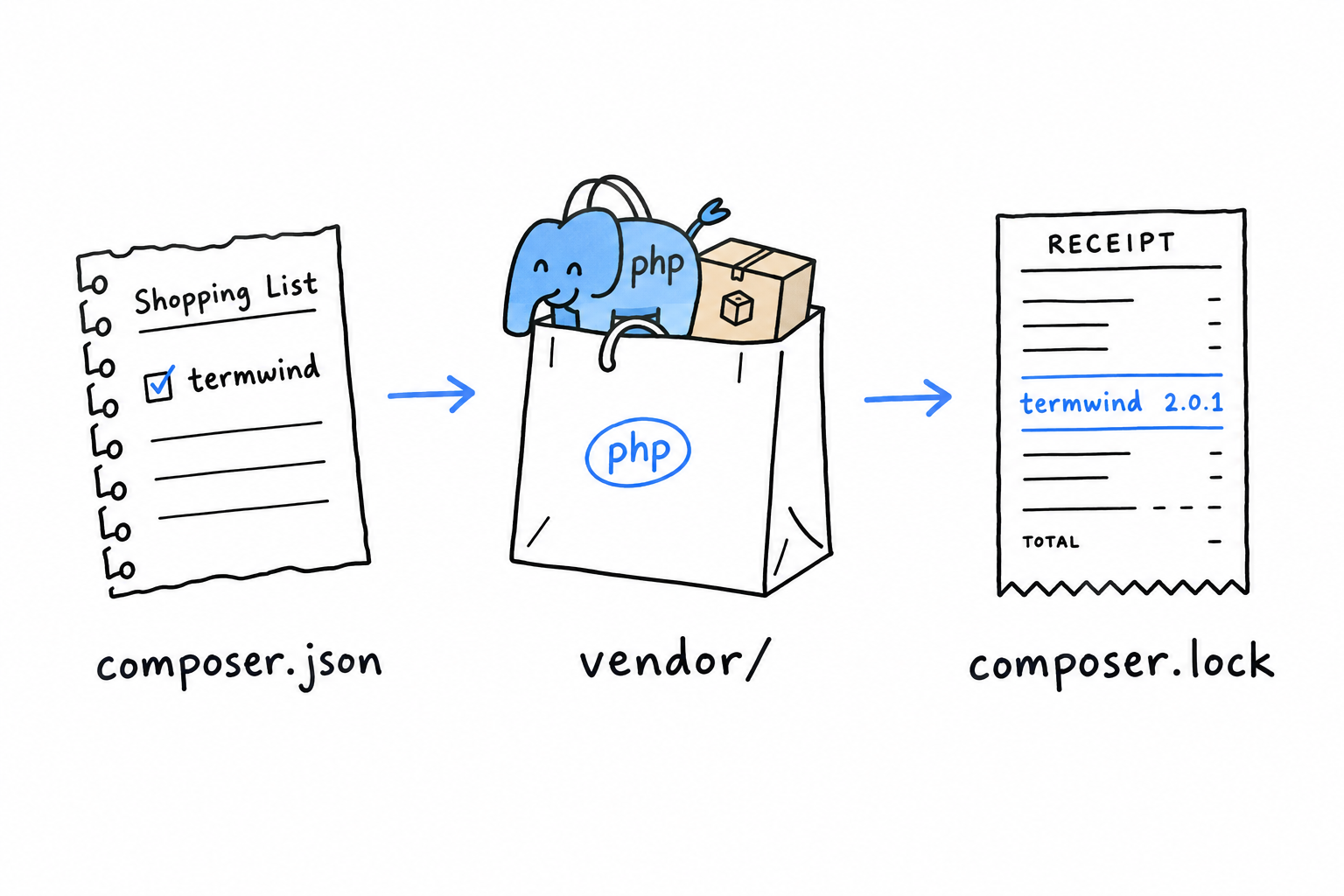
composer.json is your project’s shopping list. It names what the project needs, and it goes into version control. What Composer brings back from the shop does not, as you are about to see.
Requiring your first package
Let’s add something real. nunomaduro/termwind is a small library for styling terminal output. Nothing essential, just enough to watch the mechanism work:
$ composer require nunomaduro/termwind
Two things appear. A vendor/ directory holds the downloaded code. A composer.lock file records the exact version that was installed, down to the last commit, so that your teammates and your production server install the very same thing. composer.json says what you are willing to accept; composer.lock says what you actually got. Commit the lock file too. vendor/ stays out of version control, since anyone can rebuild it from the lock file with composer install.
Now use it:
<?php

require 'vendor/autoload.php';

use function Termwind\render;

render('<div class="p-1 bg-green-400">Hello, Composer!</div>');
Run the file. A green banner appears in your terminal, drawn by code you installed thirty seconds ago and never read.
The middle line is the one that matters. require 'vendor/autoload.php' pulls in a file Composer generated: an autoloader, a bit of PHP that knows how to find and load any class from any package you installed, the moment your code first mentions it. Include that one file, once, at the top of your entry point, and every package you add from here on just works. The use function line, which lets you call render() by its short name, gets its own explanation later in this chapter.
So far the autoloader has had one job: loading Termwind. The rest of this chapter gives it a second one. The same line, unchanged, will find your own classes too, once they are spread across files the way PHP projects expect.