Customizing Autoload and Scripts
So far your composer.json has done two things: list dependencies, and map a namespace to a folder. Two more entries, a few lines each, are worth adding to your habits right away.
Scripts: shortcuts for commands you run constantly
Think of the commands you type ten times a day in a project: the test suite, the linter, a cache clear. Each has its own name, its own flags, and a teammate who types it slightly differently. Composer lets you give each of them a short name, in the "scripts" section of composer.json:
{
    "name": "you/phpgrep",
    "require": {},
    "require-dev": {
        "phpunit/phpunit": "^11.0"
    },
    "scripts": {
        "test": "phpunit",
        "check": "phpstan analyse src"
    }
}
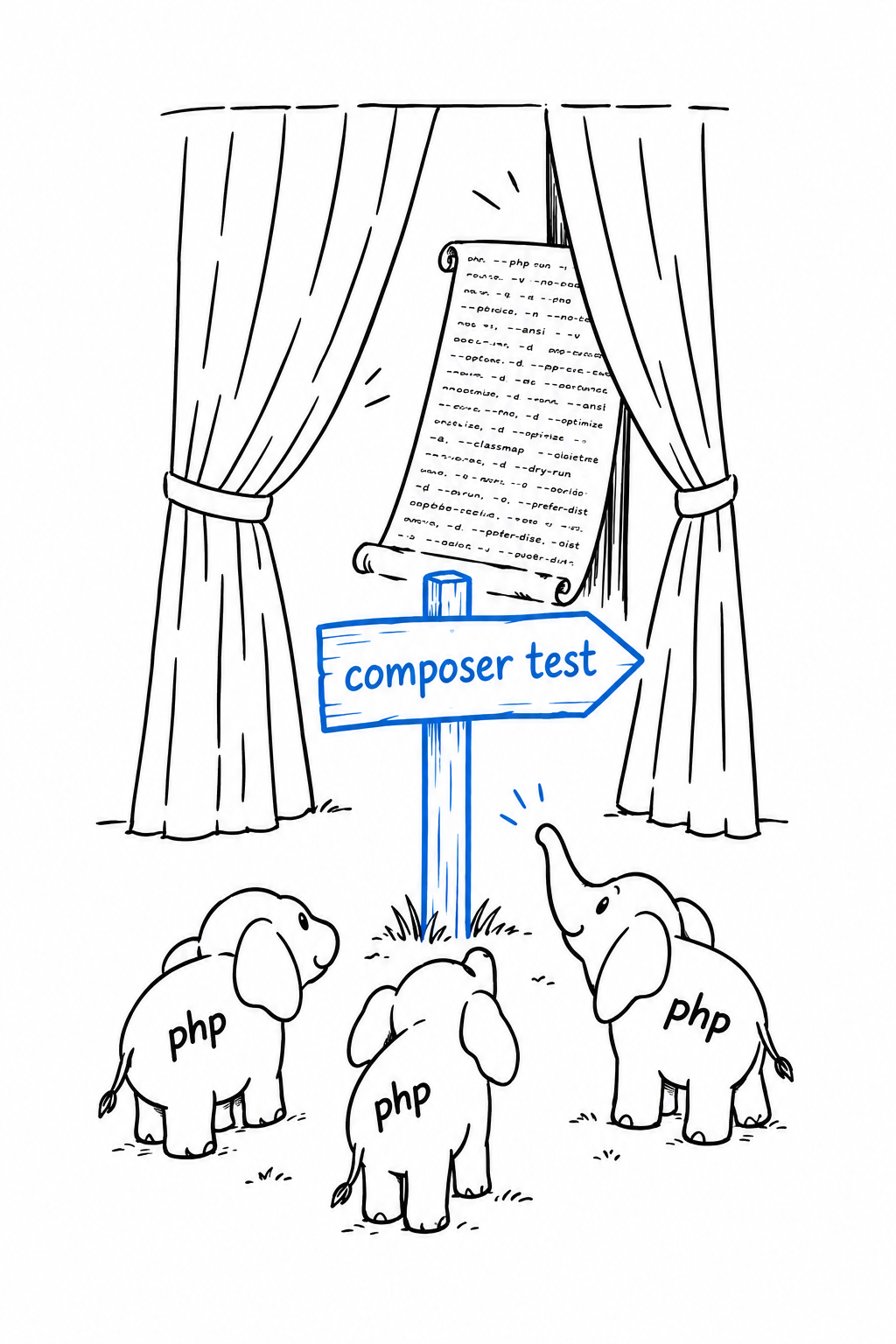
Run either one with composer run, or, when the name does not collide with a built-in Composer command, with composer followed directly by the name:
$ composer test
$ composer check
Saving a few keystrokes is the small win. The big one shows up on a team. Everyone runs composer test, whether the tool underneath is PHPUnit, Pest, or something else, and whatever flags it needs. Swap the tool or change a flag, and every developer and every CI pipeline picks up the change on its next run, with nothing to edit on their side. The script name is the contract; the command behind it is a detail.
When a task genuinely needs more than one step, an entry can be a list of commands, run in order:
{
    "scripts": {
        "check": [
            "phpstan analyse src",
            "phpunit"
        ]
    }
}
Try it: composer run --list prints every script a project defines. It is the fastest way to learn your way around a repository you have just cloned.
"files" autoloading: for code that isn’t a class
PSR-4, from Chapter 7, works like a well-ordered library: ask for a class by name, and Composer knows which shelf and which file. A file full of plain functions has no class name to ask for, so PSR-4 walks straight past it. For that, composer.json has a second mechanism, "files": a list of files loaded every time the autoloader starts, no questions asked:
{
    "autoload": {
        "psr-4": {
            "PhpGrep\\": "src/"
        },
        "files": [
            "src/helpers.php"
        ]
    }
}
Everything defined at the top level of src/helpers.php, functions and constants, becomes available everywhere in the project as soon as vendor/autoload.php is included. No use statement, the same way a built-in like strtolower() needs none.
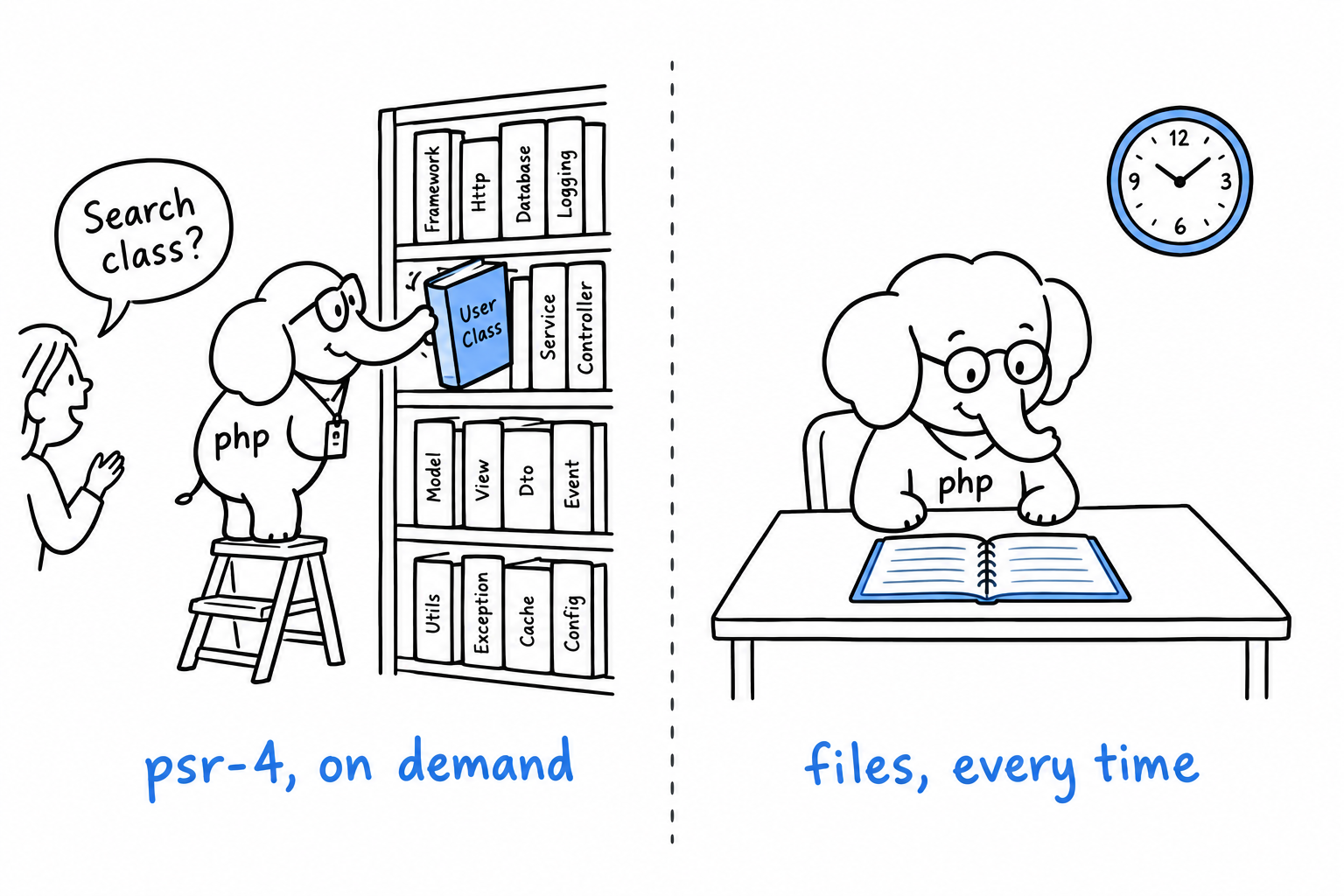
That convenience has a price. A PSR-4 class is loaded only when something references it. A "files" entry is loaded on every single request, whether the request uses it or not. Keep the list for a handful of small, truly global helpers, and let PSR-4 handle everything that reasonably belongs on a class.
PSR-4 loads a class when asked.
"files"loads a file every time.
After editing either section by hand, one step remains: composer dump-autoload, so Composer regenerates the autoloader to match what you wrote. composer install and composer require do it for you; a manual edit does not, until you ask.